Start and End Frames: Control Where an AI Clip Lands
A start and end frame AI video is a clip made between two pictures you choose. Which models take both, three uses, what it costs, and example prompts.
By Hyperdream Team7 min read
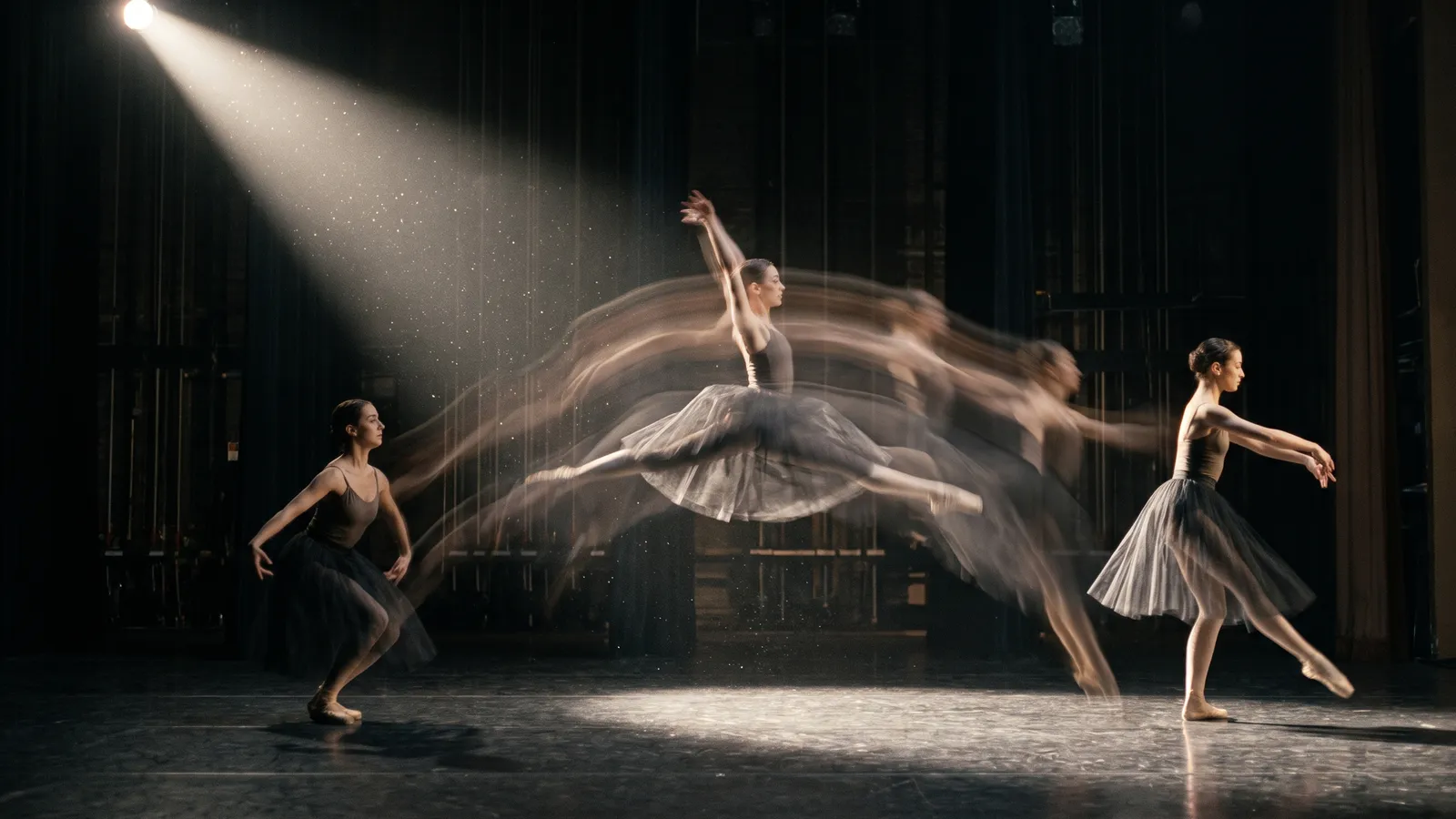
To control where an AI clip lands, give the video model two pictures: a start frame it opens on and an end frame it must finish on. The model makes the motion in between. On Hyperdream, all ten video models take a start frame and eight of them take an end frame too (checked 10 November 2026).
Key takeaways
- Eight of ten models take both frames. Grok Imagine 1.5 and Seedance 2.0 take a start frame only.
- Gemini Omni 1.2 stops at 10 seconds with an end frame. Without one it runs to 15.
- Three uses: a match cut, landing on a product, and joining two shots.
- Frames are cheap. A still on Nano Banana 2.1 costs 2 credits. A 5-second clip on MiniMax H3 costs up to 10.
- The prompt covers the middle only. One action and one camera move.
What are start and end frames?
A start frame is a picture the clip opens on. Making video this way is called image-to-video, and it is covered in what is image-to-video. An end frame is a picture the clip must finish on.
Other tools call the pair first and last frames, or keyframes. Hyperdream's Director labels the two slots First frame and Last frame.
With a start frame alone, the model picks the ending. With both, it has to arrive somewhere you chose. That is the whole point: you decide the last image before you pay for any video.
A frame is not the same as a reference picture. A reference tells the model what a person or a place looks like. A frame says exactly what is on screen at one moment. What is reference-to-video explains the difference.
Which models take a start frame and an end frame?
Read from Hyperdream's live model list and /models on 10 November 2026. Credits are per second at each model's default size.
| Model | Start frame | End frame | Clip length | Credits a second | Lowest plan |
|---|---|---|---|---|---|
| MiniMax H3 | Yes | Yes | 5 to 15 s | 2 | Free |
| MiniMax H3 Max | Yes | Yes | 2 to 15 s | 3 | Starter |
| Gemini Omni 1.2 | Yes | Yes | 3 to 15 s, 10 with an end frame | 3 | Creator |
| Kling O3 Pro | Yes | Yes | 3 to 15 s | 4 | Creator |
| Wan 3.0 | Yes | Yes | 2 to 30 s | 5 | Creator |
| FLUX 3 Max | Yes | Yes | 5 to 20 s | 5 | Creator |
| Kling 4.0 | Yes | Yes | 3 to 30 s | 5 | Creator |
| Seedance 2.5 | Yes | Yes | 4 to 12 s | 7 | Pro |
| Grok Imagine 1.5 | Yes | Not offered | 1 to 15 s | 5 | Starter |
| Seedance 2.0 | Yes | Not offered | 4 to 15 s | 9 | Creator |
Your plan also sets the longest clip: 10 seconds on Free and Starter, 15 on Creator, 20 on Pro, and each model's full length on Business. All ten models are side by side in AI video models compared.
What are end frames good for?
A match cut
A match cut joins two shots through a shared shape. A round coffee cup seen from above cuts to a round fountain seen from above.
It only works if the shape sits in the same place, at the same size, in both shots. So make the two stills as a pair first. Use one as the end frame of the first clip and the other as the start frame of the second. The clips then land where the cut needs them.
Landing on a product
In an ad, the last frame carries the product, the logo and the line. It has to be exact: the pack upright, the label readable, clear space for text.
Make that frame as a still, get it approved, and use it as the end frame. The model animates toward it. A client can sign off the ending before any video exists. How to make an ad with AI covers the rest of the job.
Joining two shots
Use one picture as the end frame of shot A and the start frame of shot B. Both clips share that frame, so they meet on a matching image.
This does two jobs. It hides a cut inside a move, such as a camera that travels through a doorway. And it builds a take longer than one clip allows, from two or three clips laid end to end.
How do you make two frames that belong together?
- Make the start frame first. Then make the end frame as an edit of it, so the room, the light and the clothes stay the same.
- Keep the same shape. Both frames in 16:9, or both in 9:16.
- Change one or two things. A cup that empties. A door that opens. A camera that moves closer.
- Match the distance to the length. A walk across a room needs more seconds than a turn of the head.
If the two frames differ too much, the model has to invent a lot in a few seconds. That is where morphing comes from.
How do you write the prompt?
The frames say what. The prompt says how. Describe the motion that gets from one picture to the other, not the pictures themselves.
These prompts were written for this guide. We have not published clips for them, so treat them as examples to try, not as results.
| Use | Start frame | End frame | Example prompt | Length |
|---|---|---|---|---|
| Match cut | A woman stirs coffee at a table, medium shot | The cup from directly above, centred | The camera rises and tilts down until it looks straight into the cup. She lifts the spoon out. Café sounds, no music. | 5 s |
| Product landing | The bottle on its side on wet stone | The bottle upright, label to camera, space above it | A hand stands the bottle up and lets go. The camera settles and stops. Water runs off the stone. | 5 s |
| Joining two shots | A hallway, the door at the far end closed | The same door, open, filling the frame | The camera moves steadily down the hallway as the door swings open. Footsteps on wood. | 6 s |
| Time passing | A market street at noon | The same street at dusk, lamps on | Static camera. The light fades from noon to dusk and the lamps come on one by one. | 8 s |
Three rules:
- One action, one camera move. The frames already fix the start and the finish.
- Say how the camera stops. "Settles and stops" gives a cleaner last second than leaving it open.
- Say what we hear on models that make sound.
More on wording is in how to write AI video prompts.
What goes wrong?
- A morph in the middle. The frames are too different. Change less, or add a third picture and make two clips.
- The motion rushes or crawls. The length is wrong for the distance. Change the seconds, not the prompt.
- It arrives early and freezes. Shorten the clip, or trim the end in the edit.
- A face changes on the way. With frames, the look comes from the two pictures. In Director, when a shot has a Last frame, most models are sent the two frames and not the cast and place pictures. MiniMax H3 Max and Kling O3 Pro take frames and reference pictures in one render.
An end frame raises the odds of a usable take. It does not guarantee one. Budget for a second render.
How do you do it in Hyperdream?
- In Create, pick Image and make the start frame. Nano Banana 2.1 costs 2 credits an image.
- Open the picture and ask for the change you want in the end frame. Each edit is saved as a new version, so the first picture stays.
- Pick Video and choose a model from the table above that takes both frames.
- Add the two pictures as the start frame and the end frame, from the Library or by upload.
- Write the prompt, pick the length and read the price before you generate.
- In Director, the Storyboard step makes a still frame for every shot, and that still is the shot's First frame. Add a Last frame to a shot when the ending matters. One of the choices is the frame the next shot starts on, so the two shots meet.
Two stills and one 5-second clip on MiniMax H3 come to about 14 credits. That is less than the 20 free credits a new account gets at sign-up. A render that fails or is blocked refunds its credits automatically.
The clip tools are on the AI video generator page. For a whole film built this way, see how to make a movie with AI.
How we checked
Which models take a start frame and an end frame, their lengths and their prices were read from Hyperdream's live model list and /models on 10 November 2026. The Director behaviour described here (the First frame and Last frame slots, the next shot's frame as a choice, and which models take frames together with reference pictures) was read from the app the same day. The four prompts are untested examples. We have not run a side-by-side test of how closely each model lands on its end frame, so this guide says what each model accepts, not how well it performs. Staff can change prices and limits, so check before you quote a number.
Questions people ask
They are two pictures you give a video model. The clip opens on the start frame and must finish on the end frame, and the model makes the motion in between. They are also called first and last frames, or keyframes.
Keep reading
Models22 November 20268 min read
Wan 3.0: Dialogue, Music and Effects in One Take
Wan 3.0 is Alibaba's video model for long takes with sound: 2 to 30 seconds, up to 9 reference pictures, 5 credits a second. Limits, costs and prompts.
Models14 November 20267 min read
Gemini Omni 1.2: What It's Good At and How to Prompt It
Gemini Omni 1.2 is Google's video model for people and dialogue: always with sound, up to 10 reference pictures, up to 4K. Costs, limits and ten prompts.
Guides20 November 202613 min read
The AI Film Checklist: 44 Checks Before You Render
The AI film checklist we work from at Hyperdream: sheets, stills, 480p drafts, one-take prompts and clean cuts, with real numbers from a film made in Claude.
More than images and video
Scripts, storyboards, motion, and characters in every version. Each one on its own, or all of them in a film.

Write a script
An idea in, a properly formatted screenplay out. Edit any line, then board it or film it.

Board a storyboard
A panel for every shot, as AI stills or quick vector frames. Export it as a pitch deck.

Make motion
Titles, explainers and moving storyboards, drawn as vector animation by the AI you pick.

Characters, places, products
One subject in many versions, or new ideas for it. Every angle, look and light.
Your first film is one sentence away.
Free to start. Pay only for what you render.