How to Make a 30-Second Ad With AI, Shot by Shot
How to make an ad with AI: a 30-second film-style ad planned shot by shot, with a product reference sheet, real credit numbers and the steps in Hyperdream.
By Divy Brahmbhatt6 min read
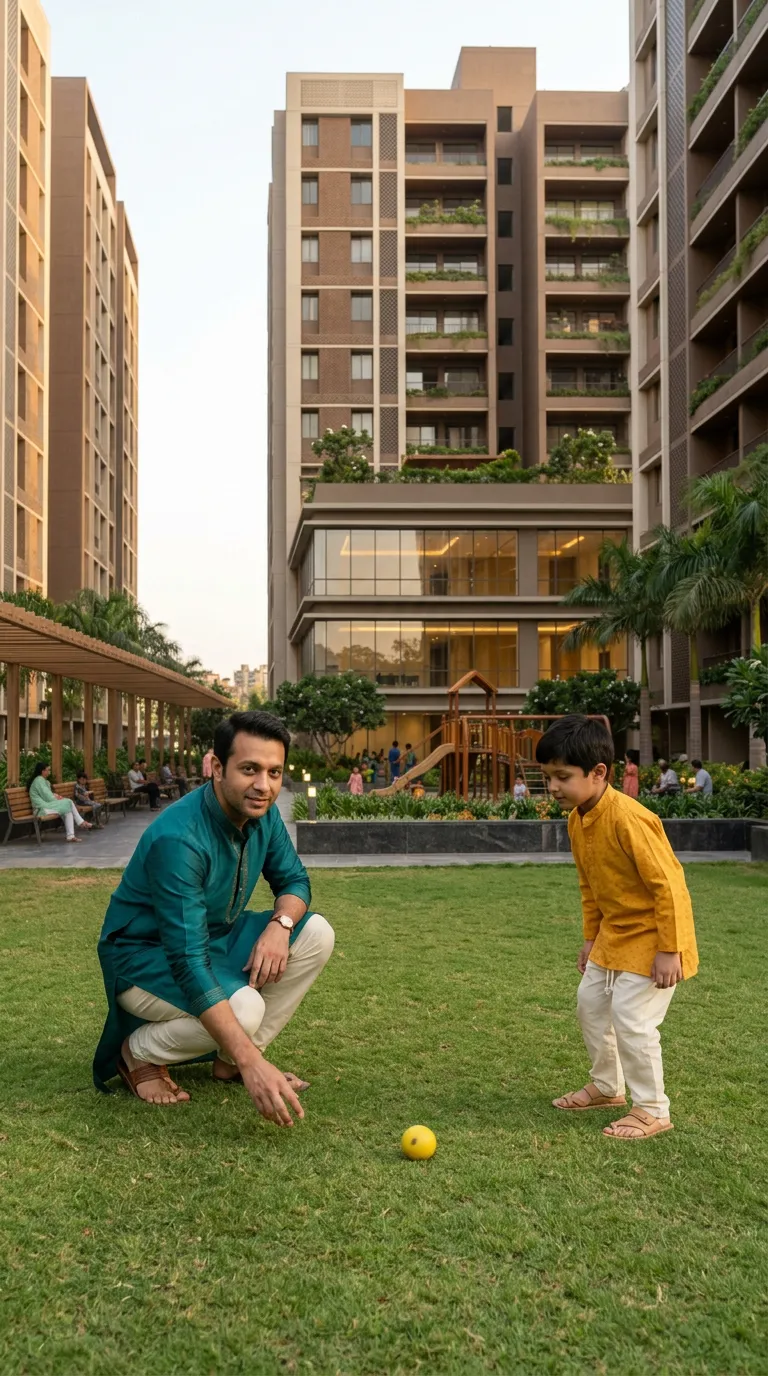
To make a 30-second ad with AI, write one message, plan 8 to 10 shots, make a reference sheet for the product and each person, approve a still frame for every shot, and only then render video. A 30-second ad our team made this way for Shilp Group took 941 credits and about four hours of logged work (November 2026).
Key takeaways
- A 30-second ad is 8 to 10 shots. About 3 seconds each without speech, 5 to 6 seconds each when someone speaks.
- One real ad, real numbers: 8 shots, 941 credits, 31 video renders, 3.8 to 4.4 hours.
- The product gets a reference sheet that shows every side and the details, so it looks the same in each shot.
- Draft small, finish once. On that ad, 24 cheap 720p renders found the shots, then 7 of 7 final renders were right first time.
- This is for film-style ads. For static ads and avatar testimonials at volume, dedicated ad tools are better.
What kind of ad is this guide for?
A film-style ad: a small story with people, places and a product, told in shots. A brand film for a festival, a product launch spot, a 30-second social ad with a cast.
It is not a guide to performance creative. If you need fifty variants of a static ad, a presenter reading a script to camera, or ad testing with analytics, use a tool built for that:
- AdCreative.ai says it will "generate ad banners, texts, photoshoots, and videos".
- Creatify leads with "AI Ads that win" and an agent that turns a product into "ready-to-launch ads".
- Arcads offers a "library of 1,000+" AI actors for testimonial-style video ads.
Those lines were read on each company's homepage on 10 November 2026. Hyperdream has no ad variants, no ad analytics and no link to an ad account. What it does is make a short film.
How is a 30-second ad built, shot by shot?
Thirty seconds is short. One message, one feeling, one product. A structure that works:
| Time | Shots | Job | Example for a made-up tea brand |
|---|---|---|---|
| 0 to 3 s | 1 | The hook. Something to look at | Close-up: steam curls off a cup in morning light |
| 3 to 9 s | 2 | The person and the moment | Wide: a woman on a balcony at dawn. Close-up: her tired face |
| 9 to 18 s | 3 | The product in use | Hands open the tin. Leaves fall into the pot. Water pours |
| 18 to 24 s | 2 | The change | She drinks. She smiles and looks out at the city |
| 24 to 27 s | 1 | The product, clean | The tin and the cup on the table, label to camera |
| 27 to 30 s | 1 | Brand line and logo | End card |
That is 10 shots. If people speak, plan fewer and longer shots. People say about two to three words a second, so a 12-word line needs a 5 or 6-second shot.
The ad we made for Shilp Group, a real estate developer, went the second way. Five residents each say one Hindi line to camera, so the shots run 5 to 6 seconds, and the film has 8 shots in 7 scenes. The table of scenes and lines is in the Shilp case study.
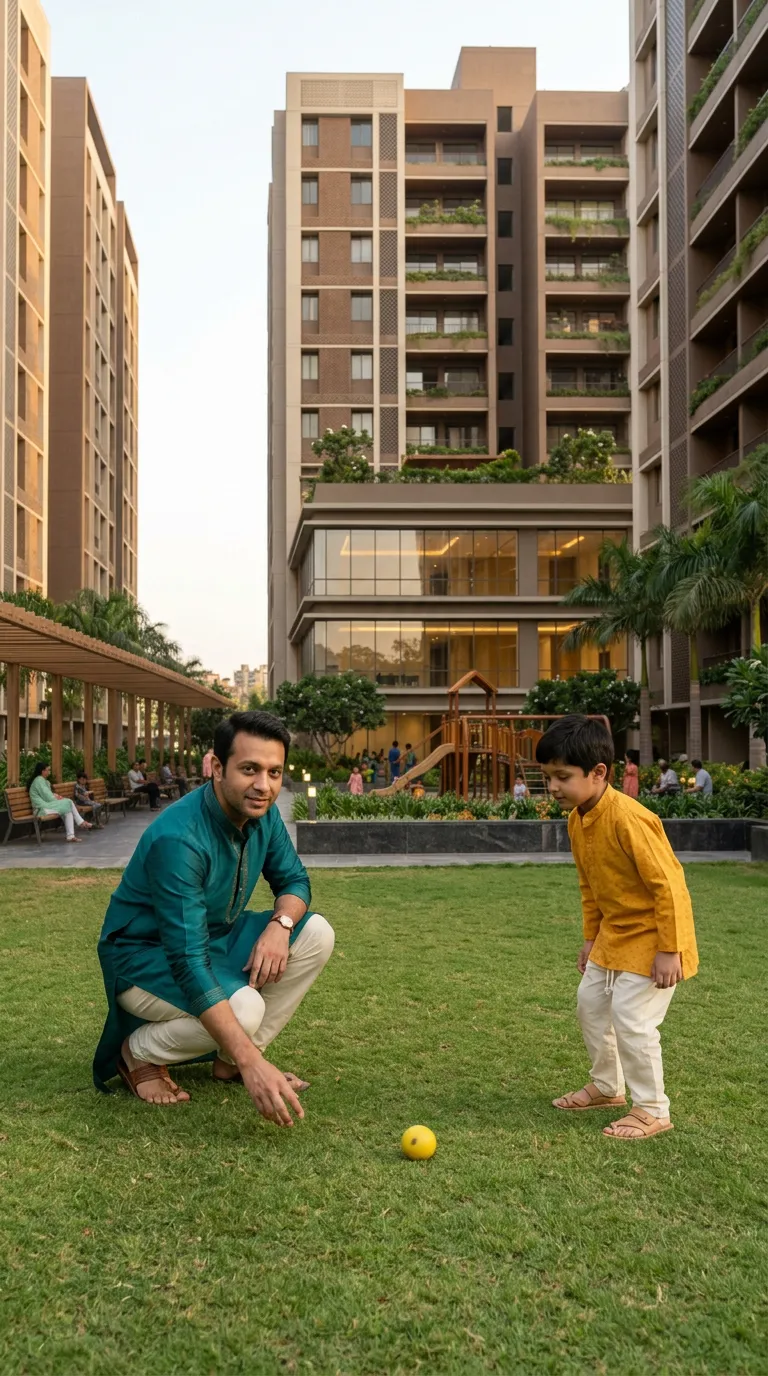 Scene 1 of the Shilp Group ad: a father and son in the garden.
How do you make it in Hyperdream?
Director, the film agent, is on the Pro plan ($99 a month, 2,000 credits) and up (checked on /pricing, 10 November 2026). It works through eight steps.
1. Start the film. Open Director, type the brief, and add what you have: the client's brief, product photos, the logo, a mood board. Pick the shape: 9:16 for vertical social, 16:9 for wide, 1:1 for square. Choose a chat mode. Agent does the work itself and spends credits, Plan proposes a change and waits, Ask only answers.
2. Script. Paste your own or have Director write it. Keep to one message. For the Shilp ad we went through 7 script versions and 6 concepts in 36 minutes before picking one.
3. Look. Set the palette, the camera and lens family, and the render quality. Start on Draft (720p).
4. Cast. Each person gets one reference sheet: four full-body views, head to toe, and four expressions. Upload pictures for a sheet to be drawn from if the client has a look in mind.
5. Places. This step holds locations and products. A product's reference sheet shows every side and the details. Upload real product photos first, because the sheet is drawn from them. A place's sheet shows the wide, the reverse, the middle and the details.
6. Storyboard. Every shot gets a description, a shot size, a camera move, a length and its line, plus a still frame. Send the stills to the client with Share for review and get the yes before any video. The order of sign-offs is in an agency workflow for AI films.
7. Sound. Pick a narrator voice for the closing line. For music, Lyria 2 makes one 30-second instrumental track for 3 credits, which happens to be the length of the ad.
8. Shots, then Edit. Render each shot at Draft until it's right, then render the keepers at Final. On the Edit timeline, trim, add text and an end card, and export one MP4.
What should you know about the product and the logo?
Three lessons from the Shilp ad.
- Feed in the real thing. The first pictures showed a bungalow and cramped rooms. The client mainly builds apartments. We uploaded 8 screenshots of real Shilp buildings and the logo file, and the places were redrawn from those.
- Keep the logo as a still. Of the ad's 8 shots, 7 are video and 1 is a still logo frame. A logo has to be exact, and a still stays exact.
- Simplify shots where physics fails. A thrown ball went the wrong way and a plate vanished. We made those shots simpler on purpose.
What did a real 30-second ad cost?
| Work | Credits |
|---|---|
| Video: 31 renders for 7 video shots | 688 |
| Images: 16 character sheets, places, 38 frames and look stills | 171 |
| Tools: one upscale of a cut, one voice change | 78 |
| Music and the closing voice line | 4 |
| Total | 941 |
The 31 video renders split into two passes. First, 24 renders at 720p to find each shot, for 379 credits. Then one final render per shot, 7 of 7 right first time, for 309 credits. Five requests failed or were refused and were not charged.
So the film fits in one month of Pro. The method for estimating your own is in the cost of an approved AI film.
Can you run the ad commercially?
Work made on any paid Hyperdream plan is labelled "Yours to use commercially", which covers ads and client work. Work made on a free account is labelled "For personal projects". Two notes on sound: music from Lyria 2 is fine inside an ad but not for release as a track on its own, and songs from Audio One are for personal use on every plan. This is a summary, not legal advice. Check the terms before a paid campaign.
Where does this fall short?
- The exported film is 1080p at most, made in the browser as one MP4. The Shilp cut was assembled in outside editing software.
- Other shapes are a separate job. The "Every shape" tool renders a clip again in each shape for 6 credits a second.
- Captions are English only today. For subtitles in another language, add them in your own editing software after export.
- Small text on a product can come out wrong. Check labels frame by frame, and use a still for anything that must be exact.
- No variants or testing. One film, cut by you.
How we checked
The Shilp Group numbers come from the project record and the workspace's request log, read on 10 November 2026. Plan prices and model prices were read from Hyperdream's pricing and models data the same day. The lines about AdCreative.ai, Creatify and Arcads were read on their homepages that day; we did not test those tools. The tea ad is a made-up example. The shot-length figures are rules of thumb. For the full process, see how to make a movie with AI and the AI movie maker page.
Questions people ask
Write one message, plan 8 to 10 shots of 3 to 6 seconds, make a reference sheet for the product and each person, approve a still frame for every shot, then render the video and cut it. In Hyperdream those are the Script, Cast, Places, Storyboard, Shots and Edit steps in Director.
Keep reading
Case Studies10 November 20267 min read
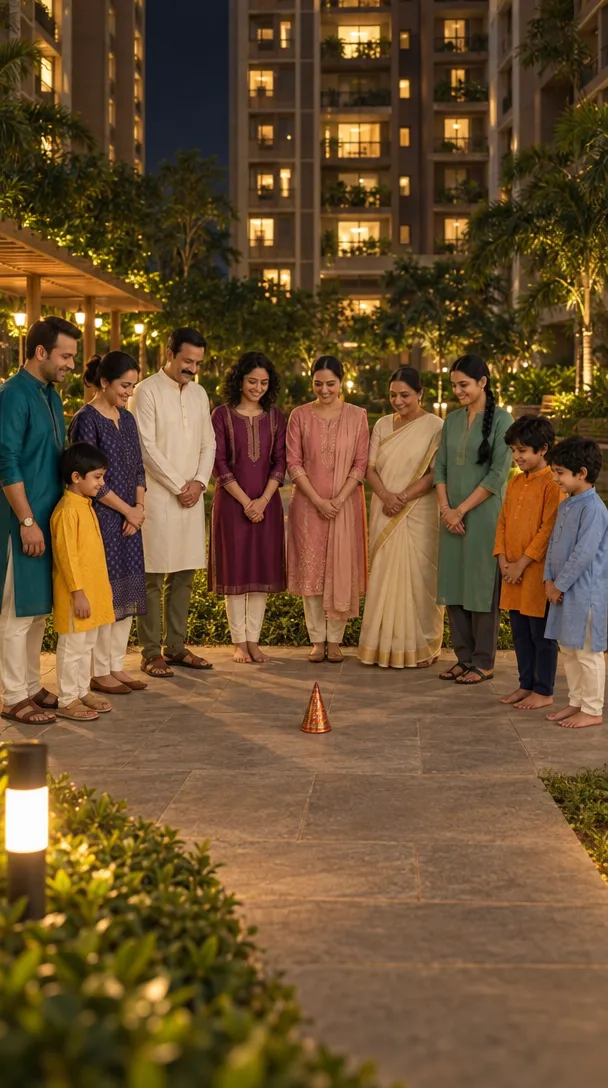
Case Study: Shilp Group's Diwali Film, Made With AI
An AI brand film case study: Shilp Group's 30-second Hindi Diwali ad took 941 credits, 31 video renders and about 4 hours. Real numbers, misses included.
Use Cases13 November 20266 min read
AI Video for Real Estate Developers: Brand Films That Sell
AI real estate video for developers: how a 30-second brand film for Shilp Group took 941 credits, and why listing-video tools still suit listings better.

Use Cases11 November 20268 min read
How to Make a Diwali Brand Film With AI in Two Weeks
A two-week plan for a Diwali brand film with AI, built on a real 30-second Hindi film for Shilp Group: 8 shots, 941 credits and what went wrong.
More than images and video
Scripts, storyboards, motion, and characters in every version. Each one on its own, or all of them in a film.

Write a script
An idea in, a properly formatted screenplay out. Edit any line, then board it or film it.

Board a storyboard
A panel for every shot, as AI stills or quick vector frames. Export it as a pitch deck.

Make motion
Titles, explainers and moving storyboards, drawn as vector animation by the AI you pick.

Characters, places, products
One subject in many versions, or new ideas for it. Every angle, look and light.
Your first film is one sentence away.
Free to start. Pay only for what you render.