AI Storyboard Generator with Characters That Don't Change Faces
Hyperdream turns your script into a shot-by-shot storyboard — with your actual cast, your locked visual style, and framing you control. Then the same boards become the shots of your film.
A storyboard is where a film gets decided: what's in frame, how shots flow, where the camera sits. Traditional boards take days of drawing; generic image generators are faster but useless for continuity — every frame invents a new protagonist and a new art style, so the board stops communicating anything.
Hyperdream's AI storyboard generator works from your script and your cast. Because the platform already knows every character's face and every scene's style, boards come out consistent by default: the same actor in panel one and panel forty, the same lighting language throughout. You adjust framing and composition per shot, reorder panels, and regenerate only what you disagree with.
The bigger difference is what happens next. In Hyperdream a storyboard isn't a dead-end PDF — each panel carries its shot's full context into video generation. Approve the board and you've effectively planned the shoot.
Boards built for production, not decoration
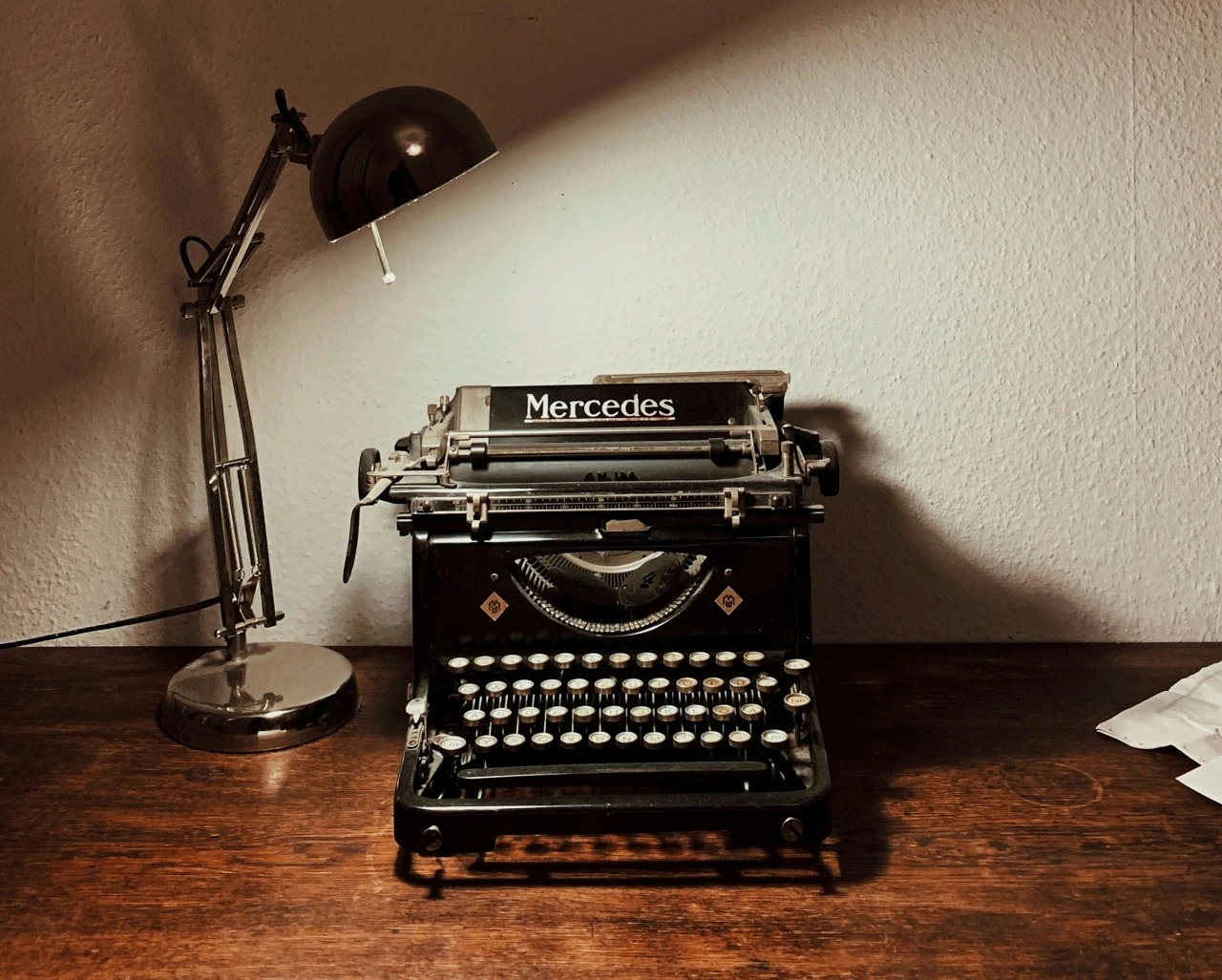
Generated from the script
Scenes are parsed into shots automatically — every board panel maps to a line on the page.
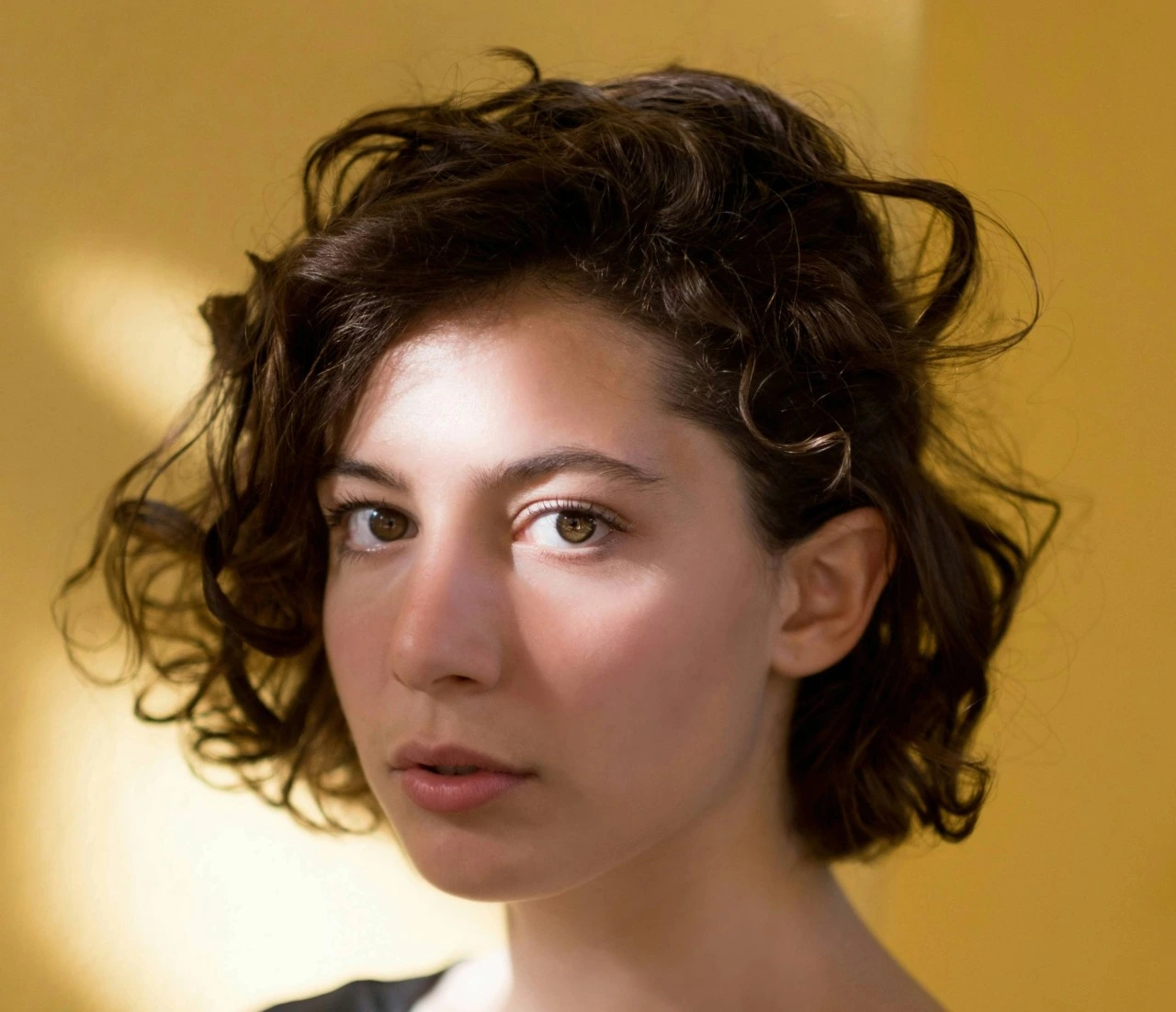
Your cast, in every panel
Characters keep their faces across the whole board because they're the same persistent AI actors used in generation.
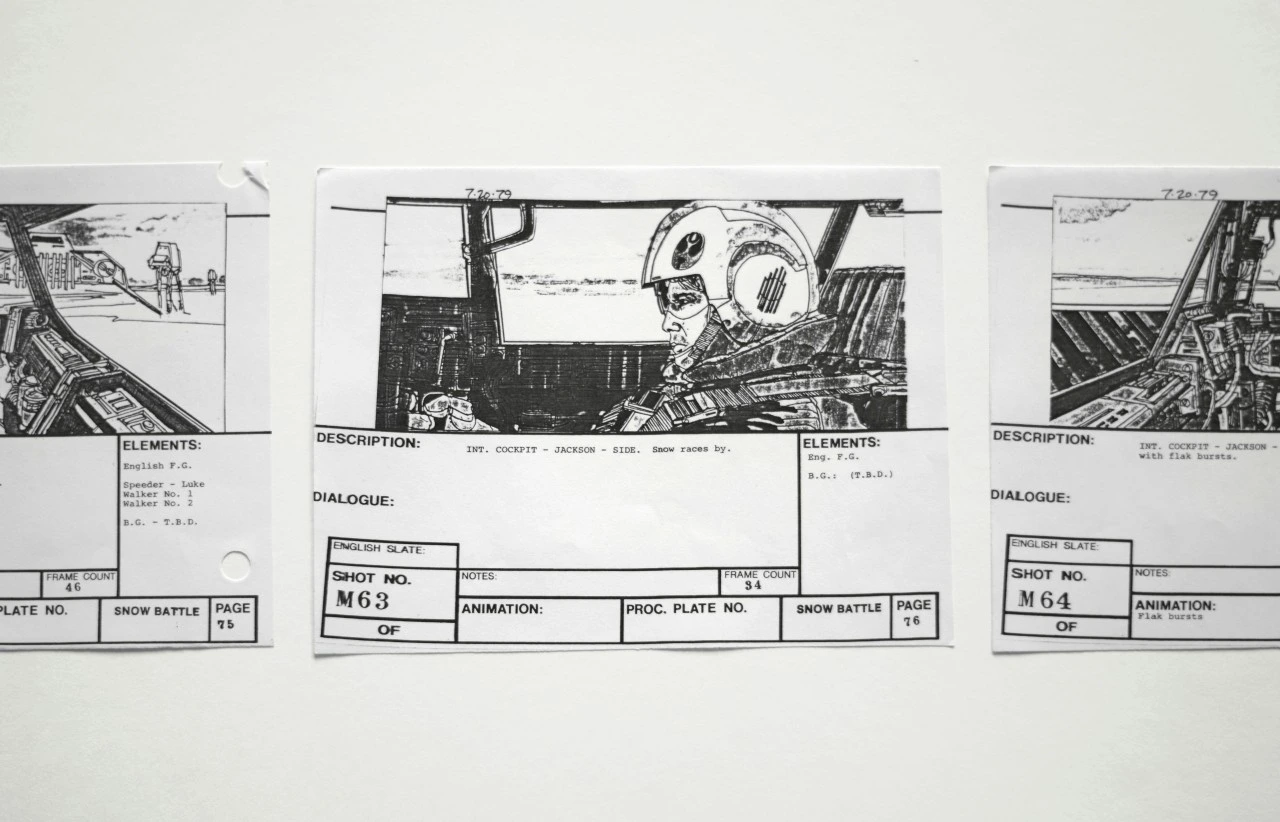
Framing you decide
Adjust composition and shot type per panel. Regenerate individual frames without touching the rest of the board.
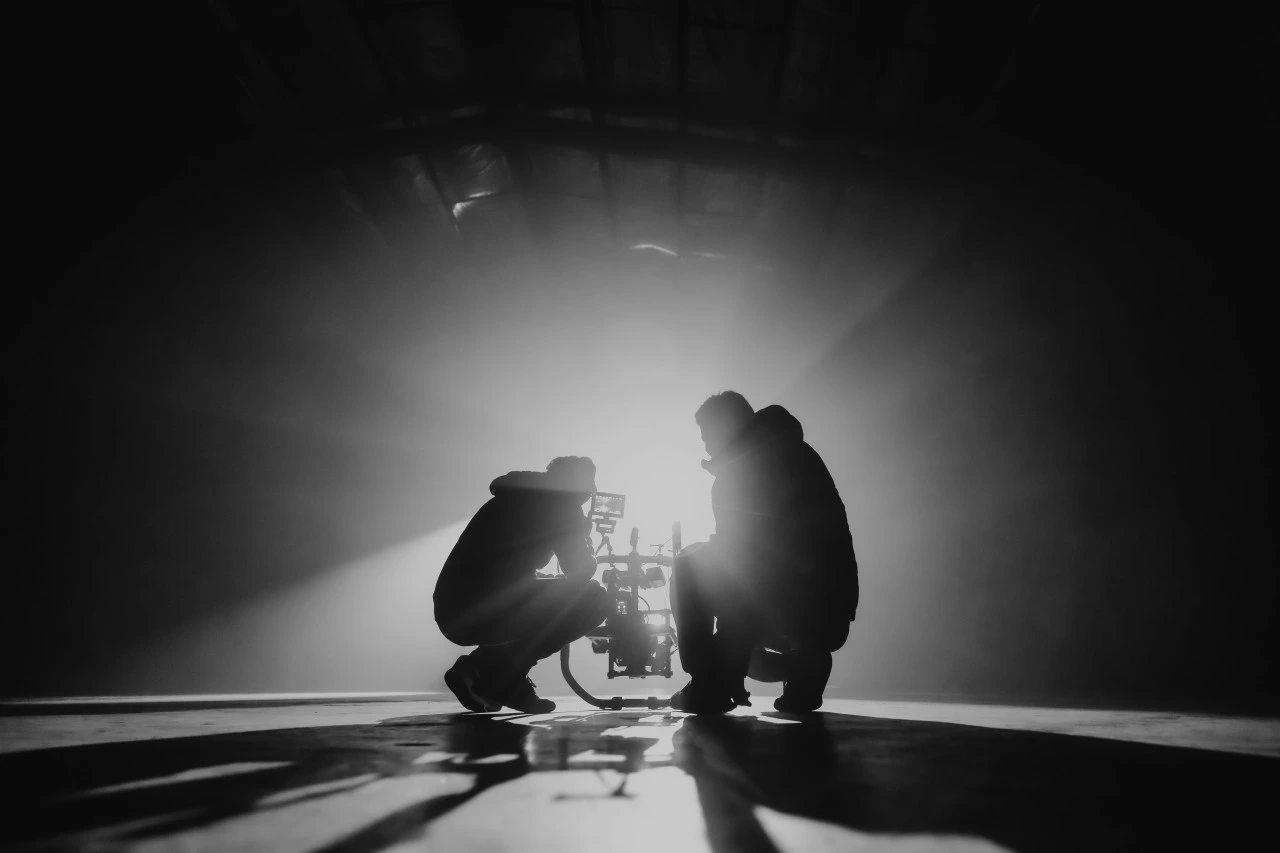
Boards become footage
Each approved panel flows into video generation with its context intact — the board is the shot plan.
How to storyboard with AI in Hyperdream
- 1
Start from your script
Write or import the screenplay; scenes and beats are identified automatically.
- 2
Cast and style first
Lock your characters and cinematic look so every panel is drawn with the real production context.
- 3
Generate the board
Get a shot-by-shot storyboard for each scene, with consistent characters and framing.
- 4
Refine and approve
Rework framing, swap shots, regenerate panels — then send approved boards to video generation.
Frequently Asked Questions
What is an AI storyboard generator?
A tool that turns a script or scene description into a sequence of visual panels showing each planned shot. Hyperdream generates boards from your actual screenplay with persistent characters, so panels stay consistent across the whole film.
Why are Hyperdream's storyboards consistent when image generators aren't?
Because the boards are generated with the project's continuous context — the same cast and locked visual style used everywhere else in the platform — instead of a fresh prompt per image.
Can I use the storyboard to generate the actual video?
Yes, that's the point: each approved panel carries its shot context straight into Hyperdream's video generation, so the board you sign off on is the film you get.
Is the AI storyboard generator free?
Hyperdream is free to start; storyboard and video generation use credits, with plans for creators and studios.
Explore more
Script to Video: Your Screenplay, Produced by AI
You've written the script. Hyperdream handles the production — casting, storyboards, cinematography, and the edit — while keeping every scene faithful to the page.
The AI Video Generator Built for Real Productions
Most AI video generators give you a disconnected clip. Hyperdream gives you a studio — generate cinematic shots with consistent characters, directed camera work, and a shared story context, then edit them into a finished film without leaving the platform.
The AI Movie Maker for Whole Films, Not Eight-Second Clips
A movie needs a story, a cast that stays the same, and a thousand decisions that agree with each other. Hyperdream is the AI movie maker that holds all of it — from the first line of the script to the exported final cut.
Board it before you shoot it
Generate a consistent, shot-by-shot storyboard from your script in minutes.
Start Your Film