The AI Video Generator Built for Real Productions
Most AI video generators give you a disconnected clip. Hyperdream gives you a studio — generate cinematic shots with consistent characters, directed camera work, and a shared story context, then edit them into a finished film without leaving the platform.
An AI video generator turns a text prompt or an image into moving video. The technology has crossed the threshold where individual shots can look genuinely cinematic — but a film is not one shot. It is hundreds of shots that need the same characters, the same lighting language, and the same story logic. That is where standalone generators break down: every prompt starts from zero, so every clip drifts.
Hyperdream approaches AI video generation differently. Video generation is one stage of a connected pipeline that already knows your script, your visual style, and your cast. When you generate a shot, the generator inherits that context — which character is in frame, what they look and sound like, what the scene needs emotionally, and how the shot is blocked. The result is video that cuts together, not a folder of mismatched clips.
You direct rather than gamble: choose lenses, camera moves, and shot composition instead of re-rolling a prompt and hoping. And because the editor lives in the same platform, generated shots flow straight onto a timeline for sound, pacing, and final export.
What makes Hyperdream's AI video generation different
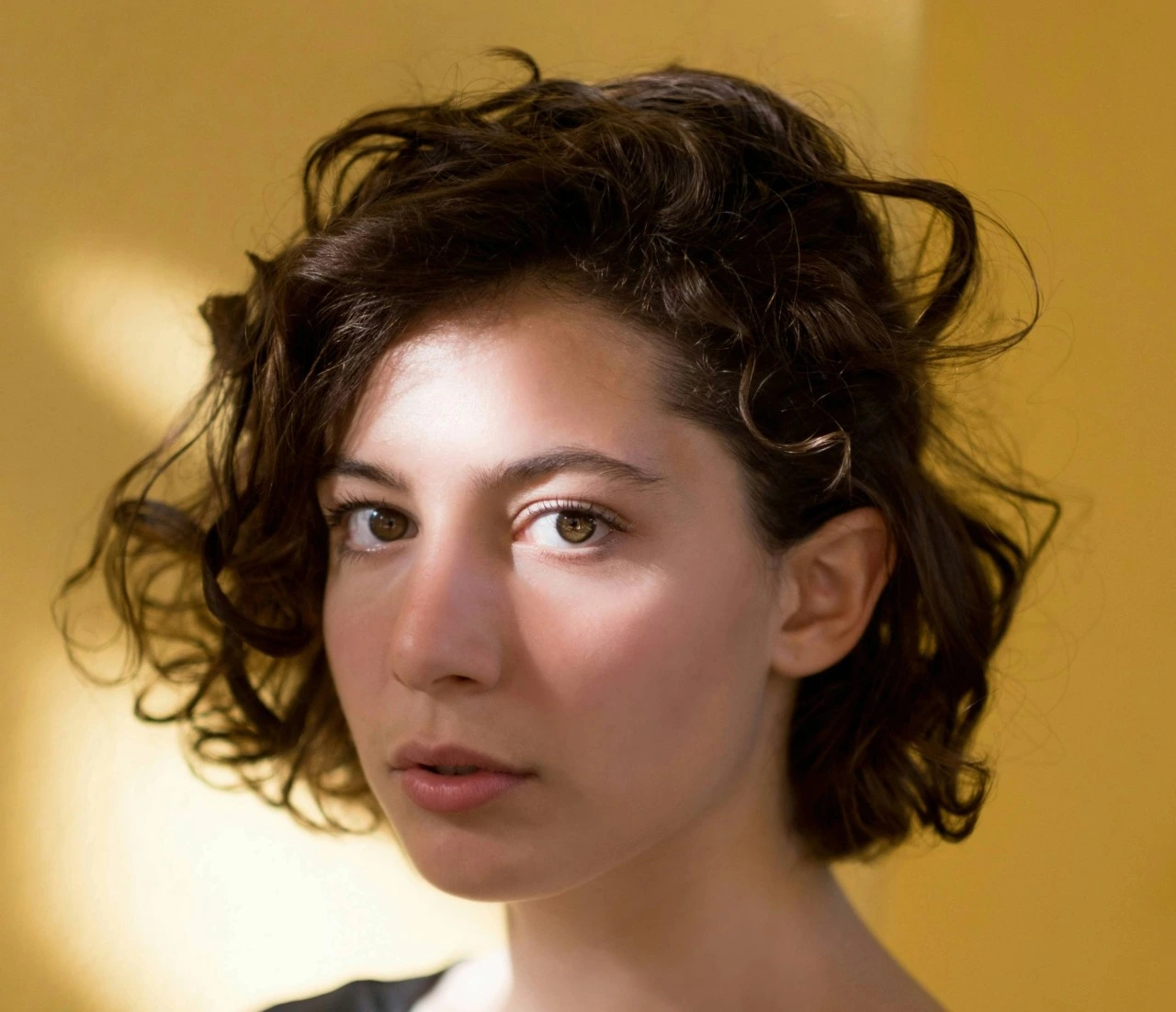
Character consistency across every shot
Cast AI characters once — face, wardrobe, and cloned voice — and they stay recognizably the same in every scene you generate, not just within a single clip.
Directed, not random
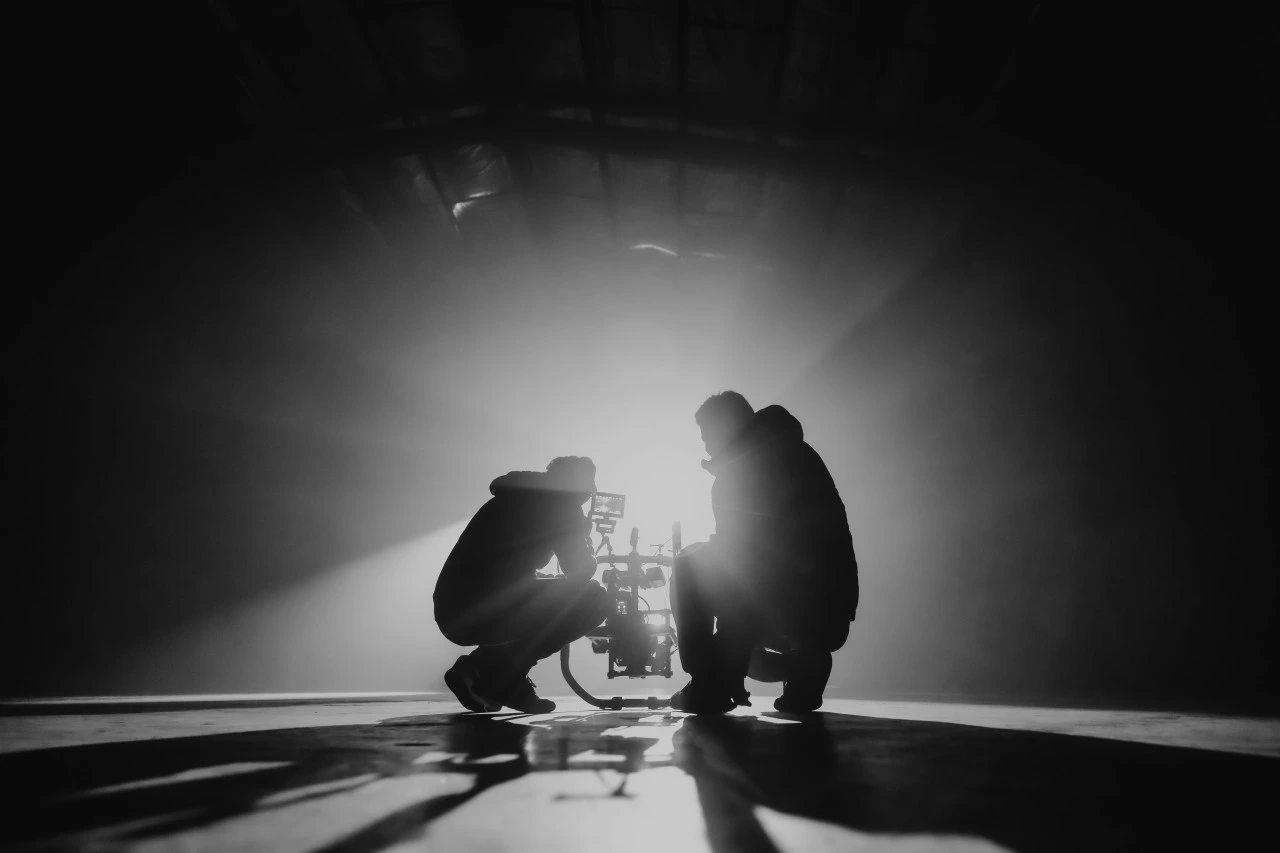
Virtual camera control, shot blocking, and lens choices mean you make filmmaking decisions. Regenerating a shot changes what you asked it to change.
A locked visual style
Define lighting, color grade, and grain once and every generated shot honors it — so your film looks graded, not stitched together from different models.

Generation feeds a real editor
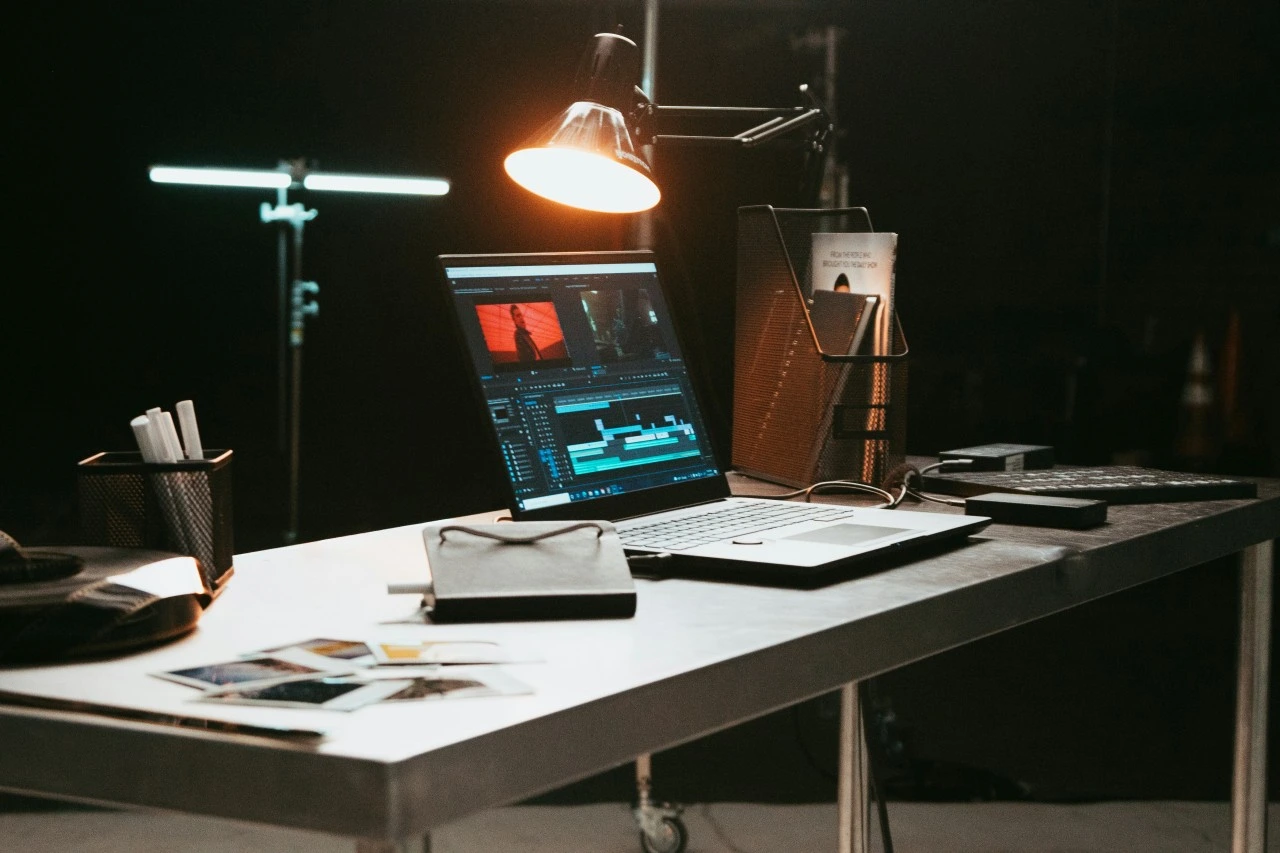
Shots land on a built-in non-destructive timeline with sound and export. No downloading clips into a separate NLE to finish the job.
How to generate AI video with Hyperdream
- 1
Start from a script, not a prompt
Write or import a screenplay — or let the AI scriptwriter turn your logline into structured scenes with dialogue.
- 2
Lock your style and cast
Pick the cinematic look and create your AI characters. Both persist across the whole project.
- 3
Storyboard the shots
Generate a shot-by-shot board from the script so you know exactly what you're generating before spending credits.
- 4
Generate and direct
Turn boards into video with camera moves, blocking, and lens choices. Re-direct any shot that isn't right.
- 5
Edit and export
Assemble shots, add sound, and export the finished film — all inside Hyperdream.
Frequently Asked Questions
What is the best AI video generator for making full films?
For complete films — rather than single clips — you need character consistency, a persistent visual style, and an editor in the same tool. Hyperdream is built specifically for this: it keeps continuous context from script to final cut, so shots generated across an entire project still look like one production.
Is Hyperdream's AI video generator free?
Hyperdream is free to start. Video generation uses credits, and paid plans add more credits and capacity for creators and studios. See the pricing page for current plans.
How is Hyperdream different from clip generators like a standalone text-to-video model?
Standalone models generate one clip per prompt with no memory between generations. Hyperdream wraps generation in a full production pipeline — script, style, cast, storyboard, edit — so every generated shot shares the same characters, look, and story context.
Can I control the camera in generated video?
Yes. Hyperdream exposes virtual camera control, shot blocking, and lens choices, so you direct the shot rather than accepting whatever the model produces.
What can I make with an AI video generator?
Short films, music videos, ads, trailers, product videos, and social content. Anything that benefits from cinematic shots with consistent characters and a coherent look.
Explore more
Text to Video AI That Thinks Past the Prompt
Type an idea, get a film — not a lottery ticket. Hyperdream turns text into structured scenes, consistent characters, and directed cinematic shots you can actually edit into a finished piece.
Script to Video: Your Screenplay, Produced by AI
You've written the script. Hyperdream handles the production — casting, storyboards, cinematography, and the edit — while keeping every scene faithful to the page.
The AI Movie Maker for Whole Films, Not Eight-Second Clips
A movie needs a story, a cast that stays the same, and a thousand decisions that agree with each other. Hyperdream is the AI movie maker that holds all of it — from the first line of the script to the exported final cut.
Generate video that cuts together
Start free. Write the script, cast your characters, and generate your first cinematic shots today.
Start Your Film