Text to Video AI That Thinks Past the Prompt
Type an idea, get a film — not a lottery ticket. Hyperdream turns text into structured scenes, consistent characters, and directed cinematic shots you can actually edit into a finished piece.
Text-to-video AI converts written language into moving images. Type "a detective walks through neon rain" and a model synthesizes the clip. It feels like magic the first time — and then you try to make the second shot, and the detective is a different person in a different city. Prompt-to-clip tools have no memory, so text-to-video stops being useful the moment your idea is longer than one shot.
Hyperdream treats text as the start of a production, not a slot-machine pull. Your text becomes a screenplay first — acts, scenes, and dialogue you can shape. From there the platform carries that text forward: it casts consistent characters, boards the scenes shot by shot, and generates video that matches both the script and the visual style you locked. The same words drive every stage, which is why the output holds together.
This matters for anyone whose idea is bigger than a GIF: storytellers, marketers scripting an ad, musicians visualizing a track. If your text has a beginning, middle, and end, you need text-to-video that understands structure.
From text to finished film, in one pipeline
Text becomes a real screenplay
The AI scriptwriter expands your prompt or logline into structured scenes with dialogue — editable, not a black box.
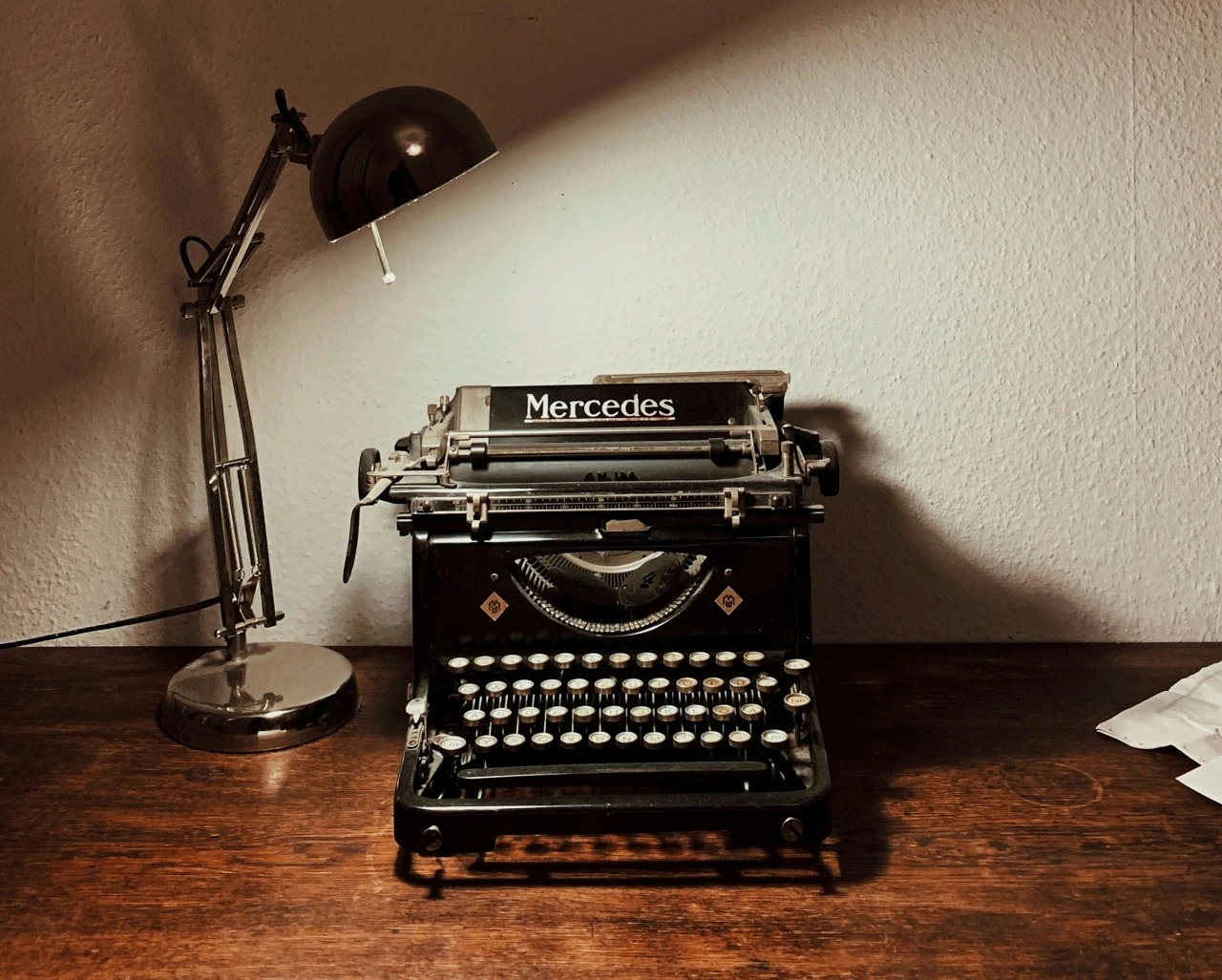
Words stay attached to characters
Characters described in your text are cast once and stay consistent — appearance and cloned voice — through every generated scene.
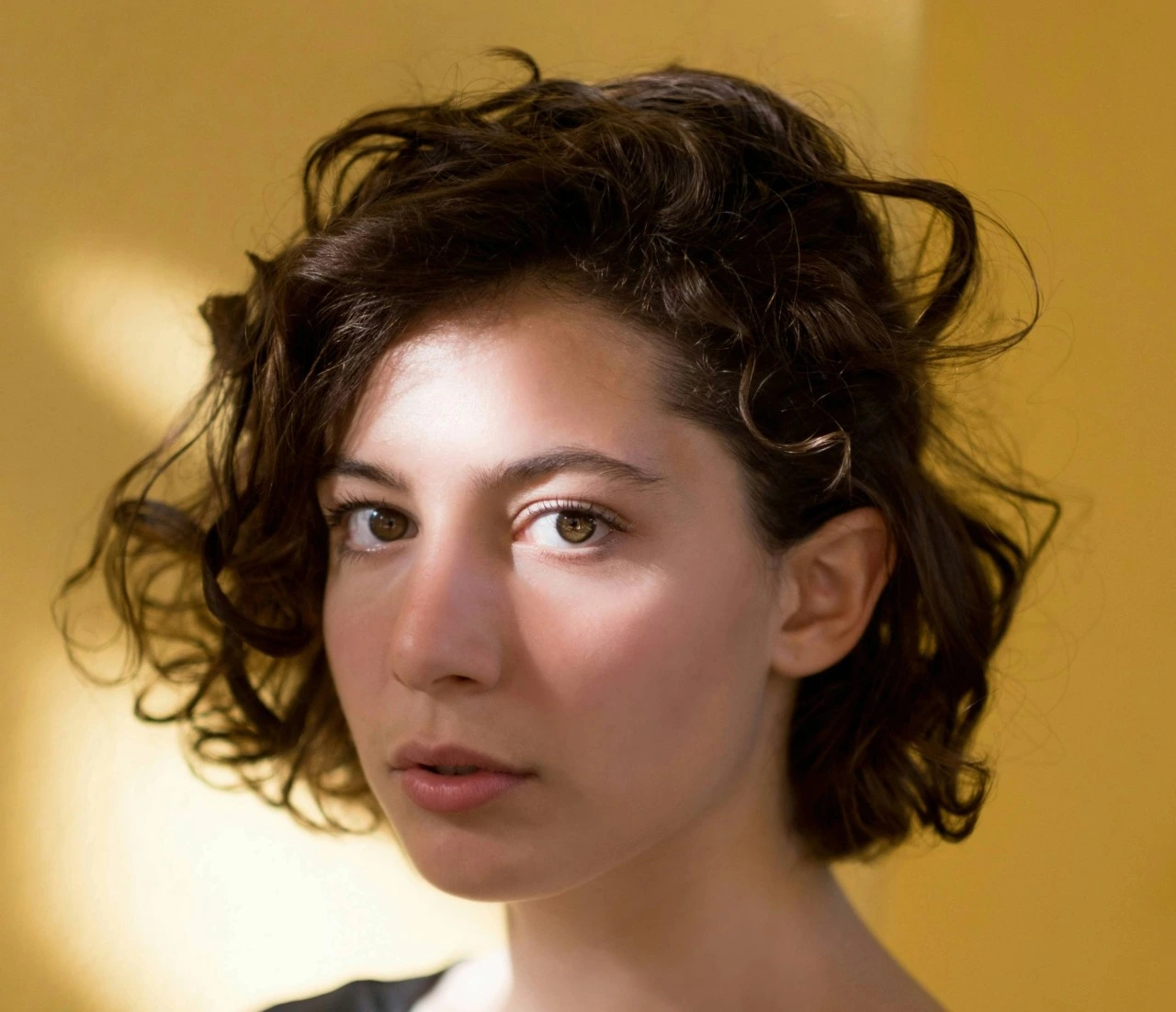
Every line gets a shot
Scenes are storyboarded automatically from the script, so your text maps to concrete, reviewable shots before generation.
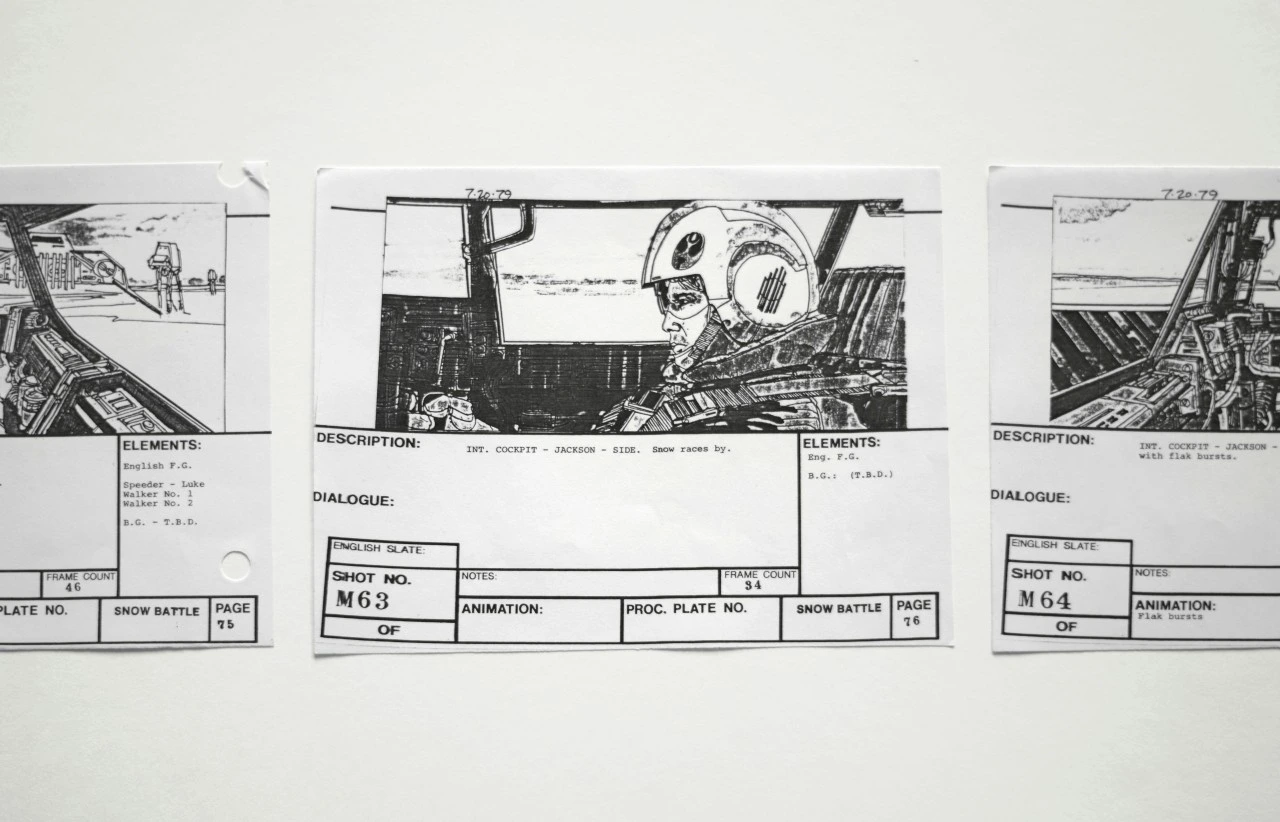
Cinematic output, not raw clips
Generated shots inherit your locked style and land in a built-in editor for sound, pacing, and export.
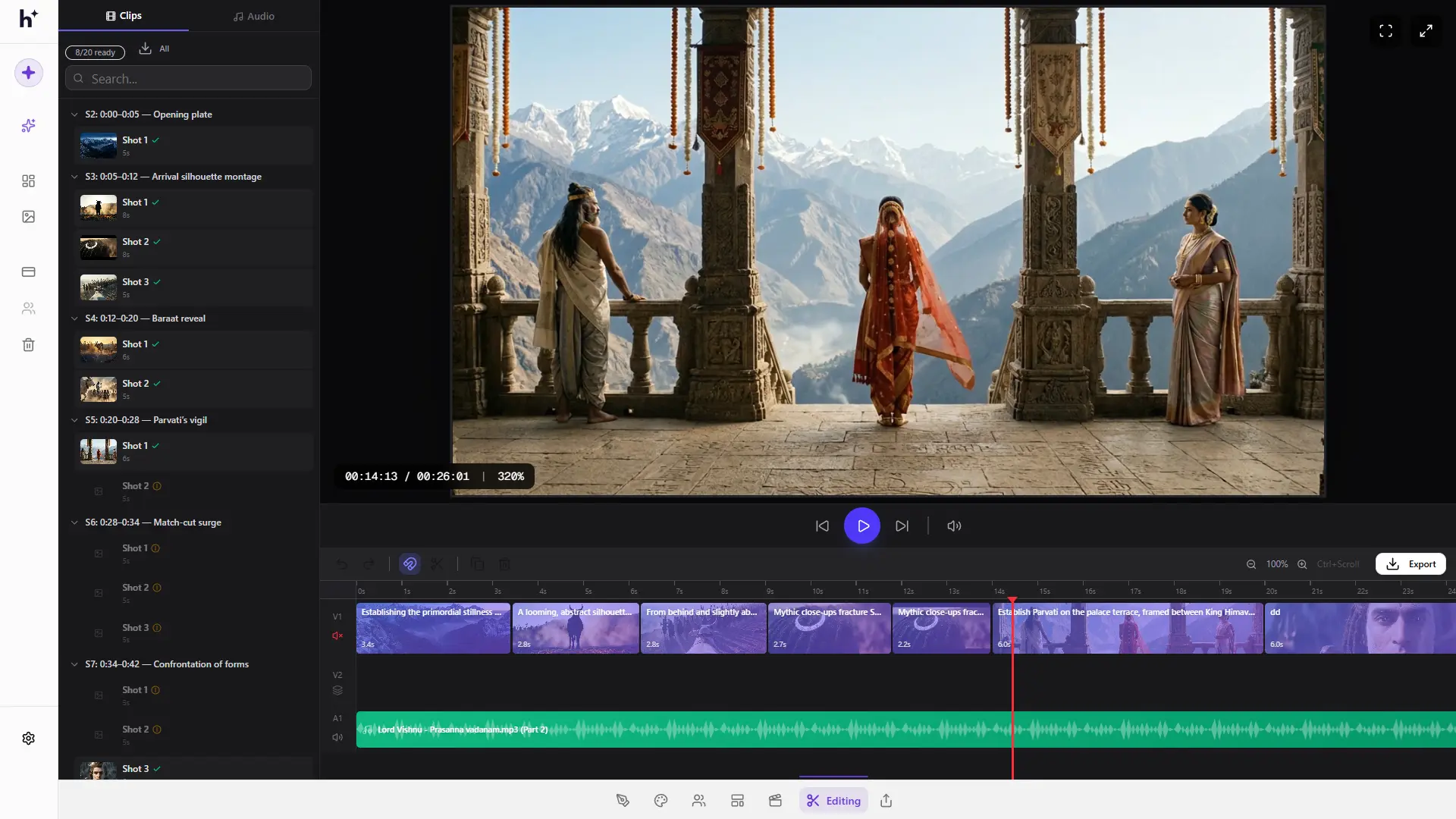
How text to video works in Hyperdream
- 1
Write your idea
A sentence, a paragraph, or a full script — start with whatever text you have.
- 2
Shape the screenplay
The AI expands your text into scenes and dialogue. Edit anything; the structure is yours.
- 3
Set style and cast
Choose the look and generate the characters your text describes. They persist project-wide.
- 4
Board, generate, edit
Storyboard the scenes, generate directed video, and cut the result on the built-in timeline.
Frequently Asked Questions
What is text-to-video AI?
Text-to-video AI generates moving video from written descriptions. Simple tools produce one short clip per prompt; production platforms like Hyperdream turn longer text — a story, a script, an ad concept — into structured, multi-shot video with consistent characters.
How long can a text-to-video film be?
In Hyperdream you're not limited to one clip. Because text is turned into a screenplay and generated scene by scene, you can produce multi-scene short films, music videos, and ads, then edit them together in the built-in editor.
Can text-to-video keep the same character across shots?
In prompt-to-clip tools, generally no — each generation is independent. Hyperdream casts persistent AI characters from your text, so the same face and voice appear in every shot.
Is Hyperdream's text-to-video free to try?
Yes — Hyperdream is free to start, with credit-based plans as you scale generation.
Explore more
The AI Video Generator Built for Real Productions
Most AI video generators give you a disconnected clip. Hyperdream gives you a studio — generate cinematic shots with consistent characters, directed camera work, and a shared story context, then edit them into a finished film without leaving the platform.
Script to Video: Your Screenplay, Produced by AI
You've written the script. Hyperdream handles the production — casting, storyboards, cinematography, and the edit — while keeping every scene faithful to the page.
AI Storyboard Generator with Characters That Don't Change Faces
Hyperdream turns your script into a shot-by-shot storyboard — with your actual cast, your locked visual style, and framing you control. Then the same boards become the shots of your film.
Your idea is already written. Now film it.
Paste a logline and watch it become scenes, characters, and cinematic shots.
Start Your Film