AI film studio software for whole films, not clips
One project holds the script, the cast, the places, the storyboard, the shots and the edit. Every shot is made from the same reference sheets and the same look, whichever model renders it.
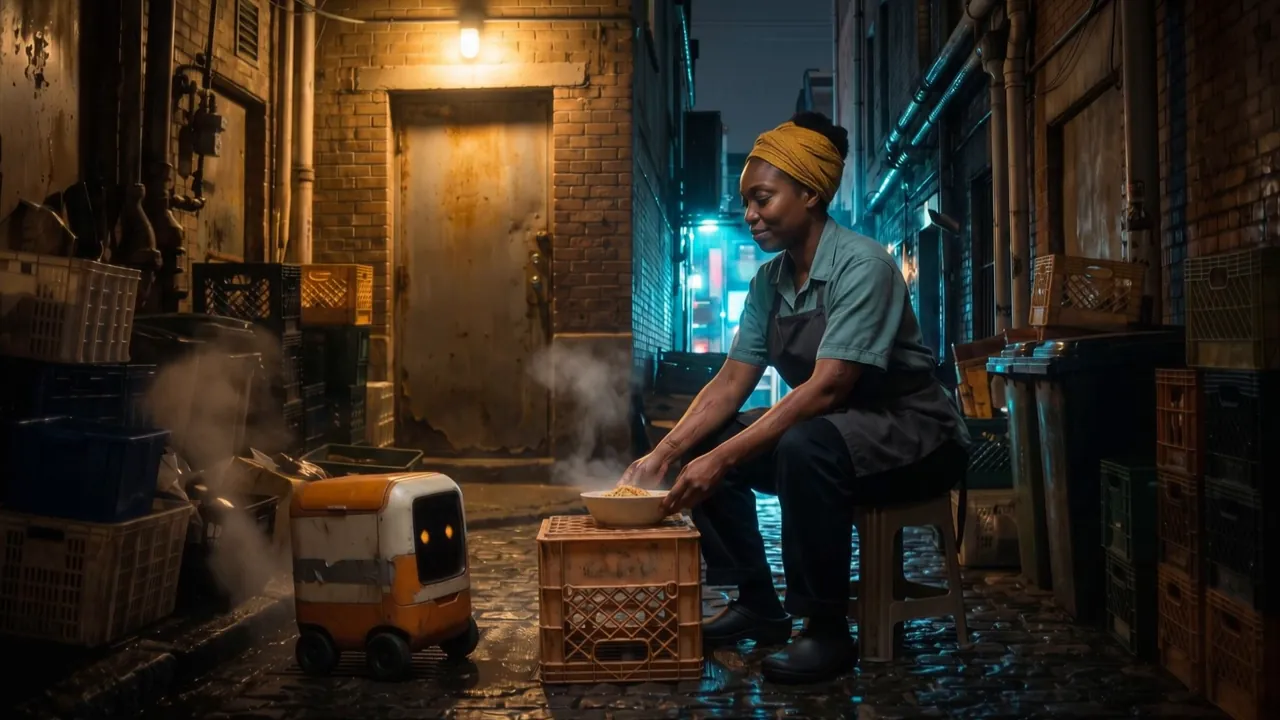
What a video generator leaves you with
A video generator makes one clip from one prompt and forgets it. For a film you end up with a chat window for the script, an image tool for the characters, a video tool for the shots and an editor for the cut, and you carry the story between them by hand. Faces drift, the look changes, and you pay for the same shot again and again.
How Hyperdream does it
An AI film studio keeps the film together. In Hyperdream, Director works through eight steps: Script, Look, Cast, Places, Storyboard, Sound, Shots and Edit. Each character gets a reference sheet (four full-body views and four expressions), each place and product gets its own, and every shot is rendered from them and from the film's locked look.
We don't train a video model. Google, Kuaishou, ByteDance, MiniMax, Alibaba, Black Forest Labs and xAI make the models, and you pick one per shot or let Director pick. What Hyperdream adds is the project around them: the story, the cast and the look travel into every shot. Then you cut the film on a timeline and export one MP4, plus a pitch deck PDF of the look, cast and storyboard.
What's in the studio
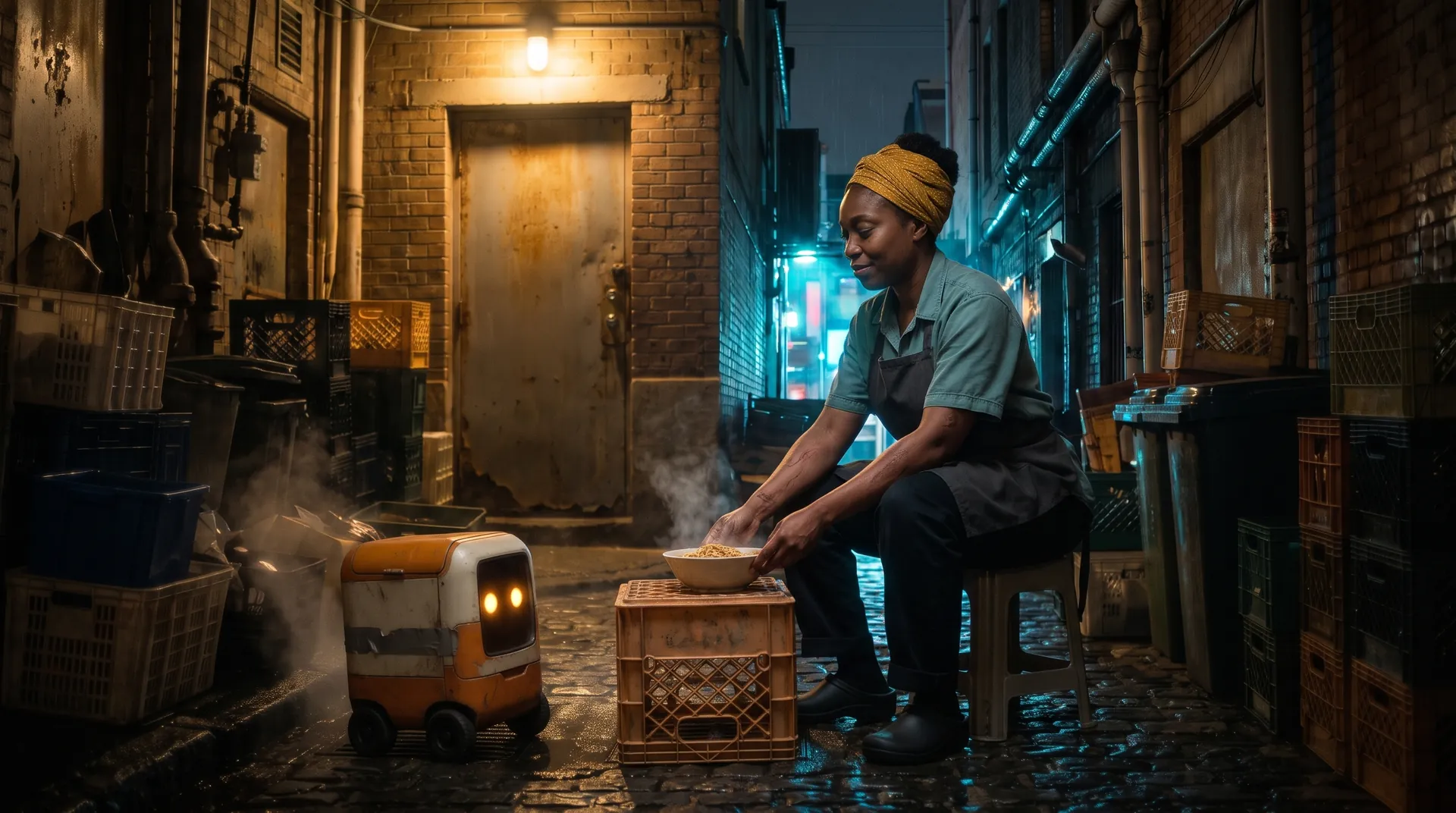
Director, the film agent
Agent mode does the work and shows the cost of each step. Ask mode only answers. Plan mode proposes one change and waits for your go.
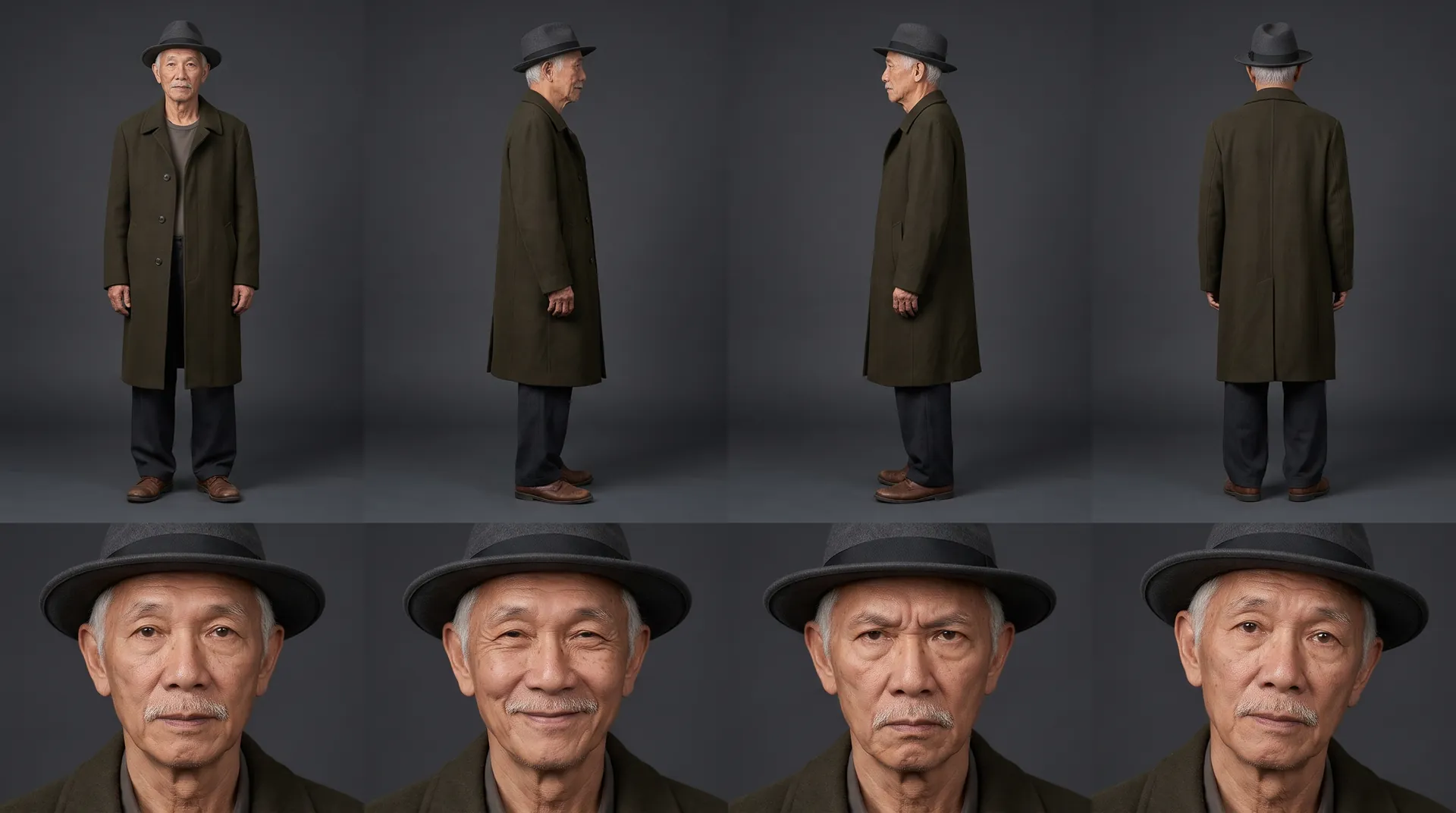
Reference sheets
One per character, place and product, used in every shot they appear in. That's how faces, rooms and products hold across a film.

A real storyboard
Scenes and shots, each with a description, shot size, camera move, lens, length, lines and a still frame before it becomes video.
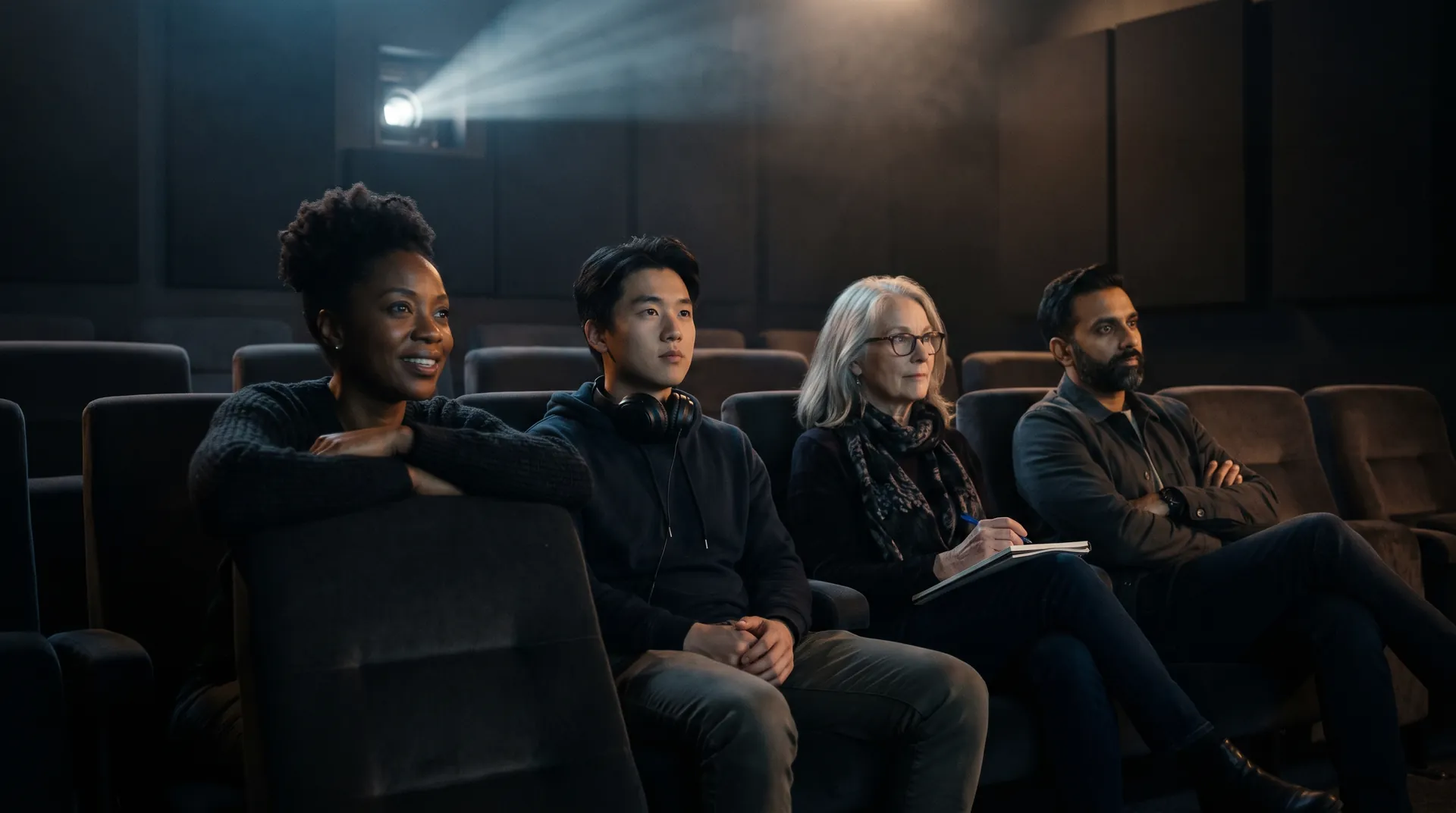
Teams and clients
Roles, client folders with their own monthly budgets, and review links your client can comment on and approve without an account.
From one sentence to a finished film
- 1
Tell Director the idea
A sentence, a brief or your own script, plus any references: characters, images, clips or an earlier film.
- 2
Lock the look and the cast
Pick the shape, palette and lens. Approve a reference sheet for every character, place and product.
- 3
Board and render
Check the storyboard shot by shot, then render each shot on the model that suits it. The price shows before every render.
- 4
Cut and share
Lay out the edit with dialogue, narration, music and captions. Export, or send a review link.
Questions
Software that takes a film from idea to finished cut in one project. Unlike a video generator, it keeps the script, characters, places and look connected across every shot, so the film holds together.
Related

More than images and video
Scripts, storyboards, motion, and characters in every version. Each one on its own, or all of them in a film.

Write a script
An idea in, a properly formatted screenplay out. Edit any line, then board it or film it.
Board a storyboard
A panel for every shot, as AI stills or quick vector frames. Export it as a pitch deck.

Make motion
Titles, explainers and moving storyboards, drawn as vector animation by the AI you pick.

Characters, places, products
One subject in many versions, or new ideas for it. Every angle, look and light.
Start your first film
Free to start. You'll see the plan and the price before anything renders.