Wan 3.0: Dialogue, Music and Effects in One Take
Wan 3.0 is Alibaba's video model for long takes with sound: 2 to 30 seconds, up to 9 reference pictures, 5 credits a second. Limits, costs and prompts.
By Hyperdream Team8 min read
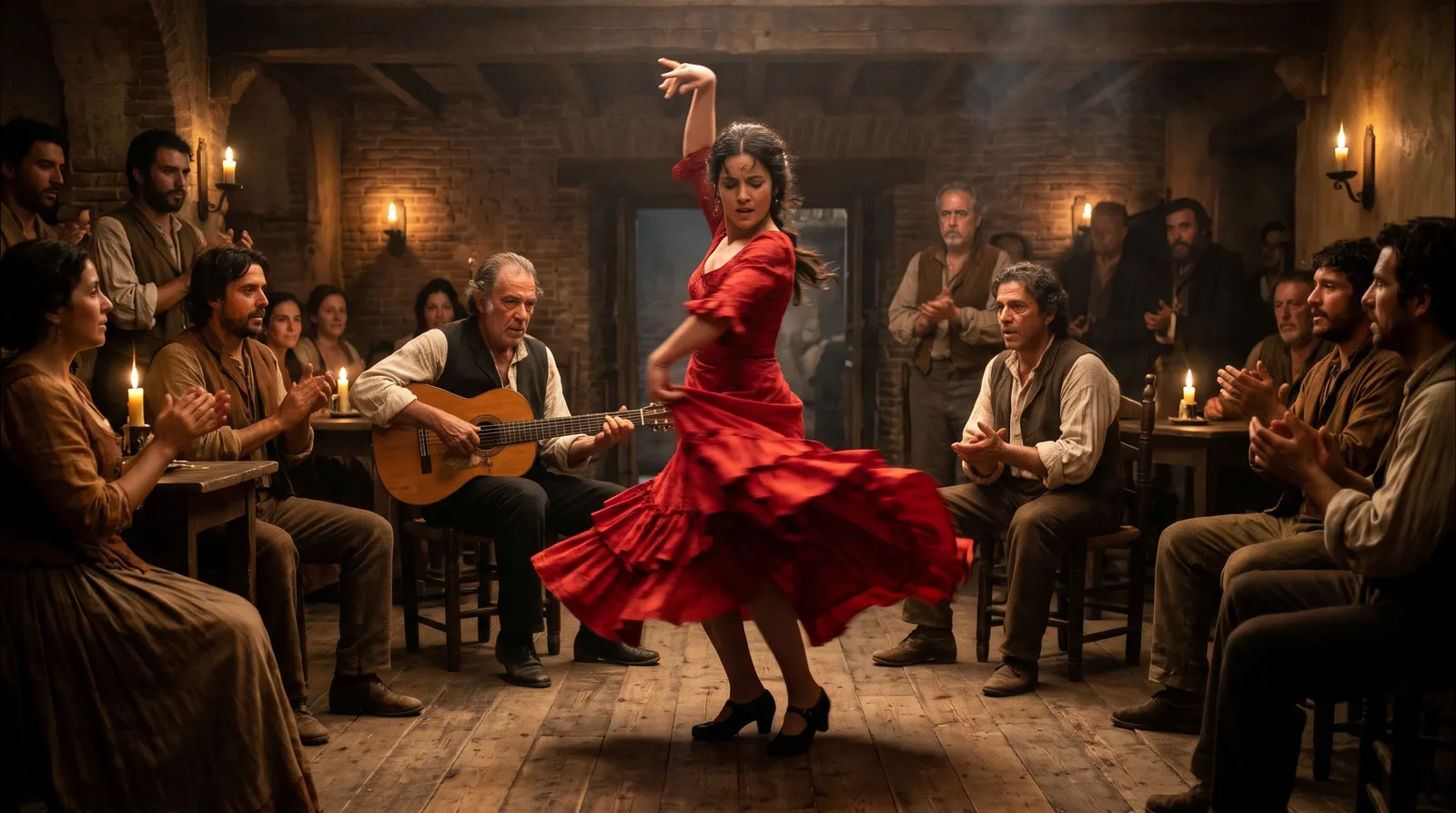
Wan 3.0 is Alibaba's video model for long takes with sound. It makes dialogue, music and effects in the same render, in clips of 2 to 30 seconds, and takes up to 9 reference pictures. On Hyperdream it costs 5 credits a second at its default 720p size and opens on the Creator plan. The 30-second take needs the Business plan: Creator stops at 15 seconds and Pro at 20 (checked 10 November 2026).
Key takeaways
- Price: 5 credits a second at 720p. A 10-second clip works out to about 41 credits.
- Length: 2 to 30 seconds. 15 on Creator, 20 on Pro, 30 on Business.
- Sound: a switch, on by default. Speech, music and effects come in one render.
- References: up to 9 pictures, 1 guide video, a start frame and an end frame.
- Limits: 1080p at most, no 21:9 shape, and it needs Creator ($49 a month) or higher.
What is Wan 3.0?
It is the current Alibaba video model on Hyperdream. Read from the live model list on 10 November 2026:
| Wan 3.0 | |
|---|---|
| Maker | Alibaba |
| Lowest plan | Creator ($49 a month, 1,000 credits) |
| Credits a second | 5 at the default 720p |
| Clip length | 2 to 30 s |
| Sound | Optional, on by default |
| Text only | Yes |
| Start frame, end frame | Yes, both |
| Reference pictures | Up to 9 |
| Guide videos | 1 |
| Shapes | 16:9, 9:16, 1:1, 4:3, 3:4 |
| Sizes | 480p, 720p, 1080p |
Our staff note on it reads: dialogue, music and effects in one take. All ten models are side by side in AI video models compared.
How long a clip does each plan allow?
The model goes to 30 seconds. Your plan decides how much of that you get.
| Plan | Price a month | Longest Wan 3.0 clip |
|---|---|---|
| Free, Starter | $0, $29 | Locked |
| Creator | $49 | 15 s |
| Pro | $99 | 20 s |
| Business | $199 | 30 s |
Team seats follow their seat's level: a Creator seat ($59) gets 15 seconds, a Pro seat ($119) 20 and a Business seat ($249) 30. A film has no length limit, because it is many clips cut together.
What does it cost at each size and length?
Worked out from the live per-second rates on 10 November 2026. The price shows before you generate.
| Length | 480p | 720p | 1080p |
|---|---|---|---|
| 5 s | About 10 | About 21 | About 41 |
| 10 s | About 20 | About 41 | About 82 |
| 15 s | About 30 | About 62 | About 123 |
| 20 s (Pro and up) | About 40 | About 82 | About 164 |
| 30 s (Business) | About 60 | About 123 | About 245 |
So 1080p costs twice 720p, and 480p costs half. Draft small and render the keeper once at the size you need.
Two real charges from our project records, November 2026: 2 renders on a 30-second ad cost 42 credits in all, and 6 renders on a mantra video, at 720p and 1080p, cost 374. None of the 8 failed. The ranking across all ten models is in AI video cost per second.
What is it good at?
One long take. Only two models on Hyperdream reach 30 seconds: Wan 3.0 and Kling 4.0. Kling 4.0 takes no reference pictures. Wan 3.0 takes up to 9. So for a long take that has to hold a character from a reference sheet, it is the one model that does both.
Speech, music and effects together. Sound comes with the picture, so a line of dialogue, a bed of music and the room's effects arrive in sync. AI video models with sound lists what all ten do.
A sound switch. Five models on Hyperdream always make sound. Wan 3.0 lets you turn it off, which is what you want for a shot that will be scored or narrated later.
More shapes. It makes 1:1, 4:3 and 3:4 as well as wide and tall.
How it did in our own films, plainly: on the Hindi ad it made 2 of the 31 shot renders, both in the first pass. The finals were all made on Gemini Omni 1.2. On the mantra video it made 6 of the 19 renders, and that film has no dialogue. So we have used it, but we do not have a film where it carried the spoken lines to the final cut.
Where is another model the better pick?
- Price. Gemini Omni 1.2 is 3 credits a second and MiniMax H3 is 2. Both always make sound.
- 4K. Wan 3.0 stops at 1080p. Gemini Omni 1.2 and MiniMax H3 offer 4K.
- The cinema-wide shape. It has no 21:9. FLUX 3 Max, Kling 4.0, MiniMax H3 and both Seedance models do.
- More references. Gemini Omni 1.2 takes up to 10 pictures and up to 3 guide videos.
- A plan below Creator. MiniMax H3 is open to every account. MiniMax H3 Max and Grok Imagine 1.5 open on Starter.
- Big action and camera moves. Our staff note points to Kling 4.0.
For spoken scenes, compare it with Gemini Omni 1.2 in the best AI video model for dialogue.
How do you prompt Wan 3.0?
Six rules, drawn from its limits above and from ordinary shot writing.
- Write all three sound layers. The line, the music and the effects. If you want no music, say "no music".
- Write the line like a script. Who speaks, the tone, then the line in quotation marks.
- Count the words. Two to three a second. A 10-second shot holds about 22 words, with a beat of air.
- Break a long take into beats. For 20 or 30 seconds, write three or four beats in order. One action each.
- Attach references and use their names. A character's reference sheet, the place and a start frame is a normal set.
- Draft at 480p or 720p. Find the take at 20 to 41 credits for 10 seconds, then render it once at 1080p.
Eight prompts to start from
These were written for this guide, and we have not run them, so treat them as examples to try. Wan 3.0 did run in the two-character test on 10 November 2026: both faces held across two 10-second shots at 30 credits each (the listed price of about 41 is for a clip from a start frame; ours were made from reference pictures and charged 30), and one line had a four-second pause in the middle.
| # | Shot | Attach | Example prompt | Length |
|---|---|---|---|---|
| 1 | A line to camera | Start frame, character sheet | She wipes her hands on her apron, looks up and says warmly: "We open at six. You're early." Medium shot, static. Oven hum, a tray set down, no music. | 6 s |
| 2 | Two people, one speaks | Both character sheets, the place | Mira holds the door open. Sam stands up from the step and says quietly: "I smelled the bread." Mira does not speak. Two-shot, static. A door bell, soft piano. | 8 s |
| 3 | A walk and talk | Character sheet, the place | He walks toward camera down the factory aisle and says, steady and proud: "Every panel here is cut, pressed and checked by hand." The camera pulls back at his pace. Machines behind him, no music. | 10 s |
| 4 | Music and effects, no speech | Start frame | Rain on a tin roof. A woman lights a lamp at the window. Slow push in. A single sitar note holds under the rain. Nobody speaks. | 10 s |
| 5 | A 20-second take in three beats | Character sheet, the place | Beat one: he unlocks the shop shutter and lifts it. Beat two: he steps in and switches on the lights, row by row. Beat three: he turns to camera and says: "Thirty years. Same key." Handheld, follows him. Shutter rattle, light switches, street noise. | 20 s |
| 6 | A 30-second take in four beats | Character sheet, the place | Beat one: wide on the empty hall. Beat two: she walks to the centre. Beat three: she says, almost to herself: "So this is where it starts." Beat four: the camera rises as a tanpura begins. One continuous shot. Footsteps and room echo throughout. | 30 s |
| 7 | Following a guide video | Guide video, character sheet | Follow the camera move and timing of the guide clip. A boy runs along the sea wall with a kite. Wind, gulls, his laugh. No music. | 8 s |
| 8 | A silent shot for scoring later | Start frame, end frame | Sound off. The door swings from closed to wide open and morning light fills the hall. Static camera. | 5 s |
Row 5 needs the Pro plan or higher, and row 6 needs Business.
How do you use it in Hyperdream?
- In Create, pick Video and choose Wan 3.0. It needs the Creator plan or higher.
- Add a start frame, an end frame, reference pictures or a guide video. A Motion clip can be the guide. Mention a reference in the prompt with
@name. - Pick the shape, the length and the size. Leave sound on, or switch it off.
- Read the price before you generate. A render that fails or is blocked refunds its credits automatically.
- In Director, set it per shot in Shots. Set render quality to Draft (720p) in Look while you find each shot.
One month of Business, 4,000 credits, is about 32 thirty-second takes at 720p. Every plan's limits are on /models.
How we checked
Limits and prices were read from Hyperdream's live model list and /models on 10 November 2026. The size-by-length table is worked out from the live per-second rates, not from charges we saw. The 42- and 374-credit figures and the render counts are from the project records of two films made that month. We have not run a prompt test for this model, so the eight prompts are untested and "good at" rests on its limits, a staff note and a small share of two real films, not a benchmark. We did not test a 30-second take for this guide. Staff can change prices and limits, so check before you quote a number.
Questions people ask
Long takes with sound. It makes clips of 2 to 30 seconds with dialogue, music and effects in the same render, and takes up to 9 reference pictures and 1 guide video. On Hyperdream it is the only model that pairs a 30-second clip with reference pictures (checked 10 November 2026).
Keep reading
Models14 November 20267 min read
Gemini Omni 1.2: What It's Good At and How to Prompt It
Gemini Omni 1.2 is Google's video model for people and dialogue: always with sound, up to 10 reference pictures, up to 4K. Costs, limits and ten prompts.
Guides22 November 20267 min read
Start and End Frames: Control Where an AI Clip Lands
A start and end frame AI video is a clip made between two pictures you choose. Which models take both, three uses, what it costs, and example prompts.
Guides20 November 202613 min read
The AI Film Checklist: 44 Checks Before You Render
The AI film checklist we work from at Hyperdream: sheets, stills, 480p drafts, one-take prompts and clean cuts, with real numbers from a film made in Claude.
More than images and video
Scripts, storyboards, motion, and characters in every version. Each one on its own, or all of them in a film.

Write a script
An idea in, a properly formatted screenplay out. Edit any line, then board it or film it.

Board a storyboard
A panel for every shot, as AI stills or quick vector frames. Export it as a pitch deck.

Make motion
Titles, explainers and moving storyboards, drawn as vector animation by the AI you pick.

Characters, places, products
One subject in many versions, or new ideas for it. Every angle, look and light.
Your first film is one sentence away.
Free to start. Pay only for what you render.