What Is Image-to-Video? Start Frames Explained
What is image to video? An AI video clip that starts on a picture you give the model, called the start frame. How it works and which models take one.
By Hyperdream Team6 min read
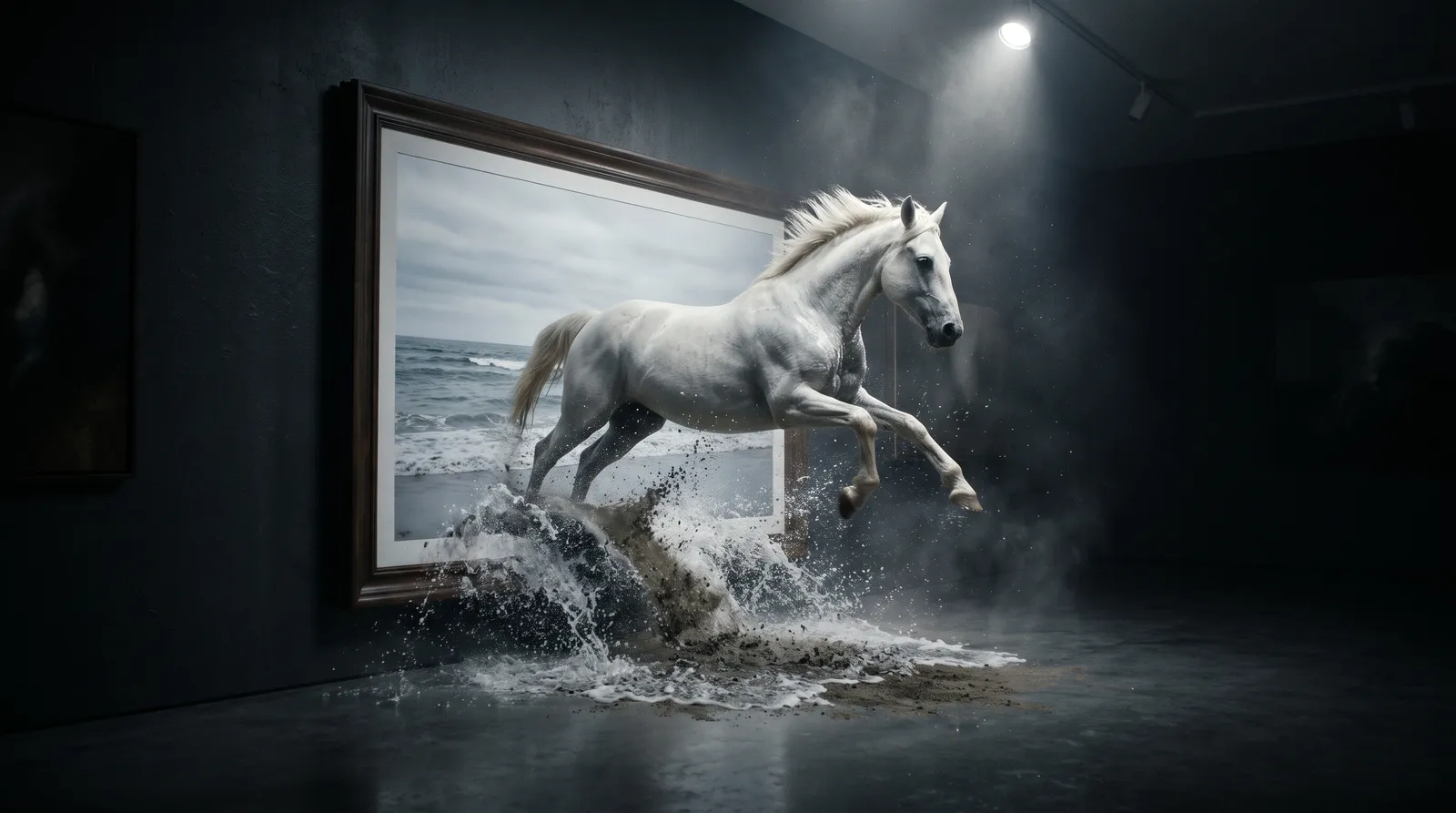
Image-to-video is a way of making an AI video clip that starts on a picture you give the model. Your picture is the first frame of the clip, called the start frame, and the model makes the motion that follows from it. It is often shortened to I2V.
Key takeaways
- I2V: one picture in, one clip out, and the clip begins on that picture.
- The start frame sets the look. The prompt only has to say what moves.
- All 10 video models on Hyperdream take a start frame, and 8 of them also take an end frame (checked 10 November 2026).
- A still is cheap to fix. An image costs 1 to 5 credits. Video costs 2 to 9 credits a second.
- On one client film, 16 of 40 video renders started from a still.
How is image-to-video different from text-to-video and reference-to-video?
There are three common ways to ask a model for a clip. They differ in what your picture does.
| Mode | Short name | What you give the model | What your picture does |
|---|---|---|---|
| Text-to-video | T2V | Words only | Nothing. There is no picture |
| Image-to-video | I2V | One picture as the start frame, plus words | It is the first frame of the clip |
| Reference-to-video | R2V | One or more reference pictures, plus words | It shows who or what must appear. The model composes a new frame |
In image-to-video you have already framed the shot. In reference-to-video you have only said who is in it. What is reference-to-video covers the second one.
What does the start frame control?
Everything you can see in it.
- The framing. Shot size, angle, where each thing sits.
- The look. Colour, light, grain, style.
- Who and what is there. The person, the clothes, the room.
That changes the job of the prompt. With text-to-video the prompt has to describe the whole picture. With a start frame the picture is done, so the prompt says three things: what moves, how the camera moves, and what we hear.
A prompt for a start frame of a woman at a bakery door:
She turns the key and pushes the door open. The camera holds still. A lock clicks, a door bell rings.
There is no description of her coat or the street. The still already has them.
What is an end frame?
An end frame is a second still that the clip must finish on. You give the first picture and the last, and the model makes the motion between them.
Use it when the shot has to land somewhere exact: a product in its final position, a face at the end of a push in, a door fully open. Not every model takes one. On Hyperdream, Gemini Omni 1.2 clips stop at 10 seconds when you add an end frame.
Which video models take a start frame?
On Hyperdream, all ten. Read from the live models page data on 10 November 2026:
| Model | Maker | Start frame | End frame | Credits a second | Clip length | Lowest plan |
|---|---|---|---|---|---|---|
| MiniMax H3 | MiniMax | Yes | Yes | 2 | 5 to 15 s | Free |
| MiniMax H3 Max | MiniMax | Yes | Yes | 3 | 2 to 15 s | Starter |
| Gemini Omni 1.2 | Yes | Yes | 3 | 3 to 15 s | Creator | |
| Kling O3 Pro | Kuaishou | Yes | Yes | 4 | 3 to 15 s | Creator |
| Wan 3.0 | Alibaba | Yes | Yes | 5 | 2 to 30 s | Creator |
| FLUX 3 Max | Black Forest Labs | Yes | Yes | 5 | 5 to 20 s | Creator |
| Kling 4.0 | Kuaishou | Yes | Yes | 5 | 3 to 30 s | Creator |
| Grok Imagine 1.5 | xAI | Yes | No | 5 | 1 to 15 s | Starter |
| Seedance 2.5 | ByteDance | Yes | Yes | 7 | 4 to 12 s | Pro |
| Seedance 2.0 | ByteDance | Yes | No | 9 | 4 to 15 s | Creator |
Credits a second are at each model's default size. The longest clip also depends on your plan: 10 seconds on Free and Starter, 15 on Creator, 20 on Pro, and each model's full length on Business.
What makes a good start frame?
The model can only continue what the picture shows. A few habits help. These are common practice, not results of a test.
- Match the shape. Make the still in the shape of the clip: 16:9 for a wide clip, 9:16 for a tall one.
- Leave room for the motion. If she is going to stand up, there must be space above her head.
- Show what will move. If a hand is going to pick up a cup, both the hand and the cup should be in the picture.
- Keep it sharp. A blurred still gives a blurred clip.
- Avoid small text. Signs and labels are where a clip tends to break first.
- Start before the action. A pose just before the move gives the model somewhere to go.
Why do film projects start shots from stills?
Because of what a mistake costs. On Hyperdream an image costs 1 to 5 credits, by image model. Video costs 2 to 9 credits a second, so a 5-second clip is 10 to 45 credits. A wrong costume or a bad angle is cheaper to catch in the still.
A still is also something a client can approve. In a Director film, every shot gets a still frame in the Storyboard step before any video is made.
Numbers from our team's client films:
- A 22-shot industry film (August 2026). 16 of its 40 video renders were image-to-video, for 342 credits. The other 24 were reference-to-video.
- A 9-shot film (July 2026). 4 of the 9 kept shots were image-to-video takes.
- A mantra video (November 2026). Every video render was given 1 to 3 pictures: the shot's still frame and the character's reference sheet.
Both of the first two are in the MAHA-GFC case study.
When is image-to-video the wrong choice?
- You want a new angle on a known character. A start frame gives you the angle it was drawn at. Use reference-to-video with the character's reference sheet.
- The shot has nobody and nothing that recurs. A wide landscape can come straight from text.
- The person turns away and back. The model knows only what the still shows. A reference sheet shows the back of the head and the far side of the face. A single still does not.
How do you animate an image with AI?
In Hyperdream:
- Open Create.
- Get the still. Upload one (png, jpg, webp, gif or heic, up to 30 MB), pick one from the Library, or choose Image and make it.
- Choose Video and pick a model from the table.
- Add the still as the start frame. Add an end frame if the shot must land on an exact picture.
- Write what moves, how the camera moves and what we hear.
- Set the shape and length, check the price shown, and generate.
It works at the Free level. A new account gets 20 credits. A still on Nano Banana 2.1 costs 2, and a 5-second clip on MiniMax H3 costs up to 10. Work made at the Free level is for personal projects.
For a whole film, the still frames come from Director's Storyboard step, and each shot is rendered from its frame in Shots. Where this sits in the full process is in how to make a movie with AI. More terms are in the AI filmmaking glossary, and the clip tool is on the AI video generator page.
How we checked
The start frame and end frame columns, prices, lengths and plans were read from Hyperdream's live models data on 10 November 2026. Staff can change them. The film numbers come from three project records. The tips on a good start frame are common practice. We have not tested them model by model, and nothing here ranks one model's image-to-video against another's.
Questions people ask
Image-to-video is a way of making an AI video clip that starts on a picture you give the model. Your picture is the first frame, and the model makes the motion that follows from it. It is often shortened to I2V.
Keep reading
Glossary16 November 20263 min read
What Is Reference-to-Video? Keeping a Face Across Shots
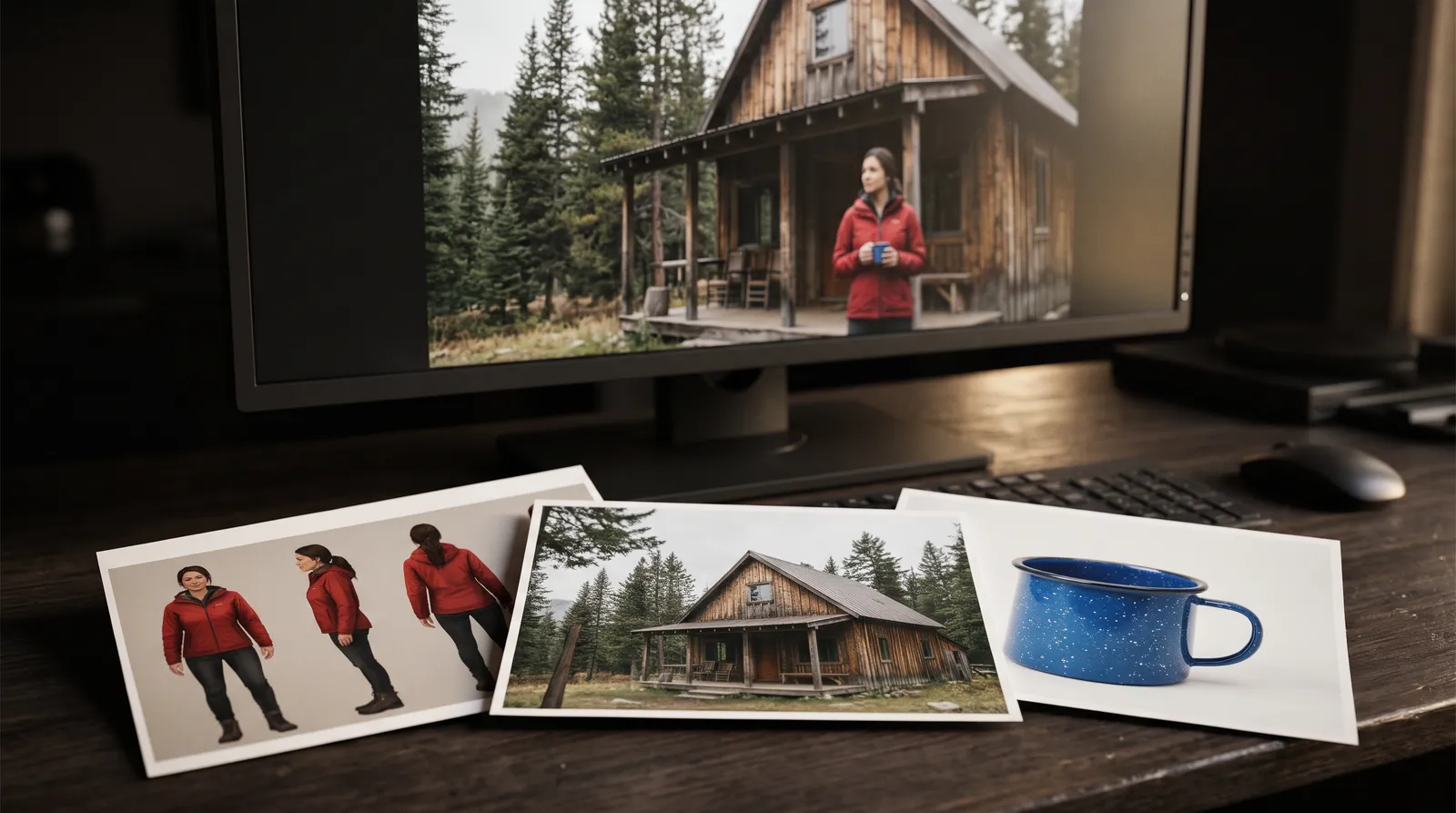
Reference to video (R2V) means giving an AI video model pictures of the people, places or products that must appear. How it works and which models take it.
Glossary14 November 20266 min read
AI Film Studio vs AI Video Generator: What's the Difference?
AI film studio vs AI video generator: a generator makes one clip from one prompt, a studio holds the script, cast, storyboard, shots and cut. When to buy which.
Glossary10 November 20267 min read
AI Filmmaking Glossary: 40 Terms in Plain English
An AI filmmaking glossary with 40 terms in plain English: reference sheet, image-to-video, guide video, lip sync, upscaling, vibe directing and more.
More than images and video
Scripts, storyboards, motion, and characters in every version. Each one on its own, or all of them in a film.

Write a script
An idea in, a properly formatted screenplay out. Edit any line, then board it or film it.

Board a storyboard
A panel for every shot, as AI stills or quick vector frames. Export it as a pitch deck.

Make motion
Titles, explainers and moving storyboards, drawn as vector animation by the AI you pick.

Characters, places, products
One subject in many versions, or new ideas for it. Every angle, look and light.
Your first film is one sentence away.
Free to start. Pay only for what you render.