Gemini Omni 1.2: What It's Good At and How to Prompt It
Gemini Omni 1.2 is Google's video model for people and dialogue: always with sound, up to 10 reference pictures, up to 4K. Costs, limits and ten prompts.
By Hyperdream Team7 min read
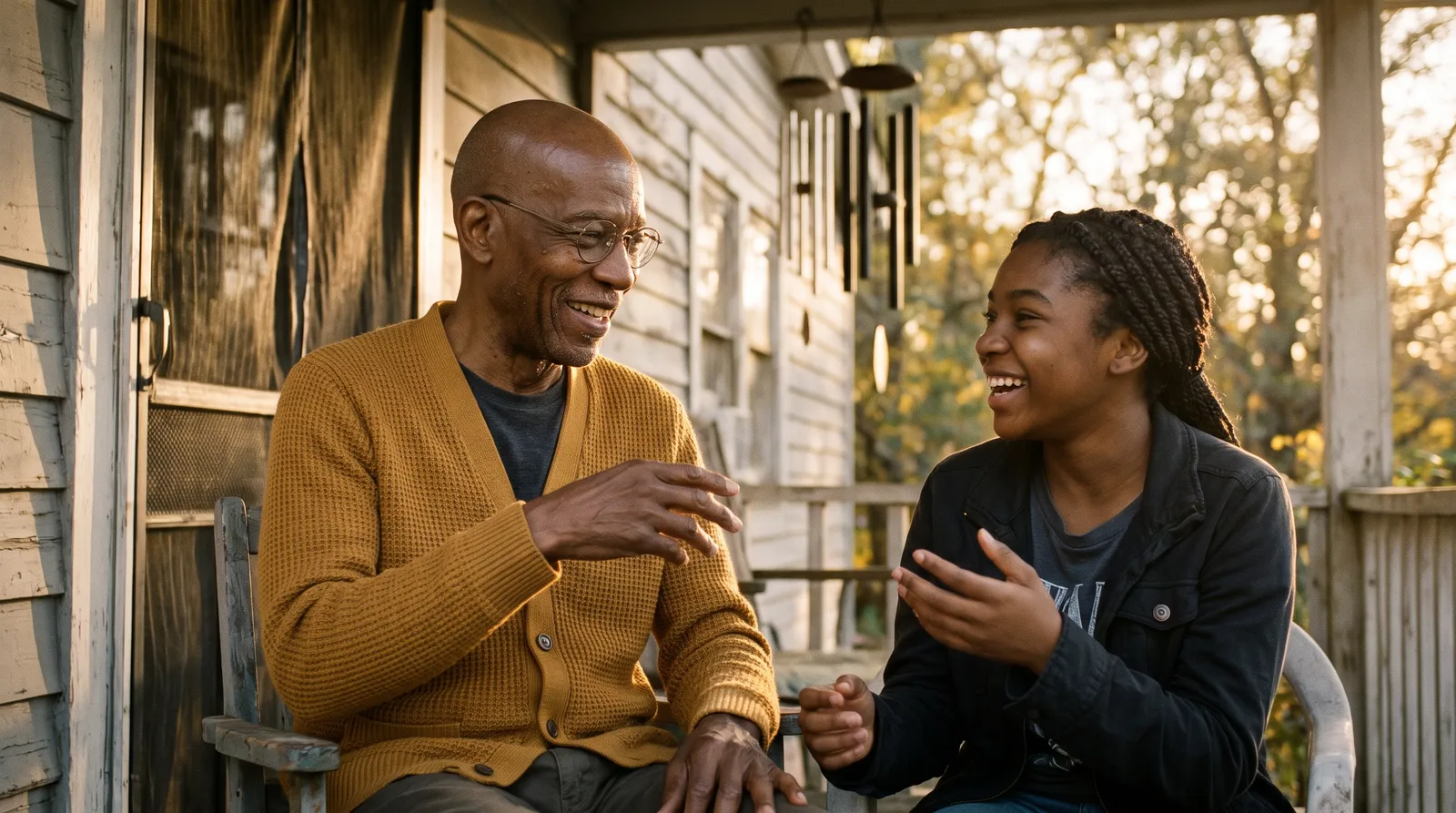
Gemini Omni 1.2 is Google's video model for realistic people and spoken lines. It always makes sound with the picture, takes up to 10 reference pictures and renders up to 4K. On Hyperdream it costs 3 credits a second at its default 720p size and opens on the Creator plan (checked 10 November 2026).
Key takeaways
- Price: 3 credits a second at 720p. A 10-second clip cost 24 credits at 720p and 72 at 4K in our records.
- Length: 3 to 15 seconds, or up to 10 with an end frame.
- References: up to 10 pictures and up to 3 guide videos, the most of the ten video models on Hyperdream.
- Sound: always on. Speech, effects and room sound come with the render.
- Limits: two shapes only, 16:9 and 9:16, and it needs the Creator plan ($49 a month) or higher.
What is Gemini Omni 1.2?
It is the current Google video model on Hyperdream. Read from the live model list on 10 November 2026:
| Gemini Omni 1.2 | |
|---|---|
| Maker | |
| Lowest plan | Creator ($49 a month, 1,000 credits) |
| Credits a second | 3 at the default 720p |
| Clip length | 3 to 15 s (10 s with an end frame) |
| Sound | Always |
| Text only | Yes |
| Start frame, end frame | Yes, both |
| Reference pictures | Up to 10 |
| Guide videos | Up to 3 |
| Shapes | 16:9 and 9:16 |
| Sizes | 360p, 720p, 1080p, 4K |
Our staff note on it reads: realistic people and dialogue, with sound, up to 4K. All ten models are side by side in AI video models compared.
What does it cost at each size?
The size you render at moves the price as much as the model does.
| Size | A 10-second clip | Source |
|---|---|---|
| 360p | About 8 credits | Live model list |
| 720p | 24 credits | Real charges, November 2026 |
| 1080p | About 36 credits | Live model list |
| 4K | 72 credits | Real charges, November 2026 |
So a 4K clip costs three times a 720p one. One month of Creator, 1,000 credits, is about 41 ten-second clips at 720p or 13 at 4K. The ranking across models is in AI video cost per second.
What is it good at?
Two client films made on Hyperdream in November 2026 leaned on it. The numbers are from their project records.
People who speak on camera. A 30-second vertical ad for Shilp Group has five residents each saying one Hindi line to camera. Gemini Omni 1.2 made 29 of the film's 31 shot renders. The voices came from the model in the same render as the picture. See the Shilp case study.
Holding a look from references. All but one of that film's video renders were given 1 to 7 reference pictures. On a Sanskrit mantra video, each of its 13 renders was given 1 to 3: a start frame and the character's reference sheet. See the Mahalakshmi case study.
Still, calm shots. The mantra video is mostly 10-second shots with a still camera, made to loop under a chant.
Drafting small, finishing large. The ad's shots were found with 22 renders at 720p for 337 credits. Then each of the 7 video shots was rendered once in 4K, 309 credits in all, and all 7 were kept.
Across both films it made 42 renders and none failed.
Where is another model the better pick?
- Other shapes. It makes 16:9 and 9:16 only. For 1:1, 4:3 or 21:9, use MiniMax H3, FLUX 3 Max or Seedance.
- Clips over 15 seconds. Wan 3.0 and Kling 4.0 go to 30 seconds on the Business plan.
- A silent shot. It always makes sound. Wan 3.0, FLUX 3 Max, Kling O3 Pro and both Seedance models have a sound switch.
- The lowest price, or a plan below Creator. MiniMax H3 is 2 credits a second and open to every account.
- Big action and camera moves. Our staff note points to Kling 4.0.
Like any model, it can turn a prompt down. A refused or failed render refunds its credits automatically.
For spoken scenes across all the models that make sound, see the best AI video model for dialogue.
How do you prompt Gemini Omni 1.2?
Six rules, drawn from its limits above and from ordinary shot writing.
- Say what we hear. It makes sound either way. Name the effects, and write "no music" if music comes later.
- Write the line like a script. Who speaks, the tone, the language, then the line in quotation marks.
- Count the words. Two to three a second. The ad's lines ran 5 to 6 seconds each, one short sentence apiece.
- Attach references and use their names. A character's reference sheet, the place and a start frame is a normal set.
- With a start frame, write only what moves. One action, one camera move.
- Draft at 720p. Find the shot at 24 credits, then render the keeper once at the size you need.
Ten prompts to start from
These were written for this guide. Rows 1, 5, 6 and 10 follow shots from the two films above. On 10 November 2026 we ran rows 6, 7 and 10 as text alone, without the pictures in the Attach column, at 720p: 12, 12 and 24 credits, each rendered in under a minute. Rows 6 and 10 came out as written. In row 7 the camera moved far less than a quarter turn, so ask for the move more firmly or use a start frame. A shot like row 2, with both character sheets attached, is in the two-character test. The rest are prompts to try, not results.
| # | Shot | Attach | Prompt | Length |
|---|---|---|---|---|
| 1 | A line to camera | Start frame, character sheet | She shapes a laddoo, looks up and says to camera in Hindi, warmly: "यहाँ हर चीज़ सोच-समझकर बनी है।" Medium shot, static. Kitchen sounds, no music. | 6 s |
| 2 | Two people, one speaks | Both character sheets | Mira holds the bakery door open and says quietly to Sam: "You're early." Sam stands up from the step. Two-shot, static, Mira on the left. A door bell. | 6 s |
| 3 | A reaction | Start frame | He listens, almost smiles, and looks down. Close-up, static. Room tone only. | 3 s |
| 4 | A looping background | Start frame, character sheet | She sits still on the lotus. Only the water ripples and the petals stir. Static camera. The last moment matches the first. Soft water, no speech. | 10 s |
| 5 | A slow reveal | Place reference | The camera descends slowly toward a closed lotus bud on a lake at sunrise. The bud opens. Soft wind and water. | 15 s |
| 6 | A vertical social shot | Character sheet, place | A young woman dances bhangra in her living room for a phone on a tripod, laughing. Medium wide, static, 9:16. A dhol beat from a speaker. | 5 s |
| 7 | A product | The product's reference sheet | The steel bottle stands on wet stone. The camera orbits a quarter turn to the right. Water beads run down its side. A stream nearby, no music. | 5 s |
| 8 | From a start frame to an end frame | Both frames | The door swings from closed to wide open and morning light fills the hall. Static camera. A creak, then birds outside. | Up to 10 s |
| 9 | Following a guide video | Guide video, character sheet | Follow the camera move and timing of the guide clip. A father throws a ball gently to his son in the garden. Laughter and a bouncing ball. | 5 s |
| 10 | A group at night | Character sheets, place | Neighbours stand in a circle in the garden at night and watch a fountain firework throw gold sparks. Wide shot, static. Crackle and soft gasps. | 10 s |
How do you use it in Hyperdream?
- In Create, pick Video and choose Gemini Omni 1.2. It needs the Creator plan or higher.
- Add a start frame, an end frame, reference pictures or guide videos. Mention a reference in the prompt with
@name. - Pick 16:9 or 9:16, the length and the size, and read the price before you generate.
- In Director, set it per shot in Shots. Set render quality to Draft (720p) in Look while you find each shot.
- In the Tools menu, the same model also runs Talking head (3 credits a second, with a voice it makes up) and the Upscale to 1080p and Upscale to 4K tools for clips up to 15 seconds.
One limit to plan around: a film exported from the Edit step is an MP4 at up to 1080p. A 4K clip keeps its size when you download the clip itself.
How we checked
Limits and prices were read from Hyperdream's live model list and /models on 10 November 2026. The 24- and 72-credit clips and the render counts are from the project records of two films made that month. The 360p and 1080p prices are worked out from the live per-second rates, not from charges we saw. We have not run a prompt test for this model, so the ten prompts are untested and "good at" rests on two real films and a staff note, not a benchmark. It always makes sound, and it made the spoken lines in the ad. Staff can change prices and limits, so check before you quote a number.
Questions people ask
Realistic people and spoken lines. It always makes sound with the picture, takes up to 10 reference pictures and renders up to 4K. A 30-second Hindi ad made on Hyperdream in November 2026 used it for 29 of 31 shot renders.
Keep reading
Models13 November 20269 min read
Best AI Video Model for Dialogue and Lip Sync (2026)
The best AI video model for dialogue depends on the shot. How Gemini Omni 1.2 and Wan 3.0 handle spoken lines, what they cost, and a test you can run.
Models12 November 20268 min read
AI Video Cost per Second: 10 Models Ranked by Credits
AI video cost per second on Hyperdream: ten models ranked from 2 to 9 credits a second, what size does to the price, and how many seconds each plan buys.
Models10 November 20269 min read
AI Video Models Compared: 10 Models, One Table (Nov 2026)
AI video models compared in one table: the 10 live on Hyperdream, with credits per second, clip lengths, sound, references and plan. Checked 10 Nov 2026.
More than images and video
Scripts, storyboards, motion, and characters in every version. Each one on its own, or all of them in a film.
Write a script
An idea in, a properly formatted screenplay out. Edit any line, then board it or film it.
Board a storyboard
A panel for every shot, as AI stills or quick vector frames. Export it as a pitch deck.

Make motion
Titles, explainers and moving storyboards, drawn as vector animation by the AI you pick.
Characters, places, products
One subject in many versions, or new ideas for it. Every angle, look and light.
Your first film is one sentence away.
Free to start. Pay only for what you render.