Script to Video: Your Screenplay, Produced by AI
You've written the script. Hyperdream handles the production — casting, storyboards, cinematography, and the edit — while keeping every scene faithful to the page.
Script-to-video is the workflow most AI tools quietly can't do. A screenplay is a precise document: recurring characters, scene continuity, dialogue timing, emotional beats. Feeding it page by page into a clip generator throws all of that away — you get shots that neither know each other nor the story.
Hyperdream was built around the script. Import or write your screenplay in the platform and it becomes the project's source of truth: scenes are parsed into shots, characters mentioned on page one are the same cast members generated in the finale, and dialogue drives performances with cloned voices. Continuous context from script to final cut is the core of the product, not a feature bolted on.
For screenwriters, this closes the oldest gap in the craft — the distance between a finished script and a produced film. For agencies and studios, it means a locked script can become a watchable cut in days, not months of production.
What happens to your script inside Hyperdream
The script is the source of truth
Write or refine your screenplay in the built-in AI scriptwriter — acts, scenes, and dialogue stay structured and editable.

Characters are cast from the page
Every named character becomes a persistent AI actor with a consistent face and a cloned voice that delivers their lines.

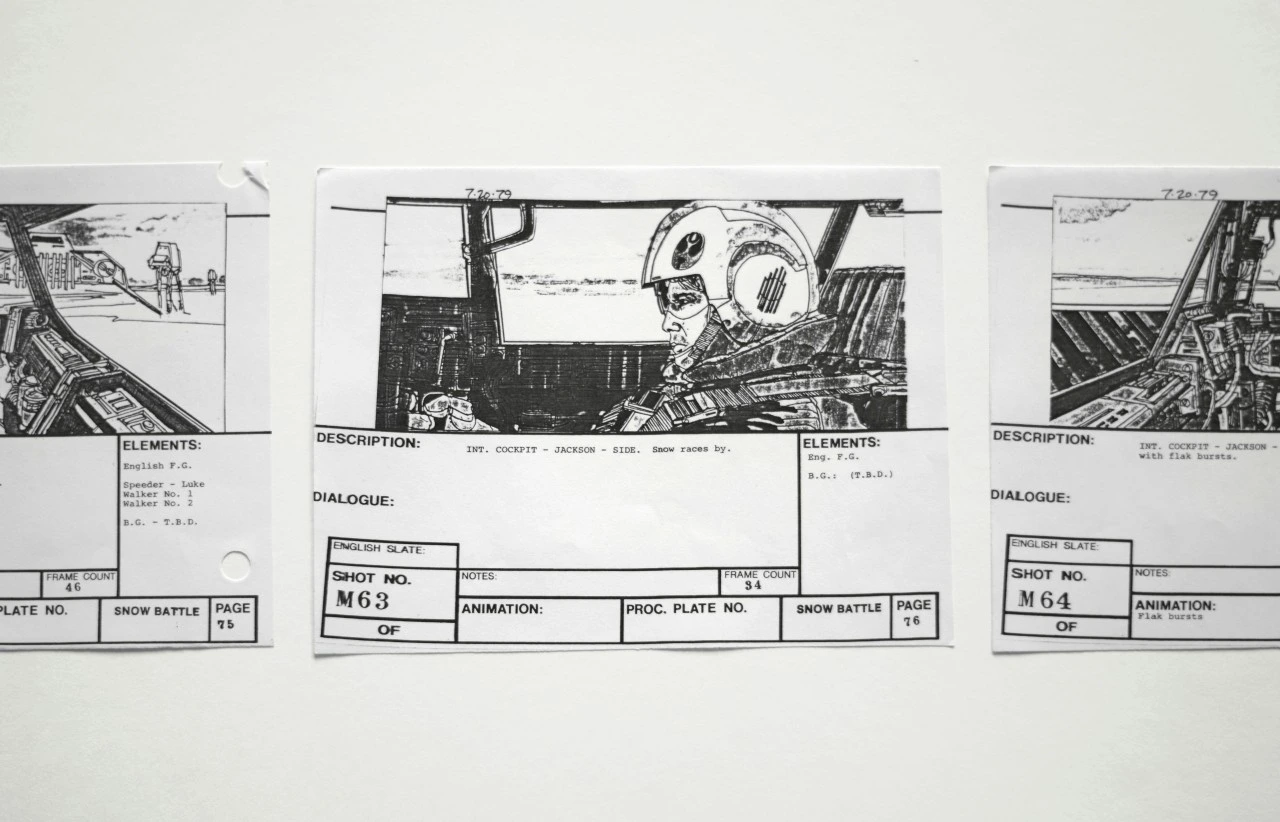
Scenes become storyboards
Each scene is broken into shots with framing and composition you can review and rearrange before generating a single frame.
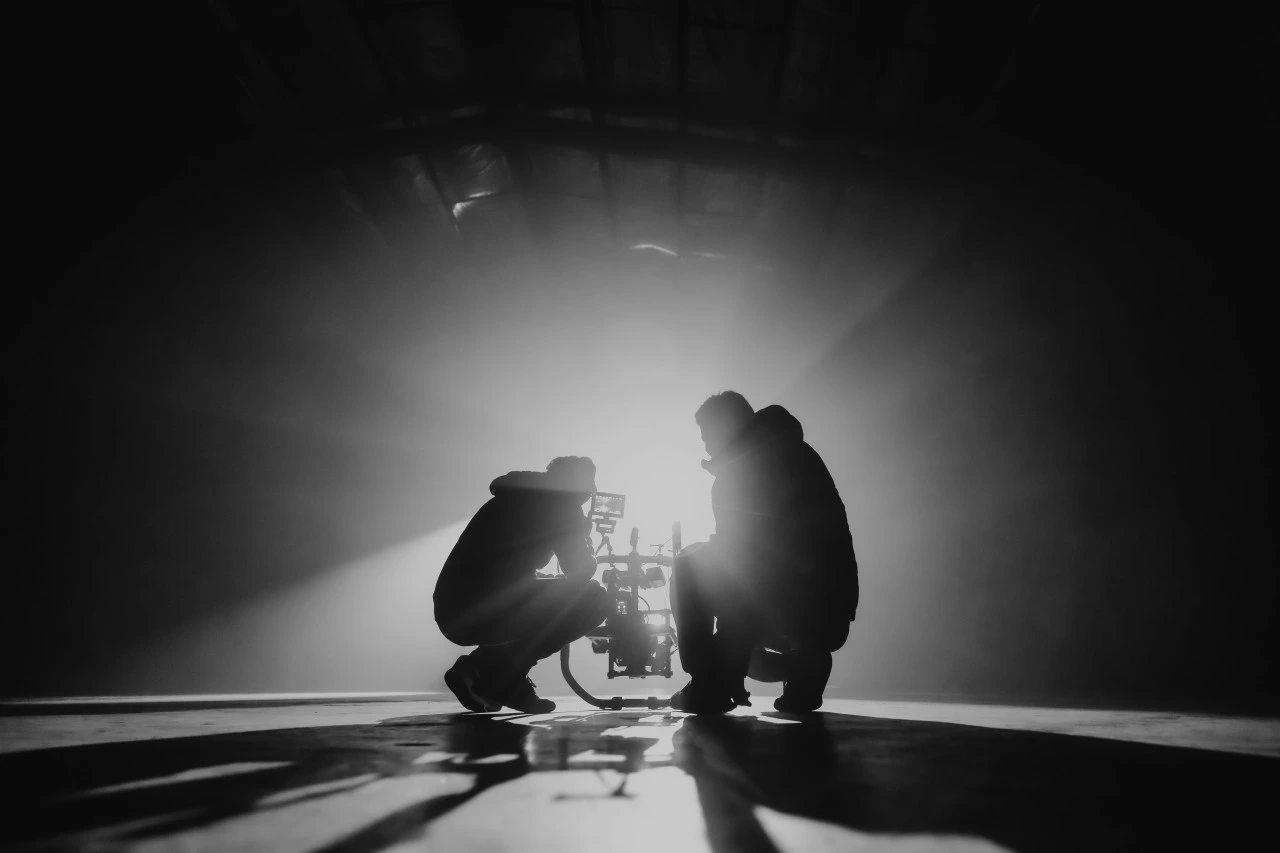
Coverage you direct
Generate each boarded shot with camera moves, blocking, and lenses — then assemble the film in the built-in editor.
From page to picture in five steps
- 1
Bring your screenplay
Write it in Hyperdream, paste it in, or develop it from a logline with the AI scriptwriter.
- 2
Cast the characters
Generate consistent AI actors for every role, with voices cloned to match.
- 3
Lock the look
Choose the cinematic style that every scene will honor — lighting, grade, and grain.
- 4
Board and shoot
Storyboard each scene, then generate directed video shot by shot.
- 5
Cut the film
Edit picture and sound on the built-in timeline and export the finished piece.
Frequently Asked Questions
Can AI really turn a full screenplay into a video?
Yes — if the tool understands script structure. Hyperdream parses your screenplay into scenes and shots, keeps characters consistent across all of them, and generates directed video you edit into a finished film inside the same platform.
Do my characters stay consistent through the whole script?
Yes. Characters are cast once as persistent AI actors — appearance and cloned voice — and Hyperdream's continuous context keeps them consistent from the first scene to the last.
What script formats work?
You can write or paste your screenplay directly into Hyperdream's script editor, or start from a logline and let the AI develop the structure with you.
Who uses script-to-video AI?
Screenwriters producing their own material, agencies turning approved scripts into ads and trailers, and studios previsualizing scenes before committing to physical production.
Explore more
The AI Video Generator Built for Real Productions
Most AI video generators give you a disconnected clip. Hyperdream gives you a studio — generate cinematic shots with consistent characters, directed camera work, and a shared story context, then edit them into a finished film without leaving the platform.
Text to Video AI That Thinks Past the Prompt
Type an idea, get a film — not a lottery ticket. Hyperdream turns text into structured scenes, consistent characters, and directed cinematic shots you can actually edit into a finished piece.
The AI Movie Maker for Whole Films, Not Eight-Second Clips
A movie needs a story, a cast that stays the same, and a thousand decisions that agree with each other. Hyperdream is the AI movie maker that holds all of it — from the first line of the script to the exported final cut.
That script in your drawer? Produce it.
Import your screenplay and watch Hyperdream cast, board, and shoot it.
Start Your Film