Which AI Video Models Make Sound? A Checked List
AI video models with audio, checked 10 November 2026: five of the ten on Hyperdream always make sound and five make it when you switch it on. The full list.
By Hyperdream Team6 min read
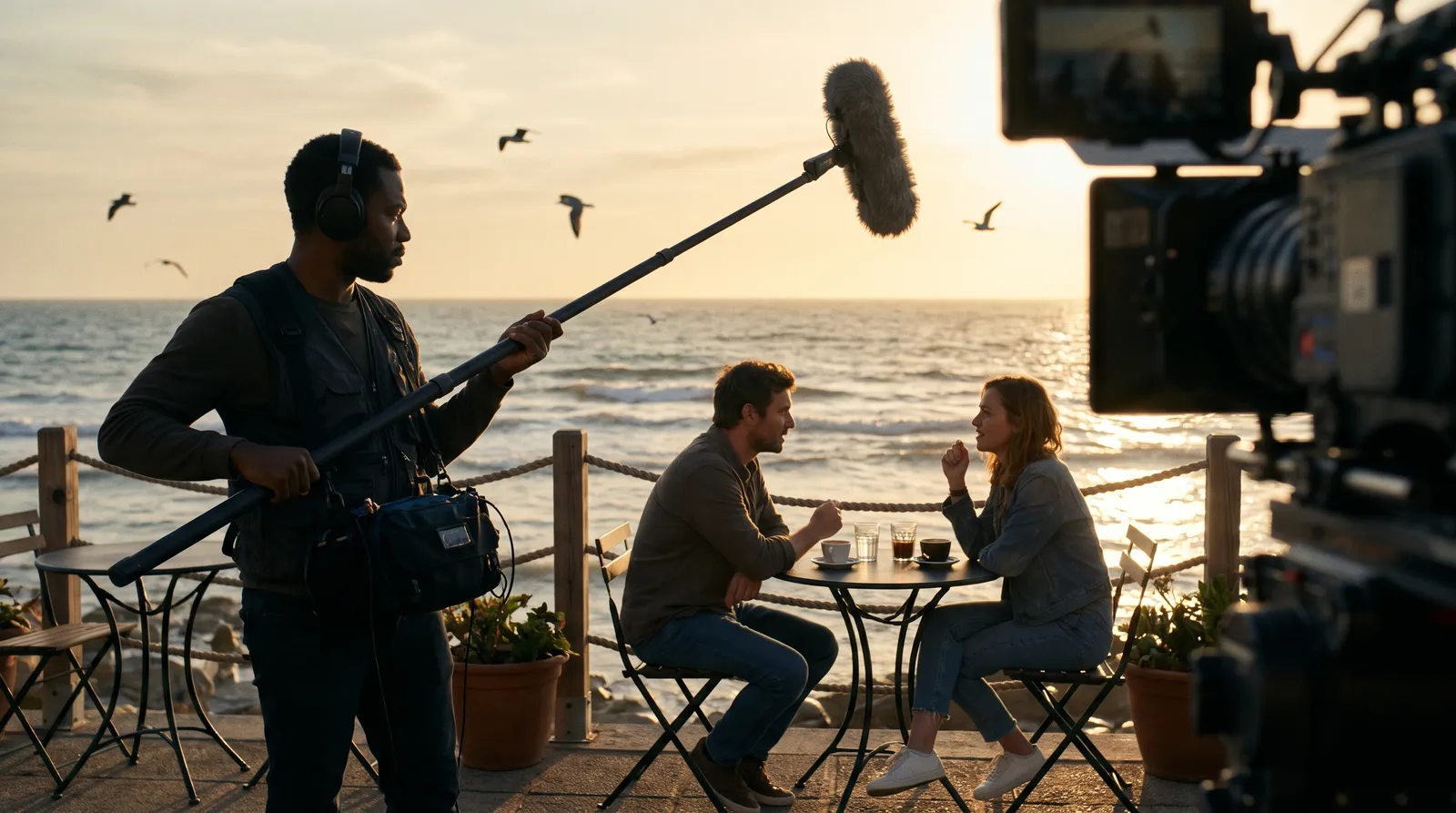
All ten video models on Hyperdream can make sound with the picture. Five always do: MiniMax H3, MiniMax H3 Max, Kling 4.0, Grok Imagine 1.5 and Gemini Omni 1.2. Five make it when you switch it on: Wan 3.0, FLUX 3 Max, Kling O3 Pro, Seedance 2.0 and Seedance 2.5. This was checked against the live model list on 10 November 2026.
Key takeaways
- Always with sound (5): MiniMax H3, MiniMax H3 Max, Kling 4.0, Grok Imagine 1.5, Gemini Omni 1.2.
- Sound as a switch (5): Wan 3.0, FLUX 3 Max, Kling O3 Pro, Seedance 2.0, Seedance 2.5.
- Lowest price with sound: MiniMax H3 at 2 credits a second, on every account.
- For spoken lines: our staff notes point to Gemini Omni 1.2 (3 credits a second) and Wan 3.0 (5).
- For a silent clip: the Add sound tool adds matching effects for about 1 credit a clip.
What does it mean for a video model to make sound?
Some video models make the picture and the sound in one render. A door slams and you hear it. A person speaks and the words match their lips. This is often called native audio.
The other route is to add sound afterwards: a voice line, sound effects, music. Both work. Native audio is quicker and stays in sync by itself. Added sound gives you more control over each part.
Which of the ten models make sound?
Read from Hyperdream's live model list on 10 November 2026. Credits are per second at each model's default size.
| Model | Maker | Sound | Credits a second | Clip length | Lowest plan | Our staff note |
|---|---|---|---|---|---|---|
| MiniMax H3 | MiniMax | Always | 2 | 5 to 15 s | Free level | Quality near the top at the lowest price |
| MiniMax H3 Max | MiniMax | Always | 3 | 2 to 15 s | Starter | Characters and motion held from references |
| Gemini Omni 1.2 | Always | 3 | 3 to 15 s | Creator | Realistic people and dialogue, with sound | |
| Kling 4.0 | Kuaishou | Always | 5 | 3 to 30 s | Creator | Big action and camera moves |
| Grok Imagine 1.5 | xAI | Always | 5 | 1 to 15 s | Starter | Stylised clips, always with sound |
| Kling O3 Pro | Kuaishou | Switch | 4 | 3 to 15 s | Creator | Holding a character across shots |
| Wan 3.0 | Alibaba | Switch | 5 | 2 to 30 s | Creator | Dialogue, music and effects in one take |
| FLUX 3 Max | Black Forest Labs | Switch | 5 | 5 to 20 s | Creator | Long takes, cinema-wide frames |
| Seedance 2.5 | ByteDance | Switch | 7 | 4 to 12 s | Pro | Finer detail and steadier motion, with sound |
| Seedance 2.0 | ByteDance | Switch | 9 | 4 to 15 s | Creator | Multi-shot sequences from one prompt |
The staff notes are one-line descriptions, not test scores. Inputs, shapes and sizes for the same ten are in AI video models compared.
What is the difference between "always" and a switch?
Always means there is nothing to turn off. Every clip comes back with sound, and the per-second price covers it. So tell the model what you want to hear. If you write nothing, it decides.
A switch means you choose at render time. In the live model list, sound is on by default for Wan 3.0, FLUX 3 Max and both Seedance models. Kling O3 Pro has no default listed, so look at the switch before you render.
We could not confirm whether switching sound off lowers the price on those five. The price shows before you generate, so compare it both ways.
Which model should you use for spoken lines?
Our staff notes name two: Gemini Omni 1.2 for realistic people and dialogue, and Wan 3.0 for dialogue, music and effects in one take.
Two real films show it working:
- A 30-second Hindi ad, November 2026. Five people each say one line to camera. The voices came from the video model in the same render as the picture. Gemini Omni 1.2 made 29 of the 31 shot renders and Wan 3.0 made 2. See the Shilp case study.
- A 22-shot Hindi industrial film, August 2026. Sound was switched on for 17 of the 22 shots, and the lead speaks to camera with a voice made by the video model. It was made partly on models that have since been retired. See the MAHA-GFC case study.
A tip that applies to all ten: put the line in quotation marks, name who says it, and keep to two or three words a second. More in the Gemini Omni 1.2 guide and the best AI video model for dialogue.
What if the clip is silent, or the sound isn't right?
Hyperdream has other ways to put sound on a shot (prices checked 10 November 2026).
| Need | Use | Cost |
|---|---|---|
| Effects on a silent clip | Add sound, in the Tools menu | About 1 credit a clip |
| One specific sound | Eleven Sound Effects, 2 to 30 seconds | About 1 to 2 credits a sound |
| A narrator or a spoken line | Eleven v3 or MiniMax Speech 2.8 | 3 credits per 1,000 characters |
| Instrumental music | Lyria 2 (30 seconds) or Stable Audio 2.5 (30 to 180 seconds) | 3 or 6 credits a track |
| A face that says your line | Talking head, in the Tools menu | 3 to 5 credits a second |
| A different voice on a spoken shot | Change the voice, in Director's Sound step | Under 1 credit a second |
In a film, Director's Sound step brings these together: Dialogue, Narration, Music and per-shot effects. When you export from Edit, the MP4 carries each shot's own sound, the narration, and music that dips under speech.
Songs are a separate case. Audio One makes songs with singing, and its songs are for personal use only on every plan.
When is sound from the model the wrong choice?
- The picture sits under a song. A Sanskrit mantra video made in November 2026 has a silent cast and a separate music track. The shots' own sound isn't what the viewer hears.
- A narrator carries the film. Make the narration with a voice model and treat the shots' sound as background.
- One character must sound the same in every shot. Use "Change the voice" on that character's spoken shots. The line is said again in a voice you pick, with the same timing.
- You need a full mix. Stems, levels and mastering belong in audio software. The Edit step is a timeline, not a mixing desk.
- You need a model that isn't here. This list covers only the ten models in Hyperdream's picker. We did not check models from makers we don't offer.
How do you set sound in Hyperdream?
- In Create, pick Video and a model. On the five switch models, set sound on or off before you generate.
- Write what should be heard: the line in quotation marks, the effects, the room. Add "no music" if music comes later.
- For a silent clip, open Tools on the finished piece and choose Add sound.
- In Director, set who speaks and the line on each shot in Storyboard, then build narration, music and effects in Sound.
- Render in Shots, and check each take with the sound on.
Single clips are on /ai-video-generator.
How we checked
The sound behaviour, prices, lengths and plans were read from Hyperdream's live model list on 10 November 2026. The Hindi ad's spoken lines were made on one of the five models that always make sound. We could not confirm whether sound changes the price on the five switch models, or Kling O3 Pro's default. We did not run a listening test, so this page says which models make sound, not how good it is. Render counts are from the project records of films made in 2026. Staff can change models and prices, so check before you quote one.
Questions people ask
On Hyperdream, all ten can. MiniMax H3, MiniMax H3 Max, Kling 4.0, Grok Imagine 1.5 and Gemini Omni 1.2 always make sound. Wan 3.0, FLUX 3 Max, Kling O3 Pro, Seedance 2.0 and Seedance 2.5 make it when you switch it on. Checked 10 November 2026.
Keep reading
Models13 November 20269 min read
Best AI Video Model for Dialogue and Lip Sync (2026)
The best AI video model for dialogue depends on the shot. How Gemini Omni 1.2 and Wan 3.0 handle spoken lines, what they cost, and a test you can run.
Models10 November 20269 min read
AI Video Models Compared: 10 Models, One Table (Nov 2026)
AI video models compared in one table: the 10 live on Hyperdream, with credits per second, clip lengths, sound, references and plan. Checked 10 Nov 2026.
Models23 November 20268 min read
Lyria 2 vs Stable Audio 2.5 vs Eleven Music for Film Scores
Lyria 2 vs Stable Audio 2.5 vs Eleven Music for film scores: length, price, vocals and usage rights for each, plus Audio One. Checked on 10 November 2026.
More than images and video
Scripts, storyboards, motion, and characters in every version. Each one on its own, or all of them in a film.

Write a script
An idea in, a properly formatted screenplay out. Edit any line, then board it or film it.

Board a storyboard
A panel for every shot, as AI stills or quick vector frames. Export it as a pitch deck.

Make motion
Titles, explainers and moving storyboards, drawn as vector animation by the AI you pick.

Characters, places, products
One subject in many versions, or new ideas for it. Every angle, look and light.
Your first film is one sentence away.
Free to start. Pay only for what you render.