Best AI Video Model for Dialogue and Lip Sync (2026)
The best AI video model for dialogue depends on the shot. How Gemini Omni 1.2 and Wan 3.0 handle spoken lines, what they cost, and a test you can run.
By Hyperdream Team9 min read
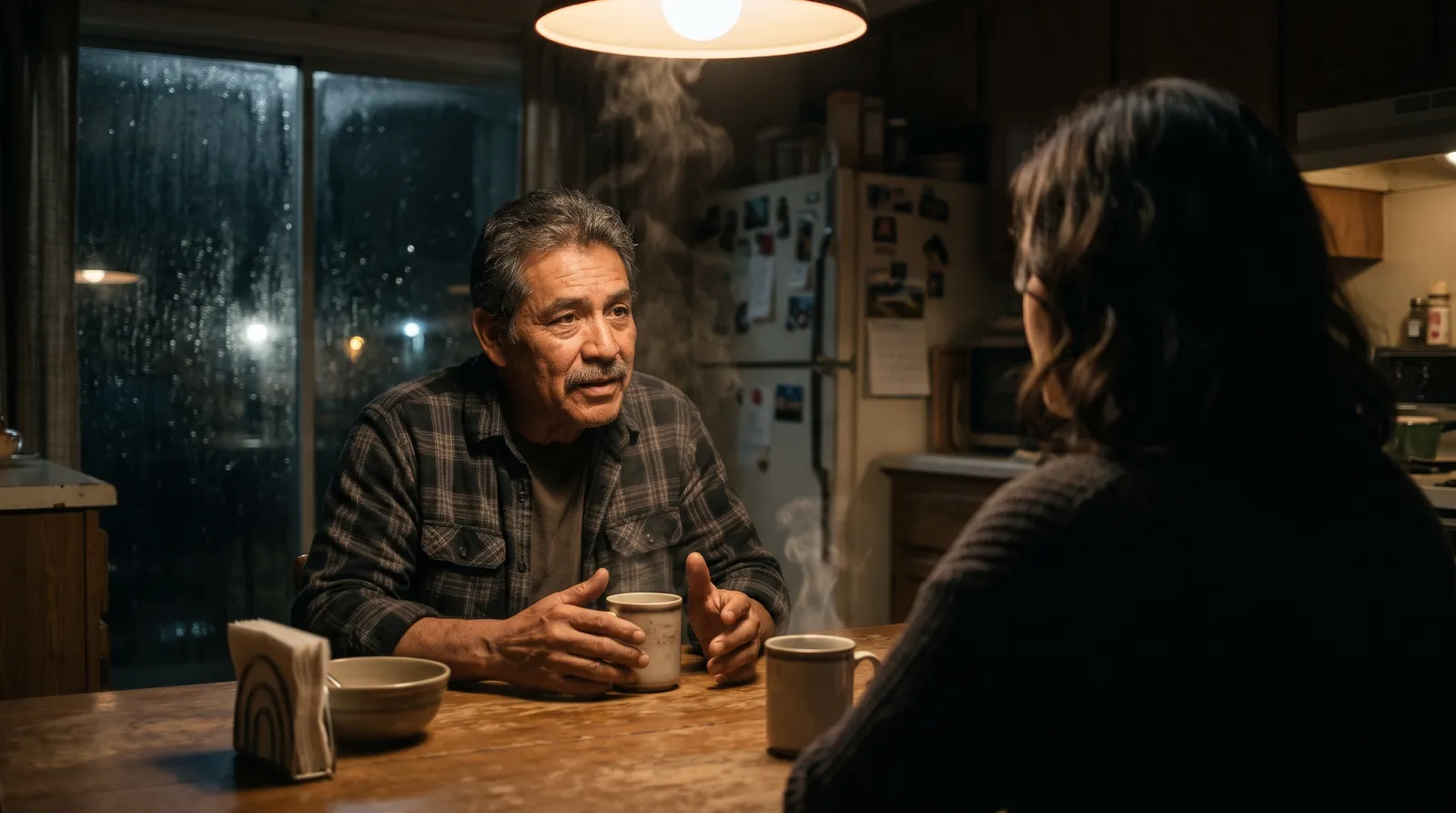
For dialogue, start with Gemini Omni 1.2 or Wan 3.0. Of the ten video models on Hyperdream (checked 10 November 2026), these are the two our staff notes single out for speech, and they made the spoken lines in a client ad in November 2026. Gemini Omni 1.2 costs 3 credits a second and always makes sound. Wan 3.0 costs 5 and makes sound when you switch it on. In our one side-by-side run on 10 November 2026, both said both lines of a two-person scene word for word, and both cut between camera angles inside the clip without being asked. One run is a starting point, not a ranking.
Key takeaways
- Start with: Gemini Omni 1.2 (3 credits a second) or Wan 3.0 (5 credits a second). Both open on the Creator plan.
- All ten models make sound. Five always do. Five make it when you switch it on.
- Real use: a 30-second ad with five spoken Hindi lines used Gemini Omni 1.2 for 29 of its 31 shot renders and Wan 3.0 for 2.
- Spoken shots need takes: 4.4 renders per finished shot on that ad.
- One voice per character: "Change the voice" re-says a line in a library voice for under 1 credit a second.
What does lip sync mean in AI video?
Lip sync means the mouth moves in time with the words. There are two ways to get it.
The video model does both. You write the line into the shot. One render makes the picture, the voice and the mouth movement together. This is how talking characters in a scene are made: people who move, turn and act while they speak.
A lip sync tool moves a face. You give it a picture of a face and a line of audio or text. It animates the mouth to match. On Hyperdream this is Avatar, a switch in Create's Video. It suits one person facing the camera.
The first gives you a scene. The second gives you control of the voice. Most films need the first and sometimes the second.
Which video models make sound?
All ten. Read from the live model list on 10 November 2026.
| Model | Sound | Credits a second | Clip length | Lowest plan | Our staff note |
|---|---|---|---|---|---|
| Gemini Omni 1.2 | Always | 3 | 3 to 15 s | Creator | Realistic people and dialogue, with sound, up to 4K |
| Wan 3.0 | Optional | 5 | 2 to 30 s | Creator | Dialogue, music and effects in one take |
| MiniMax H3 | Always | 2 | 5 to 15 s | Free level | Quality near the top at the lowest price |
| MiniMax H3 Max | Always | 3 | 2 to 15 s | Starter | Characters and motion held from references |
| Kling 4.0 | Always | 5 | 3 to 30 s | Creator | Big action and camera moves |
| Grok Imagine 1.5 | Always | 5 | 1 to 15 s | Starter | Stylised clips, always with sound |
| Kling O3 Pro | Optional | 4 | 3 to 15 s | Creator | Holding a character across shots |
| FLUX 3 Max | Optional | 5 | 5 to 20 s | Creator | Long takes and cinema-wide frames |
| Seedance 2.5 | Optional | 7 | 4 to 12 s | Pro | Finer detail and steadier motion, with sound |
| Seedance 2.0 | Optional | 9 | 4 to 15 s | Creator | Multi-shot sequences from one prompt |
Making sound is not the same as speaking a line well. Only two of the staff notes mention dialogue. For the other eight, we have not confirmed how well each speaks a written line, so test before you rely on one. The full table is in AI video models compared, and credits by size are in AI video cost per second.
What have our real films used for dialogue?
A 30-second ad, November 2026. Five characters each say one Hindi line to camera while they carry on with what they are doing. Each line sits in a shot of 5 or 6 seconds.
- 29 of the 31 shot renders were on Gemini Omni 1.2. The other 2 were on Wan 3.0, in the first pass.
- All 7 final video shots were Gemini Omni 1.2, rendered in 4K.
- It took 4.4 video renders per finished shot: 24 tries at 720p, then one final each.
- One character's voice was replaced with "Change the voice", for 1 credit.
A 22-shot documentary, August 2026. The lead speaks Hindi to camera, with sound switched on for 17 of the 22 shots. It was made partly on models that have since been retired, so it shows the method and not today's choice.
That is the whole of our record. It is in Hindi, on two models. We have no finished client film with spoken English lines to report yet.
Gemini Omni 1.2 or Wan 3.0: which for which line?
| Gemini Omni 1.2 | Wan 3.0 | |
|---|---|---|
| Maker | Alibaba | |
| Credits a second | 3 | 5 |
| Sound | Always | Optional |
| Clip length | 3 to 15 s | 2 to 30 s |
| Longest clip by plan | 15 s on Creator and up | 15 s Creator, 20 s Pro, 30 s Business |
| Reference pictures | Up to 10 | Up to 9 |
| Shapes | 16:9, 9:16 | 16:9, 9:16, 1:1, 4:3, 3:4 |
| Sizes | 360p to 4K | 480p to 1080p |
Where Gemini Omni 1.2 is better: price, 4K, and one more reference picture. It is also the model with our longest record for spoken lines.
Where Wan 3.0 is better: a long speech in one take, up to 30 seconds on the Business plan. Square and 4:3 shapes. And you can switch its sound off for a shot that will be scored later.
When is Avatar the better choice?
When one face speaks to camera and the voice matters more than the movement. You pick one of four models (checked 10 November 2026):
| Model | Credits a second | Line length | Voice |
|---|---|---|---|
| Kling AI Avatar 2 Standard | 3 | Up to 60 s | A library voice you pick, or a voice line you made |
| Kling AI Avatar 2 Pro | 5 | Up to 60 s | The same |
| OmniHuman 1.5 | 5 | Up to 30 s | The same |
| Gemini Omni 1.2 | 3 | 3 to 15 s | Makes up its own voice. Wide or tall clips only |
It works best with one clear, front-facing face. Only use faces you have permission to use.
How do you keep one voice for each character?
When a video model makes the voice, it can change from shot to shot. Two steps fix most of it.
- In Cast, each character has a "how they sound" line. Fill it in: age, pitch, pace, accent.
- In Sound, "Change the voice" says a character's line again in a library voice you pick. The timing is kept, so the lips still match.
"Change the voice" works on a film's spoken shots, up to 5 minutes, at under 1 credit a second.
How do you write dialogue an AI model can say?
From what held up on our films:
- One line per shot. A shot of 5 or 6 seconds carried one sentence.
- Give the speaker something to do. Our speakers played, cooked and danced while they spoke.
- Say who speaks. In the Storyboard step, each shot has a field for who speaks and the line.
- Keep names and brand words simple, and write them the way they should be said.
- Draft small. Find the take at 720p, then render the keeper once at full size.
How can you test a model for dialogue yourself?
Run the same two lines on each model you are considering. This scene is enough:
A kitchen, morning. Two people at a table. A, tired and quiet: "You said you'd be home by nine." B, not looking up: "I said I'd try."
Make it twice: once as a single shot with both lines, and once as two shots with one line each. Do three takes of each and keep all of them. Score every take from 0 to 2 on five things:
| Check | What to look for |
|---|---|
| Words | Every word said, none added |
| Lips | The mouth matches the sound |
| Speaker | The right person says each line |
| Voice | It fits the character and is the same in the next take |
| Delivery | "Tired and quiet" sounds tired and quiet |
The whole test is under a minute of rendered video. At Gemini Omni 1.2's list rate of 3 credits a second, that is under 180 credits. We ran the single-shot version once on each model on 10 November 2026, 8 seconds at 720p. Gemini Omni 1.2 (20 credits, 39 seconds to render) said both lines word for word, the first in the opening 3 seconds, and cut twice: a wide shot, then a close-up on each person. Wan 3.0 with sound on (24 credits, about 3 minutes 20 seconds) also said both lines word for word, over the full 8 seconds, and cut once, from the two-shot to B alone. B never looks up in either. We checked the words with a speech-to-text tool; we did not check frame by frame which mouth speaks each line, so Lips and Speaker are unscored. If you need one unbroken shot, write "one continuous shot". Both models with two characters from reference sheets are in the two-character test.
Gemini Omni 1.2: both lines said, two cuts inside 8 seconds.
Wan 3.0: both lines said, one cut.
Where is another model or tool the better choice?
- A model we don't offer. Veo 3.1 and Sora 2 are retired from our picker, and Runway's models are not offered. If one of them wins your test, use it where it lives.
- Long presenter videos. Avatar platforms such as Synthesia and HeyGen are built around a presenter reading a script.
- Dubbing a finished film. Hyperdream has no dubbing or translation tool.
- Subtitles in other languages. Our captions are English only.
How do you make a talking shot in Hyperdream?
One clip, in Create. Pick Video, choose Gemini Omni 1.2 or Wan 3.0, and write the line into the prompt with who says it. Add reference pictures of the character. Read the price, then generate. The AI video generator page shows the flow.
A scene, in Director (Pro and up).
- In Cast, make each speaker's reference sheet and write their "how they sound" line.
- In Storyboard, set who speaks and the line for each shot.
- In Shots, pick the model per shot and render one spoken shot first. Listen before you render the rest.
- In Sound, use "Change the voice" on any character whose voice wanders.
- In Edit, cut the scene and export.
For a head-to-head between two other models, see Kling 4.0 vs Seedance 2.5.
How we checked
Sound, prices, lengths and plans were read from the live model list, /models and /pricing on 10 November 2026. Film facts come from two project records. What we could not confirm: how well the eight models without a dialogue note speak a written line, how any model handles languages other than Hindi, and a ranking: one run of one scene on two models is not enough for one. "Our staff note" is a one-line opinion, not a measurement.
Questions people ask
On Hyperdream, start with Gemini Omni 1.2 or Wan 3.0. Our staff notes single out those two for speech, and they made the spoken lines in a client ad in November 2026. Gemini Omni 1.2 is 3 credits a second and Wan 3.0 is 5 (checked 10 November 2026).
Keep reading
Models10 November 20269 min read
AI Video Models Compared: 10 Models, One Table (Nov 2026)
AI video models compared in one table: the 10 live on Hyperdream, with credits per second, clip lengths, sound, references and plan. Checked 10 Nov 2026.
Models14 November 20267 min read
Gemini Omni 1.2: What It's Good At and How to Prompt It
Gemini Omni 1.2 is Google's video model for people and dialogue: always with sound, up to 10 reference pictures, up to 4K. Costs, limits and ten prompts.
Models12 November 20268 min read
AI Video Cost per Second: 10 Models Ranked by Credits
AI video cost per second on Hyperdream: ten models ranked from 2 to 9 credits a second, what size does to the price, and how many seconds each plan buys.
More than images and video
Scripts, storyboards, motion, and characters in every version. Each one on its own, or all of them in a film.
Write a script
An idea in, a properly formatted screenplay out. Edit any line, then board it or film it.
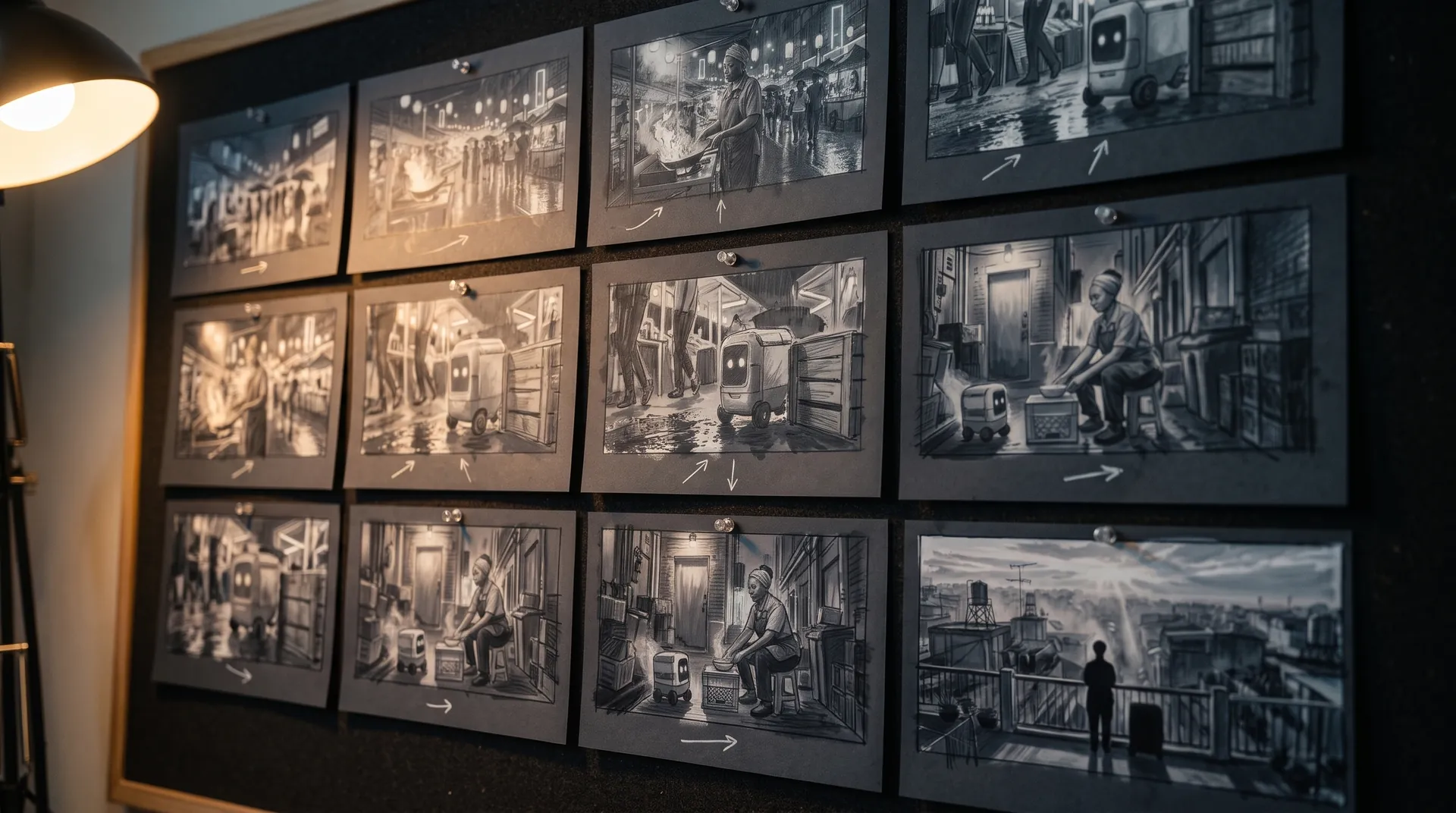
Board a storyboard
A panel for every shot, as AI stills or quick vector frames. Export it as a pitch deck.

Make motion
Titles, explainers and moving storyboards, drawn as vector animation by the AI you pick.
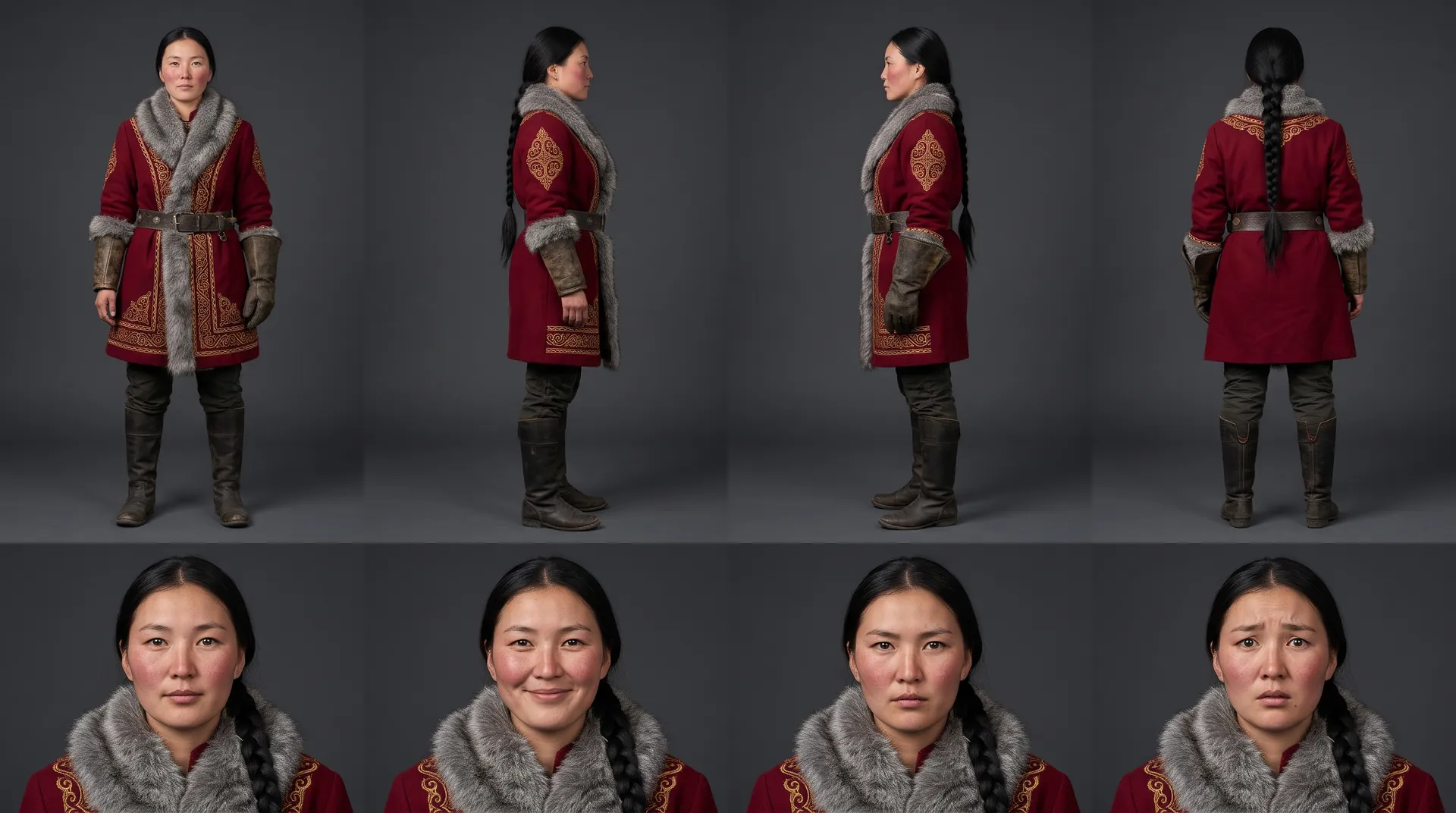
Characters, places, products
One subject in many versions, or new ideas for it. Every angle, look and light.
Your first film is one sentence away.
Free to start. Pay only for what you render.