Two Characters in One AI Shot Without Mixed-Up Faces
How to get multiple consistent characters in one AI video shot: a sheet each, names in the prompt, a still frame first, and the reference limits by model.
By Hyperdream Team7 min read
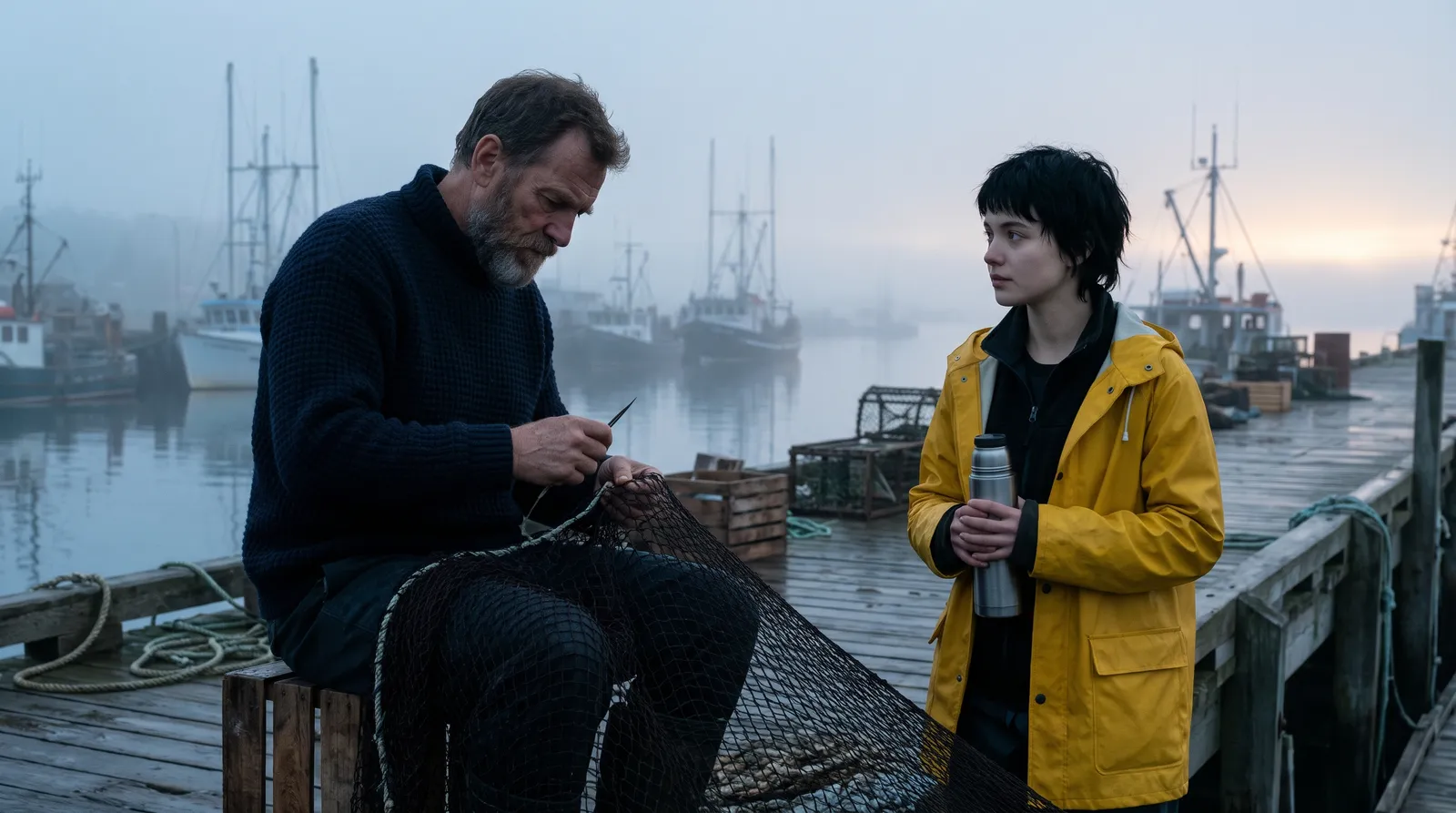
To keep multiple consistent characters in one AI video shot, give each character their own reference sheet, name each one in the prompt with where they stand and what they wear, and fix both faces in a still frame before you make any video. The still is where a mixed-up face costs 2 credits to fix. In video it costs the whole clip.
Key takeaways
- One sheet per character. Two characters and a place use 3 reference slots. The six models that take references on Hyperdream allow 4 to 10 (checked 10 November 2026).
- Name them with
@nameand give each one a side of the frame, a costume and one action. - Still first. A still on Nano Banana 2.1 costs 2 credits. A 5-second clip on Gemini Omni 1.2 costs up to 15.
- Real film: a 30-second ad with a cast of 11 took 4.4 video renders per finished shot, with 1 to 7 reference pictures on each render.
- Not done yet: a like-for-like test of which model holds two faces. We give no model ranking here.
Why do AI video models mix up two faces?
A video model has no memory of your characters. For each shot it gets a prompt and, if the model allows it, some pictures. With one character that is simple: there is one face and one body.
With two, the model has a matching job. It has two faces, two bodies and one description, and it must decide which face goes where. Three things make it guess wrong:
- The characters look alike. Same age, same hair, same kind of clothes.
- The prompt doesn't say who is where. "Mira and Sam talk in the bakery" names two people and places neither.
- They cross or touch. A hug, or one walking in front of the other, hides a face for a moment. The model then has to draw it again.
So the method is about leaving less to guess. The wider problem, one character across many shots, is covered in how to keep characters consistent in AI video.
How do you set up two characters so they stay apart?
1. Design them to look different
Decide this before any picture is made. Give the two characters different ages, builds, hair and costume colours. A tall woman in a green coat and a small boy in a red jumper are easy to tell apart. Two men in their thirties in dark shirts are not.
2. Make one reference sheet each
A character's reference sheet is one image with four full-body views, head to toe, and four expressions. Each sheet counts as one reference picture, so two characters and a place use three slots. Don't put both characters on one sheet. The model needs to see each person alone.
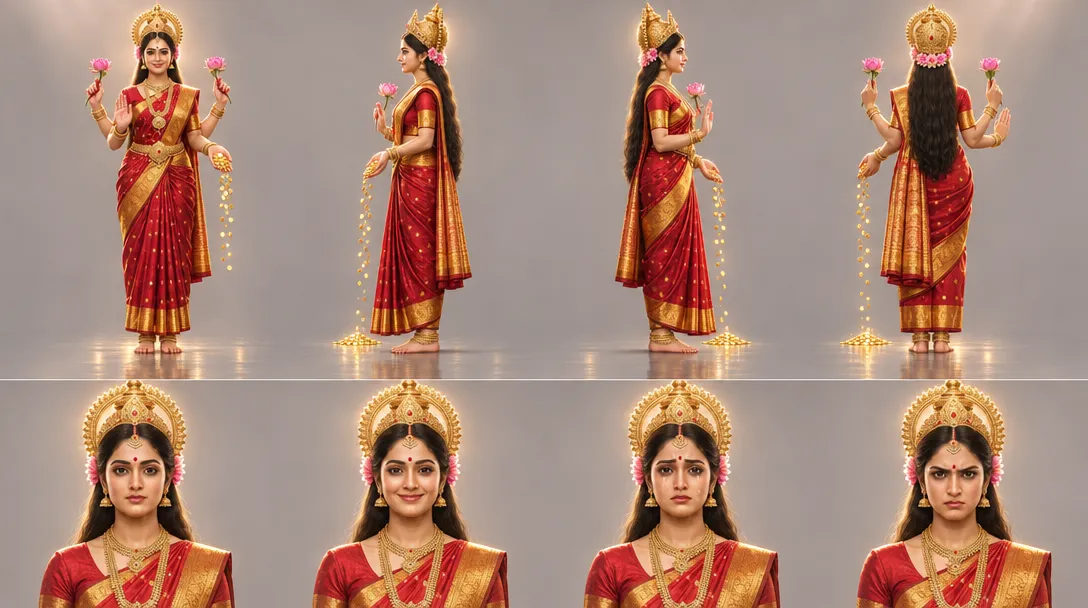 A character reference sheet made on Hyperdream: four full-body views on top, four expressions below
3. Name each one in the prompt
Add both sheets as references and mention each with @name. Then write one sentence per character: who, which side, what they wear, the one thing they do.
A prompt that leaves the model guessing:
Mira and Sam talk outside the bakery at dawn.
A prompt that places both:
Two-shot outside the bakery at dawn. @Mira stands on the left in her green coat, holding the door open. @Sam sits on the step on the right in his red jumper, looking up at her. Static camera. Quiet street, a door bell.
Keep the same names in every shot. If Mira is on the left in this shot, keep her on the left for the whole scene.
4. Fix the two faces in a still frame
Make the shot as a still image first, with both sheets as references. Look at it at full size. Is each face the right person? Is each costume on the right body?
If not, make it again. On Hyperdream a still costs 1 to 5 credits by image model, and Nano Banana 2.1, the recommended one, costs 2 and takes up to 10 reference pictures. Once the still is right, use it as the clip's start frame. The video model then begins from a picture where both faces are already correct, and the prompt only has to describe the motion.
 Scene 1 of the Shilp Group ad: a father and son in one frame, made as a still before the video shot.
5. Keep the action simple
One action per character, and keep them apart in the frame. If the story needs a hug or a crossing, make it its own short shot, and expect to make that shot more than once.
6. Check the whole take
Faces can drift during a clip, so check the last second as well as the first.
- Each face against its sheet.
- Each costume on the right person.
- Hair, glasses and anything held in a hand.
- Who is on which side.
Which models take reference pictures for more than one character?
On Hyperdream, read from the live models page data on 10 November 2026. All six also take a start frame.
| Model | Maker | Reference pictures a shot | Credits a second | Lowest plan |
|---|---|---|---|---|
| Gemini Omni 1.2 | Up to 10 | 3 | Creator | |
| MiniMax H3 Max | MiniMax | Up to 9 | 3 | Starter |
| Wan 3.0 | Alibaba | Up to 9 | 5 | Creator |
| Kling O3 Pro | Kuaishou | Up to 4 | 4 | Creator |
| Seedance 2.0 | ByteDance | Up to 4 | 9 | Creator |
| Seedance 2.5 | ByteDance | Up to 4 | 7 | Pro |
Credits a second are at each model's default size. The other four video models (MiniMax H3, FLUX 3 Max, Kling 4.0 and Grok Imagine 1.5) take a start frame and no reference pictures. With those, both characters have to be right in the start frame, so step 4 is the whole method.
More slots are not a reason to send more pictures. One sheet per character plus the place is usually enough. What reference pictures do is explained in what is reference-to-video.
Which model held two faces best in our test?
We can't tell you yet. We have not run every model on the same two-character brief, so this page ranks none of them.
What we have is one client film. Our team made a 30-second ad for Shilp Group in November 2026 with a cast of 11. By its script, most shots put two or more people in one frame: a father and his son, a boy with two friends, a couple in a kitchen, a bride with her mother. The record shows:
- 31 video renders for 7 video shots, or 4.4 per finished shot.
- Every video render but one was given 1 to 7 reference pictures.
- 24 of the renders were 720p tries to find each shot. Then each shot was rendered once at 4K.
- Gemini Omni 1.2 made 29 of the 31 renders.
The record does not say why each take was rejected, so we can't say how many re-rolls were about a face. Read 4.4 as what a crowded cast cost on one job, not as a score for a model. The film is in the Shilp Group case study.
To get your own number, run the 20-second two-character test on the models you plan to use: two characters, a few short shots, one shot with both, every take kept.
How should you cut a two-character scene?
Use fewer two-shots. A scene between two people does not need both faces in every shot.
| Shot | Faces the model must hold | Use it for |
|---|---|---|
| Single | One | Most lines and reactions |
| Over the shoulder | One face, and the back of the other's head | Showing they share a space |
| Wide two-shot | Two, small in frame | Opening the scene |
| Close two-shot | Two, large in frame | The one moment that needs both |
A conversation cut from singles, with one wide two-shot at the start, still reads as two people in a room.
How do you do it in Hyperdream?
For one clip, in Create:
- Choose Image, set "What is it" to Character, and make a sheet for each character. Save both to the Library.
- Choose Image again and make the still. Add both sheets as references and mention each with
@name. - Choose Video and pick a model from the table. Add the still as the start frame and write the motion. Check the price shown, then generate.
For a film, in Director (Pro and up):
- In Cast, add each character and make each one's reference sheet.
- In Places, make a sheet for the location.
- In Storyboard, write who is in each shot and check the still frame. Fix mixed-up faces here.
- In Shots, pick a model that takes reference pictures for the shots with both characters.
The clip tool is on the AI video generator page.
How we checked
Reference limits, prices and plans were read from Hyperdream's live models data on 10 November 2026. Staff can change them. The film numbers come from the Shilp Group project record, read the same day. The six steps are a method, not a test result: we have not yet run all the models on one two-character brief, and the record of our client film does not say why each take was rejected. The example prompt was written for this post.
Questions people ask
Give each character their own reference sheet, name each one in the prompt and say where they stand and what they wear. Then fix both faces in a still frame before you pay for video, and start the clip from that still.
Keep reading
Guides10 November 20267 min read
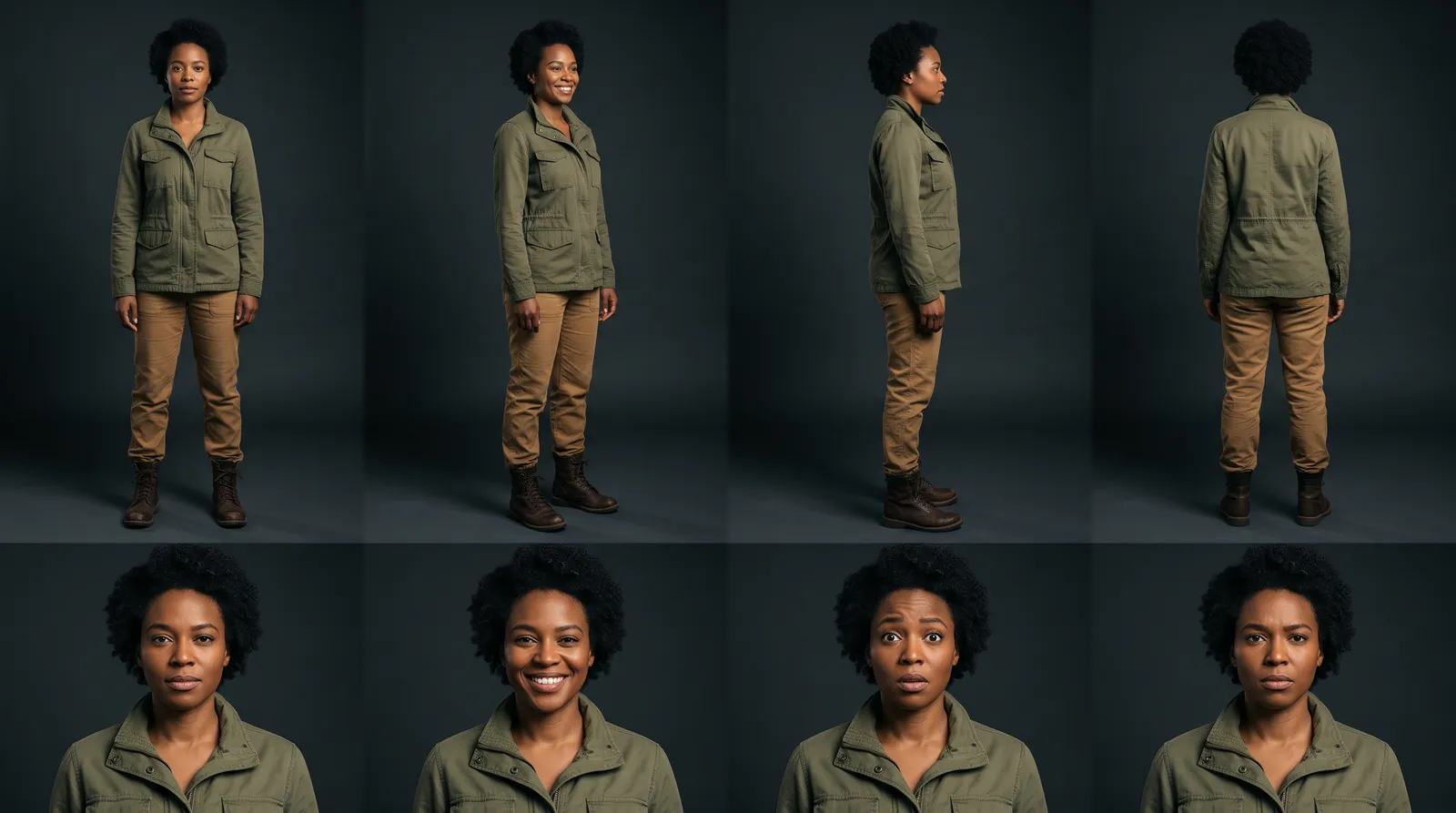
How to Make a Character Reference Sheet for AI Video
A character reference sheet for AI video shows one character in four full-body views and four expressions. How to make one, check it and use it in every shot.
Models20 November 20267 min read
Kling O3 Pro: Holding a Character From Reference Pictures
Kling O3 Pro on Hyperdream: up to 4 reference pictures, a start and end frame, 3 to 15 second clips at 4 credits a second, and how it differs from Kling 4.0.
Guides18 November 20267 min read
Keep Locations Consistent in AI Video With Place Sheets
For a consistent location in AI video, make one place sheet (the wide, the reverse, the middle, the details) and attach it to every shot set there.
More than images and video
Scripts, storyboards, motion, and characters in every version. Each one on its own, or all of them in a film.

Write a script
An idea in, a properly formatted screenplay out. Edit any line, then board it or film it.

Board a storyboard
A panel for every shot, as AI stills or quick vector frames. Export it as a pitch deck.

Make motion
Titles, explainers and moving storyboards, drawn as vector animation by the AI you pick.

Characters, places, products
One subject in many versions, or new ideas for it. Every angle, look and light.
Your first film is one sentence away.
Free to start. Pay only for what you render.