Shot Sizes Explained: Wide, Medium, Close and When to Use
Shot sizes are how much of the subject fills the frame. A chart of the eight common sizes, what each is for, and how to ask a video model for one.
By Aaditya Brahmbhatt (guest)7 min read
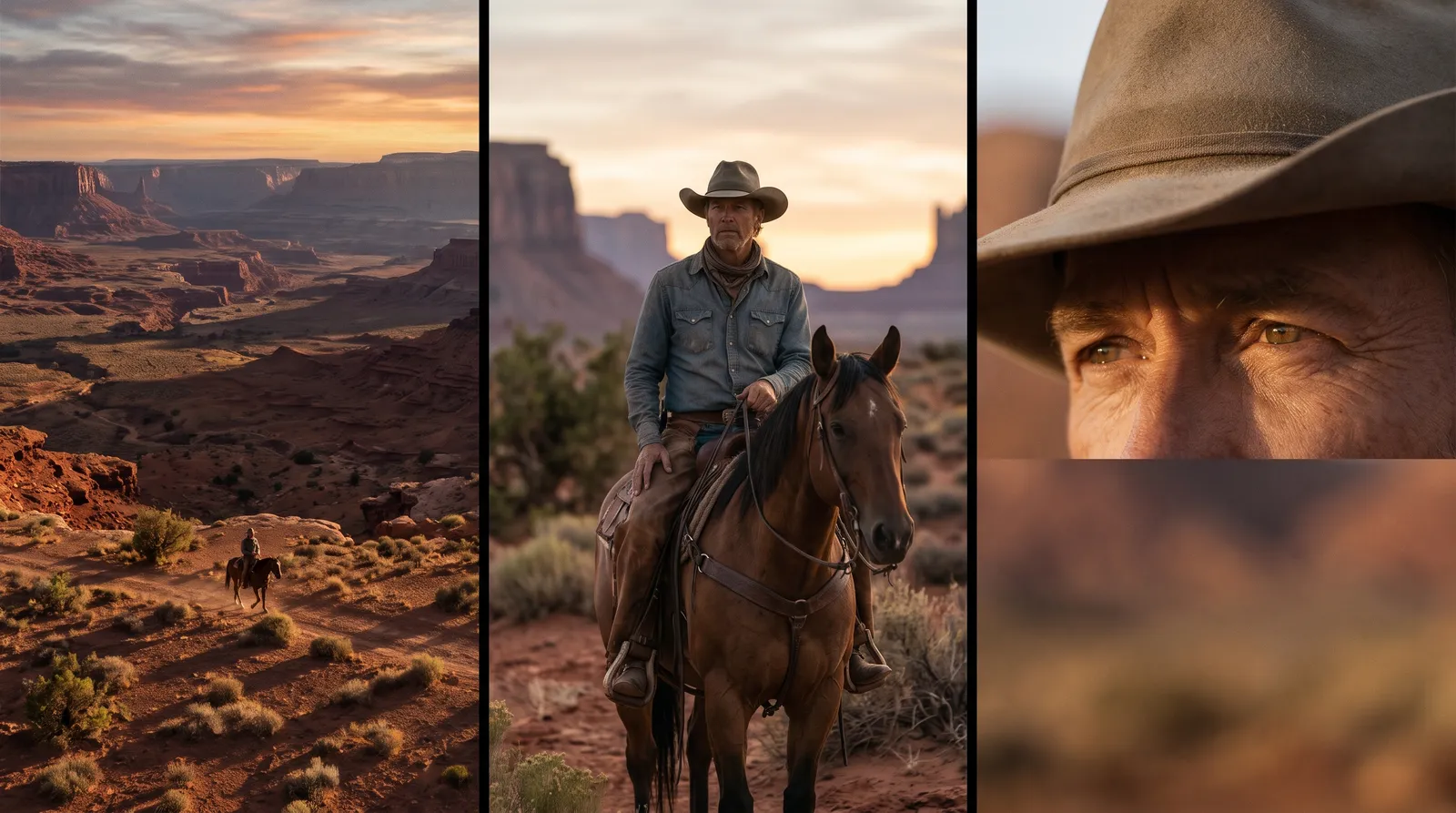
Shot size is how much of the subject fills the frame. There are three families, wide, medium and close, and each does one job. A wide shot shows where we are. A medium shot shows what someone does. A close-up shows what they feel.
Key takeaways
- Three families, eight common sizes: extreme wide, wide, full, medium wide, medium, medium close-up, close-up, extreme close-up.
- Sizes are named by where the frame cuts the body. A medium shot cuts at the waist. A close-up cuts at the shoulders.
- Wide for place, medium for action, close for feeling.
- Change by two sizes when you cut on the same subject, or move the camera about 30 degrees.
- Closer shots can be shorter. A close-up reads in 2 to 3 seconds. A wide needs 4 to 6.
What is shot size?
It is the distance the viewer seems to stand from the subject. A camera can get there by moving closer or by using a longer lens. Either way, the size is described by what ends up in the frame.
For a person, sizes are named by where the bottom of the frame cuts the body: feet, knees, waist, chest, shoulders. For an object or a place, use the same words by feel. A wide shot of a house shows the house and its street. A close-up shows the door handle.
Size is not the same as camera angle (high, low, eye level) or camera move (pan, push in, track). A shot has all three. Moves are covered in camera moves for AI video prompts.
A shot size chart
| Shot size | Short name | What is in the frame | What it is for |
|---|---|---|---|
| Extreme wide shot | EWS | The landscape. A person is a small figure, or absent | Scale, distance, a new world |
| Wide shot (long shot) | WS or LS | The whole body, with the place around it | Where we are and who is where |
| Full shot | FS | The whole body, head to toe, filling the height of the frame | Costume, posture, movement |
| Medium wide shot | MWS | From the knees or mid-thigh up | A person and the room they're in |
| Medium shot | MS | From the waist up | Action with the hands, conversation |
| Medium close-up | MCU | From the chest up | Speech. The usual size for someone talking |
| Close-up | CU | The face, from the shoulders up | Feeling and reaction |
| Extreme close-up | ECU | Part of a face or a small object: eyes, a hand, a key | The one detail the story turns on |
Names vary a little between crews. "Long shot" and "wide shot" mean the same thing. The medium wide is also called a cowboy shot.
Four other terms sit beside the sizes. They describe who is in the frame, not how big:
- Single. One person.
- Two-shot. Two people, both visible.
- Over the shoulder. One person seen past the shoulder of another.
- Insert. A close view of an object: a letter, a phone, a hand on a door.
When do you use a wide shot?
When the viewer needs a map.
- A new place. Open the scene wide so nobody spends it wondering where they are.
- Where people are. Who is near the door, who is across the room.
- Scale. A small figure in a big space says alone, lost or free without a word.
- Movement through space. A walk, a chase, a dance.
A wide shot is weak at feeling. The face is tiny. If the moment is about what someone feels, go closer.
When do you use a medium shot?
When what matters is what someone is doing.
The medium shot is how we see people across a table. It shows hands, posture and enough face to read a mood. It is the workhorse of most scenes.
- Action. Kneading dough, signing a paper, opening a box.
- Talk between two people. Two-shots and over-the-shoulder shots are usually medium.
Its risk is that it is safe. A scene that is all medium shots has no shape.
When do you use a close-up?
When the story is on a face, or on one thing.
- A reaction. The listener is often more interesting than the speaker.
- A line that matters. Move closer for the one sentence the film is about.
- A detail. The extreme close-up is a pointing finger. Use it on the thing the viewer must not miss.
If every shot is close, the viewer never learns where anything is.
How do you put sizes in order?
Here is one short scene, made up for this post. A woman finds a letter in her late father's workshop.
| # | Size | What we see | Why this size |
|---|---|---|---|
| 1 | Wide | A cluttered workshop. She stands in the doorway | Where we are, and how small she is in it |
| 2 | Medium | She pulls a dust sheet off the workbench | What she does |
| 3 | Insert | An envelope with her name on it, under a plane | The thing the scene turns on |
| 4 | Close-up | She reads the name. Her mouth tightens | What she feels |
| 5 | Medium close-up | She sits on the stool and opens it | Closer than before: we are with her now |
| 6 | Extreme close-up | Her thumb on the handwriting | The detail that carries the feeling |
| 7 | Wide | She sits alone at the bench, the letter open, light from the window | Rest, and the place once more |
Six sizes in seven shots. The scene moves in, stays close for the heart of it, and pulls back out. That in-and-out shape works for most scenes.
One other order is worth knowing: start close, then reveal. Open on a detail and cut wide to show where it is. It is good for surprise.
How big should the jump be between two shots?
Big enough to look like a choice.
If you cut from a medium shot to a slightly tighter medium shot of the same person from the same spot, the picture seems to twitch. Editors call it a jump cut. Two habits avoid it:
- Change by two sizes. Wide to medium, or medium to close-up. Skip the size in between.
- Or move the camera about 30 degrees around the subject. This is the 30-degree rule.
Cutting to a different subject is free of this. You can go from a medium shot of one person to a medium shot of another.
How long does each size hold?
A frame with more in it takes longer to read. As a start, give an insert 1 to 2 seconds, a close-up 2 to 3, and a medium or wide shot 4 to 6. More in pacing an AI film.
Does the shape of the frame change the choice?
Yes. The names stay the same, but the frames behave differently.
- 16:9. The standard. Every size works.
- Vertical 9:16. A standing person fills a full shot neatly. Wide shots lose their sides, so show a place by its height. Two-shots get tight, so put one person nearer and one further.
- Cinema-wide 2.39:1. A close-up leaves empty frame beside the face. That space can hold the place or a second person.
How do you ask a video model for a shot size?
Tools that make video from a prompt read shot sizes, but loosely. A few habits help.
- Put the size first. "Medium shot. A baker slides a tray into the oven."
- Say what is visible. "From the waist up." "Head to toe, feet in frame." "Only her eyes and the bridge of her nose." This does more than the name alone.
- For a wide shot, describe the space. "She is small in the frame. The whole street is visible." Without that, "wide" often comes back as medium.
- One size per clip. If the size should change, write a camera move or make it two shots.
- Keep faces out of the far distance. A face that is tiny in a wide shot has little detail and tends to change from shot to shot. Let wides carry the place and closer sizes carry the person.
- Match the reference to the size. A full shot needs a reference that shows the whole costume and the shoes. A close-up needs a clear view of the face.
- Be careful with extreme close-ups of hands. Fingers are still a weak spot. Check the take frame by frame.
Write the size into every row of your shot list before you render anything. If a column of sizes reads "medium, medium, medium", fix it there. An AI storyboard generator will draw each row as a frame, so you can see the sizes side by side. Where this sits in the whole process is in how to make a movie with AI.
What are the common mistakes?
- All one size. Vary them.
- No wide at the start. The viewer is lost.
- Small jumps. Change by two sizes or change the angle.
- A wide shot for a line that matters. Go closer.
- Cutting off at a joint. Frames that cut at the knees, wrists or neck look wrong. Cut mid-thigh, mid-forearm, or at the chest.
How we checked
Written on 10 November 2026. The sizes, their names and the 30-degree rule are standard film grammar. Names vary a little between crews and countries. The shot lengths are rules of thumb, not measurements. The notes on prompts describe how current video models tend to behave in general, not a spec or a test of any one of them. The workshop scene is made up for this post.
Questions people ask
Eight are in common use: extreme wide, wide, full, medium wide, medium, medium close-up, close-up and extreme close-up. They fall into three families: wide, medium and close.
Keep reading
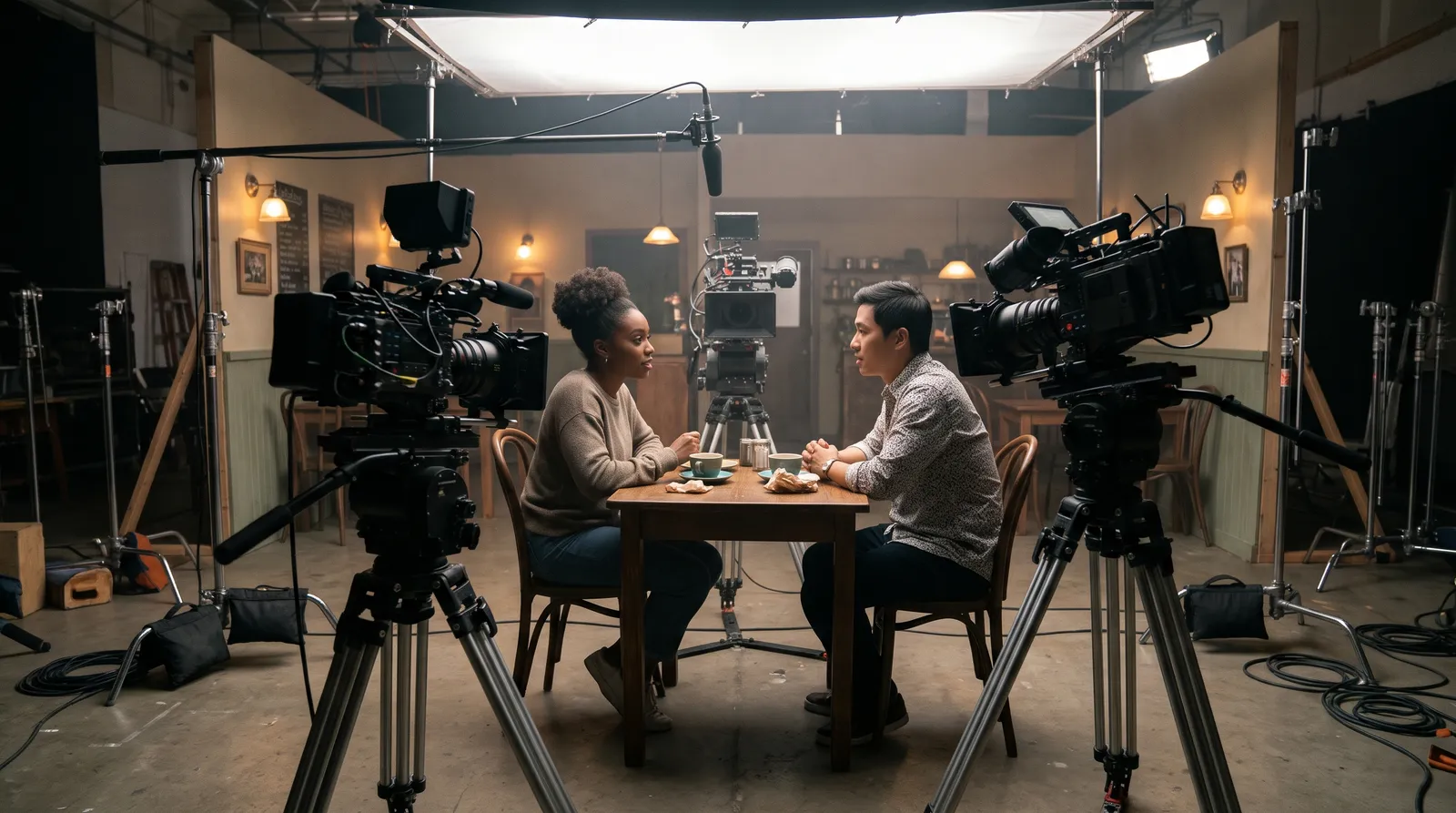
Craft23 November 20267 min read
Coverage for AI Films: How Many Shots Does a Scene Need?
Film coverage is the set of angles a scene is filmed from. How many shots a scene needs, master shot and coverage, shot reverse shot, and what AI clips change.
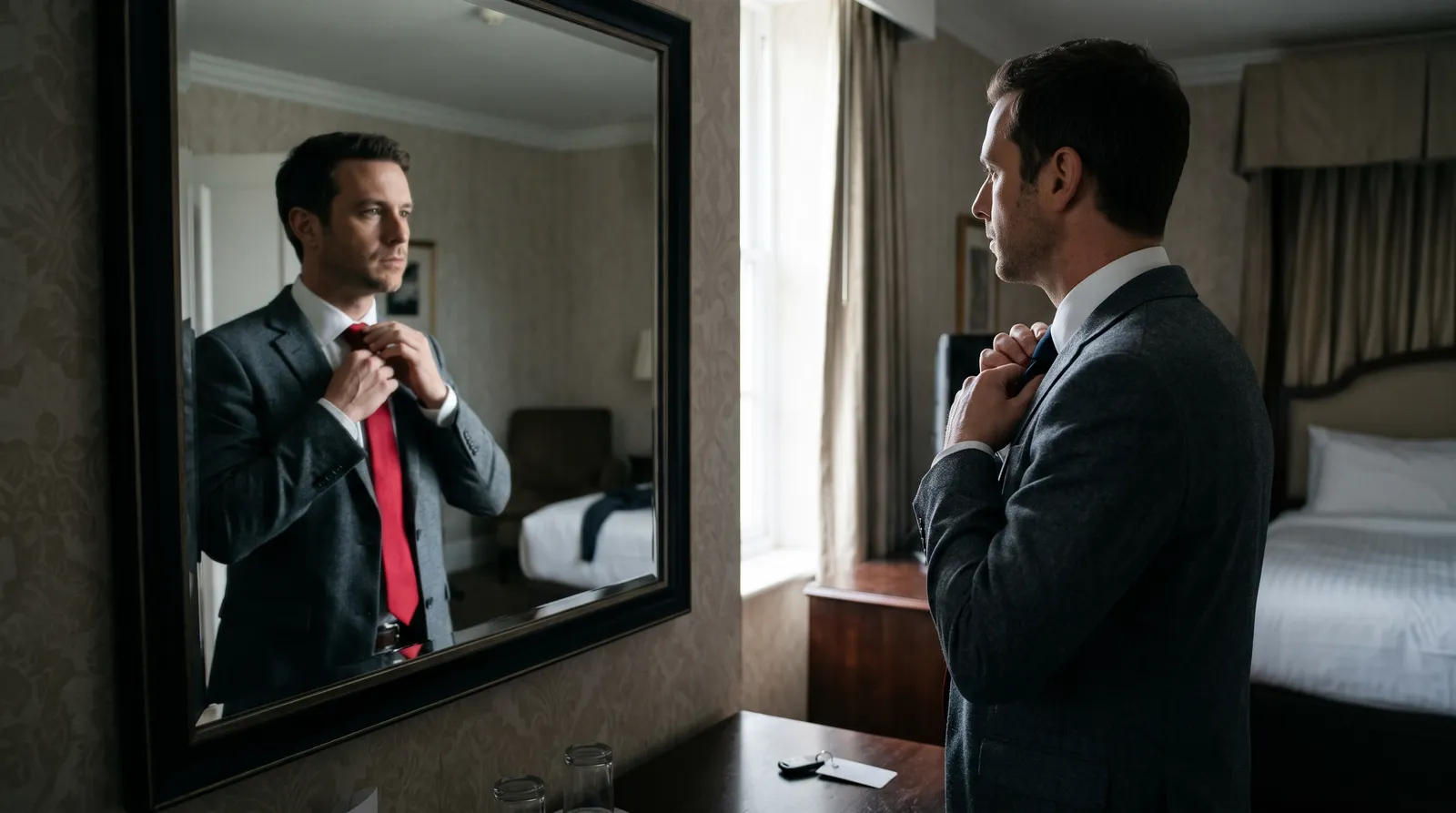
Craft22 November 20267 min read
Continuity Mistakes in AI Films and How to Catch Them
AI video continuity errors come in nine kinds, from a changed face to a flipped screen direction. A checklist to run on every clip before you start the edit.
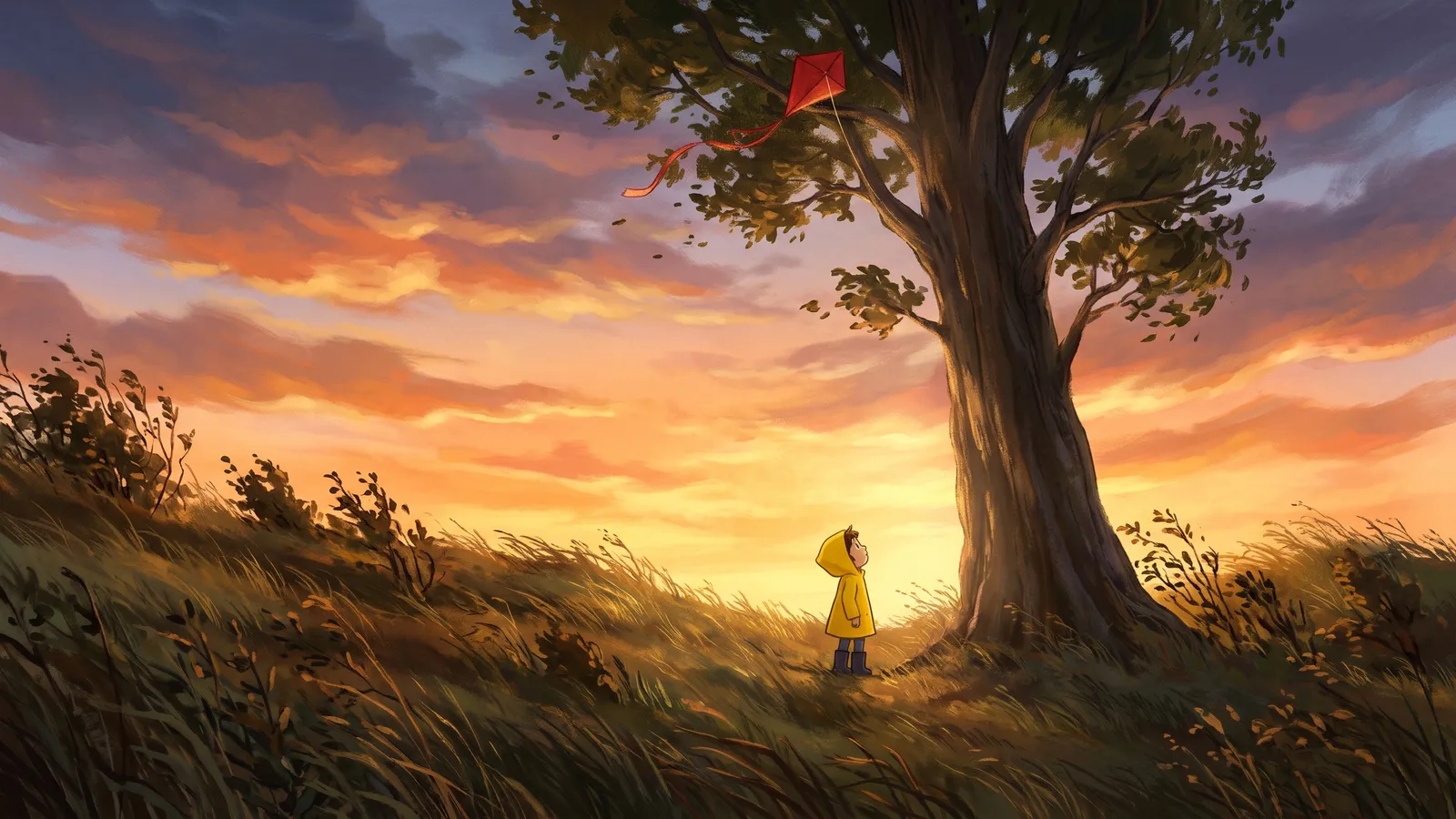
Craft19 November 20267 min read
Story Structure for a 60-Second Film
A 60 second film structure that works: one character, one want, one obstacle, one change. A beat sheet with timings and a worked 13-shot example to copy.
More than images and video
Scripts, storyboards, motion, and characters in every version. Each one on its own, or all of them in a film.

Write a script
An idea in, a properly formatted screenplay out. Edit any line, then board it or film it.

Board a storyboard
A panel for every shot, as AI stills or quick vector frames. Export it as a pitch deck.

Make motion
Titles, explainers and moving storyboards, drawn as vector animation by the AI you pick.

Characters, places, products
One subject in many versions, or new ideas for it. Every angle, look and light.
Your first film is one sentence away.
Free to start. Pay only for what you render.