Coverage for AI Films: How Many Shots Does a Scene Need?
Film coverage is the set of angles a scene is filmed from. How many shots a scene needs, master shot and coverage, shot reverse shot, and what AI clips change.
By Aaditya Brahmbhatt (guest)7 min read
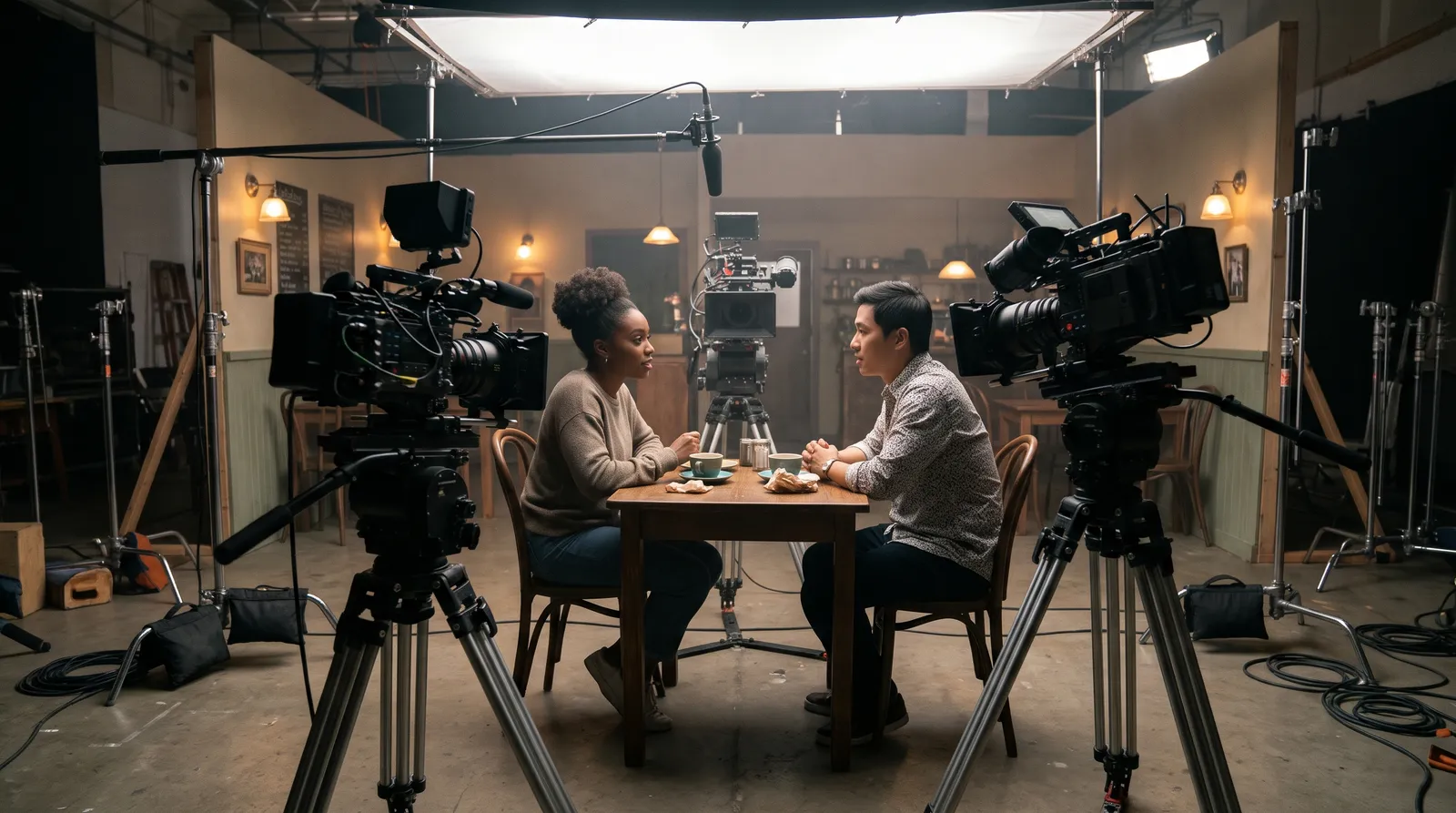
Coverage is the set of angles a scene is filmed from, so the edit has choices. For an AI film, a workable rule is one shot per beat of the scene, plus a wide shot to open and one cutaway as a spare. A 30-second scene between two people usually lands at five to seven shots.
Key takeaways
- Beats plus two. One shot for each beat, one wide to open, one cutaway as a spare.
- Five to seven shots cover most 30-second scenes between two people.
- Three sizes at least. A wide, a medium and a close-up, or the scene feels flat.
- Pick a side. Keep each person on one side of the screen for the whole scene.
- Render the piece, not the scene. Each angle only needs the seconds you will use, plus a little to trim.
What is coverage?
On a film set, coverage means filming the same scene several times from different places. First a wide shot of everything. Then closer shots of each person. Then the details. The editor cuts between them.
It exists for three reasons. It lets the editor control pace by choosing when to cut. It lets the film show who matters at each moment. And it is insurance: if one angle has a problem, another can take its place.
All three reasons still hold when the shots are generated. What changes is the price of each one.
What are the standard pieces?
| Shot | What it shows | What it is for |
|---|---|---|
| Master | The whole scene, everyone in it | Where we are and who stands where |
| Two-shot | Two people in one frame | The relationship between them |
| Over the shoulder | One person, past the other's shoulder | A conversation, with both people present |
| Single | One person alone, medium or close | A line or a reaction that matters |
| Insert | A detail inside the scene: a hand, a key, a letter | Something the viewer must see |
| Cutaway | Something outside the action: a clock, a window, a street | A pause, or a way out of a bad cut |
The sizes themselves are in shot sizes explained.
How many shots does a scene need?
Start with the beats. A beat is one change in the scene: someone arrives, a question is asked, an answer lands, someone leaves. Give each beat a shot. Add a wide shot to open and one cutaway you may not use.
Then check it against the clock. Divide the scene's length by 4 to 6 seconds, which is where most shots sit. A 30-second scene comes out at five to seven shots either way.
These are starting points from ordinary practice, not measurements.
| Scene | Bare minimum | Comfortable |
|---|---|---|
| One person, one action, 10 to 15 s | 2 | 3 to 4 |
| Two people talking, 30 s | 3 | 5 to 7 |
| Three or more people talking, 30 s | 4 | 6 to 8 |
| A chase or a fight, 20 s | 4 | 6 to 10 |
| A montage, 15 s | 4 | 5 to 8 |
| A product reveal, 10 s | 2 | 3 to 4 |
Under the minimum, the scene has nowhere to cut. Over the comfortable number, you are paying for shots the edit will drop.
What is shot reverse shot?
It is the basic pattern for two people talking. You show one person, then cut to the reverse angle on the other, and go back and forth.
One rule makes it work. Draw a line between the two people and keep the camera on one side of it. This is the 180-degree rule. Mira is on the left of the frame looking right. Sam is on the right looking left. In every shot of the scene, that stays true.
Cross the line and both of them look the same way. The viewer reads it as two people looking at a third thing, or as the two having swapped seats.
A second rule stops cuts from jumping. When you cut between two shots of the same person, change the size clearly or move the camera by about 30 degrees. A cut between two nearly identical frames looks like a mistake.
What changes when the shots are AI clips?
You render the piece, not the scene. On a set, each setup films the scene from top to bottom. With generated clips, every second costs. So decide in advance which part of the scene plays on which angle, and make only that part, with a second to trim at each end.
Each line belongs to one shot. A spoken line made in two angles is two different performances, and they will not match. Choose the angle for each line in the shot list. If you want to see the listener during a line, make the listener as a silent reaction and lay the line over it in the edit.
Every new angle is a continuity risk. A new angle is a new chance for the room, the clothes or a prop to change. Two angles used three times each are safer than six different ones. Give every shot the same character and place references, and write the screen side into each prompt: "Mira on the left, facing right."
The master is the hardest shot. A wide frame with several people and a whole room asks the most of a video model. Keep it short. Use it to open the scene, and perhaps to close it.
Cutaways are cheap insurance. A shot with no faces in it, such as hands, a kettle or the street outside, has little to get wrong. It can cover a bad cut, carry a line as voice-over, or give the scene a breath.
Reactions are short. A silent close-up of someone listening needs 2 or 3 seconds. It is often the shot that makes a scene feel alive.
What does this look like for one scene?
Here is a 30-second scene. Mira, a baker, finds a boy, Sam, on her step before dawn. It has five beats: she sees him, she opens the door, she speaks, he answers, they go in. The scene is made up for this post, and it follows the one in how to write a shot list.
| # | Shot | What happens | Length | Why it is here |
|---|---|---|---|---|
| 1 | Master, wide | The dark street, the lit bakery, a small figure on the step | 5 s | Where we are |
| 2 | Over Mira's shoulder | She stops work. Past her shoulder, Sam on the step through the glass | 4 s | Beat 1 |
| 3 | Insert | Her hand turns the lock | 2 s | Beat 2 |
| 4 | Two-shot | The door opens. MIRA: "You're early." | 5 s | Beat 3 |
| 5 | Single on Sam, close | SAM: "I smelled the bread." | 4 s | Beat 4 |
| 6 | Single on Mira, close | She almost smiles. No line | 3 s | The reaction |
| 7 | Wide | They go in. The door closes | 5 s | Beat 5, and the way out |
That is 7 shots and 28 seconds. The rule gives six for five beats, plus a spare. Shot 6 is the one addition, because the scene turns on her face. The spare is a cutaway of bread in the oven, 2 seconds, made only if a cut needs help. With it, the scene runs 30.
Mira is on the left and Sam on the right in shots 2, 4, 5 and 6. The sizes go wide, medium, detail, medium, close, close, wide.
If the budget is tight, drop shot 6 and hold shot 5 a second longer. Six shots still give the edit somewhere to go.
How do you check coverage before you render?
Make a still for each shot and lay them in order. Pencil thumbnails do the job. So does an AI storyboard generator, if you would sooner see the frames drawn.
Then test the board:
- Cover each shot with your hand. If the scene still reads, that shot may not be needed.
- Look at each pair. Two frames of the same person at the same size in a row will jump.
- Check the sides. Does everyone stay on their side of the screen?
- Count the sizes. At least one wide, one medium and one close.
- Find the way out. What do you cut to if a shot fails? If there is nothing, add a cutaway.
A change at this stage costs a still. After the render it costs a clip. The full process, from idea to edit, is in how to make a movie with AI.
What are the common coverage mistakes?
- All medium shots. Add a wide and a close-up.
- No master. The viewer spends the scene working out the room.
- Crossing the line. People flip sides between cuts.
- Six angles used once each. Reuse two or three.
- The same line in two angles. Pick one and make a reaction for the other.
- No cutaway. Nothing to hide a bad cut behind.
- Coverage with no plan. Extra shots are not a safety net if nobody decided what each one is for.
How we checked
Written on 10 November 2026. The shot counts are rules of thumb from ordinary filmmaking practice, adapted for generated clips. They are starting points, not measurements, and nothing here is a test of a tool. The 180-degree and 30-degree rules are standard continuity conventions. The bakery scene is made up for this post. What a shot costs, and how well a model holds a room or a face from one angle to the next, differs by tool, so check your own before you fix the number of shots.
Questions people ask
Coverage is the set of shots a scene is filmed from, so the editor has choices. The classic set is a master shot of the whole scene, a shot of each person, and inserts and cutaways of details.
Keep reading
Craft10 November 20267 min read
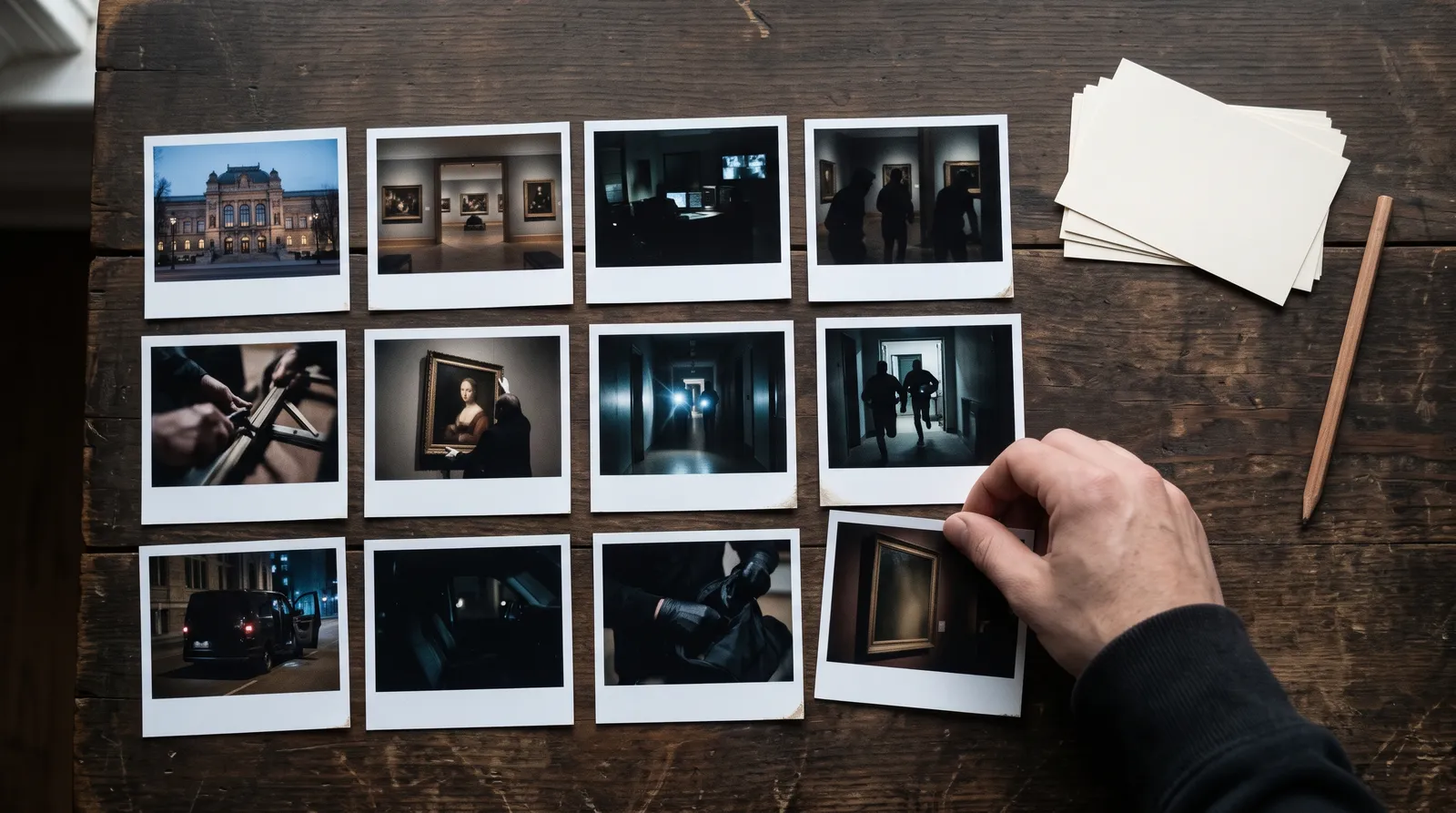
How to Write a Shot List for an AI Film
An AI film shot list is a table with one row per shot: what we see, shot size, camera, length, references and sound. A method and an example you can copy.
Craft22 November 20267 min read
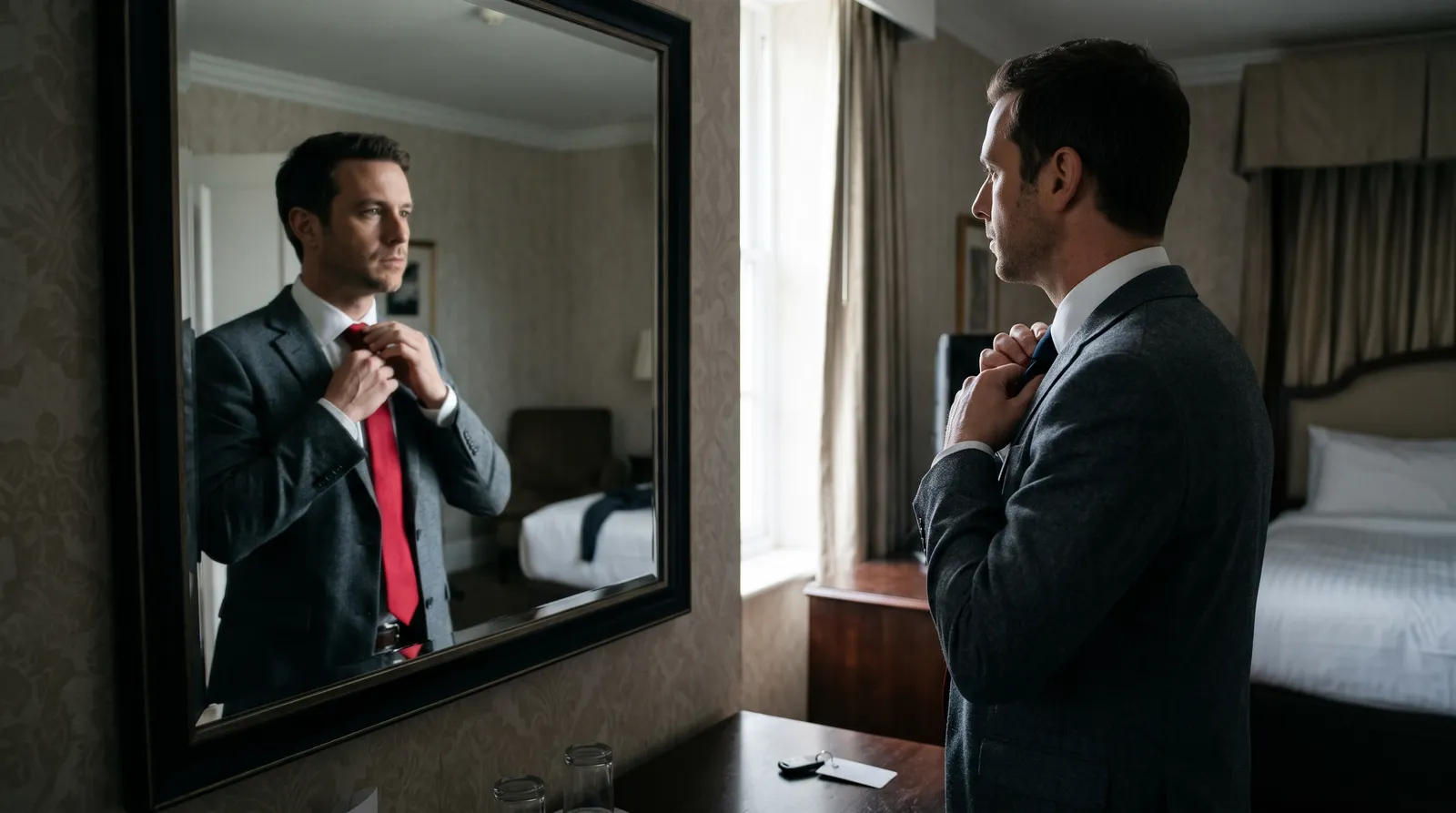
Continuity Mistakes in AI Films and How to Catch Them
AI video continuity errors come in nine kinds, from a changed face to a flipped screen direction. A checklist to run on every clip before you start the edit.
Craft20 November 20267 min read
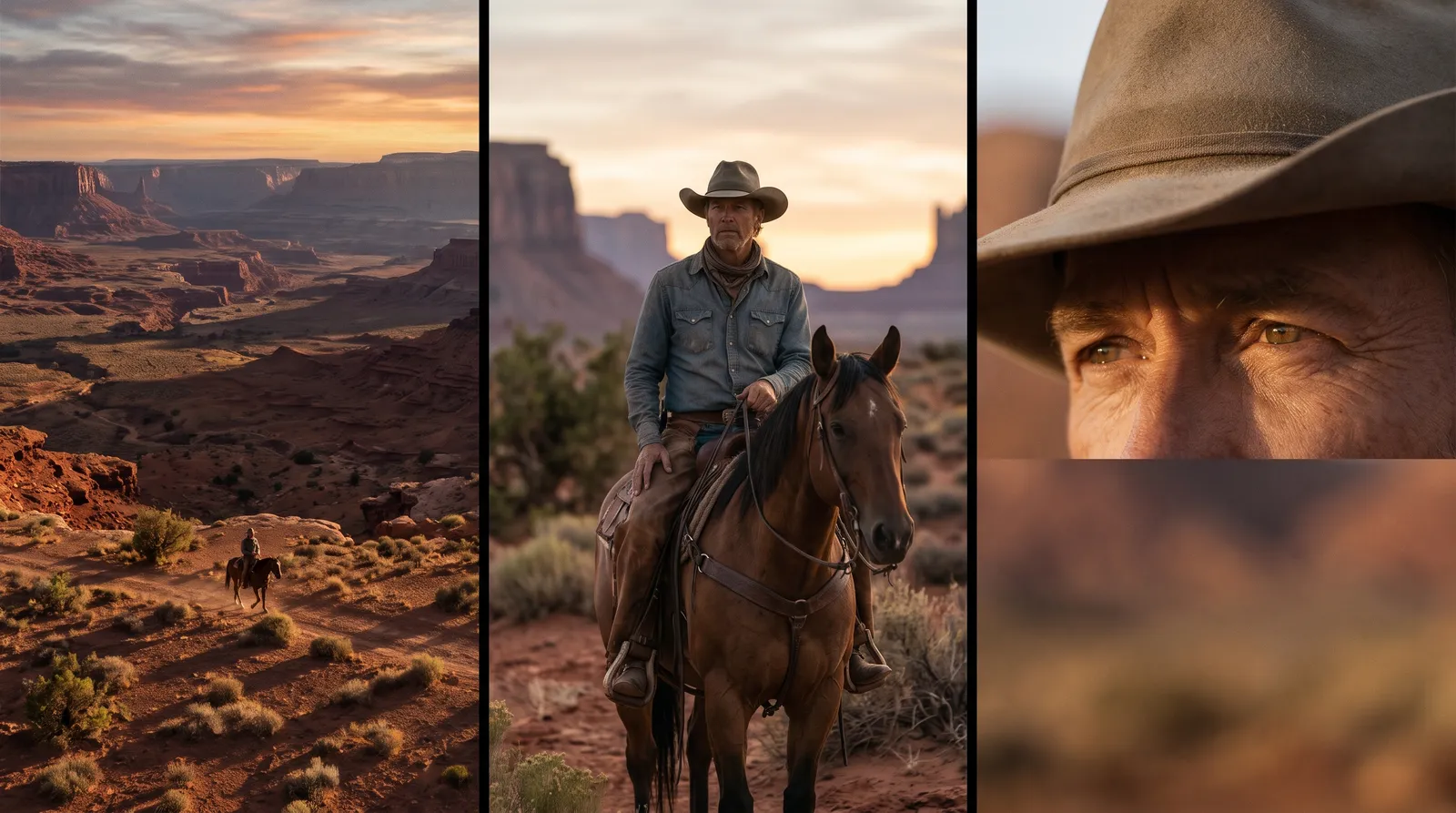
Shot Sizes Explained: Wide, Medium, Close and When to Use
Shot sizes are how much of the subject fills the frame. A chart of the eight common sizes, what each is for, and how to ask a video model for one.
More than images and video
Scripts, storyboards, motion, and characters in every version. Each one on its own, or all of them in a film.

Write a script
An idea in, a properly formatted screenplay out. Edit any line, then board it or film it.

Board a storyboard
A panel for every shot, as AI stills or quick vector frames. Export it as a pitch deck.

Make motion
Titles, explainers and moving storyboards, drawn as vector animation by the AI you pick.

Characters, places, products
One subject in many versions, or new ideas for it. Every angle, look and light.
Your first film is one sentence away.
Free to start. Pay only for what you render.