Camera Moves in AI Video Prompts: Push, Pan, Track, Crane
AI video camera movement prompts that work: a list of twelve camera moves, what each is for, dolly vs zoom, and how to word a tracking shot prompt.
By Aaditya Brahmbhatt (guest)7 min read
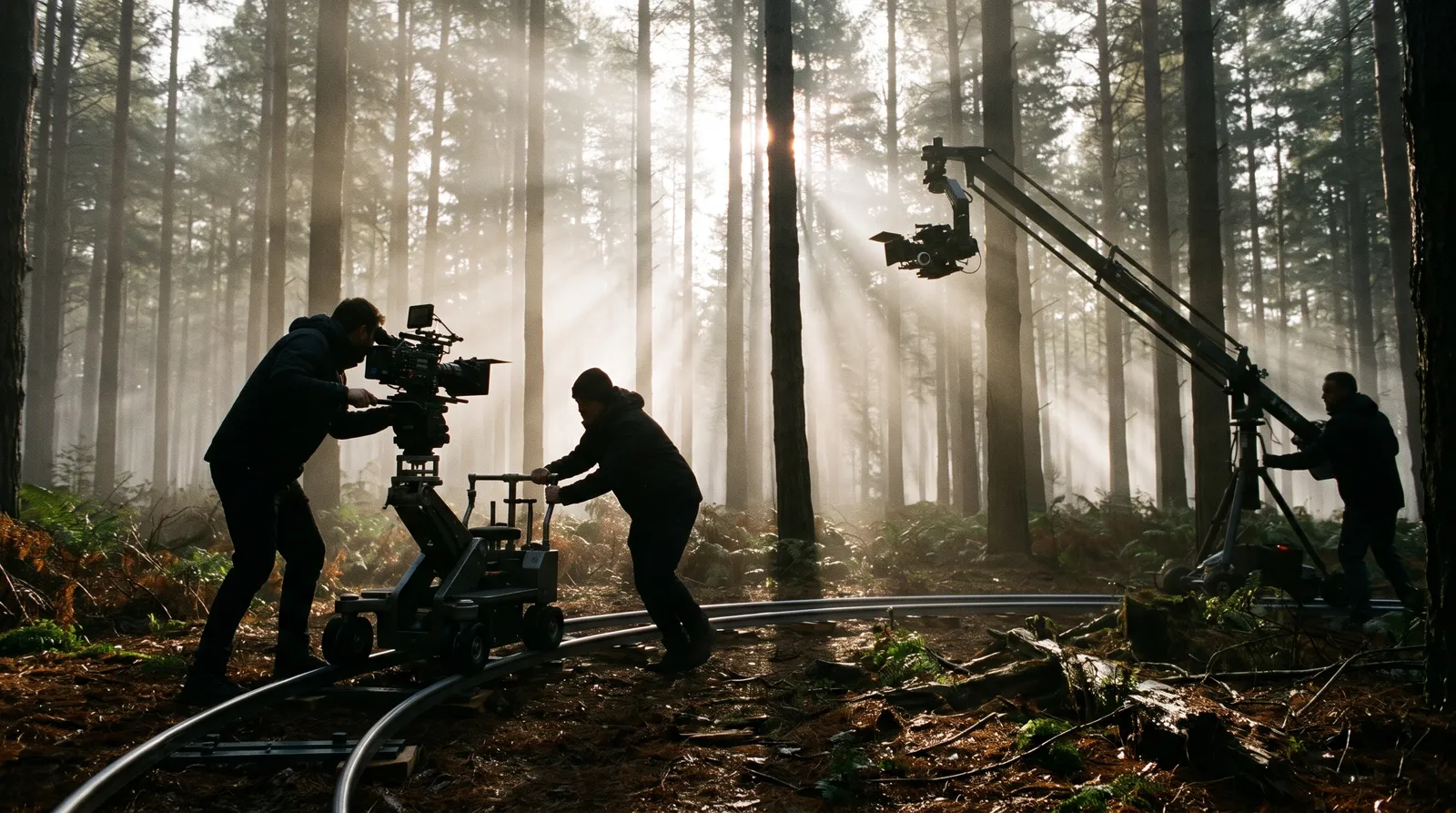
To get a camera move from an AI video model, name one move per shot in plain words, say how fast it goes and where it ends, and keep the subject's action simple while the camera is busy. Twelve moves cover almost every film: static, pan, tilt, push in, pull back, track, crane, orbit, handheld, zoom, aerial and whip pan.
Key takeaways
- One move per shot. Two moves in 5 seconds usually gives you neither.
- 12 moves are worth knowing. The table below has each one with wording you can copy.
- A dolly moves the camera. A zoom changes the lens. The background behaves differently in each.
- Give the speed and the end point: "slow push in, ending on a close-up of her face".
- Static is a move too. If the camera has no reason to travel, lock it and say so.
Why name the camera move at all?
If the prompt doesn't mention the camera, the model chooses. Often it picks a slow drift that means nothing, or something different on every take, so two shots of the same scene don't cut together. Naming the move tells the viewer where to look and makes your takes behave alike.
What are the main camera moves?
Here is a camera moves list with what each one is for and a sentence you can adapt.
| Move | What the camera does | What it is for | Prompt wording |
|---|---|---|---|
| Static | Stays still, as if on a tripod | Calm, watching, most dialogue | "Static camera on a tripod. The camera does not move." |
| Pan | Turns left or right on the spot | Following someone across a space, showing what is beside them | "The camera pans slowly to the right, following her to the door." |
| Tilt | Turns up or down on the spot | Showing height, travelling from feet to face | "The camera tilts up from his boots to his face." |
| Push in (dolly in) | Travels towards the subject | Drawing us in as a feeling grows | "Slow push in, from a medium shot to a close-up of her face." |
| Pull back (dolly out) | Travels away from the subject | Revealing the setting, ending a scene | "The camera pulls back slowly to reveal the empty hall around him." |
| Track | Travels with a moving subject, beside, ahead or behind | Walking, running, chases | "Tracking shot: the camera moves alongside her at walking pace." |
| Crane (boom) | Rises or lowers through the air | Opening or closing a scene, showing scale | "The camera cranes up from street level to above the rooftops." |
| Orbit (arc) | Circles the subject | A hero moment, showing an object from several sides | "The camera orbits a half circle around him, from his left to his right." |
| Handheld | Is carried, with a small natural shake | Urgency, a documentary feel | "Handheld camera close behind him, slight natural shake." |
| Zoom | Stays put while the lens magnifies | Sudden emphasis, a deliberate retro look | "A slow zoom in on the window. The camera stays in place." |
| Aerial (drone) | Flies above the scene | Establishing a landscape or a city | "Aerial shot flying forward, low over the river, at dawn." |
| Whip pan | Pans so fast the picture blurs | Energy, jumping between two things | "A fast whip pan to the right that lands on the open door." |
Some moves have two names: a push in is also a dolly in, and a crane move is also a boom. If a model doesn't respond to one name, try the other.
What is the difference between a dolly and a zoom?
In a dolly move, the camera itself travels. Things near the camera slide past things far away, and you feel as if you are walking into the scene.
In a zoom, the camera stays where it is and the lens magnifies the picture. Everything grows at the same rate, so the picture looks flatter, like looking through binoculars.
| Dolly (push in or pull back) | Zoom | |
|---|---|---|
| The camera | Travels | Stays put |
| The background | Shifts behind the subject | Just gets bigger or smaller |
| It feels like | Moving closer | Staring harder |
| Good for | Emotion, entering a space | Emphasis, surveillance, comedy |
A dolly zoom does both at once: the camera moves one way while the lens zooms the other, so the subject stays the same size and the background stretches. Hitchcock's Vertigo (1958) made it famous. Ask for it only when the shot needs it.
To get the one you want, say what the camera's body does. "The camera physically moves forward" asks for a dolly. "The camera stays in place" asks for a zoom.
How do you write a camera move into a prompt?
Put the parts in this order: shot size, subject and one action, the camera move, the setting. Then follow seven rules.
- One move. Pick the one that matters.
- Start the sentence with "The camera". "Moves right" could mean the person. "The camera moves right" can't.
- Give the speed. Slow, steady or fast.
- Give the start and the end. "From a wide shot to a close-up" tells the model how far to go.
- Tie the move to something. "Following her" or "past the pillars" works better than a move in empty space.
- Keep the action small when the move is big. A long crane over a crowd is enough. Don't also ask the crowd to dance.
- Give the move enough time. A big move needs a longer clip.
As a rule of thumb for length:
| Move | Clip length that suits it |
|---|---|
| Static, short push in, tilt | 3 to 5 seconds |
| Pan, pull back, track | 5 to 8 seconds |
| Orbit, crane, aerial | 8 seconds or more |
Two before-and-after pairs:
| Weak | Better |
|---|---|
| "Cinematic shot of a woman at a window, camera movement." | "Medium shot of a woman standing at a rain-streaked window. Slow push in, ending on a close-up of her face. She does not move." |
| "The camera goes around the car quickly and zooms in." | "A red sports car parked on wet tarmac at night. The camera orbits a half circle around it at a steady pace, from the front to the driver's side." |
How do you build a tracking shot prompt?
Start with a weak one: "A man running, tracking shot, cinematic."
It names the move and leaves out which side the camera is on, how fast it goes and what stays in the frame. Now build it up:
"Medium shot of a courier in a yellow jacket running along a wet city pavement at night. Tracking shot: the camera moves alongside him at his speed, keeping him in the centre of the frame. Shop lights streak past behind him. Sound of footsteps and rain."
The shot size is set. The subject has one action. The camera has a position (alongside), a speed (his speed) and a job (keep him centred). And the background has something to do, because streaking lights are what make a tracking shot read as fast.
The same recipe works from other positions. "The camera moves backwards ahead of her as she walks towards us" is a track from the front. "The camera follows close behind him" is a track from behind.
Decide each shot's move on the shot list, where the camera has its own column. Then the prompt only has to say what the list already says.
What goes wrong, and how do you fix it?
- The model ignores the move. Put the camera in its own sentence, use the common name, and remove instructions that compete with it.
- The person moves and the camera doesn't. You probably wrote "moves left" without "the camera".
- The world bends during an orbit or a fast pan. Slow the move, shorten the arc and simplify the background.
- The move doesn't finish. The clip is too short for it. Make the clip longer or the move smaller.
- Every take moves differently. Add the speed and the end framing. Those two details pin a move down.
Some tools have a camera setting outside the prompt. If yours does, set the move there and keep the prompt for the subject and the action. Models also differ in how well they follow camera directions, so test your key moves before you plan a film around them. AI video generators don't all behave alike.
Camera is only one part of a prompt. Subject and action are covered in how to write AI video prompts, and the whole process in how to make a movie with AI.
How we checked
Written on 10 November 2026. The camera terms are standard film vocabulary. The prompt wordings are my own examples, written for this post. They are not test results from a named tool, and no model is rated here. The clip lengths are rules of thumb. Check what your own model can do before you set lengths.
Questions people ask
The common ones are static, pan, tilt, push in, pull back, tracking, crane, orbit, handheld, zoom, aerial and whip pan. Name one per shot in plain words, and say how fast it is and where it ends.
Keep reading
Models16 November 202610 min read
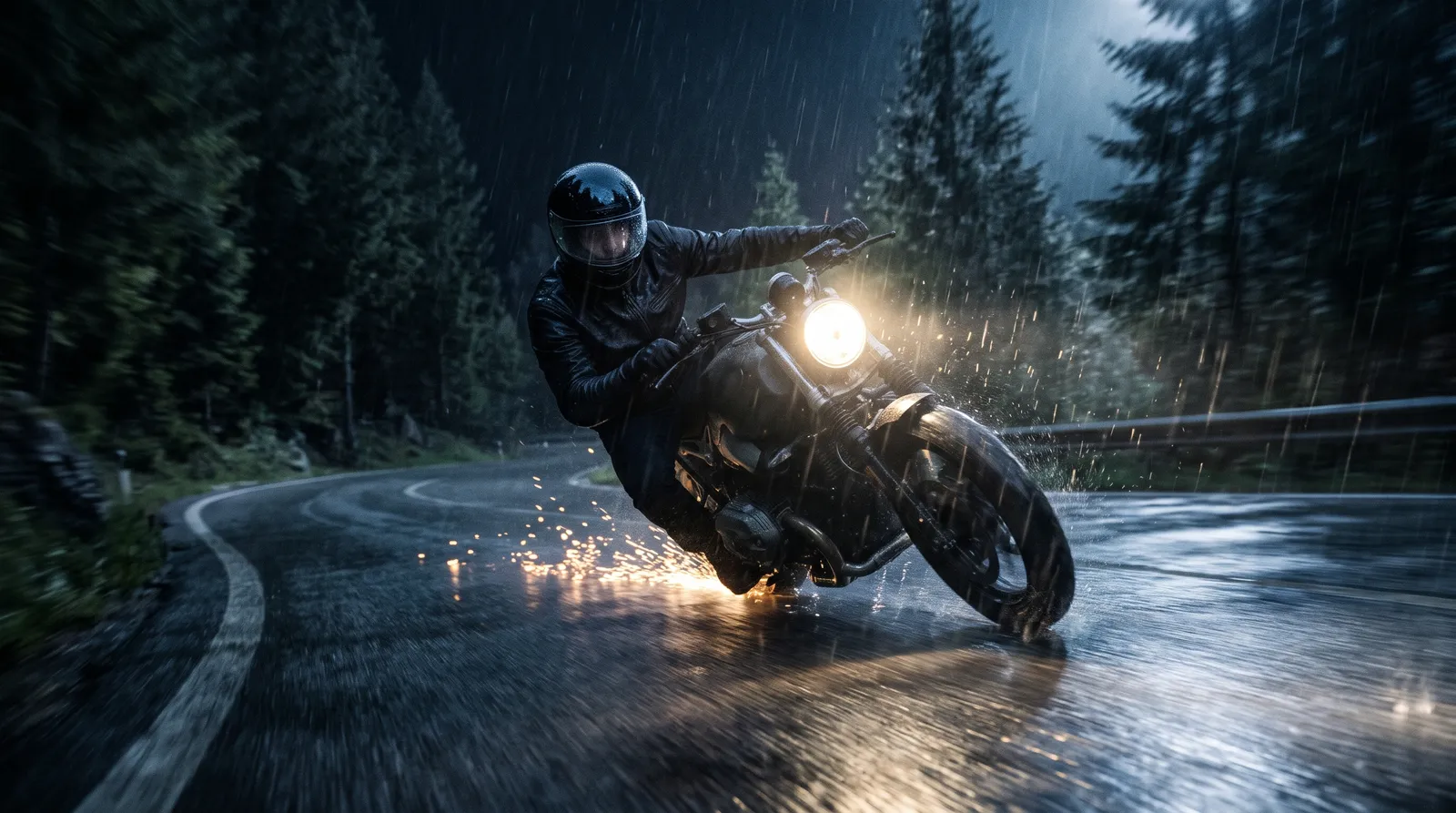
Kling 4.0 Prompt Guide: Action and Camera Moves
A Kling 4.0 prompt guide for action and camera moves: a five-part prompt structure, twenty prompts to copy, clip lengths and what each costs in credits.
Craft23 November 20267 min read
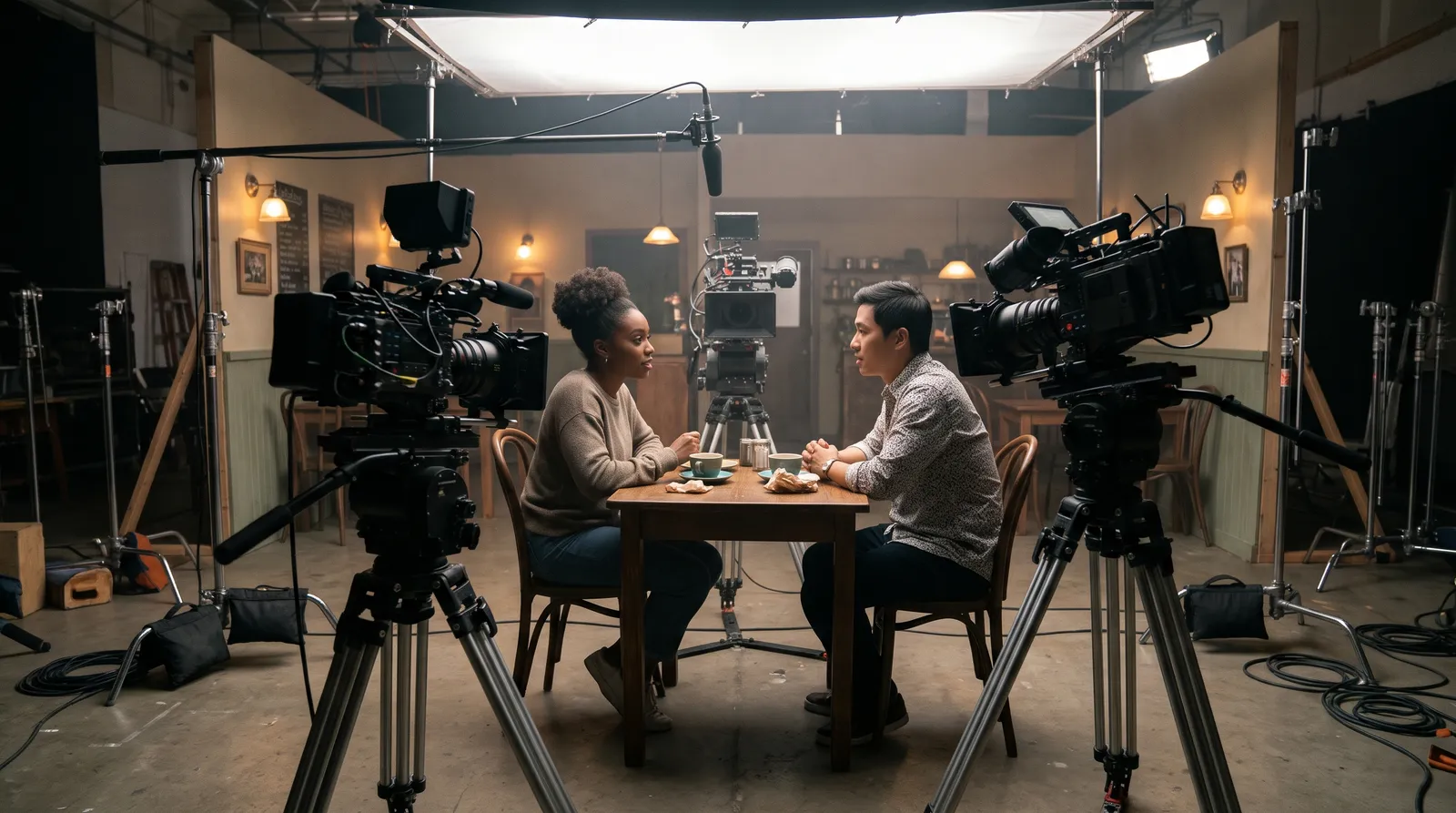
Coverage for AI Films: How Many Shots Does a Scene Need?
Film coverage is the set of angles a scene is filmed from. How many shots a scene needs, master shot and coverage, shot reverse shot, and what AI clips change.
Craft22 November 20267 min read
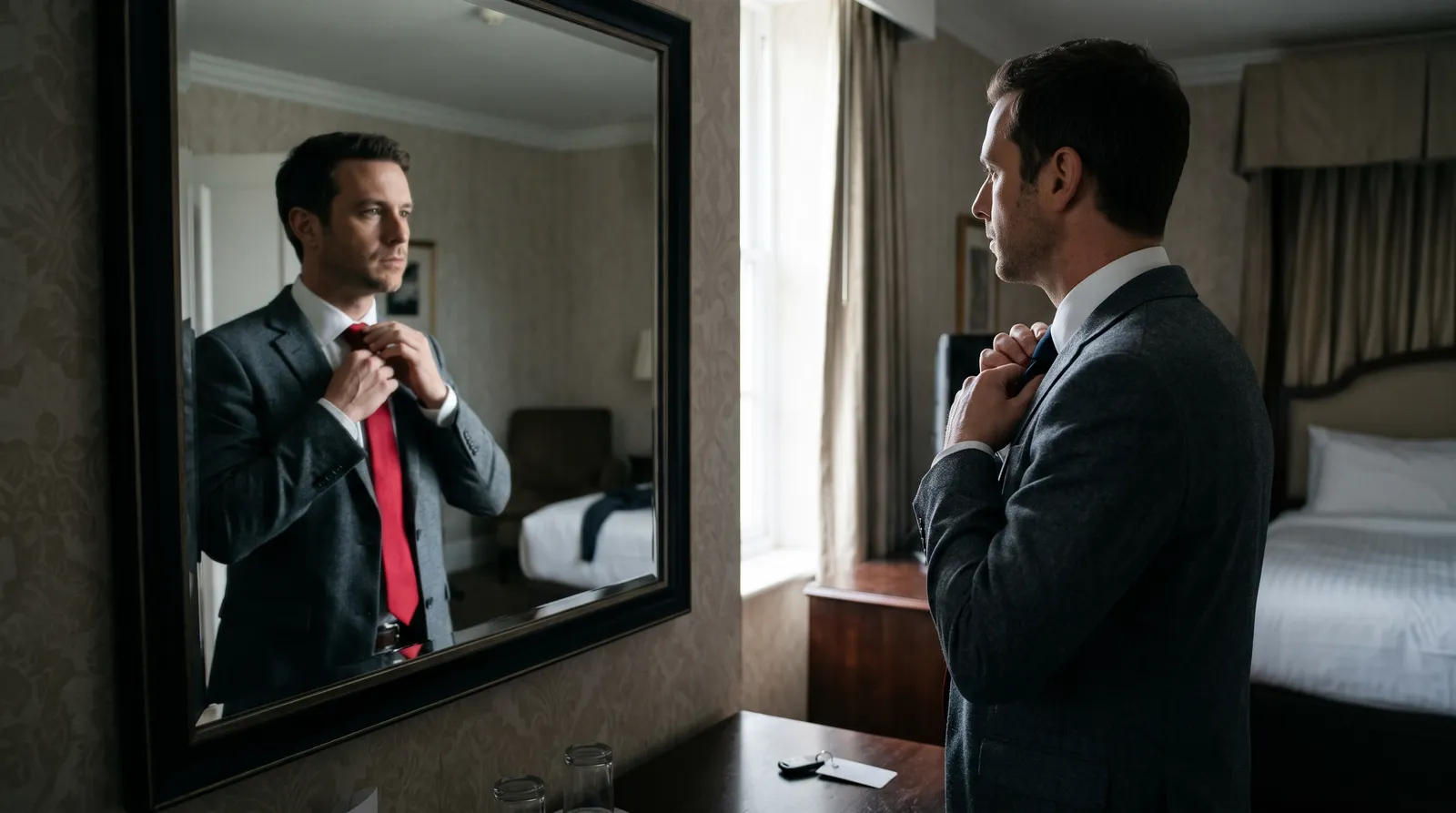
Continuity Mistakes in AI Films and How to Catch Them
AI video continuity errors come in nine kinds, from a changed face to a flipped screen direction. A checklist to run on every clip before you start the edit.
More than images and video
Scripts, storyboards, motion, and characters in every version. Each one on its own, or all of them in a film.

Write a script
An idea in, a properly formatted screenplay out. Edit any line, then board it or film it.

Board a storyboard
A panel for every shot, as AI stills or quick vector frames. Export it as a pitch deck.

Make motion
Titles, explainers and moving storyboards, drawn as vector animation by the AI you pick.

Characters, places, products
One subject in many versions, or new ideas for it. Every angle, look and light.
Your first film is one sentence away.
Free to start. Pay only for what you render.