Continuity Mistakes in AI Films and How to Catch Them
AI video continuity errors come in nine kinds, from a changed face to a flipped screen direction. A checklist to run on every clip before you start the edit.
By Aaditya Brahmbhatt (guest)7 min read
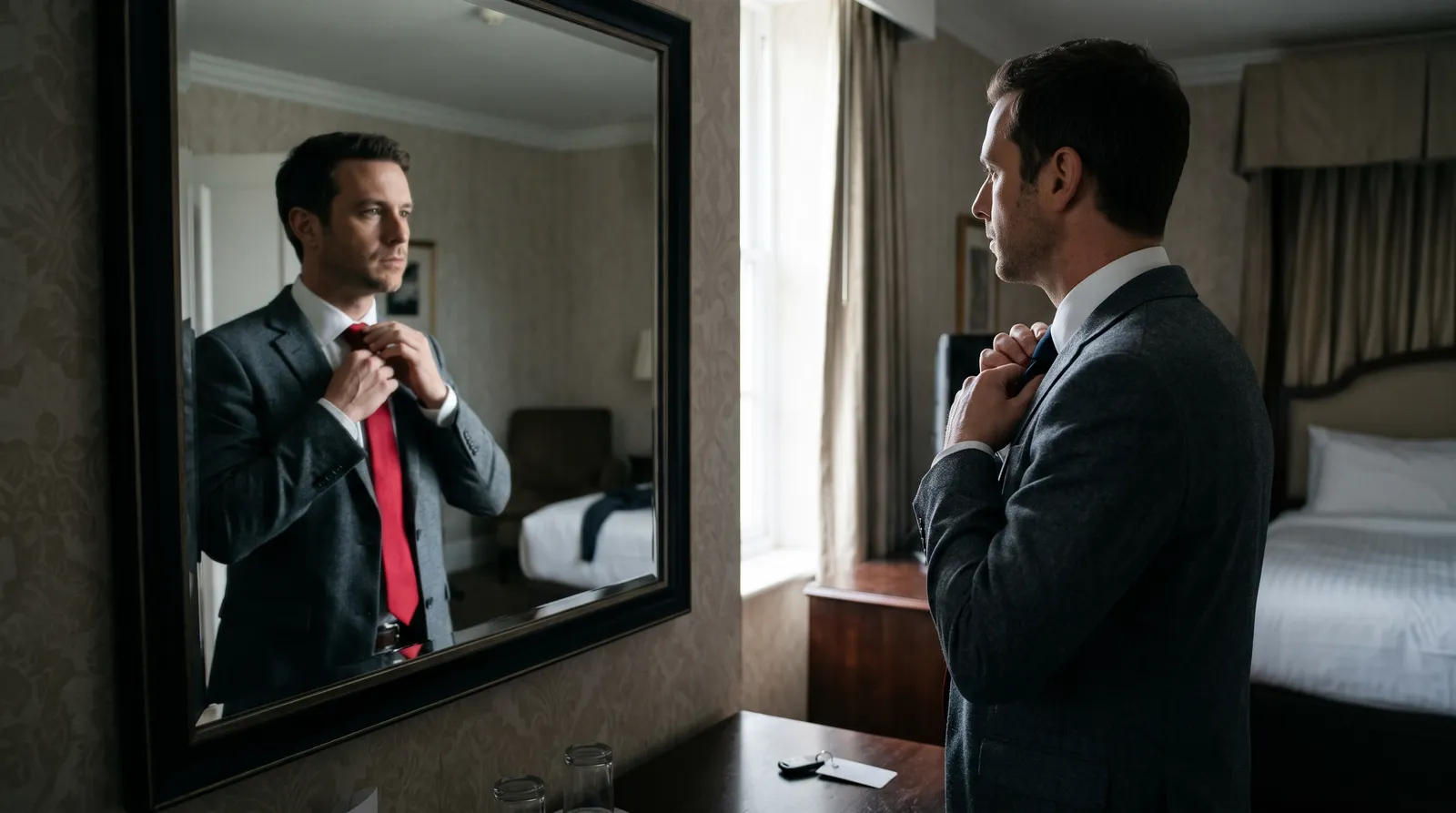
AI video continuity errors are mismatches between shots that are meant to be the same moment: a face, a costume, a prop, the light or the way someone is facing changes across a cut. Catch them before the edit. Lay the first and last frame of every clip side by side, check one kind of mistake at a time, and fix what you find with the cheapest fix that works.
Key takeaways
- Nine kinds of mistake: face, costume, props, direction, place, light, state, drift inside a clip, and sound.
- One tool catches most of them: a sheet with the first and last frame of every kept clip, in cut order.
- One pass per kind. Looking for everything at once finds almost nothing.
- The 180-degree rule keeps screen direction steady: stay on one side of the line between two characters.
- Fix in this order: trim, cut away, reorder, flip, render again.
What is continuity in film?
Continuity is the agreement between shots. A scene of two minutes may be built from twenty shots, made at different times. The viewer should believe they are watching one unbroken moment.
On a live-action set, one person has this job. The script supervisor writes down which hand held the cup, how far the candle had burned and which way the actor looked. Between takes, the room, the costume and the actor's face stay the same without anyone trying.
Why do AI films break it more often?
Because in a generated film nothing stays the same without someone trying.
- Each clip is made alone. The model has no memory of the shot before. It draws the person, the clothes and the room again from what you give it.
- There is no set. A real kitchen keeps its window on the same wall. A generated kitchen has a window wherever this clip put it.
- Things change inside a clip. A live camera can't turn a sign's letters into other letters halfway through a take. A model can.
- Nobody is watching for it. There is no script supervisor unless you decide to be one.
What are the common continuity mistakes?
The examples use the scene from the shot list post: a baker, Mira, finds a boy, Sam, on her step before dawn.
| # | Kind | What changes | Example |
|---|---|---|---|
| 1 | Face and hair | The person | Sam's hair is longer in his close-up than in the wide |
| 2 | Costume | Clothes, colours, jewellery | Mira's apron has a pocket in one shot and none in the next |
| 3 | Props and hands | What is held, and in which hand | The tray moves from her right hand to her left across a cut |
| 4 | Screen direction | Which way people face and move | Sam looks screen right at the window, and Mira looks screen right back at him |
| 5 | Place | The room itself | The bakery door is left of the counter, then right of it |
| 6 | Light and time | Sun, lamps, colour of the light | Blue dawn outside in one shot, warm noon in the next |
| 7 | State | Things that build or run down | Flour on her apron appears, vanishes and comes back |
| 8 | Drift inside a clip | Anything, between the first second and the last | The shop sign reads differently at the end of the take |
| 9 | Sound | Voices, room noise, music | Sam's voice is deeper in his second line |
Kinds 1 to 3 are about who and what. How to keep characters consistent covers the usual defence, which is to give the model pictures and stop describing people in words.
Kind 4 needs a little more.
What is screen direction, and how does it go wrong?
Screen direction is which way things face and move on the screen. It tells the viewer where people are in relation to each other.
Draw a line on the floor between Mira and Sam. Keep the camera on one side of that line for the whole scene. From there, Sam always faces screen right and Mira always faces screen left. When you cut from his close-up to hers, they look at each other. Film crews call this the 180-degree rule.
Cross the line and both face the same way. Now they seem to be looking at a third thing, or to have swapped places.
Movement follows the same idea. If Sam walks out of frame on the right, he should come into the next shot from the left. If the camera pans right to follow him, the next shot should not have him travelling left. Camera moves have a direction too, and camera moves in AI video prompts covers how to ask for them.
A model does not know your line exists. Unless the prompt or the starting picture says "looks screen left", it will pick a side by chance.
How do you catch mistakes before the edit?
Run this as a checklist once the takes are chosen and before you cut.
First, build a frame sheet. Take the first frame and the last frame of every kept clip. Lay them out in rows, in the order of the cut. You can do this in any image tool or on paper. Stills show what motion hides.
Then make one pass for each question. Don't look for everything at once.
| Pass | The question | Where to look |
|---|---|---|
| 1. Face | Is each person the same person in every frame? | Hairline, eyebrows, age, skin |
| 2. Costume | Is everyone wearing exactly what they wore? | Collars, sleeves, pockets, jewellery, glasses |
| 3. Props | Is each thing where it was? | Hands first, then tables and shelves |
| 4. Direction | Do eyelines meet, and do exits match entrances? | Eyes and feet |
| 5. Place | Is the room the same room? | Doors, windows, anything fixed to a wall |
| 6. Light | Does the light come from the same side, in the same colour? | Shadows on faces, the sky, lamps |
| 7. State | Has anything built up or run down in the wrong order? | Dirt, sweat, food, drink, candles, doors open or shut |
| 8. Drift | Does the last frame of each clip still match its first? | Each row of the sheet, left to right |
| 9. Sound | Does it sound like one room and one voice each? | Play the scene with the picture off |
Then watch every clip to its final frame, full size. Thumbnails hide a sixth finger and a sign that rewrote itself. Read any text on screen letter by letter.
Last, show it to someone who has not seen it. You know what the scene is meant to be, so you see that. They see what is there.
Note each mistake against its shot number.
How do you fix a mistake without rendering again?
Start with the fix that costs nothing.
- Trim. If the sign breaks in the last second, end the shot before it does.
- Cut away. Two shots that don't match can sit either side of a third. Put Sam's close-up between two shots of Mira, and the tray changing hands is forgiven. The viewer assumes she moved it.
- Reorder. A state error is sometimes only an order error. Put the clean apron first.
- Flip the shot. Mirroring left to right fixes a wrong eyeline. Check for anything that gives it away: text, a hair parting, a watch, a buttoned shirt.
- Render again, from the same still. Change only the thing that was wrong.
- Redo the still. The last resort, because every clip made from it goes too.
How do you stop them before they start?
Write a short continuity note for each scene before you make a single frame. Five lines are enough:
- Time and light. "Dawn. Light from screen left, cool blue, one warm lamp inside."
- Costume. One line per character, with every item.
- Props. What each person holds, and in which hand.
- Sides. Who is on the left of the frame and who is on the right.
- State. What changes during the scene, and at which shot.
Then make a still for every shot before any video, and check the stills against the note. A storyboard does this job, and an AI storyboard generator is one way to get the stills. Where one shot carries on the action of the last, start it from the last frame of the clip before.
Which mistakes matter most?
Viewers look at faces and eyes first. So a mistake matters more the closer it is to them.
- Seen at once: a changed face, a flipped eyeline, a jump in the light.
- Often seen: a costume change, a prop in the wrong hand in a close shot.
- Rarely seen: the level of tea in a glass, a book on a far shelf.
Spend your re-renders at the top of that list. Let the bottom of it go.
How we checked
Written on 10 November 2026. The kinds of mistake and the 180-degree rule are standard film practice. The frame sheet and the pass-by-pass checklist are a working method adapted for generated video, and nothing here is a test of a tool or a model. The order in which viewers notice mistakes is a rule of thumb from editing practice, not a measured result. The example scene is made up and carries over from the shot list post.
Questions people ask
It is a mismatch between two shots that are meant to be the same moment. A cup is in the left hand, then the right. The sun is behind her, then in front. The story says no time has passed, and the picture says something changed.
Keep reading
Craft16 November 20267 min read
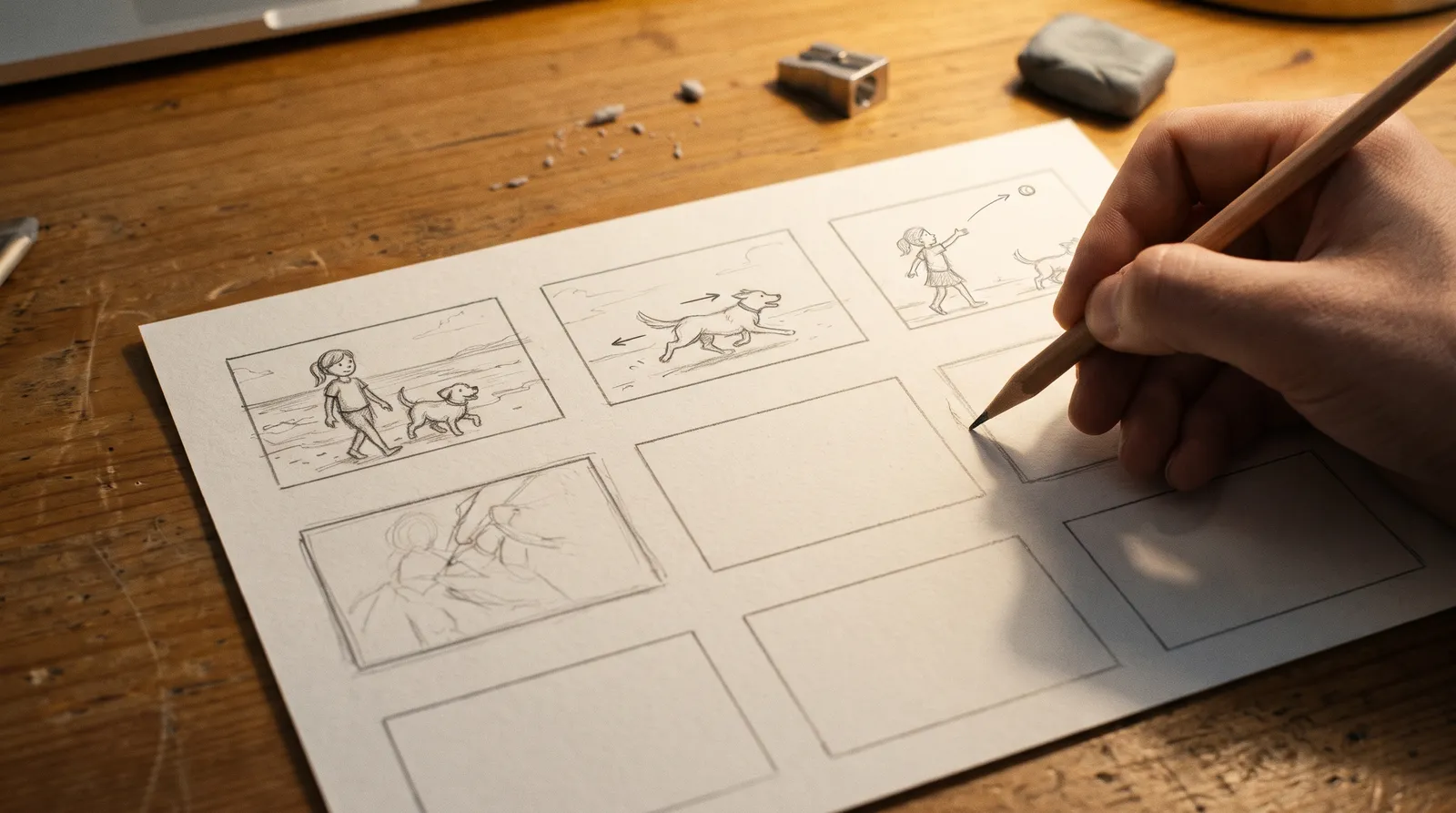
How to Storyboard a Short Film Before You Render Anything
How to storyboard a short film: one frame per shot, with the shot size, arrows for movement, the length and the sound. A method, an example and the checks.
Craft15 November 20266 min read
Pacing an AI Film: Shot Length, Rhythm and Room to Breathe
AI film pacing comes down to three choices per shot: how long it holds, how it differs from the shots beside it, and where the film pauses. A shot length guide.
Craft14 November 20267 min read
How to Write AI Video Prompts: Subject, Action, Camera
How to write AI video prompts: name the subject, give it one action, give the camera one job, then add place, light and sound. Twelve before-and-after examples.
More than images and video
Scripts, storyboards, motion, and characters in every version. Each one on its own, or all of them in a film.

Write a script
An idea in, a properly formatted screenplay out. Edit any line, then board it or film it.

Board a storyboard
A panel for every shot, as AI stills or quick vector frames. Export it as a pitch deck.

Make motion
Titles, explainers and moving storyboards, drawn as vector animation by the AI you pick.

Characters, places, products
One subject in many versions, or new ideas for it. Every angle, look and light.
Your first film is one sentence away.
Free to start. Pay only for what you render.