Pacing an AI Film: Shot Length, Rhythm and Room to Breathe
AI film pacing comes down to three choices per shot: how long it holds, how it differs from the shots beside it, and where the film pauses. A shot length guide.
By Aaditya Brahmbhatt (guest)6 min read
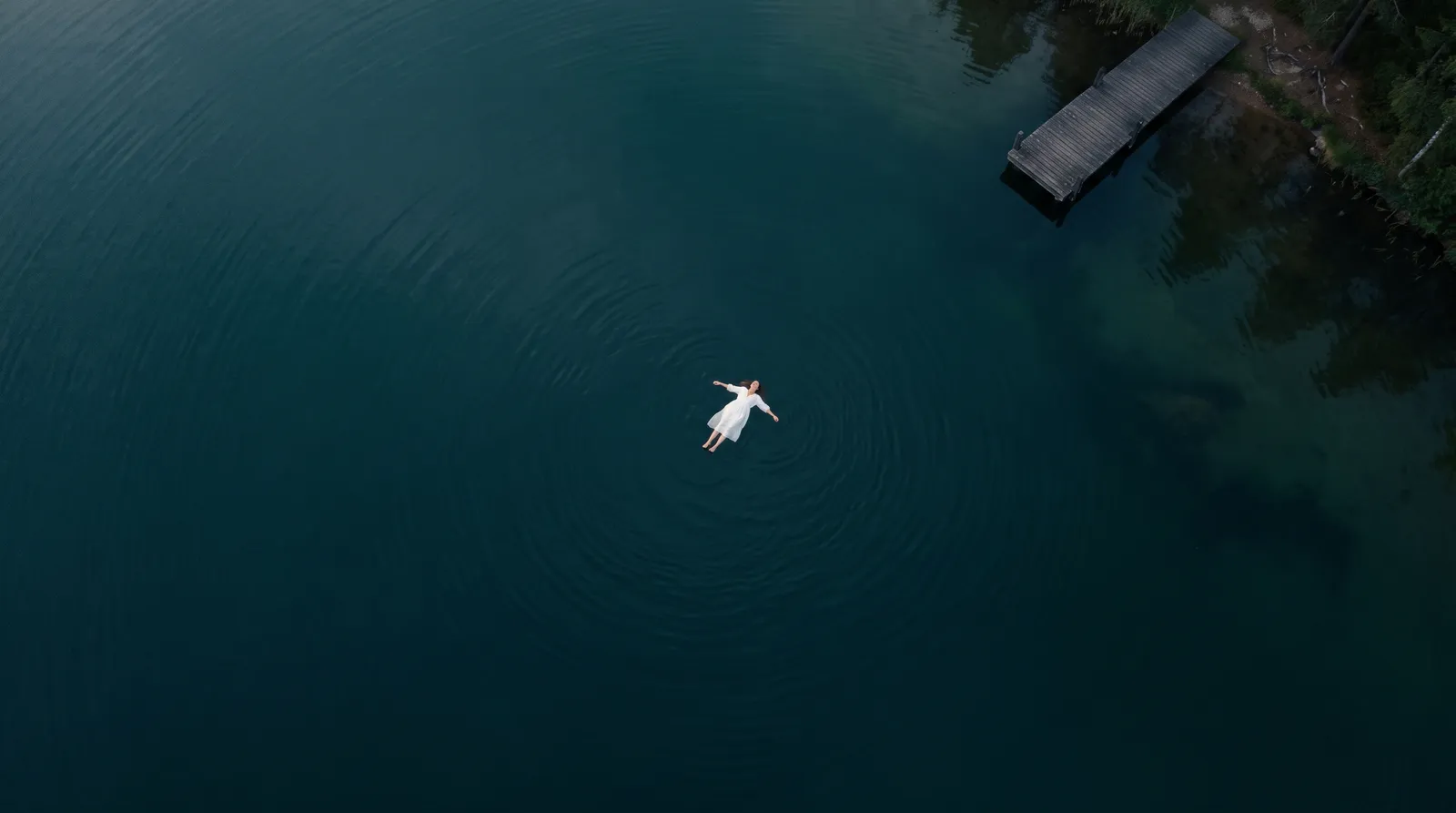
Pacing an AI film is three choices made for every shot: how long it stays on screen, how its length differs from the shots beside it, and where the film stops to let a moment land. Start from what the viewer has to read in the shot, vary the lengths on purpose, and leave a second of air after anything that matters.
Key takeaways
- A shot lasts as long as it takes to read. About 1 to 2 seconds for a detail, 2 to 3 for a close-up, 4 to 6 for a medium shot with one action.
- Speech sets a floor. People speak two to three words a second. A 12-word line needs about 5 seconds, plus a beat of air.
- Average shot length is arithmetic. Running time divided by shots. Sixty seconds over 15 shots is 4 seconds.
- Rhythm is contrast. Three 2-second shots and one 8-second shot feel nothing like four shots of 3.5 seconds, though both run 14 seconds.
- Render longer than you need. A 5-second clip gives you a 3-second shot with room to trim both ends.
What is pacing?
Pacing is how fast the film feels. It isn't the same as how fast things move inside the frame. A car chase cut in long, even takes can drag. Two people at a table can grip if the cuts land right.
Three things make it:
- Length. How long each shot holds.
- Rhythm. How the lengths change from one shot to the next.
- Rest. Where the film pauses.
You plan all three on paper, check them with stills, and fix them in the edit. It is cheaper in that order.
How long should a shot be?
Long enough for the viewer to take in what matters, and then a little less than feels safe. These are starting points, not rules.
| Shot | Starting length | Why |
|---|---|---|
| Detail or insert: a hand, a key, a screen | 1 to 2 s | One thing to read |
| Close-up reaction | 2 to 3 s | A face reads fast |
| Medium shot, one action | 4 to 6 s | The action has to finish |
| Wide establishing shot | 4 to 6 s | The eye needs time to travel |
| Spoken line | Words ÷ 2.5, plus 1 s | The line, with air on both sides |
| Text on screen | Time to read it twice | An old editor's rule of thumb |
| Last image of the film | 5 to 8 s | Let it land |
Two things stretch a shot. A busy frame takes longer to read than a simple one. And a shot the viewer has seen before can be shorter the second time.
How does dialogue set the length?
Count the words. People speak about two to three words a second, so:
- 6 words: about 2.5 seconds of speech, a 4-second shot.
- 12 words: about 5 seconds of speech, a 6-second shot.
- 20 words: about 8 seconds of speech. Split it across two shots with a cutaway between.
The extra second is half a second before the line starts and half a second after it ends. Without it, the cut clips the breath and the scene feels hurried. After a line that matters, hold longer. Stay on the face for a full second after the last word.
What makes rhythm?
Contrast. If every shot is the same length, the viewer feels the cuts coming, like a ticking clock.
Here are two ways to cut the same 30 seconds.
| Version | Shot lengths | Shots | How it feels |
|---|---|---|---|
| Even | 5, 5, 5, 5, 5, 5 | 6 | Steady, flat |
| Shaped | 6, 2, 2, 2, 4, 3, 3, 8 | 8 | Opens calm, quickens, then rests |
The shaped version opens on a 6-second wide, runs three 2-second details, settles into the scene, and ends on an 8-second hold. Same running time, a different film.
A useful check: write the lengths in a row and read them aloud as numbers. The opening of the short in how to write a shot list runs 5, 6, 3, 5, 3, 4, 5, 6, 4, 7. Ten shots, 48 seconds, an average of 4.8. The short shots are the close-ups, and the longest is the last. That pattern is on purpose.
Three habits help:
- Speed up toward a turn, slow down after it. Shots get shorter as tension rises, then one long shot releases it.
- Change shot size with the cut. A cut from a wide to a close-up feels faster than a cut between two medium shots.
- Give each cut a reason. New information, a reaction, a change of place. If nothing new arrives, don't cut yet.
Where does a film need room to breathe?
- After a line that matters. One second on the listener's face.
- After a reveal. Let the viewer catch up before the story moves on.
- Between scenes. A wide shot with no one talking tells the viewer they are somewhere new.
- At the end. Hold the last image. Cutting to black the moment the action finishes feels like a door closing in your face.
Silence counts as rest too. A few seconds with no music and no speech, only the sound of the room, makes the next line land harder.
What changes when the shots are AI clips?
Clips come in set lengths. Most video models make a clip of a few seconds, up to about half a minute on the longest ones. Plan the shot shorter than the clip, then trim. A 3-second shot comes out of a 5-second clip.
Check both ends of every clip. Watch the first and last half second. If the motion starts late or drifts at the end, trim it off. This is why you render longer than you need.
Seconds cost money. Most tools charge by the second, so a 10-second hold costs twice a 5-second one. Spend the long takes where holding matters, and build other long moments from two shorter angles.
One action per clip sets a ceiling. If a shot holds a single action, it rarely needs more than 6 seconds. A shot that wants 12 is usually two shots.
Speed changes are free length. Slowing a clip to half speed in the edit doubles how long it runs. Check that the motion still looks smooth before you rely on it.
Music gives you a grid. A beat lasts 60 divided by the tempo. At 120 beats a minute, a beat is half a second and a bar of four is 2 seconds, so shots of 2, 4 and 8 seconds fall on the bar. At 90, a bar is about 2.7 seconds. Choose the music before you lock the lengths if you can.
How do you check pacing before you render?
Make an animatic: the storyboard stills on a timeline, each held for the length in your shot list, with a rough read of the lines and the music underneath. Watch it without stopping.
Where you get bored, shorten or cut. Where you get lost, add a shot or hold longer. Changing a number in a list is free. Changing a rendered clip is not.
Some tools keep the storyboard and the timeline in one project, which makes this quicker. An AI movie maker of that kind lets you swap each still for its clip as the renders arrive. Writing each shot so it can be rendered at the length you planned is covered in how to write AI video prompts, and the whole process is in how to make a movie with AI.
What are the common pacing mistakes?
- Every shot the same length. Vary them.
- Cutting the instant a line ends. Leave the half second.
- No establishing shot. The viewer spends the scene working out where they are.
- Using the whole clip because you paid for it. Trim to what the shot needs.
- A long line in a short clip. Shorten the line or split the shot.
- No rest before the end. Hold the last image.
- Fixing pace with speed. Fast cutting can't save a scene with nothing new in it.
How we checked
Written on 10 November 2026. The shot lengths are rules of thumb from ordinary editing practice, adapted for generated clips. They are starting points, not measurements, and nothing here is a test of a tool. The clip lengths describe current video models in general. Check your own model's limits and how your tool charges before you plan lengths. The example sequences are made up for this post.
Questions people ask
As long as it takes to read. A detail needs 1 to 2 seconds, a close-up reaction 2 to 3, a medium shot with one action 4 to 6, and a wide establishing shot 4 to 6. A spoken line needs its word count divided by 2.5, plus about a second of air.
Keep reading
Craft14 November 20267 min read
How to Write AI Video Prompts: Subject, Action, Camera
How to write AI video prompts: name the subject, give it one action, give the camera one job, then add place, light and sound. Twelve before-and-after examples.
Craft10 November 20267 min read
How to Write a Shot List for an AI Film
An AI film shot list is a table with one row per shot: what we see, shot size, camera, length, references and sound. A method and an example you can copy.
Guides10 November 20265 min read
Hyperdream Edit and Export: What You Get Out of It
Hyperdream export in plain facts: one MP4 (H.264, AAC) at up to 1080p, an .srt of the spoken lines, a zip of the film's files and a pitch deck PDF.
More than images and video
Scripts, storyboards, motion, and characters in every version. Each one on its own, or all of them in a film.
Write a script
An idea in, a properly formatted screenplay out. Edit any line, then board it or film it.
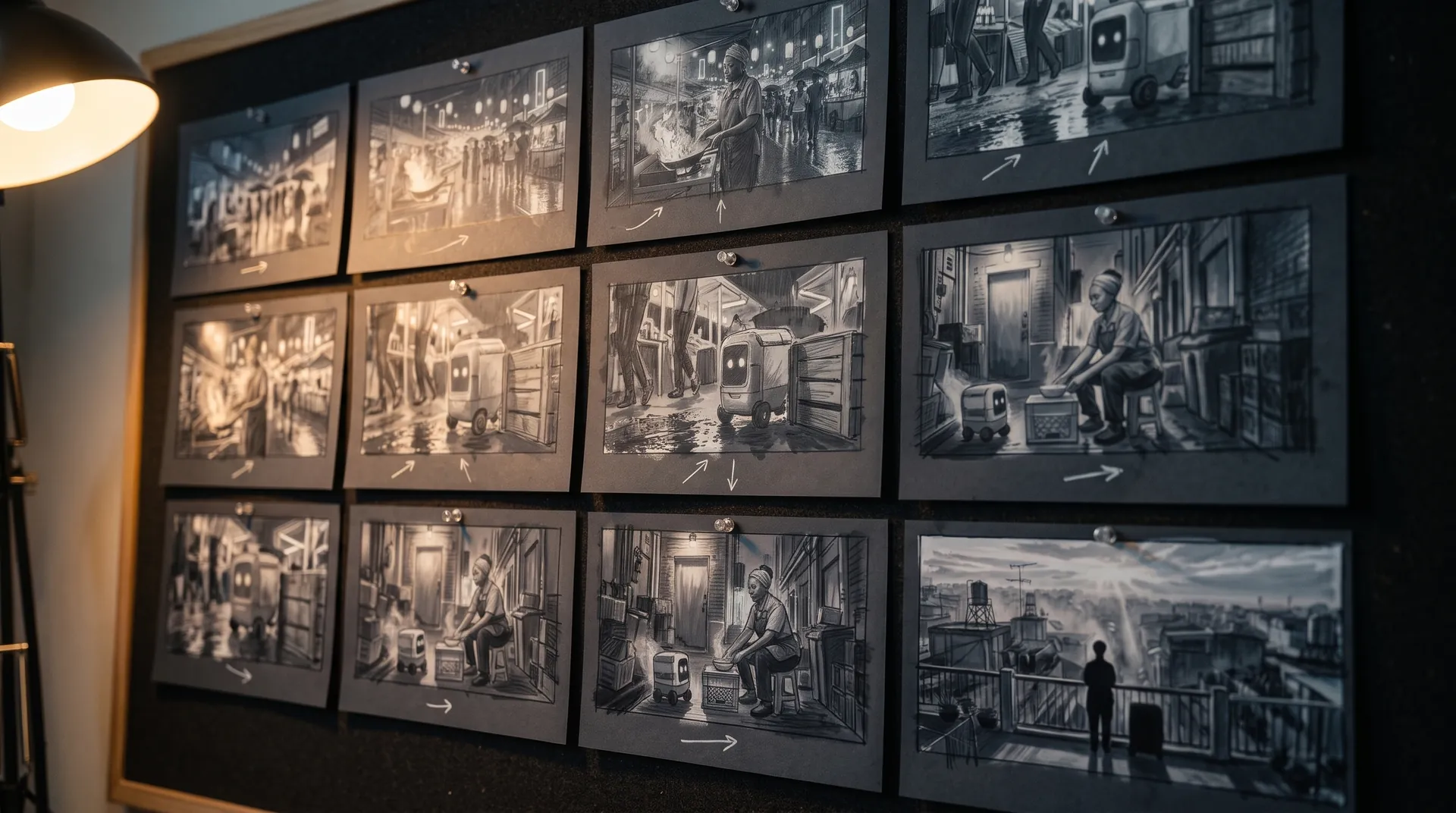
Board a storyboard
A panel for every shot, as AI stills or quick vector frames. Export it as a pitch deck.

Make motion
Titles, explainers and moving storyboards, drawn as vector animation by the AI you pick.
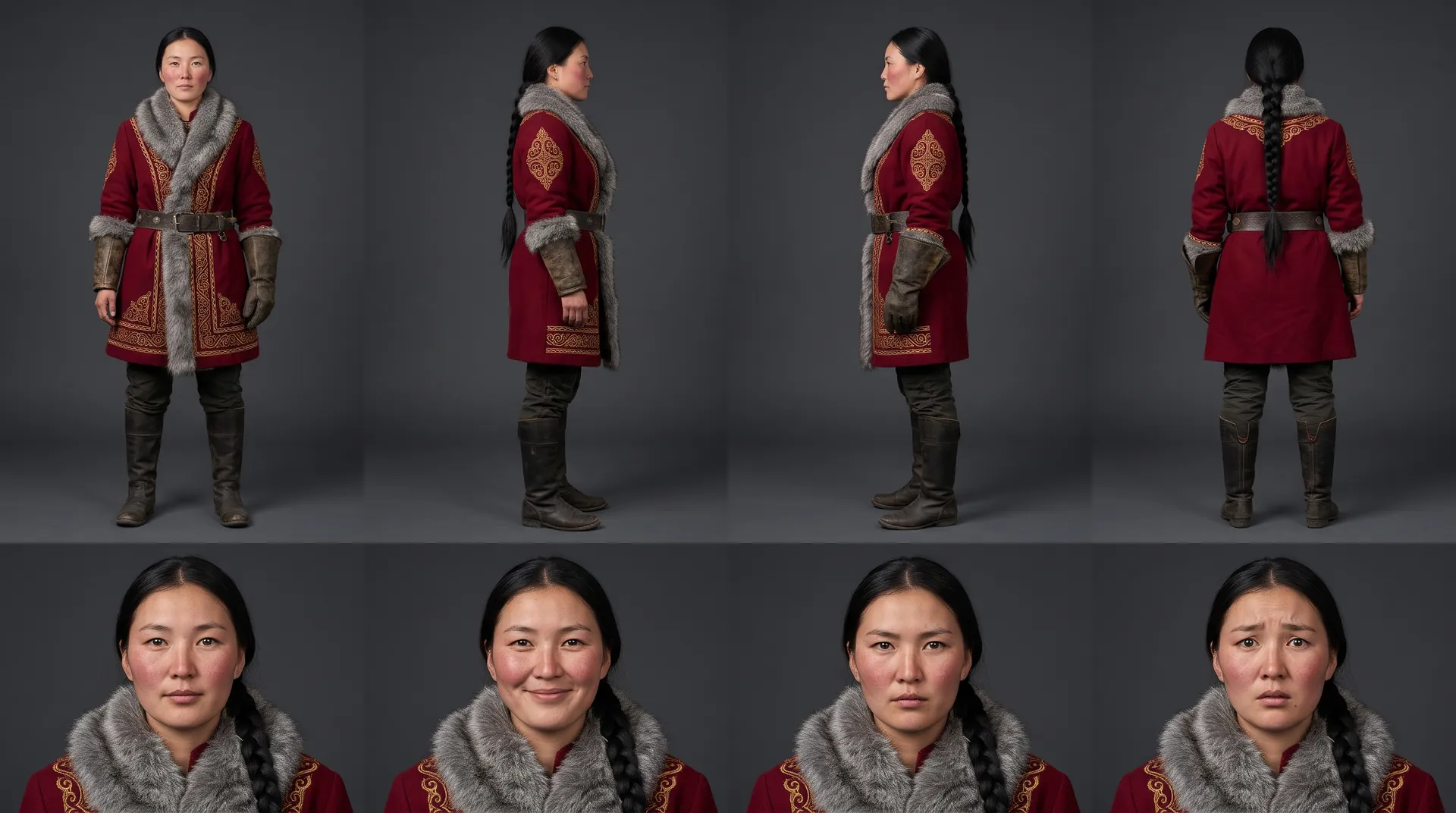
Characters, places, products
One subject in many versions, or new ideas for it. Every angle, look and light.
Your first film is one sentence away.
Free to start. Pay only for what you render.