Keep a Character's Voice the Same Across AI Shots
For a consistent voice in AI video, describe each character's voice once, then say their lines again in one library voice. The steps, costs and limits.
By Hyperdream Team7 min read
To keep a character's voice the same across AI shots, do two things. Describe the voice once and reuse that description in every spoken shot. Then, after the shots are rendered, say the character's lines again in one fixed voice. In Hyperdream these are the "how they sound" line in Cast and "Change the voice" in Director's Sound step, which costs under 1 credit a second (checked 10 November 2026).
Key takeaways
- Why it drifts: a video model makes the voice new in every render. Five of Hyperdream's ten video models always make sound, and five make it when you switch it on.
- Describe once: each character in Cast has one "how they sound" line.
- Fix after: "Change the voice" says a line again in a library voice with the same words and timing, so the lips still match. It costs under 1 credit a second and works on film shots up to 5 minutes.
- Narration is simpler: a film has one narrator voice for every line, at 3 credits per 1,000 characters.
- Library voices, or your own. Pick a library voice, or clone your own with Clone my voice. Director does not pick voices by itself.
Why does a character's voice change between shots?
A video model has no memory. When it makes the voice together with the picture, each render is a new performance by a new voice.
The face has the same problem, and a reference sheet solves most of it. See how to keep characters consistent. A voice has no sheet. The model gets words that describe it and makes up the rest.
All ten video models on Hyperdream can make sound (checked 10 November 2026). MiniMax H3, MiniMax H3 Max, Kling 4.0, Grok Imagine 1.5 and Gemini Omni 1.2 always do. Wan 3.0, FLUX 3 Max, Kling O3 Pro, Seedance 2.0 and Seedance 2.5 make it when you switch it on. The Sound step says it plainly: the model picks the voice, "and it can differ from shot to shot".
Drift shows most in three cases:
- A character with many lines. Each extra spoken shot is one more new voice.
- Shots on different models. Two models will not agree on what "warm and low" sounds like.
- A scene with two speakers. The ear compares them shot by shot. See two characters in one AI shot.
What are the ways to hold one voice?
There are four. Most films use the first two together.
| Way | Where it is | What it does | Cost | Its limit |
|---|---|---|---|---|
| Describe the voice | Cast, the "how they sound" line | Every spoken shot gets the same description | Nothing extra | It narrows the voice. It does not fix it |
| Change the voice | Sound, per character | Says the line again in one library voice, same words and timing | Under 1 credit a second | Film shots with speech, up to 5 minutes |
| Narration | Sound, the Narrator | One voice over the picture for every narration line | 3 credits per 1,000 characters | A voice-over. Nobody's lips move |
| Talking head | Create, on a picture of a face | A face says your line in a voice you pick | 3 to 5 credits a second | One clear, front-facing face |
Prices were read from the live model list on 10 November 2026.
How do you describe a voice so it holds?
In Cast, each character has a name, a role, a description, pictures to draw from, a reference sheet and a "how they sound" line. Write that line once and leave it alone. Models that make sound are given it with the shot's line.
Put five things in it: age, pitch, pace, texture and accent. Two examples, written for this post and not tested:
Late fifties. Low and dry, unhurried, a slight rasp.
Early twenties. Bright and quick, laughs easily.
Three habits help the description do its job:
- Keep spoken shots short. One line in a shot of 5 or 6 seconds gives the voice less room to wander. More in writing dialogue for AI video.
- Keep one character on one model where you can.
- Listen across the cut, not shot by shot. A voice that sounds fine alone can sound like a stranger next to the shot before it.
A description gets you closer. It does not give you the same voice twice. For that you need the next step.
How do you give a character one fixed voice?
Use "Change the voice" in Director's Sound step. Director is on Pro and up.
- Render the spoken shots in Shots first. The tool works on a rendered shot whose model made sound.
- Open Sound. The Dialogue list shows every spoken line with its character, its model and its voice. Until you choose one, the voice is the model's own.
- Choose "Give [name] a voice". The voice library opens. Every voice has a real sample, and you can filter by language, gender and age.
- Choose "Hear it on this shot". You hear the line in that voice over the clip before you pay for anything.
- Choose "Make it". The price shows first. To do every line the character speaks, choose "All of [name]'s lines".
- The new take lands on the shot. The take before it stays in the shot's takes, so nothing is lost.
The words and the timing are kept, which is why the lips still match. The voice belongs to the character, so you pick it once and it applies to each of their spoken shots as you make them.
What does it cost?
Under 1 credit for each second of the shot (checked 10 November 2026).
We have one real use to report. On a 30-second Hindi ad for Shilp Group, made in November 2026, we changed the voice on shot 1, a 5-second shot. It cost 1 credit. The ad's five spoken lines sit in shots that add up to 28 seconds, so giving every speaker a fixed voice would have cost under 28 credits.
Compare that with trying again. A new 5-second render on Gemini Omni 1.2 costs 15 credits at its default size, and the voice in it is new again. Re-rolling is the dear way to chase a voice.
One shot is a small record. We can't yet say how a library voice holds up across a long scene. Which model to start with for spoken lines is covered in the best AI video model for dialogue.
What about the narrator?
Narration is the easy case. A film has one narrator, set in the Sound step, and every narration line uses that voice.
Hyperdream has two voice models, Eleven v3 and MiniMax Speech 2.8. Both cost 3 credits per 1,000 characters (checked 10 November 2026). Each has its own library, and a voice only works on the model whose library it comes from. The Shilp ad's closing line was voiced on Eleven v3. It is 3 seconds long and cost 1 credit.
If one steady voice matters more to the film than seeing lips move, write the words as narration and let the picture carry the action.
What can't it do?
- Library voices only. "Change the voice" says a line again in a voice from the library. Your own cloned voice works for new voice lines and talking heads, not here.
- Director does not pick voices by itself. In Agent mode it can voice the narration, but you choose the narrator and each character's voice.
- Film shots only. "Change the voice" is in Director's Sound step. It is not in the Tools menu in Create.
- Speech, up to 5 minutes. It is for spoken lines in a shot, not for singing.
- The feeling can change. The words and timing stay. A library voice may still read the line with a different feeling from the take you liked, so use "Hear it on this shot" before you make it.
- A description is a nudge. The "how they sound" line narrows the voice a model makes. It can still vary from shot to shot.
Where is another tool the better choice?
- Dubbing a finished film into another language. Hyperdream has no dubbing or translation tool.
- A performance with exact, directed emotion. Record an actor.
A short checklist
- One "how they sound" line per character, written before any shot is rendered.
- One short line per spoken shot.
- One model per character where you can.
- Render, then listen to each character's lines back to back.
- Give any character with more than a line or two a library voice in Sound.
- Hear it on the shot, then make it.
The steps before and after Sound are on the AI movie maker page.
How we checked
Checked on 10 November 2026 against the app's code and the live model list: the "how they sound" line in Cast, the Dialogue list and voice picker in the Sound step, the price and the 5-minute limit of "Change the voice", and the two voice models. The Shilp figures come from that project's records. What we could not confirm: how well a library voice holds across a long scene, since we have used the tool on one shot of one finished client film, and how closely each video model follows a voice description. The two example voice lines are untested.
Questions people ask
Describe the voice once and reuse that description in every spoken shot, then say the character's lines again in one fixed voice after the shots are rendered. In Hyperdream these are the 'how they sound' line in Cast and 'Change the voice' in Director's Sound step.
Keep reading

Guides20 November 20267 min read
Two Characters in One AI Shot Without Mixed-Up Faces
How to get multiple consistent characters in one AI video shot: a sheet each, names in the prompt, a still frame first, and the reference limits by model.

Guides12 November 20267 min read
How to Make a Hindi Film With AI: Script to Final Cut
A Hindi AI video generator guide built on three real films: how to write Hindi lines, get them spoken on camera, pick a voice and handle subtitles.
Guides10 November 20267 min read
How to Make a Character Reference Sheet for AI Video
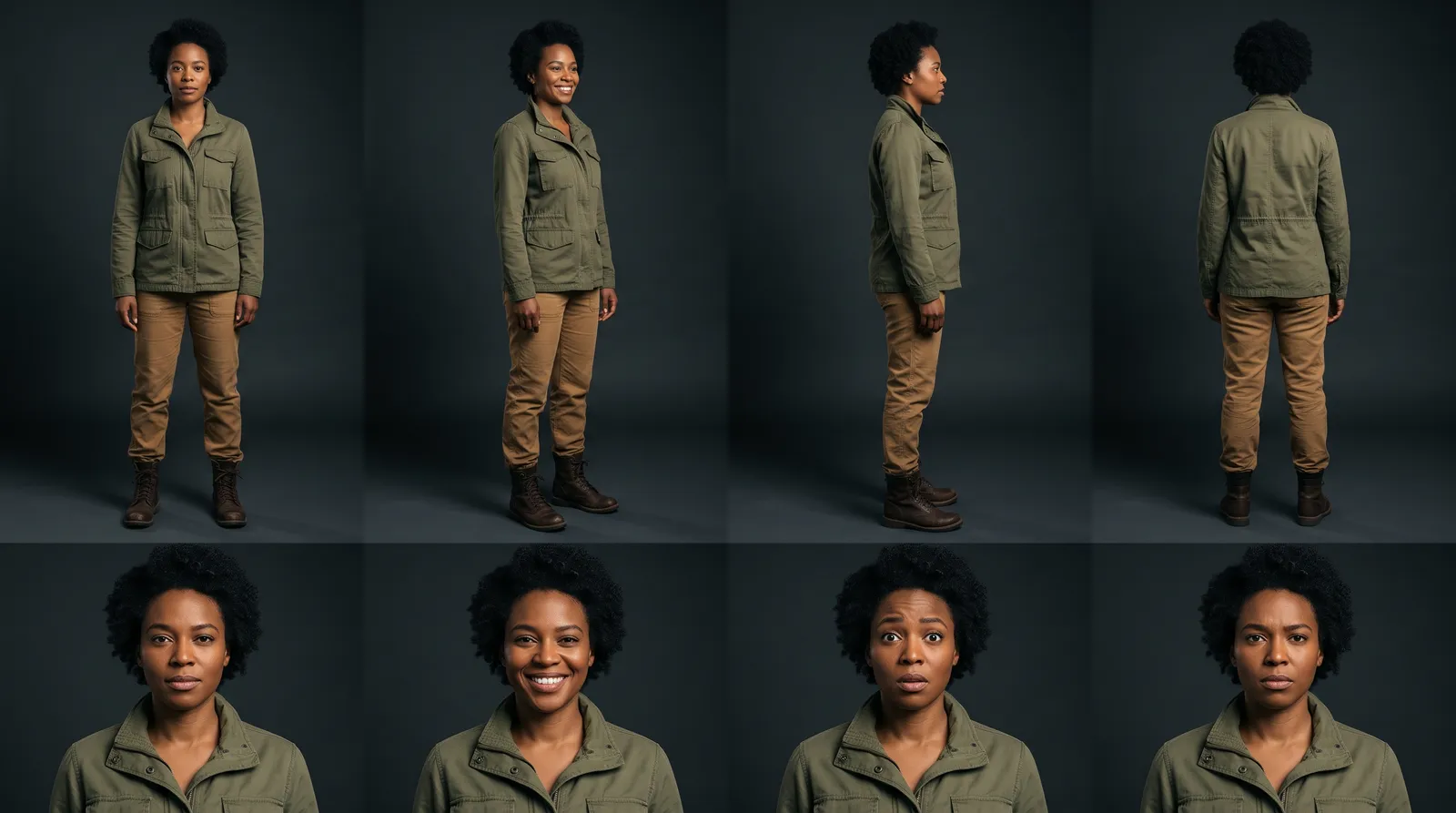
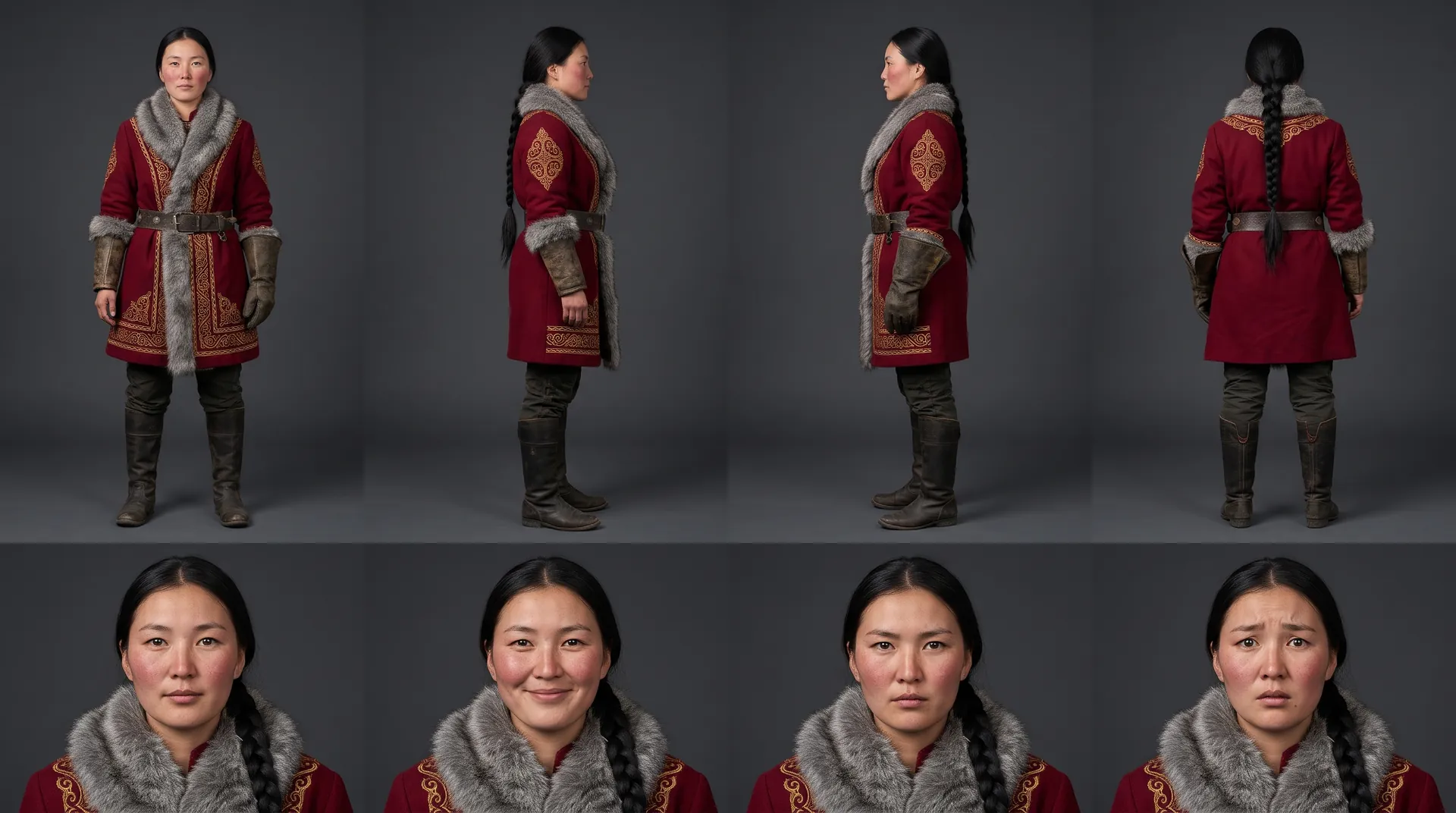
A character reference sheet for AI video shows one character in four full-body views and four expressions. How to make one, check it and use it in every shot.
More than images and video
Scripts, storyboards, motion, and characters in every version. Each one on its own, or all of them in a film.
Write a script
An idea in, a properly formatted screenplay out. Edit any line, then board it or film it.
Board a storyboard
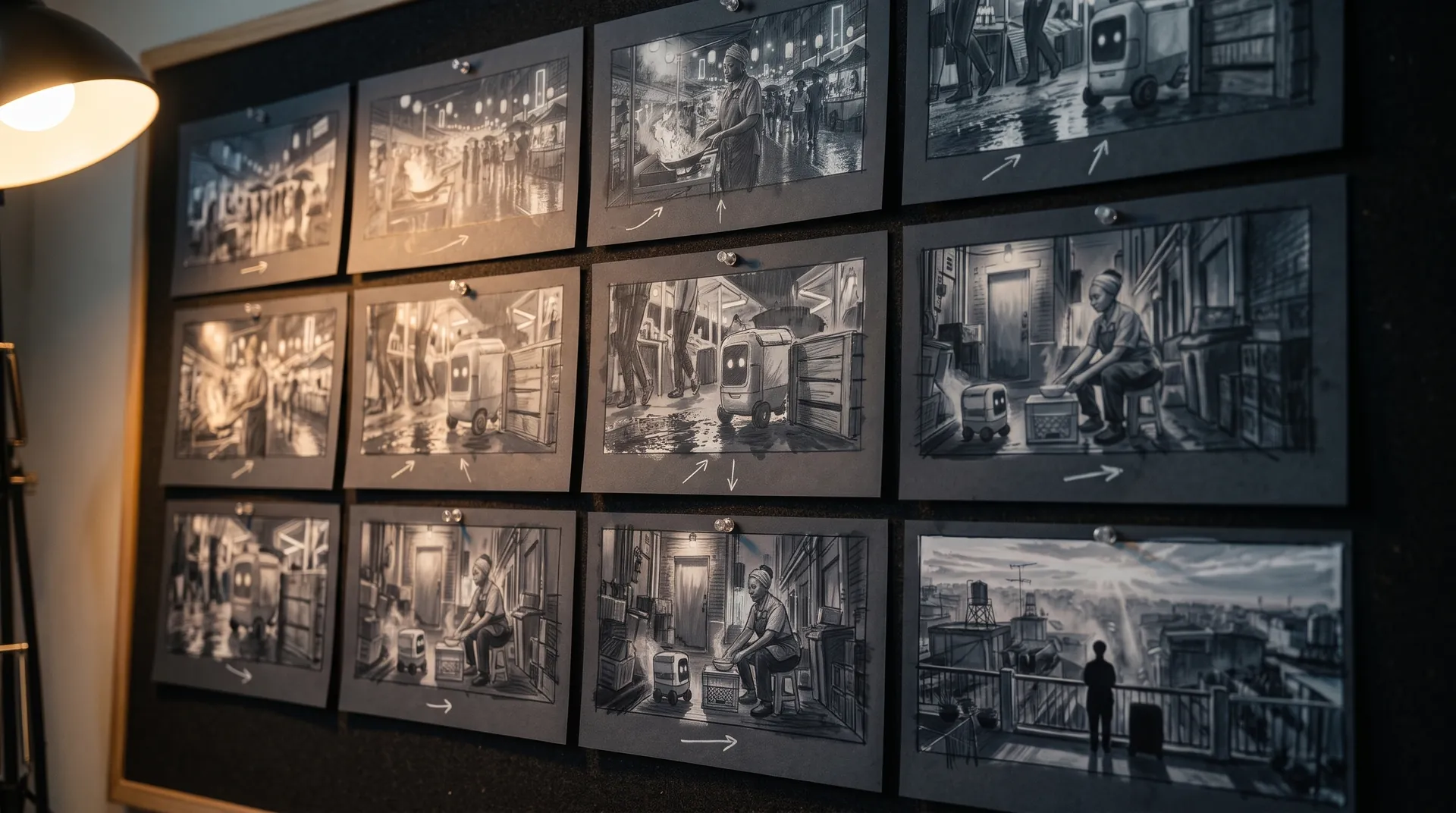
A panel for every shot, as AI stills or quick vector frames. Export it as a pitch deck.

Make motion
Titles, explainers and moving storyboards, drawn as vector animation by the AI you pick.
Characters, places, products
One subject in many versions, or new ideas for it. Every angle, look and light.
Your first film is one sentence away.
Free to start. Pay only for what you render.