Hyperdream Edit and Export: What You Get Out of It
Hyperdream export in plain facts: one MP4 (H.264, AAC) at up to 1080p, an .srt of the spoken lines, a zip of the film's files and a pitch deck PDF.
By Hyperdream Team5 min read
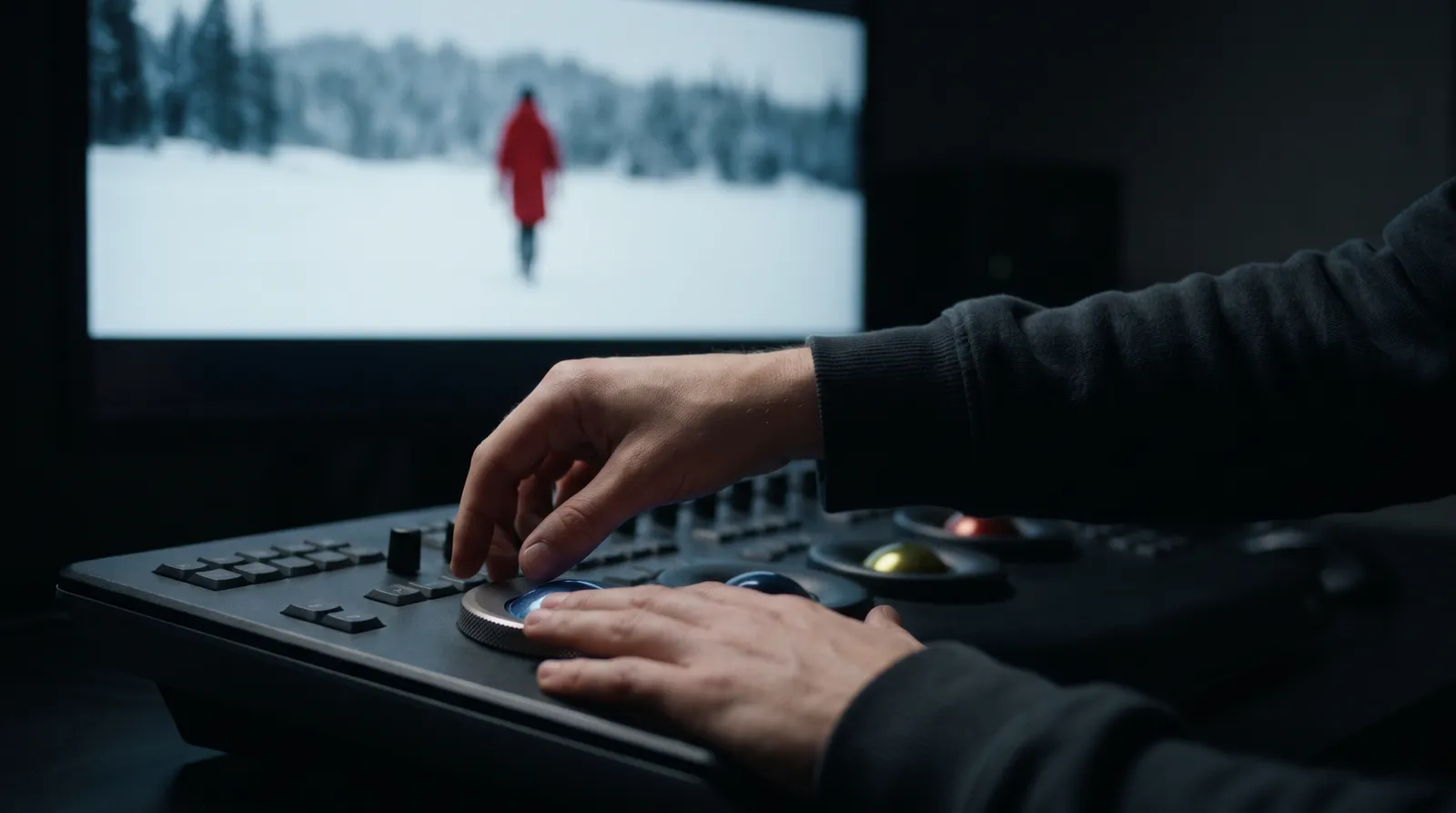
Hyperdream's Edit step is a timeline where you put a film's shots, sound and captions together. Export then makes one MP4 (H.264 video, AAC sound) at up to 1080p, free, in your browser. You can also take out an .srt of the spoken lines, a zip of the film's files and a pitch deck PDF. Checked 10 November 2026.
Key takeaways
- One film file: an MP4 with H.264 video and AAC sound, at 1080p or 720p.
- Seven timeline tracks: Captions, Video 2, Video 1, Dialogue, Narration, Music and Effects.
- Export is free and runs in Chrome, Edge or Safari.
- Three more things you can take out: an .srt file, a zip of the film's files and a pitch deck PDF.
- Project files for Premiere Pro, DaVinci Resolve and Final Cut Pro are marked "Coming soon" in the app.
Where does Edit sit in making a film?
It is the last of Director's eight steps: Script, Look, Cast, Places, Storyboard, Sound, Shots, Edit. By the time you reach it, each shot has been rendered to video in the Shots step, and the dialogue, narration, music and effects have been set up in the Sound step.
Director is on Pro and up. Hyperdream pricing explained has the plan details.
What can you do in the Edit step?
- Work on seven tracks: Captions, Video 2, Video 1, Dialogue, Narration, Music and Effects.
- Split and trim clips, with snapping.
- Undo a change.
- Add text.
- Add an end card.
- Set the caption style and font.
In Agent mode, Director can lay out the edit and export the film itself. In Plan mode it proposes the change and waits for your go.
That list is the whole tool set. The Edit step is for putting a cut together. It does not replace professional editing software, and we don't claim it does.
What file do you get when you export?
| Part | What you get |
|---|---|
| File | One MP4 |
| Video | H.264 |
| Sound | AAC |
| Size | 1080p in the film's shape: 16:9, 2.39:1, 9:16 or 1:1. It is 720p when no shot was rendered bigger |
| Upscaling | None. The film is never upscaled on the way out |
| Sound in the mix | The shots' own sound, the narration, and music that dips under speech |
| Captions | Burned into the picture, plus an optional .srt file of the spoken lines |
| Cost | Free. No credits |
| Where it is made | In your browser. Keep the tab open |
| Where it goes | Saved to your Library, and downloaded |
What else can you take out of a film?
An .srt file. The spoken lines as a subtitle file, for YouTube or for an editor.
A zip of the film's files. The shots and the other files the film is made of, in one download. From the Library you can also download several files, or a whole film, as one zip.
A pitch deck (PDF). The look, cast, places and storyboard as slides, saved as a PDF from the browser. It is for showing a client the plan before you pay for video.
Any single file. Every file, and every version of it, is its own item in the Library.
A review link. Not a file, but a way to show the film. "Share for review" makes a link that needs no account. The viewer can comment on a moment in the video and approve it or send it back. You choose whether they can download, and when the link ends.
What are the limits?
The film file is 1080p at most. In the Look step you choose a render quality for shots: Draft (720p), Final (1080p) or 4K. A 4K shot stays a 4K file in your Library. The film file made by Export does not go above 1080p.
It is made in your browser. Export needs Chrome, Edge or Safari, and the tab has to stay open until it finishes. This is different from rendering shots: a shot render belongs to your account, so leaving the page never loses it.
Editor project files are not here yet. The app lists Premiere Pro, DaVinci Resolve and Final Cut Pro as "Coming soon". We make no promise about when. Today the way into another editor is the MP4 or the zip.
Captions: treat them as English only today.
When should you finish in your own editing software?
When the cut needs more than the list above, or when you must deliver above 1080p.
That is not a rare case. The client films in our three case studies were all finished outside the app:
- Two Hindi industrial films for MAHA-GFC: the shots were made in Hyperdream and both final cuts were edited in the team's own software.
- Shilp Group's Diwali ad: seven shots were rendered at 4K and the cut was assembled outside.
- A Mahalakshmi mantra video: nine looping shots, most in 4K, never assembled inside the app.
In each one, Hyperdream did the script, the reference sheets or images, the frames and the shots. The files then went to an editor.
Where another tool is better. Katalist lists "Adobe Premiere Pro Integration" on its plans, and "Premiere Pro & FCP Export" on its top plan (katalist.ai/pricing, read 10 November 2026). If a direct hand-off into an editing program is a must for you today, that is a real advantage over our zip of files.
How do you export a film, step by step?
- Open the film in Director and go to Edit.
- Check the cut. Trim or split where it drags. Set the caption style. Add an end card if you want one.
- Press Export. Keep the tab open while the MP4 is made.
- The file is saved to your Library and downloads. Take the .srt too if you need subtitles as a separate file.
- To finish elsewhere, download the zip of the film's files and import it into your editor.
- To get sign-off, use Share for review and send the link.
Who can export?
Anyone who can open the film in Director, which needs Pro or higher. If your plan later stops including Director, your films stay. They open to watch or export, but changing them or rendering new shots needs Pro again.
What a film costs to get to this point is a separate question. See the cost of an approved AI film. For the short facts on the rest of the product, see what Hyperdream is, or start a film from the AI movie maker page.
How we checked
The Edit and Export facts come from our product fact sheet, which was checked against the app's code on 10 November 2026. The three case-study facts come from the project records, read the same day. Katalist's pricing page was read the same day. What we did not do for this post: time an export, or test how long a film the browser can handle.
Questions people ask
One MP4 file with H.264 video and AAC sound. It is made in your browser, saved to your Library and downloaded to your computer.
Keep reading
Guides11 November 20266 min read
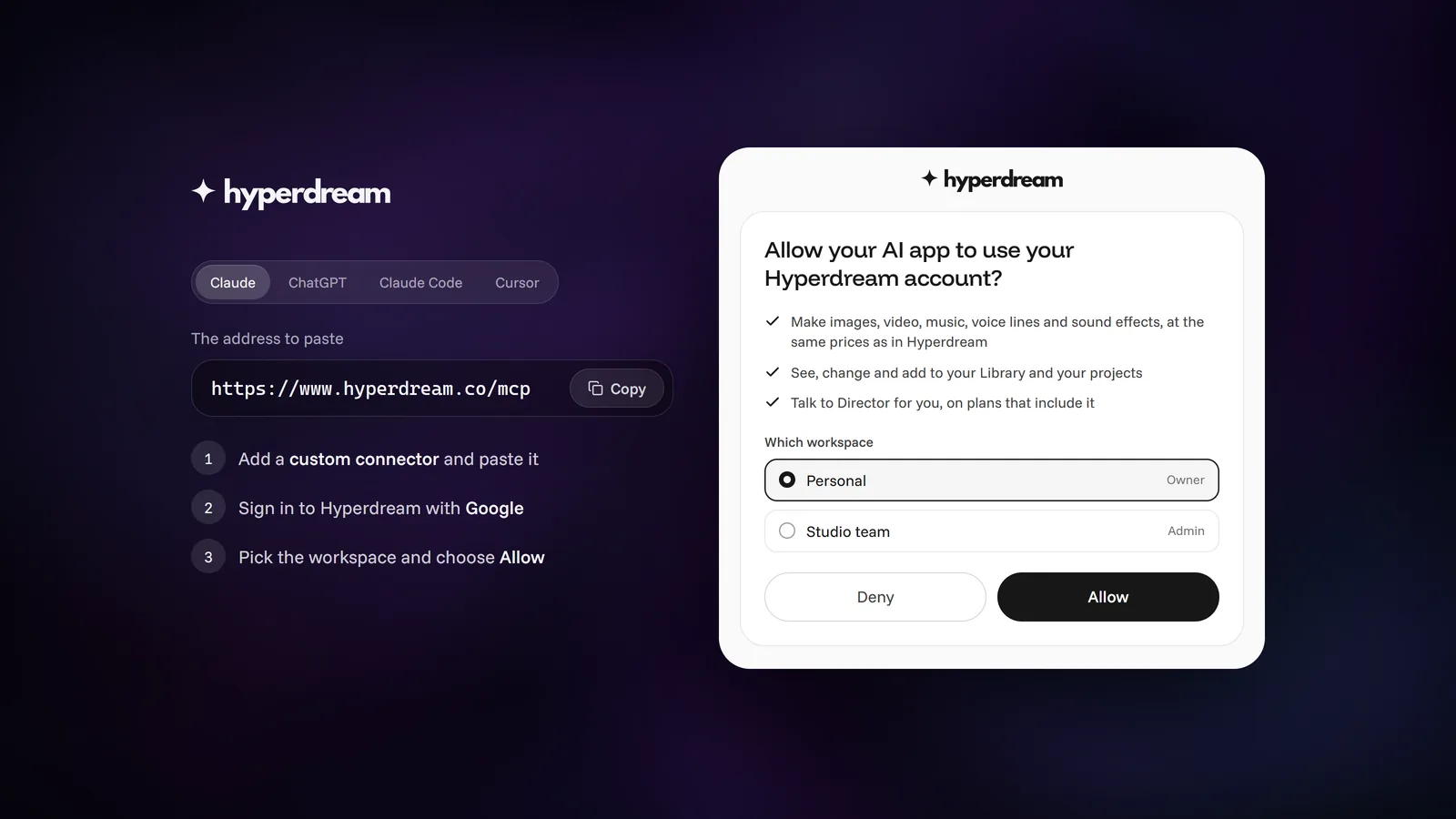
Connect ChatGPT, Claude or Cursor to Hyperdream (MCP Guide)
Step by step: add Hyperdream to ChatGPT, Claude, Claude Code or Cursor with one address and a sign-in, no API keys. Plus fixes for when sign-in doesn't finish.
Guides10 November 20267 min read
Hyperdream Commercial Rights: What Each Plan Lets You Use
Hyperdream commercial use by plan: paid plans are yours to use commercially, the free level is for personal projects, and four cases carry their own limits.

Guides10 November 20267 min read
Hyperdream Pricing Explained: Plans, Credits and Limits
Hyperdream pricing, checked 10 November 2026: plans from $29 to $199 a month with 390 to 4,000 credits, 20 free credits, packs and each plan's limits.
More than images and video
Scripts, storyboards, motion, and characters in every version. Each one on its own, or all of them in a film.

Write a script
An idea in, a properly formatted screenplay out. Edit any line, then board it or film it.

Board a storyboard
A panel for every shot, as AI stills or quick vector frames. Export it as a pitch deck.

Make motion
Titles, explainers and moving storyboards, drawn as vector animation by the AI you pick.

Characters, places, products
One subject in many versions, or new ideas for it. Every angle, look and light.
Your first film is one sentence away.
Free to start. Pay only for what you render.