Frame.io or Built-In Review Links for AI Film Approvals?
Need a Frame.io alternative for AI video? Frame.io is far stronger for frame-accurate review. Built-in review links need no extra tool and no account.
By Divy Brahmbhatt8 min read
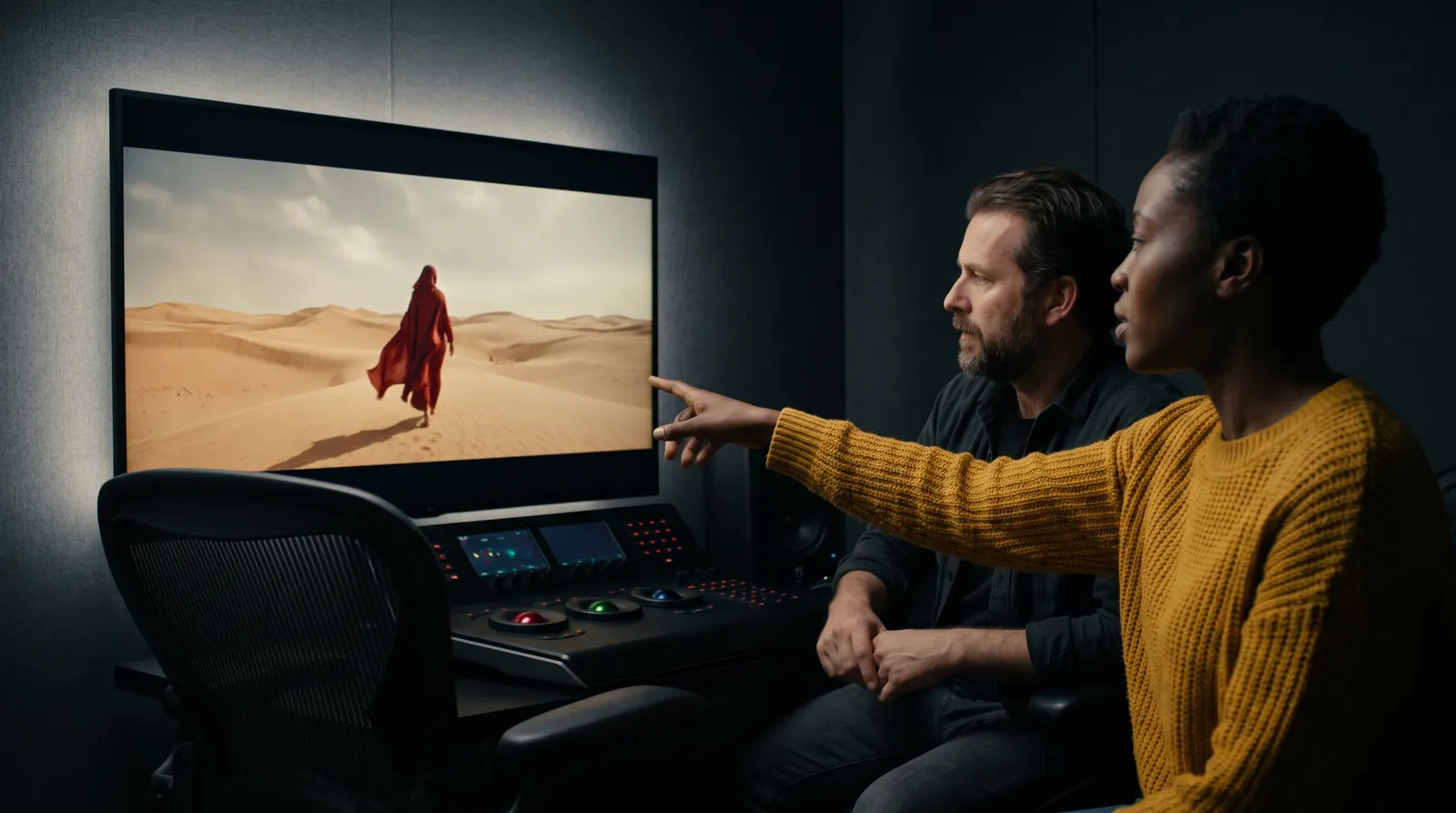
For approving the parts of an AI film where they are made, built-in review links are enough: the client opens a link, comments and approves, with no account and no extra tool. For frame-accurate notes on a cut, version stacks and feedback inside editing software, Frame.io is far stronger. Many teams will use both. Both were checked on 10 November 2026. We did not test Frame.io.
Key takeaways
- Frame.io: Free for up to 2 members, Pro at $15 a member a month, Team at $25 (read 10 November 2026). Its pages list frame-accurate comments, version stacks, a comparison viewer and Premiere Pro and Final Cut Pro integrations.
- Hyperdream's review links: part of the app. Comments pin to a spot on a picture or a moment in a video. Each item is approved or sent back.
- Neither needs a reviewer account. Frame.io says share links "don't require them to sign up or log in".
- Why early approval matters for AI films: our three client films took 1.8 to 4.4 video renders per finished shot, and video was 73% to 91% of the credits.
- The fair split: built-in links up to the cut, Frame.io for finishing.
What is each one for?
Frame.io is a review and media platform for video teams. Editors upload cuts, reviewers leave timed comments, and the notes come back to the edit. It works with footage from anywhere.
Hyperdream's "Share for review" is a link on something made in Hyperdream: a film, or anything in Create or the Library. It exists so a client can say yes or no to a character sheet, a storyboard frame, a shot or a cut without leaving the place the work lives. The full walk-through is in client review links.
I work with agencies that make films on Hyperdream. The question I hear is "do we still need Frame.io?" The honest answer depends on where your film is finished.
How do they compare side by side?
| Frame.io | Hyperdream review links | |
|---|---|---|
| What you can review | Footage from any source. Its review page names "video, photos, design files, and the Adobe suite of formats" | Work that lives in Hyperdream: films, clips, images, storyboard frames, music |
| Reviewer account | None needed on share links | None needed. The page asks for a name |
| Where a comment sits | Frame-accurate and range-based comments, annotations | A spot on a picture, or a moment in a video |
| Versions | Version stacks and a comparison viewer | Every result is a new version, with version compare in the Library. No version stacks on the review link |
| Decision | Not stated on the two pages we read | Approve, or send back for changes, per item |
| Link controls | Passphrase, expiry, downloads or comments off, hide earlier versions, a static watermark (Pro) | Download on or off, and a link expiry |
| Editing software | Premiere Pro and Final Cut Pro integrations. Feedback shows as markers on the timeline | None. A hand-off file for editing software is marked "Coming soon" |
| Team tools around it | Internal comments, restricted projects and folders (Team). Single sign-on (Enterprise) | Four roles, client folders, a monthly credit budget per client, an audit log |
| Price | $0 for 2 members, $15 or $25 a member a month, or custom | No separate price. Viewers on a team are free |
Frame.io's side comes from its pricing page and its review page. The plan-by-plan ticks in its feature table did not come through, so where we name a plan it is from the plan cards.
Where is Frame.io better?
Frame-accurate notes. Its feature table lists "Frame-accurate & range-based comments", and its review page says reviewers can "click anywhere to leave precise, accurate feedback". A note on Hyperdream's link sits at a moment in the clip, not on a numbered frame. For a colourist or an editor fixing a two-frame flash, that difference matters.
Version stacks and comparison. Frame.io lists version stacks and a comparison viewer. A finishing cycle runs through many cuts of the same film, and stacking them is how a team keeps track. Hyperdream keeps every version and can compare two in the Library, but its review link is not built around a stack of cuts.
Notes on the editor's timeline. Frame.io lists integrations with Premiere Pro and Final Cut Pro. For Final Cut Pro it says the editor sees "frame-accurate feedback left in Frame.io as markers" on the timeline. Hyperdream has nothing like this.
Any footage. Camera footage, a cut from another tool, a graded master: Frame.io reviews all of it, and its Free plan includes Camera to Cloud. Hyperdream's link is for work that lives in Hyperdream.
More control over a shared link. Frame.io's Pro plan lists passphrase-protected shares, link expiry, switches to turn off downloads or comments, a way to hide earlier versions, and one static watermark. Its Enterprise plans list session-based watermarks. Hyperdream's link has two controls: download on or off, and an expiry.
It is where editors already work. If your post team lives in Frame.io, a second review habit is a cost. That alone can decide it.
Where are built-in review links better?
Nothing to export or upload. The link is made from the film or the file itself. When an item gets a new version, the same link shows it and keeps the old one to compare.
You can approve the film before it is a film. An AI film is decided long before the cut: at the character reference sheets, the place sheets and the storyboard stills. Those live in Hyperdream, so the client can approve them there. You can review stills in Frame.io too, but you would export and upload each round.
The decision is explicit. Each item ends as approved or sent back for changes, and every link and decision is listed under Projects > Reviews. You are notified of each comment and decision.
It sits beside the client's budget. On a Team plan, a review is filed under the client, next to that client's monthly credit budget. The person who reads the note is the person who can see what a re-render will cost.
No extra seat or tool. Frame.io's Pro plan is $15 a member a month for up to 5 members. The built-in link is part of the plan you already make the film on, and a client who should see a whole folder over time can be a free Viewer.
Why does an AI film need review earlier than a shot film?
Because changes get dearer at each step, and the dear step is video.
On three client films we made, a finished shot took 1.8, 2.1 and 4.4 video renders, and video was 73% to 91% of each film's credits. A client who rejects a character after the shots are rendered has just thrown most of that away. A client who rejects the same character on a reference sheet has cost you a couple of credits.
So an AI film wants sign-off at four points, not one:
| Sign-off | What the client sees | Cost of a late change | Tool that fits |
|---|---|---|---|
| Cast and places | Reference sheets | A few credits a sheet | Built-in link |
| Storyboard | A still per shot, or the pitch deck PDF | A few credits a frame | Built-in link |
| Shots | Rendered clips | A new video render per shot | Built-in link |
| Cut | The exported film | Editor time, sometimes new shots | Either. Frame.io once the film is in editing software |
The numbers are in the cost of an approved AI film, and the order of sign-offs is in an agency workflow for AI films. One of the three films, a 30-second ad, is written up in the Shilp case study.
How do the two work together?
The three client films in our case studies were all finished in outside editing software. For a team that works that way, the hand-off looks like this:
- Approve sheets, storyboard and shots on Hyperdream review links.
- Export the film as one MP4, at up to 1080p, or download the film's files as a zip.
- Bring it into your editing software and finish it there.
- Review the finishing rounds in Frame.io, where notes land on the editor's timeline.
Hyperdream's Edit step is a real timeline, but it does not replace professional editing software. If the film never leaves Hyperdream, the built-in link covers the cut as well.
What does each cost?
Frame.io (read on frame.io/pricing, 10 November 2026):
| Plan | Price | Members | Storage listed |
|---|---|---|---|
| Free | $0 | Up to 2 | 2 GB, up to 2 projects |
| Pro | $15 a member a month, plus tax | Up to 5 | 2 TB included |
| Team | $25 a member a month, plus tax | Up to 15 | 3 TB included |
| Enterprise | Custom | Custom | Custom |
The page has a monthly and annual switch and says "We offer a 13% discount on annual plans." We could not tell from the text we read which billing period the $15 and $25 belong to. Outside reviewers on share links are free.
Hyperdream: review links have no separate price. Individual plans run from $29 to $199 a month, and the Team plan is 2 to 9 seats from $59 a seat a month (checked on /pricing, 10 November 2026). Plan rules are in Hyperdream pricing explained.
Which should you choose?
- The film is made and finished in Hyperdream: built-in review links.
- The film is finished in Premiere Pro or Final Cut Pro, with several rounds of timed notes: Frame.io for those rounds.
- You need passphrases or watermarks on unreleased work: Frame.io.
- You review footage that was not made in Hyperdream: Frame.io.
- You want the client to approve the cast and storyboard before video: built-in review links.
- An agency doing all of the above: both. Use each where it is strong.
The wider checklist for agencies is in AI video platforms for agencies, and the product page is /for-agencies.
How do you send a review link in Hyperdream?
- Open the film, or select files in the Library, and choose Share for review.
- Name the review. On a team, pick the client it belongs to, or General.
- Set whether they can download, and when the link stops working.
- Create the link and send it. The client needs no account.
- Read their comments and decisions under Projects > Reviews.
How we checked
We read Frame.io's pricing page and its review-and-approval page on 10 November 2026. The plan cards and the FAQ were readable. The feature table's plan-by-plan ticks were not, so we name the features it lists without saying which plan includes each, except where a plan card says so. We found no approve or request-changes status on those two pages. That means it was not on the pages we read. It does not prove Frame.io lacks one. We did not sign in to Frame.io or test it. Hyperdream's side comes from its product fact sheet and live pricing, checked the same day, and the film numbers come from three project records.
Questions people ask
For approving work made in Hyperdream, yes: its review links collect pinned comments and an approve or send-back decision with no account. For frame-accurate notes on a locked cut, version stacks and editing-software integrations, Frame.io is the stronger tool, and many teams will use both.
Keep reading
For Teams10 November 20268 min read
AI Video Platform for Agencies: What to Check in 2026
Choosing the best AI video platform for agencies comes down to ten checks: client separation, budgets per client, roles, approvals, consistency and real cost.

Comparisons10 November 20268 min read
AI Video Team Plans Compared: Seats, Pools and Budgets
AI video team plans compared on seat price, credits, pooling and spend controls: Runway, Higgsfield, Kling, Topview, Invideo, Krea, Frameo, Morphic, Hyperdream.

Comparisons10 November 20268 min read
Runway Team Plan vs Hyperdream Team: Agencies Compared
The Runway team plan is $69 a seat with 6,900 pooled credits. Hyperdream Team is $59 to $249 a seat with client folders and budgets. Which suits an agency?
More than images and video
Scripts, storyboards, motion, and characters in every version. Each one on its own, or all of them in a film.

Write a script
An idea in, a properly formatted screenplay out. Edit any line, then board it or film it.
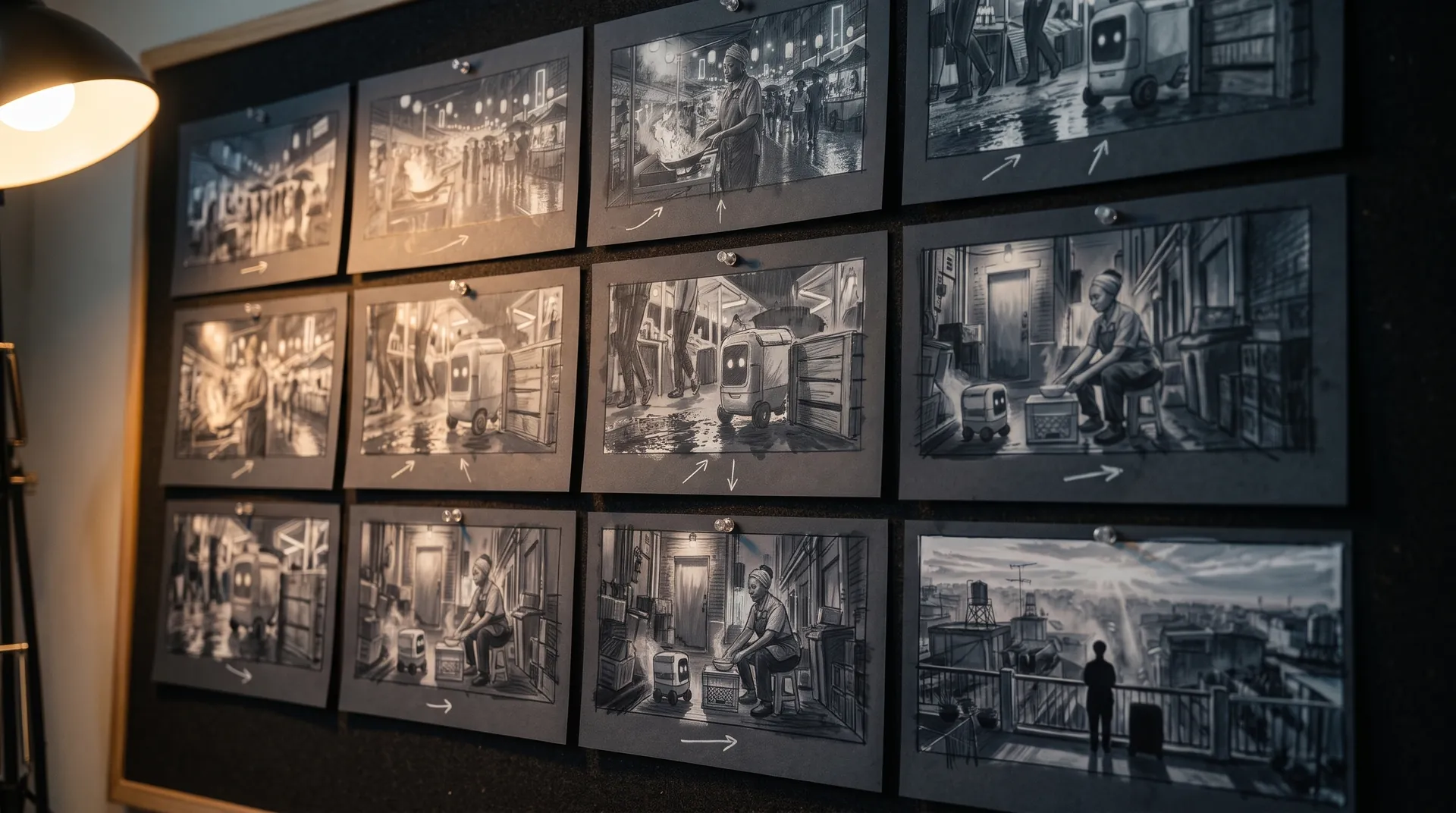
Board a storyboard
A panel for every shot, as AI stills or quick vector frames. Export it as a pitch deck.

Make motion
Titles, explainers and moving storyboards, drawn as vector animation by the AI you pick.

Characters, places, products
One subject in many versions, or new ideas for it. Every angle, look and light.
Your first film is one sentence away.
Free to start. Pay only for what you render.