An Agency Workflow for AI Films: Brief to Approved Cut
An AI video agency workflow in six stages: brief, pitch deck, storyboard sign-off, shots, review link and export, with who does what at each stage.
By Divy Brahmbhatt7 min read

An agency AI film runs in six stages: set-up, script, storyboard sign-off with a deck, shots, a review link for the cut, and export. The rule that holds it together is to get each approval before the stage that costs more. This is the workflow we use on Hyperdream, with the roles, the budgets and the numbers from a 30-second client ad that took 941 credits.
Key takeaways
- Six stages, three client sign-offs: script, storyboard, cut.
- Four roles: Owner, Admin, Editor and Viewer. Viewers are free, and client reviewers need no account.
- Budgets: one monthly credit budget per client, set to stop work or to warn, plus a limit per member.
- Real job: a 30-second ad for Shilp Group took 941 credits: 24 draft renders at 720p, then 7 finals.
- Plan: Team is 2 to 9 seats at $59, $119 or $249 a seat a month (checked 10 November 2026). Director needs a Pro seat or higher.
What are the six stages?
| # | Stage | Step in Hyperdream | Who does it | Who signs off | What a change costs here |
|---|---|---|---|---|---|
| 1 | Set up the client | Settings > Clients | Admin | Owner or admin | Nothing |
| 2 | Brief, script and look | Director: Script, Look | Editor | Client approves the script | No credits for the script. Planning uses the Director allowance |
| 3 | Cast, places, storyboard and deck | Cast, Places, Storyboard, "Pitch deck (PDF)" | Editor | Client signs off the board | A few credits a picture |
| 4 | Shots | Shots | Editor | Creative lead | Video seconds, 2 to 9 credits each |
| 5 | Sound, cut and review | Sound, Edit, "Share for review" | Editor | Client approves the cut | Re-rendered shots |
| 6 | Export and hand-over | Export, Usage | Editor, then admin | Account lead | Nothing |
Each stage costs more to change than the one before. So the client approves the script before you draw, the drawings before you render, and the cut before you finish it.
Who does what, by role?
Hyperdream's Team plan has four roles. Here is how they map to an agency.
| Role | Typical person | In this workflow | Seat |
|---|---|---|---|
| Owner | Founder or head of production | Buys the plan and seats, sees billing | Paid |
| Admin | Producer | Adds clients, sets budgets and limits, invites people, hands work over | Paid |
| Editor | Director, designer, editor | Makes the film and spends credits, within their limit | Paid |
| Viewer | Account manager, strategist | Watches and comments | Free |
| Client reviewer | The client | Comments and approves by link | No account |
Each paid seat has a level: Creator, Pro or Business. Whoever runs Director needs Pro or Business. More in how Hyperdream teams work.
Stage 1: how do you set up a client before any work?
A little set-up saves the month-end argument about who spent what.
Agency workspace
├── General        (work that is not for a client, with its own budget)
├── Client A       (monthly budget, the people with access)
│   ├── Films
│   └── Files and review links
└── Client B       (monthly budget, the people with access)
- In Settings > Clients, an admin adds the client.
- Set its monthly credit budget, and choose whether it stops work or only warns.
- Give access to the people on the account. New people start in General only, so nobody sees a client by accident.
- Set a monthly limit for any member who needs one.
- Pick the client in the top bar. New films, files and spending are now filed under it.
Budgets and limits count work in progress, so two renders can't both slip under a limit. The detail is in per-client credit budgets.
When we asked ChatGPT on 10 November 2026 what an agency with six clients should use, it drew this same tree: agency, then client, then that client's characters, products and budget.
Stage 2: how do you get from brief to script?
Open Director inside the client. Paste the brief and add what the client sent: the logo, product photos, an old film, a mood board.
Director's chat has three modes. Plan proposes one change and waits, and never spends credits. Ask only answers. Agent does the work itself, renders included, and shows the cost of each step. Start in Plan while the idea is still moving.
Write several scripts fast. On the Shilp Group ad, the script went through 7 versions covering 6 ideas in 36 minutes.
Then set the Look: shape, palette, camera and four test stills.
Sign-off 1: the script. Send it to the client before anything is drawn. Changing it spends no credits.
Stage 3: how do you get the storyboard signed off?
Make the people and places first. In Cast and Places, each character, location and product gets one reference sheet. Then Storyboard lays out scenes and shots, with a still frame for every shot before any video is made.
Now make the deck. "Pitch deck (PDF)" turns the look, cast, places and storyboard into slides, saved as a PDF from the browser. Send that, or share the storyboard frames with a review link so the client can pin comments to a frame.
Sign-off 2: the board. This approval matters most. After it, the faces, places, products and order of shots are fixed. A change here costs a few credits a picture: on the Shilp ad, 86 pictures cost 171 credits.
Stage 4: how do you render the shots without burning the budget?
Two passes.
- Draft pass. Set the quality to Draft (720p) and render until each shot works. Shilp: 24 renders for 7 video shots, 379 credits.
- Final pass. Raise the quality and render each keeper once. Shilp: 7 renders at 4K, all kept, 309 credits.
Three shots render at a time. If a render would pass a member's monthly limit, it is refused, with the reset date. A client budget set to stop does the same for the client. A failed or blocked render refunds its credits.
The creative lead signs off shots inside the team.
Stage 5: how does the client review the cut?
In Sound, set the dialogue, the narrator, the music and effects. In Edit, assemble the cut on the timeline.
Then press "Share for review". Anyone with the link can watch, comment and approve, with no account. Comments pin to a moment in the video. You choose whether they can download and when the link expires, and every link and decision sits under Projects > Reviews.
Sign-off 3: the cut. The client approves or sends it back. Client review links covers the settings.
Stage 6: what do you export and hand over?
- The film: "Export" makes one MP4 in the browser, at up to 1080p, with an optional .srt of the spoken lines. Export is free.
- The parts: a zip of every file in the film, for finishing in your own editing software.
- The numbers: Usage shows spend by person and by client, with a CSV report for your invoice.
- The archive: when the account ends, archive the client. If someone leaves the team, an admin hands their files and projects to someone else. Work belongs to the team, not to a person.
One caution. None of our three client films was exported from the Edit step. All three were cut in outside editing software, from shots made in the app. The Edit step assembles a cut and does not replace professional editing software.
What did this look like on a real job?
The Shilp Group Diwali ad, a 30-second vertical film in Hindi, made in a team workspace with Shilp saved as a client:
- 5 November 2026: the script, 7 versions in 36 minutes.
- 6 November: look, cast, places, frames and the 720p draft pass, in a little under six hours on the clock.
- 7 November: the 4K finals, in about 70 minutes.
Director ran in Agent mode over 48 requests and rendered about half of the first-pass shots itself. The total was 941 credits and 3.8 to 4.4 hours of logged work. That is too fast to promise a client. We plan two weeks, as laid out in the two-week festive film plan. The full record is in the Shilp case study.
Where do other tools do part of this better?
- Review. Frame.io is a dedicated review tool with frame-accurate comments and version stacks. Our link collects pinned comments and a decision.
- Storyboard sign-off. Boords describes itself as "Pre-production sign-off for video agencies and their clients" (read 10 November 2026) and is built around that one stage.
- Finishing. Colour, sound mixing and a 4K master belong in editing software.
- Large companies. Hyperdream has no single sign-on, and teams of ten or more are "talk to us".
The wider checklist is in AI video platform for agencies. Seat prices are on /pricing.
How we checked
Hyperdream's roles, budgets, review links and export were checked against the live product and /pricing on 10 November 2026. The Shilp numbers come from that film's project record and request log. Boords's line was read on its homepage the same day; Frame.io's features are as we reported them in our review-links post, read that day too. What we could not confirm: which plan the Shilp workspace was on while the film was made, and whether a solo paid plan can use client folders, so this page assumes a Team plan.
Questions people ask
Six stages: set up the client and budget, write the script and look, get the storyboard signed off with a pitch deck, render the shots, send a review link for the cut, then export and hand over. Get each approval before the stage that costs more.
Keep reading
For Teams10 November 20268 min read
AI Video Platform for Agencies: What to Check in 2026
Choosing the best AI video platform for agencies comes down to ten checks: client separation, budgets per client, roles, approvals, consistency and real cost.

For Teams10 November 20266 min read
Client Review Links: Comments and Approvals, No Account
How client approval for AI video works on Hyperdream: a review link, comments pinned to a spot or a moment, approve or request changes, and no account needed.
For Teams10 November 20269 min read
What Happens to Client Work on Hyperdream: Privacy Facts
Hyperdream privacy for client work: no AI training on your content, no selling data, who processes it, who can see it, and deletion for good after 30 days.
More than images and video
Scripts, storyboards, motion, and characters in every version. Each one on its own, or all of them in a film.

Write a script
An idea in, a properly formatted screenplay out. Edit any line, then board it or film it.
Board a storyboard
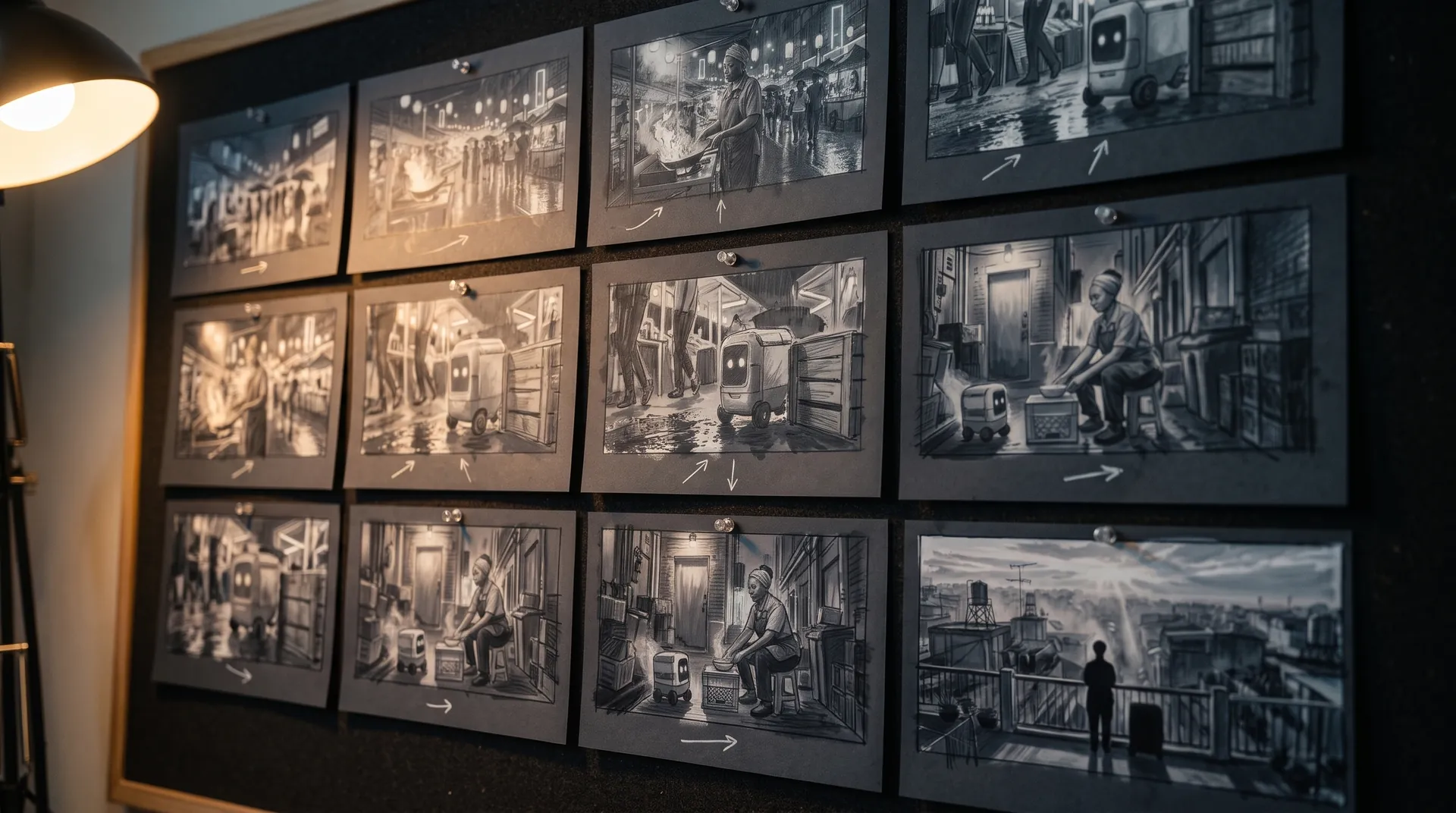
A panel for every shot, as AI stills or quick vector frames. Export it as a pitch deck.

Make motion
Titles, explainers and moving storyboards, drawn as vector animation by the AI you pick.

Characters, places, products
One subject in many versions, or new ideas for it. Every angle, look and light.
Your first film is one sentence away.
Free to start. Pay only for what you render.