Re-Rolls Burn Credits: 7 Ways to Need Fewer Takes
Seven ways to reduce AI video credit usage: approve stills first, lock reference sheets, draft at 720p and finish once. With what each saved on real films.
By Hyperdream Team6 min read
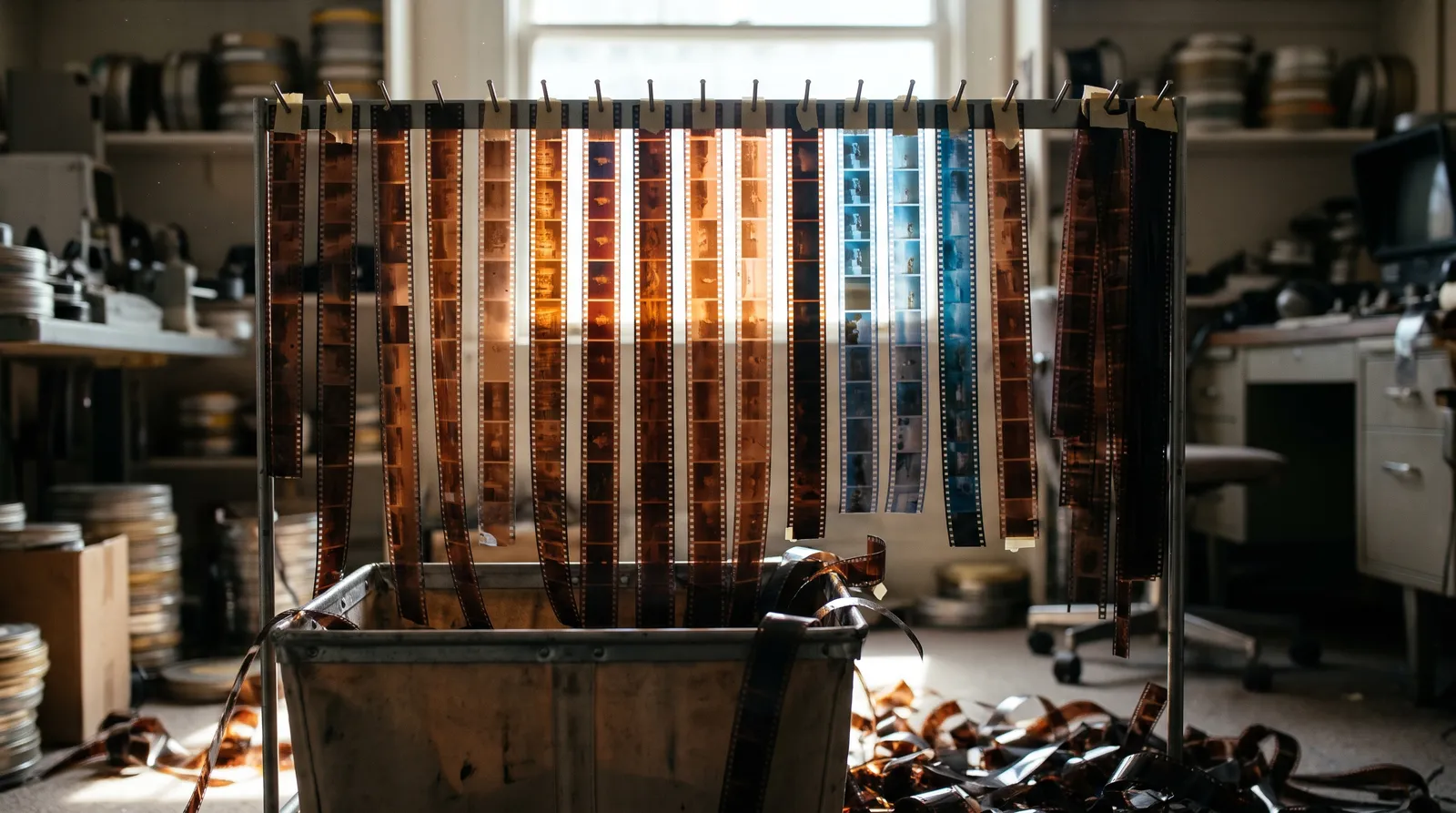
To reduce AI video credit usage, move your mistakes to the cheap steps. Settle each shot as a still, lock the characters with reference sheets, draft video at 720p, and render the final size once. On four films we measured, a finished shot took 1.8 to 4.4 video renders, and the film with the most takes kept every one of its expensive finals.
Key takeaways
- The benchmark: 1.8, 2.1, 2.3 and 4.4 video renders per finished shot, on four films made on Hyperdream in 2026.
- A still costs 1 to 5 credits. A 5-second clip costs 10 to 45. Fix the shot while it is a still.
- Size can triple the price. On Gemini Omni 1.2, a 10-second clip cost 24 credits at 720p and 72 at 4K.
- One ad drafted 22 times at 720p, then rendered 7 finals in 4K and kept all 7.
- A failed or blocked render refunds automatically. A finished take you don't like does not.
Why do re-rolls cost so much?
A re-roll is rendering the same shot again because the last take wasn't right. Video is priced by the second, and each take is charged in full. On three client films, video was 73% to 91% of all the credits spent. So the number that moves a film's cost most is renders per finished shot.
When we asked ChatGPT about Hyperdream on 10 November 2026, one of its doubts was "credit burn from re-rolls". Here are our numbers, and seven habits that pull them down.
How many takes is normal?
From the project records of four films:
| Film | Finished video shots | Video renders | Per finished shot |
|---|---|---|---|
| Industrial film, part 2 (August 2026) | 22 | 40 | 1.8 |
| Mantra video (November 2026) | 9 | 19 | 2.1 |
| Industrial film, part 1 (July 2026) | 9 | 21 | 2.3 |
| Diwali ad (November 2026) | 7 | 31 | 4.4 |
About two takes a shot is ordinary. The 4.4 looks like the worst, and it isn't. Twenty-four of its 31 renders were cheap drafts. The full costs are in the cost of an approved AI film.
1. Approve a still before you render video
In Director, the Storyboard step makes a still frame for every shot before any video. A still on Nano Banana 2.1 costs 2 credits. A 5-second draft of the same shot on Gemini Omni 1.2 costs about 12.
What it saved: on the Diwali ad, the first stills showed a bungalow and cramped rooms. The client builds apartments. That was caught and redrawn as pictures. The film's 65 image requests cost 171 credits in total. Its 31 video renders cost 688.
2. Rough out the board in vector frames
Create's Storyboard tool can draw a board as "Vector frames" at 1 credit a frame. They are line drawings, enough to agree which shots exist, in what order, and how each is framed. The tool is on the Pro plan and up.
What it saved: by our arithmetic, a 30-shot board is 30 credits in vector frames against 60 in 2-credit stills. The larger saving is every shot you cut or reorder before anyone has drawn it properly. We have no measured figure for that.
3. Lock characters and places with reference sheets
In Cast and Places, each character, location and product gets one reference sheet. A character's sheet has four full-body views and four expressions. Shots are then rendered from the sheet, so a face is settled once.
What it saved: on the mantra video, the first rounds of goddess designs were rejected at the sheet stage. All twelve sheets cost 45 credits, less than one 4K shot at 72. On the industrial film, 24 of the 40 video renders were made from reference pictures, and it had the lowest rate of the four films at 1.8. We can't prove the references caused that. How to make a character reference sheet covers the sheet.
4. Draft at 720p, then render the final once
In Look, render quality has three settings: Draft (720p), Final (1080p) and 4K. Find each shot on Draft. Switch up only when the take is right.
What it saved: the Diwali ad found its shots with 22 Gemini Omni 1.2 renders at 720p, for 337 credits. Then each of the 7 video shots was rendered once in 4K, for 309 credits, and all 7 were kept. On that model 4K costs three times 720p. The same 22 search renders at 4K would have cost about 1,011 credits, so drafting small saved about 670.
5. Give each shot one action, and simplify what breaks
A shot with one action has one thing to get wrong. When a take fails the same way twice, rewrite the shot. Don't roll it a third time and hope.
What it saved: on the Diwali ad, two shots were simplified on purpose where the physics kept failing: a ball thrown backwards, and a plate that vanished. We don't have a count of the takes that avoided. Each avoided draft on that film was about 12 to 24 credits.
6. Match the model to the shot
Hyperdream's ten video models run from 2 to 9 credits a second at their default sizes (checked 10 November 2026). A 6-second shot is 12 credits on MiniMax H3 and 54 on Seedance 2.0. In the Shots step you set the model per shot, or leave Director's pick.
Use a 2- or 3-credit model for shots with no people and for simple moves. Keep the 7- and 9-credit models for the shots that need them. And check the limits before you press: one Seedance 2.0 request on the mantra video asked for a clip length the plan didn't allow. It was refused and not charged.
What it saved: by arithmetic, 42 credits a take on that 6-second shot.
7. Think in Ask or Plan mode, render in Agent mode
Director's chat has three modes. Agent does the work itself, renders included, and spends credits. Each step shows its cost. Ask answers and never spends. Plan proposes one change and waits for your go.
While you are still deciding, stay in Ask or Plan. Planning uses the Director allowance that comes with Pro and Business, not credits. On a Team plan, add a monthly credit budget per client, set to stop work or to warn, and a monthly limit per person.
What it saved: we have no measured figure. It prevents the renders nobody meant to start.
What doesn't cost credits at all?
- Failed and blocked renders. They refund automatically. On the Diwali ad, five requests failed or were turned down by a model, and none was charged.
- Planning with Director. It uses the Director allowance.
- Exporting the film. The MP4 export from the Edit step is free.
So the credits that burn are the takes that finish and still aren't right. The seven habits above all aim at those.
Where won't this help?
- Some shots need takes. Two characters in one frame, hands and fast physics are hard on every model. Budget extra takes for those.
- A 720p draft is not a promise. The final is a new render and can differ. All 7 finals were kept on the Diwali ad. That is one film.
- If you only make single clips, this is more process than you need.
- Per second, raw access to one model can be cheaper than any studio. You then manage the stills, references and takes yourself.
How do you find your own rate?
Divide your video renders by your finished shots. Do it for one small project before a paid one. The 20-second two-character test is a quick way to get the number on any tool.
Plan and pack rules are in Hyperdream pricing explained. The storyboard tools are on /ai-storyboard-generator.
How we checked
Render counts and credits come from the project records of four films made on Hyperdream between July and November 2026. Model prices and plan rules were read from the live model list and pricing page on 10 November 2026. Where a saving is marked as arithmetic, we worked it out from list prices and did not measure it. The 12-credit draft is 5 seconds at Gemini Omni 1.2's 720p rate. We could not put a number on habits 5 and 7. The two industrial films were made at summer 2026 prices, partly on models that are no longer offered, so read their counts as take rates, not as today's costs.
Questions people ask
Move your mistakes to the cheap steps. Approve each shot as a still, lock characters with reference sheets, draft video at 720p and render the final size once. A still costs 1 to 5 credits on Hyperdream and a 5-second clip costs 10 to 45.
Keep reading
Guides10 November 20269 min read
The Cost of an Approved AI Film, Not a Clip (2026 Numbers)
AI film cost is finished seconds times credits per second times renders per shot, plus stills, voice and music. Three client films used 941 to 1,289 credits.

Guides19 November 20267 min read
How AI Video Credits Work: Rollover, Packs and Refunds
AI video credits explained: what a credit buys, how long it lasts, which tools roll credits over, how packs work and what comes back when a render fails.
Guides15 November 20267 min read
What Does a 20-Minute AI Film Cost? A Worked Budget
AI long film cost, worked out: a 20-minute film takes about 5,900 to 22,700 credits on Hyperdream at two renders a shot. The budget, plans and packs.
More than images and video
Scripts, storyboards, motion, and characters in every version. Each one on its own, or all of them in a film.

Write a script
An idea in, a properly formatted screenplay out. Edit any line, then board it or film it.

Board a storyboard
A panel for every shot, as AI stills or quick vector frames. Export it as a pitch deck.

Make motion
Titles, explainers and moving storyboards, drawn as vector animation by the AI you pick.

Characters, places, products
One subject in many versions, or new ideas for it. Every angle, look and light.
Your first film is one sentence away.
Free to start. Pay only for what you render.