Kling 4.0 vs Seedance 2.5: Which for Which Shot?
Kling 4.0 vs Seedance 2.5, shot by shot: clip length, credits a second, sound, reference pictures and plan limits, from Hyperdream's models page today.
By Hyperdream Team7 min read
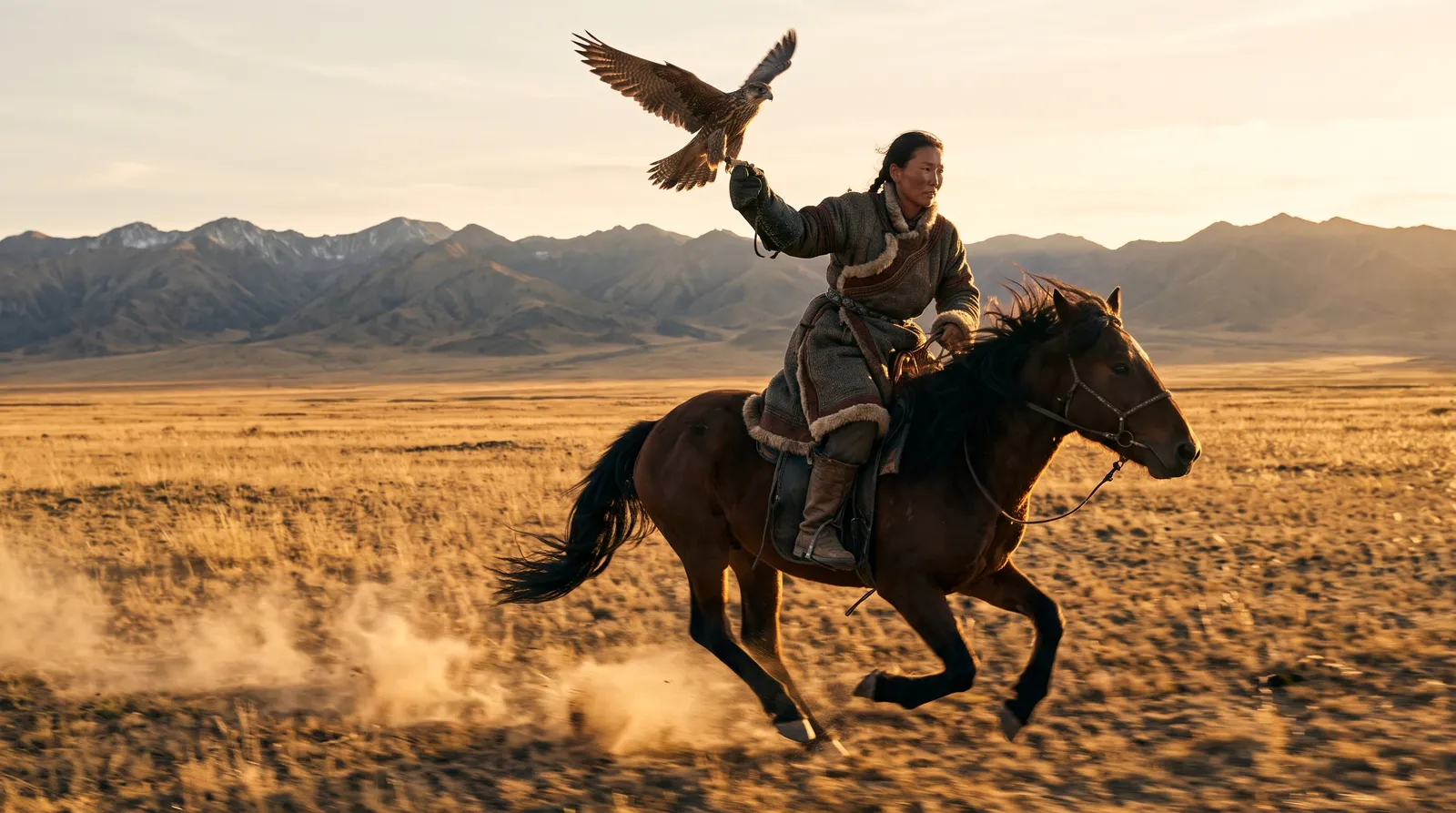
Pick Kling 4.0 for long takes, action and camera moves: it runs 3 to 30 seconds at 5 credits a second. Pick Seedance 2.5 when a shot must match reference pictures or needs fine detail: it takes up to four references, runs 4 to 12 seconds and costs 7 credits a second. These are the figures on Hyperdream's models page on 10 November 2026.
Key takeaways
- Length: Kling 4.0 runs 3 to 30 seconds. Seedance 2.5 runs 4 to 12.
- Price at 720p: Kling 4.0 is 5 credits a second. Seedance 2.5 is 7.
- References: Seedance 2.5 takes up to 4 reference pictures. Kling 4.0 takes none, only a start frame and an end frame.
- Sound: Kling 4.0 always makes sound. On Seedance 2.5 it is optional.
- Plan: Kling 4.0 opens on Creator ($49 a month). Seedance 2.5 needs Pro ($99) and stops at 8 seconds there.
How do Kling 4.0 and Seedance 2.5 compare side by side?
As offered on Hyperdream, 10 November 2026:
| Kling 4.0 | Seedance 2.5 | |
|---|---|---|
| Maker | Kuaishou | ByteDance |
| Lowest plan | Creator, $49 a month | Pro, $99 a month |
| Credits a second (720p) | 5 | 7 |
| Sizes | 720p, 1080p | 480p, 720p, 1080p |
| Clip length | 3 to 30 seconds | 4 to 12 seconds |
| Longest clip by plan | 15 s Creator, 20 s Pro, 30 s Business | 8 s Pro, 12 s Business |
| Sound | Always | Optional |
| Text to video | Yes | Yes |
| Start frame and end frame | Yes | Yes |
| Reference pictures | None | Up to 4 |
| Shapes | 16:9, 9:16, 1:1, 21:9 | 16:9, 9:16, 1:1, 4:3, 3:4, 21:9 |
| What our team uses it for | Big action and camera moves | Finer detail and steadier motion |
Higher sizes cost more on both, and the gap widens. In the live price list, 1080p is about 7 credits a second on Kling 4.0 and about 17 on Seedance 2.5. The exact price shows before you render.
What do the makers say about them?
Kling 4.0. Kling's homepage leads with "All-New Kling 4.0" and describes it as "Stable Dynamic Motions and an immersive audio-visual experience, taking video generation to professional-grade production" (kling.ai, read 10 November 2026). We found no official launch date or spec sheet on Kling's pages.
Seedance 2.5. ByteDance launched it on 31 July 2026 and calls it "a next-generation audio-video joint generation model, built for 30-second storytelling with precise reference control and powerful editing capabilities" (seed.bytedance.com, read 10 November 2026). Its launch post describes far more reference inputs than we offer: "up to 30 images, 10 video clips, and 10 audio clips".
So the maker's own apps do more with Seedance 2.5 than Hyperdream does today. Here it runs 4 to 12 seconds with up to four reference pictures. If you need a 30-second Seedance take or dozens of references, use ByteDance's own apps. Kling's own app also has reference modes that Hyperdream's Kling 4.0 does not. For Kling with references on Hyperdream, use Kling O3 Pro.
Which model for which shot?
| The shot | Pick | Why |
|---|---|---|
| A take longer than 12 seconds | Kling 4.0 | Seedance 2.5 stops at 12 |
| A chase, a fall, a fight | Kling 4.0 | Built for big action |
| A crane, a long push-in, an orbit | Kling 4.0 | Camera moves, and room to finish them |
| A character who must match their reference sheet | Seedance 2.5 | Takes up to 4 reference pictures |
| A product or a face in close-up | Seedance 2.5 | Finer detail and steadier motion |
| A silent clip you will score yourself | Seedance 2.5 | Sound can be switched off |
| A 4:3 or 3:4 frame | Seedance 2.5 | Kling 4.0 does not offer those shapes |
| You are on the Creator plan | Kling 4.0 | Seedance 2.5 needs Pro |
| The most seconds for your credits | Kling 4.0 | 5 credits a second against 7 |
The "why" column mixes two kinds of fact. Lengths, prices, inputs and shapes are settings anyone can check on the models page. "Built for big action" and "finer detail" are our team's working notes, not measured scores.
How much does each shot cost?
At 720p, by length:
| Clip length | Kling 4.0 | Seedance 2.5 |
|---|---|---|
| 5 seconds | 25 credits | 35 credits |
| 8 seconds | 40 credits | 56 credits |
| 12 seconds | 60 credits | 84 credits |
| 20 seconds | 100 credits | Not offered |
| 30 seconds | 150 credits | Not offered |
One clip is not one finished shot. On three films our team tracked, a finished shot took between 1.8 and 4.4 video renders. At two renders a shot, an 8-second shot costs about 80 credits on Kling 4.0 and about 112 on Seedance 2.5.
Put another way: Pro comes with 2,000 credits a month. Spent only on 720p video, that is 400 seconds of Kling 4.0 renders or about 285 seconds of Seedance 2.5. Halve both for finished footage at two renders a shot. The method is in the cost of an approved AI film, and all ten models are ranked in AI video cost per second.
A render that fails or is blocked refunds its credits automatically.
How do the plan limits change the choice?
They change it a lot.
- Free and Starter: neither model is open.
- Creator ($49): Kling 4.0 only, up to 15 seconds.
- Pro ($99): both. Kling 4.0 up to 20 seconds, Seedance 2.5 up to 8.
- Business ($199): both at full length, 30 and 12 seconds.
On Pro, then, Seedance 2.5 is a model for short shots. Eight seconds is enough for most shots in a cut, but not for a long take. Team seats follow the level of the seat.
How do you keep a character the same on each?
On Seedance 2.5, give the shot the character's reference sheet as a reference picture. With up to four slots, that covers two characters, a place and a product in one shot. Why this works is in how to keep characters consistent.
On Kling 4.0, there are no reference slots, so the character has to arrive in the start frame. In Director, each shot gets a still frame on the storyboard before any video is made, drawn with the character's sheet. Use that still as the start frame and Kling 4.0 animates the person it was given. For a shot that has to land on an exact picture, set an end frame too.
When is neither the right pick?
- A scene with spoken lines: Gemini Omni 1.2 (realistic people and dialogue, 3 credits a second) or Wan 3.0 (dialogue, music and effects in one take).
- Cheap drafts: MiniMax H3 at 2 credits a second, open to every account.
- More than four reference pictures: Gemini Omni 1.2 takes up to 10. Wan 3.0 and MiniMax H3 Max take up to 9.
- Several shots from one prompt: Seedance 2.0.
All ten are in AI video models compared.
How do you test them yourself?
Render the same five shots on both and keep every take. We have not published side-by-side clips yet, so treat this as the test to run, not as our results.
- A long take. Someone walks through a market for 12 seconds while the camera follows. Check whether the person and the street hold to the end.
- An action beat. A runner jumps a low wall. Check the landing: feet, weight, speed.
- A character close-up from a sheet. Four seconds, one small change of expression. Check the face against the sheet.
- A product close-up. A slow turn of a bottle with a label. Check that the label stays readable and still.
- A camera move. A crane up from a doorway to a rooftop. Check that the move finishes inside the clip.
Count the renders each finished shot took and what they cost. That number, not the best single take, tells you which model suits your film.
How do you use them in Hyperdream?
- One clip: open Create, choose Video, pick the model, and add a start frame, an end frame or (on Seedance 2.5) reference pictures. The price shows before you generate.
- A film: in Director, the Shots step lets you set the model, length and camera for each shot. In Agent mode Director picks a model per shot itself.
Mix them. A film can use Kling 4.0 for its wide moving shots and Seedance 2.5 for its close-ups. For the tools built around whole films, see the best AI film studios in 2026. A prompt guide for the first of the two is in the Kling 4.0 prompt guide.
How we checked
Every Hyperdream figure here was read from the live /models page and its public model list on 10 November 2026: plans, credits a second, lengths, inputs, shapes and sizes. The 1080p rates come from that model list, not from the page itself, and are rounded. Maker quotes were read on kling.ai and seed.bytedance.com the same day. What we could not confirm: Kling 4.0's launch date and official limits (Kling's pages give no spec sheet), and Seedance 2.5's resolution in ByteDance's own apps. We have not published a side-by-side render test, so nothing here scores one model's picture quality above the other's. Staff can change prices and limits at any time, so check the models page before you budget.
Questions people ask
It depends on the shot. Kling 4.0 suits long takes, action and camera moves: 3 to 30 seconds at 5 credits a second on Hyperdream. Seedance 2.5 suits shots that must match reference pictures or need fine detail: up to four references, 4 to 12 seconds, 7 credits a second.
Keep reading
Comparisons11 July 20269 min read
The 11 Best AI Video Generators in 2026, by What You Make
The best AI video generators in 2026, sorted by job: film studios for whole films, clip models for single shots, avatar tools for presenters. Prices checked.
Models10 November 20269 min read
AI Video Models Compared: 10 Models, One Table (Nov 2026)
AI video models compared in one table: the 10 live on Hyperdream, with credits per second, clip lengths, sound, references and plan. Checked 10 Nov 2026.
Comparisons12 November 20268 min read
Best AI Tools for Consistent Characters in 2026
The best AI tool for consistent characters depends on how it stores the character. Seven tools compared from their own pages, checked 10 November 2026.
More than images and video
Scripts, storyboards, motion, and characters in every version. Each one on its own, or all of them in a film.

Write a script
An idea in, a properly formatted screenplay out. Edit any line, then board it or film it.

Board a storyboard
A panel for every shot, as AI stills or quick vector frames. Export it as a pitch deck.

Make motion
Titles, explainers and moving storyboards, drawn as vector animation by the AI you pick.

Characters, places, products
One subject in many versions, or new ideas for it. Every angle, look and light.
Your first film is one sentence away.
Free to start. Pay only for what you render.