What Happens to Client Work on Hyperdream: Privacy Facts
Hyperdream privacy for client work: no AI training on your content, no selling data, who processes it, who can see it, and deletion for good after 30 days.
By Divy Brahmbhatt9 min read
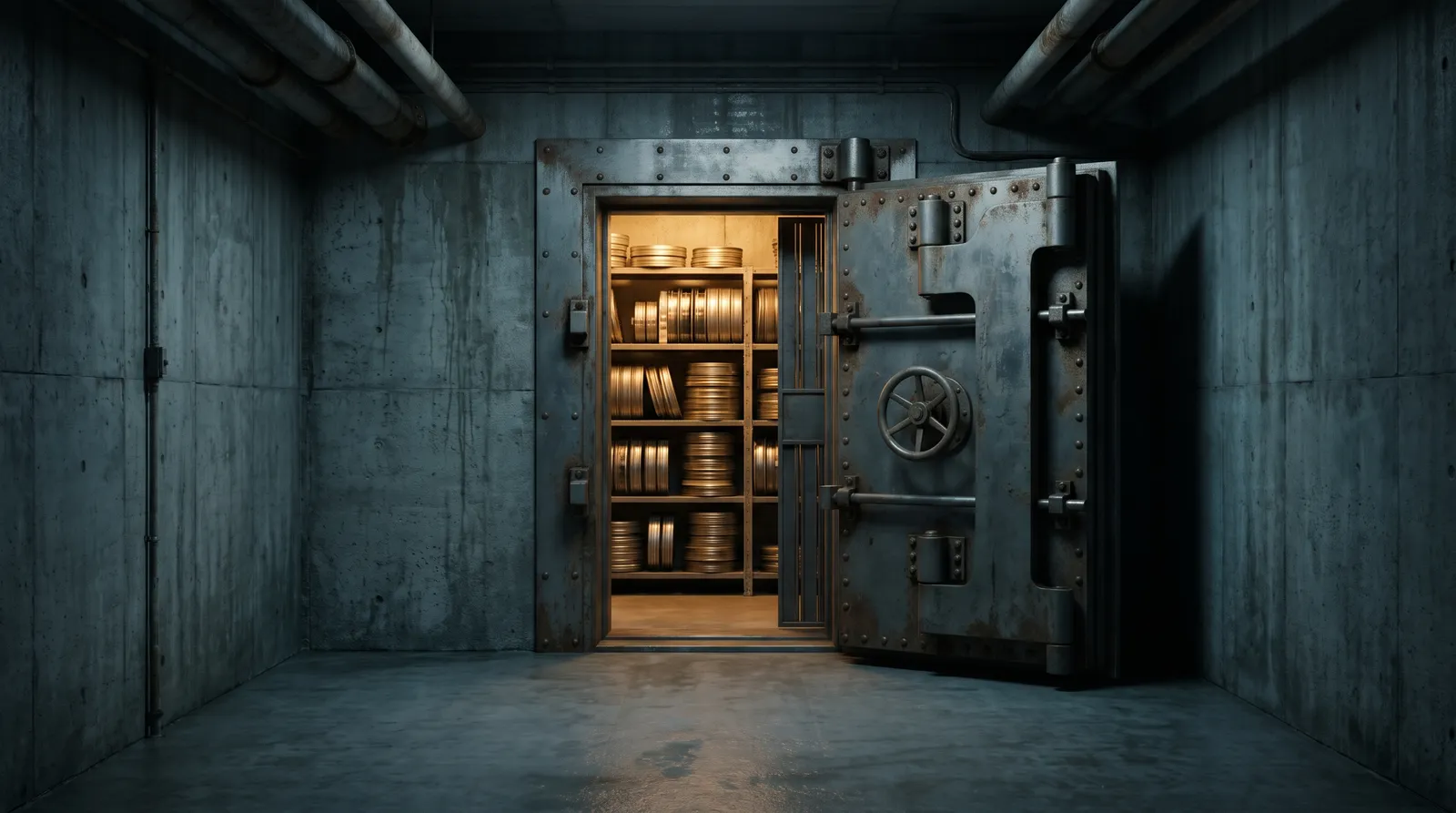
Hyperdream does not train AI models on your prompts, uploads or results, and it does not sell your data. Client work is used to run the service for you, stays until you delete it, and is removed for good 30 days after that. One limit to know: a review link can expire, but each stored file keeps its own web address.
I work with the agencies and studios that make client films on Hyperdream, and these are the questions their clients ask. The answers come from the Privacy Policy and the Terms of Service, read on 10 November 2026.
Key takeaways
- No training, no selling. The policy: "Hyperdream does not use your prompts, uploads or results to train AI models. Not our own, and not anyone else's."
- Seven named companies handle data: Vercel, Supabase, Cloudflare, Dodo Payments, Brevo, Upstash and Google. AI model providers are listed on request.
- 30 days. Trash, a deleted account and a deleted team are each removed for good after 30 days.
- Review links: anyone with the link can open it. You set downloads on or off and an end date.
- A link ending does not lock the file. A stored file can be opened by anyone who has its address.
Is client work used to train AI models?
The policy says it is not, and it says it twice. Hyperdream does not use your work to train its own models or anyone else's, does not sell your data, and does not share it with advertisers or data brokers. It also does not use your work to promote Hyperdream unless you give clear permission for that piece first.
There is one optional setting, under Settings > Data and privacy: "Let Hyperdream use my work to improve the product". It is off unless you turn it on. Turned on, it lets the team study your work more widely, for example to see how well models follow prompts. The policy says it never allows training AI models on your work. For client work, leave it off.
The policy also makes a promise about the future: Hyperdream will never start training on your work or selling your data "by quietly editing this page". A change like that would need your clear consent.
Who handles the data?
Hyperdream uses other companies to run parts of the service. This is the table from the policy:
| What for | Who | What they handle |
|---|---|---|
| Hosting the site and app | Vercel | Requests to the site and app, server logs |
| Database and sign-in | Supabase | Account details, sign-in and the records of your work |
| File storage | Cloudflare (R2) | The files you upload and the files you make |
| Payments | Dodo Payments | Payment and billing details, as merchant of record |
| Brevo | The email address and content of messages sent to you | |
| Background jobs | Upstash | Job instructions that keep renders moving |
| Sign-in with Google | The sign-in itself, if you choose Google | |
| Logging and monitoring | Not named in the policy | Technical logs and timings. Prompt and result text is kept out |
| Making what you ask for | AI model providers | See the next section |
The policy says this is the whole list, and that Hyperdream does not share data with "partners" for their own use. Data is also shared when the law requires it, to prevent serious harm or fraud, and if the business is sold, in which case you are told first.
What goes to the AI model providers?
Every render is a request to an AI model. The policy says that provider "may be the company that made the model, or a company that runs the model for us".
- What is sent: your prompt and settings, and any reference pictures, video or audio you attached. Messages to Director go to the thinking model you picked.
- What is not sent: your name, email or payment details.
- Why: only to produce the result and run safety checks.
Here is the part to tell a client straight. Each provider handles the request under its own terms. Those terms can allow the provider to keep a request for a time, for example for safety checks. The policy says: "We do not control how long each provider keeps it."
The policy does not name these providers, because they change as models are added and retired. Write to hello@hyperdream.co and Hyperdream sends the current list. If a client needs it for a vendor review, ask before the project starts.
Can Hyperdream staff see client work?
Sometimes. The policy says a small number of staff may look at prompts and results when that is needed to fix a fault, answer a support request, or check that the safety filter is making the right calls. It adds that this is never training, and that staff access is limited to what support, safety and legal work needs. Prompt and result text is kept out of the technical logs.
Two more facts about safety. Prompts are read by an automated filter before anything is made, and if a prompt is refused, Hyperdream keeps the prompt, the reason and whether a picture was attached. Uploaded pictures are not scanned by that filter today. Only prompts are.
Who on your team can see a client's work?
On a Team plan, work sits in client folders, and access is set per person.
- Editors and Viewers see only where they have access: General, yes or no, and the clients they were given. New people start in General only.
- Owners and Admins see everything in the team, including each person's name, email, role, spending and limits.
- An audit log records every change to the team, its plan, its people, its limits and who owns what.
- Work belongs to the team. If someone leaves, their work stays, and an admin can hand it to someone else.
So a freelancer brought in for one client can be kept to that client's folder. Roles and seats are explained in how Hyperdream teams work, and the wider setup for client work is on the agencies page.
Who can see a review link?
Anyone who has it. "Share for review" makes a link that opens without an account. A guest can look, comment, and approve or ask for changes. The name a guest types is shown beside their comments to everyone who opens the link and to the team.
You have three controls:
- Downloads on or off.
- An end date for the link: after 7 days, after 30 days, or never.
- Delete the link. It stops working at once.
Turning downloads off removes the download button. The terms are honest that it cannot stop someone recording their screen. The steps are in how to get client approval with a review link.
Does an expired link lock the file?
It closes the review page. It does not lock the file itself. The policy says:
"Each stored file has its own long web address that is hard to guess. Someone who has that address can open the file, so treat a file's address like the file itself."
In practice:
- An expired or deleted link stops the review page from opening.
- A file's own address is long and hard to guess, but it is not behind a sign-in. If someone copied that address, expiry does not take it back.
- Don't paste file addresses into emails or chats. Send the review link.
- To take a file away for good, delete it. It sits in the Trash for 30 days, then it is gone.
For an unreleased campaign, share late, share to few people, and delete what is no longer needed.
Where is the work stored, and for how long?
The company, Hyperdream Technologies Pvt. Ltd., is in India. The app and database run in the United States, and files are stored on Cloudflare's network. Service providers and AI model providers work from several countries.
| What | How long it is kept |
|---|---|
| Your account and your work | While your account is open |
| Files and films in the Trash | 30 days, then deleted for good |
| A deleted account's work | 30 days after deletion, then deleted for good |
| A deleted team's work | 30 days after the Owner deletes the team |
| Review links | Until the end date you set, or until you delete the link or the work in it |
| Payment records and credit history | As long as tax and accounting law requires, with no name or email attached |
| Records of refused prompts and suspensions | As long as needed for safety, appeals and legal claims |
| Team change logs | Kept as a record, including after a team is deleted |
Backups made before a deletion can hold a copy for a short time until they are replaced. And work you made in a team workspace stays when you delete your own account, because it belongs to the team.
How do you get the work out?
Download files, or a whole film, as one zip from the Library. For a full copy of your data, write to hello@hyperdream.co. Exports are not automatic yet. The policy says a download link usually comes within a few working days, and that requests are answered within 30 days.
Where does this fall short for a strict client?
- Data leaves your country. The app runs in the United States and providers work from several countries. The policy lists no option to keep data in one region.
- Provider retention is out of Hyperdream's hands, as quoted above.
- File addresses are not behind a sign-in.
- Sign-in is basic. Two-step sign-in is marked "coming soon", and there is no single sign-on.
- The policy lists no security certificates. If a client's vendor form asks for one, ask Hyperdream before you start.
- Review links have no password.
If a contract needs any of these, raise it at hello@hyperdream.co before the work begins. The terms allow for a separate written agreement, which wins where the two differ.
What should an agency do on day one?
- Start a team and make a folder per client under Clients.
- Give each Editor and Viewer access only to the clients they work on.
- Leave "Let Hyperdream use my work to improve the product" off.
- Keep names and secrets a client would mind out of prompts. Prompts go to model providers.
- On every Share for review link, set an end date, and turn downloads off for unreleased work.
- At the end of a project, download the film and delete what the contract says to delete.
What a finished, approved film costs is in the cost of an approved AI film.
How we checked
I read Hyperdream's Privacy Policy and Terms of Service on 10 November 2026. Team access, the audit log and the review link controls are described as the product stood that day. Quoted sentences are from the policy, and one, on downloads, is from the terms. What I could not confirm: how long each AI model provider keeps a request, since that sits in each provider's own terms, and how long a backup holds a deleted file beyond "a short time". This is a summary, not legal advice. The policy itself is what counts.
Questions people ask
Only to run the service for you: making what you ask for, storing it, and showing it to you, your team and the people you share it with. Hyperdream's privacy policy says it does not use prompts, uploads or results to train AI models, and does not sell data (checked 10 November 2026).
Keep reading

For Teams10 November 20266 min read
Client Review Links: Comments and Approvals, No Account
How client approval for AI video works on Hyperdream: a review link, comments pinned to a spot or a moment, approve or request changes, and no account needed.

For Teams10 November 20266 min read
How Hyperdream Teams Work: Roles, Seats, Shared Credits
The Hyperdream team plan in full: four roles, seats from $59, one shared credit pool, client folders with budgets, hand-overs, an audit log, and what's missing.
For Teams10 November 20268 min read
AI Video Platform for Agencies: What to Check in 2026
Choosing the best AI video platform for agencies comes down to ten checks: client separation, budgets per client, roles, approvals, consistency and real cost.
More than images and video
Scripts, storyboards, motion, and characters in every version. Each one on its own, or all of them in a film.

Write a script
An idea in, a properly formatted screenplay out. Edit any line, then board it or film it.

Board a storyboard
A panel for every shot, as AI stills or quick vector frames. Export it as a pitch deck.

Make motion
Titles, explainers and moving storyboards, drawn as vector animation by the AI you pick.

Characters, places, products
One subject in many versions, or new ideas for it. Every angle, look and light.
Your first film is one sentence away.
Free to start. Pay only for what you render.