A 3-Minute AI Short Film With Two Characters: Full Plan
A full plan for a 3 minute AI short film with the same two characters in every scene: 30 shots, a model for each, a credit budget and the hours it takes.
By Hyperdream Team8 min read
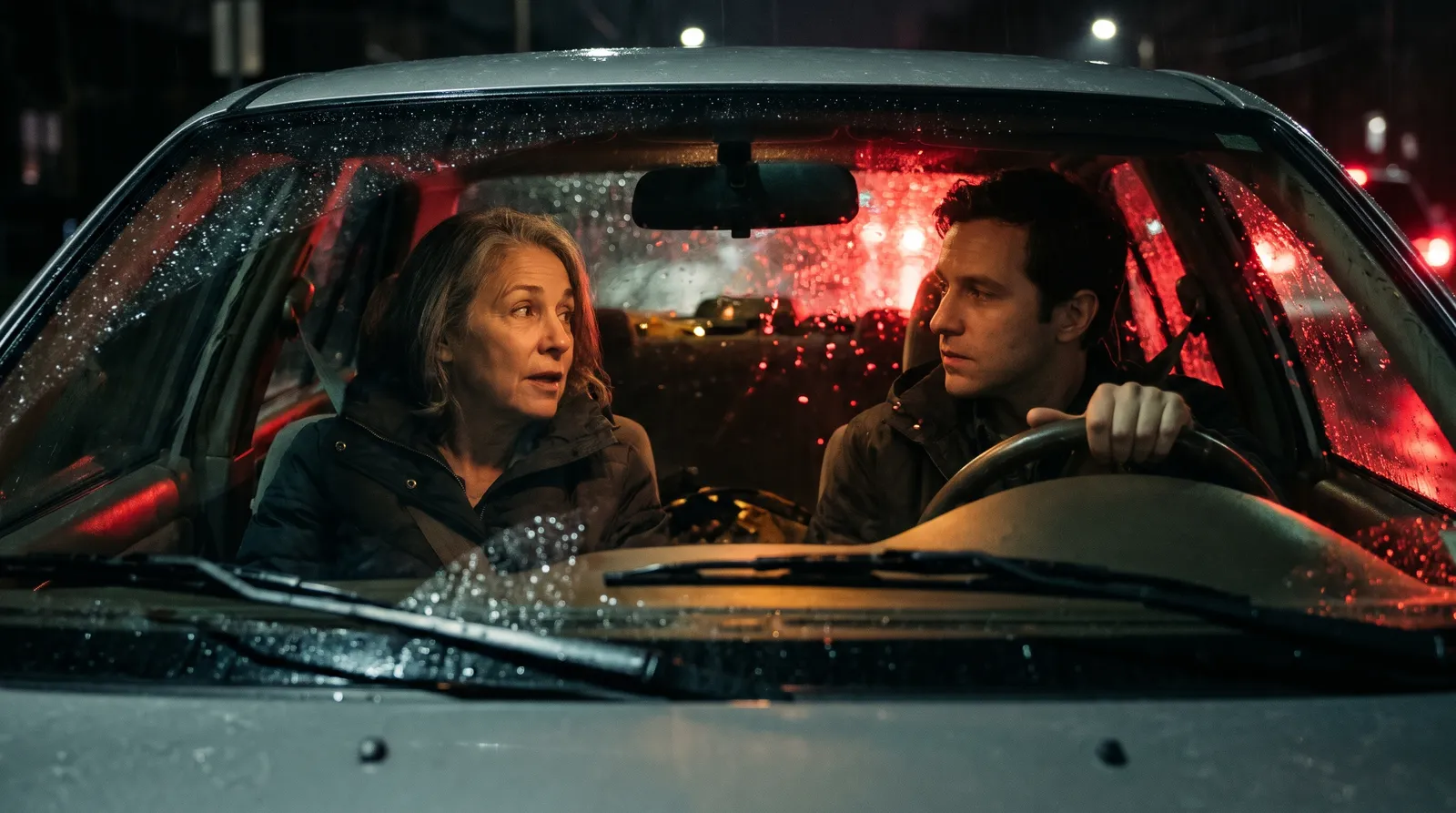
To make a 3-minute AI short film with the same two characters in every scene, keep both characters as reference sheets in one project and plan about 30 shots before you render anything. On Hyperdream's Pro plan ($99 a month, 2,000 credits, checked 10 November 2026) this plan budgets about 1,330 credits for a 720p draft of the whole film.
Key takeaways
- 30 shots, 180 seconds. Six scenes, an average shot of 6 seconds.
- Four models, each for one job: MiniMax H3 for shots with no people, Kling O3 Pro for silent character shots, Gemini Omni 1.2 for dialogue, Kling 4.0 for two big camera moves.
- 594 credits for one take of every shot. Budget double: our real films took 1.8 to 2.3 renders per finished shot, and one dialogue-heavy ad took 4.4.
- About 1,330 credits for the draft film, inside Pro's 2,000 a month. A 1080p final pass is extra.
- About a working day of hands-on time. A real 22-shot film logged 5.5 to 6.2 hours.
Why plan it at all?
The usual advice for this brief is a stack: one tool for pictures, one or two for video, one for voices, one for music, an editor to join it up. It can work. The cost is that nothing carries over. You re-upload each character's pictures for every shot, in every tool, and the faces drift.
The other way is one project that holds the script, both characters, the places and every shot. This post plans the film that way. The planning method works in any tool. The model names and prices are Hyperdream's on 10 November 2026.
What is the film?
A worked example needs a story, so here is a small one. Mira, a baker in her sixties, finds Sam, a boy of twelve, waiting outside her shop before dawn. He wants work. She says no, then changes her mind. One street, one shop, two people, one morning.
Small is the point. Two characters and two places mean two character sheets and two or three place sheets. Every extra character or place adds sheets, first frames and re-rolls.
How do 3 minutes break into scenes and shots?
| Scene | What happens | Shots | Seconds |
|---|---|---|---|
| 1 | The street before dawn. No people yet | 3 | 15 |
| 2 | Mira opens the bakery and works alone | 5 | 30 |
| 3 | She finds Sam on the step. First words | 6 | 36 |
| 4 | He asks for work. She refuses. They argue | 7 | 42 |
| 5 | He leaves. She watches, then runs after him | 4 | 30 |
| 6 | Both at the oven. The street wakes up | 5 | 27 |
| Total | 30 | 180 |
Write this as a proper shot list, one row per shot. How to write a shot list for an AI film has a table you can copy.
Which model for which shot?
No single model is the right price for every shot. Split the 30 shots by what each one needs. Credits per second are at each model's default size, checked 10 November 2026.
| Shot type | Shots | Seconds | Model | Why this one | Credits a second | One take of each |
|---|---|---|---|---|---|---|
| Street and inserts, no people | 6 | 30 | MiniMax H3 | Lowest price. Clips of 5 to 15 seconds | 2 | 60 |
| Mira or Sam, no dialogue | 8 | 48 | Kling O3 Pro | Takes up to 4 reference pictures. Built to hold a character across shots | 4 | 192 |
| Dialogue, one or both on screen | 14 | 84 | Gemini Omni 1.2 | Takes up to 10 reference pictures. Always makes sound. Realistic people and speech | 3 | 252 |
| Two big camera moves in scene 5 | 2 | 18 | Kling 4.0 | Action and camera moves. Works from a start frame | 5 | 90 |
| Total | 30 | 180 | 594 |
Three things to know before you copy this:
- Shape. Gemini Omni 1.2 makes 16:9 and 9:16 only. Kling O3 Pro adds 1:1. So this film is wide (16:9) or tall (9:16), not 2.39:1.
- Kling 4.0 takes no reference pictures. It works from a start frame, so the two camera-move shots depend on a good first frame drawn from the sheets.
- Start every character shot from a frame. We don't promise text-only clips on Kling O3 Pro. Plan on a start frame plus reference pictures.
The whole table of ten models is in AI video models compared.
What does it cost in credits?
Whole-number rates are used here, so the real charge is often a little lower. The price shows before each render.
| Item | Plan for | Model | Credits |
|---|---|---|---|
| Character sheets | 2 characters, 6 tries | Nano Banana 2.1, 2 an image | 12 |
| Place sheets | 3 places, 6 tries | Nano Banana 2.1 | 12 |
| First frames | 30 shots, 45 tries | Nano Banana 2.1 | 90 |
| Video, one take of every shot | 180 seconds | The four models above | 594 |
| Video, second takes | Another 180 seconds | The same | 594 |
| Music | One track of up to 180 seconds | Stable Audio 2.5, 6 a track | 6 |
| Narration, if any | Under 1,000 characters | Eleven v3, 3 per 1,000 characters | 3 |
| Sound effects | About 10 | Eleven Sound Effects, 1 to 2 each | 20 |
| Total for a 720p draft film | about 1,330 |
Planning with Director uses the Director allowance that comes with Pro, not credits. Exporting the film is free.
Why double the video? Because no film gets every shot on the first take. From our own project records:
| Real film | Video renders per finished shot |
|---|---|
| Hindi documentary, 22 shots, four characters | 1.8 |
| Mantra video, 9 shots | 2.1 |
| Hindi documentary, 9 shots, seven characters | 2.3 |
| 30-second ad, dialogue spoken on camera | 4.4 |
At 2 renders per shot, video costs about 1,190 credits. At the ad's 4.4, the same 30 shots would cost about 2,600, which is more than Pro's month of credits. If your re-rolls climb, simplify the shot or add a pack (500 credits for $30, 1,350 for $79, checked 10 November 2026). Failed and blocked renders refund themselves. The cost of an approved AI film has the full numbers.
The final pass costs extra. A film exports at 1080p only if its shots were rendered at 1080p, and bigger sizes cost more per second. The cheap way is the one the ad used: find each shot at 720p, then render each keeper once at the higher size. Its 24 search renders cost 379 credits. Its 7 final renders, one per shot at 4K with no re-rolls, cost 309. On Gemini Omni 1.2 in the mantra project, a 10-second 720p test cost 24 credits and a 10-second 4K final cost 72.
How do you make it in Hyperdream, step by step?
Open Director and type the idea. Pick the shape, 16:9, and choose "Plan it with Director". Start in Plan mode, which proposes and never spends. Switch to Agent when you want Director to do the work. Each step shows its cost.
- Script. Paste your screenplay or have Director write one. Hold it to six scenes and about three minutes. Read the dialogue aloud with a timer.
- Look. Set the palette, camera and lens family, and grain. Set render quality to Draft (720p) for now. Make the four test stills and fix the look before going further.
- Cast. Add Mira and Sam. Give each a description and a "how they sound" line, add any pictures to draw from, and make one reference sheet each. How to make a character reference sheet covers what to check.
- Places. Add the street, the bakery front and the bakery kitchen. Each gets one sheet.
- Storyboard. Build the 30 shots. For each, set the shot size, camera move, lens, length, who speaks and the line. Get a still frame for every shot before any video. A new still costs 2 credits. A new 6-second clip costs 12 to 30.
- Sound. Set a narrator if the film has one, compose or pick the music, and add per-shot effects. If Sam's voice wanders between shots, "Change the voice" re-says his lines in one voice you pick, with the same timing.
- Shots. Render each shot. Set the model per shot from the table above, or leave Director's pick. Three render at a time. Watch the takes and keep the best.
- Edit. Lay the shots on the timeline, trim, add the end card and captions (English only), and press Export. You get one MP4, made in your browser.
Do the two-character shots first. If Mira and Sam don't hold together in one frame, you want to know on day one. The pillar guide to making a movie with AI explains each stage in more depth, and the product page is /ai-movie-maker.
How long does it take?
We have not timed this exact film. Our closest real one is a Hindi documentary of 22 shots and 144 seconds with four characters. Its project log shows 5.5 to 6.2 hours of active work over three working days, about 3.3 of them on day one. Scale that by shot count and a 30-shot film comes to roughly 7.5 to 8.5 hours. Treat it as an estimate. Your first film will be slower.
Where is a multi-tool stack the better choice?
- You need a model Hyperdream doesn't have. Veo, Sora and Runway's own models are not in the picker.
- You want a heavy finish. The Edit step is a timeline for cutting and sound. It does not replace professional editing software. None of the three client films in our records was exported from it. The cuts we have were made in outside editors.
- You already pay for the tools and your characters hold well enough for your story.
- Your film is one or two shots. You don't need a project for that. Make the clips in Create or any single-model tool.
How we checked
Prices, plan limits and model limits were read from the live /pricing and /models pages and the app on 10 November 2026. Render rates, hours and the 720p and 4K costs come from the project records of four real films. The 3-minute film here is a plan. We have not rendered it, so the totals are a budget, not a receipt. We could not confirm text-only clips on Kling O3 Pro, so the plan avoids them.
Questions people ask
Use one project that holds both characters' reference sheets and gives them to every shot, so you are not carrying pictures between tools. On Hyperdream that is Director, on the Pro plan at $99 a month (checked 10 November 2026). Run a 20-second two-character test in any tool before you commit to it.
Keep reading
Guides10 November 20267 min read
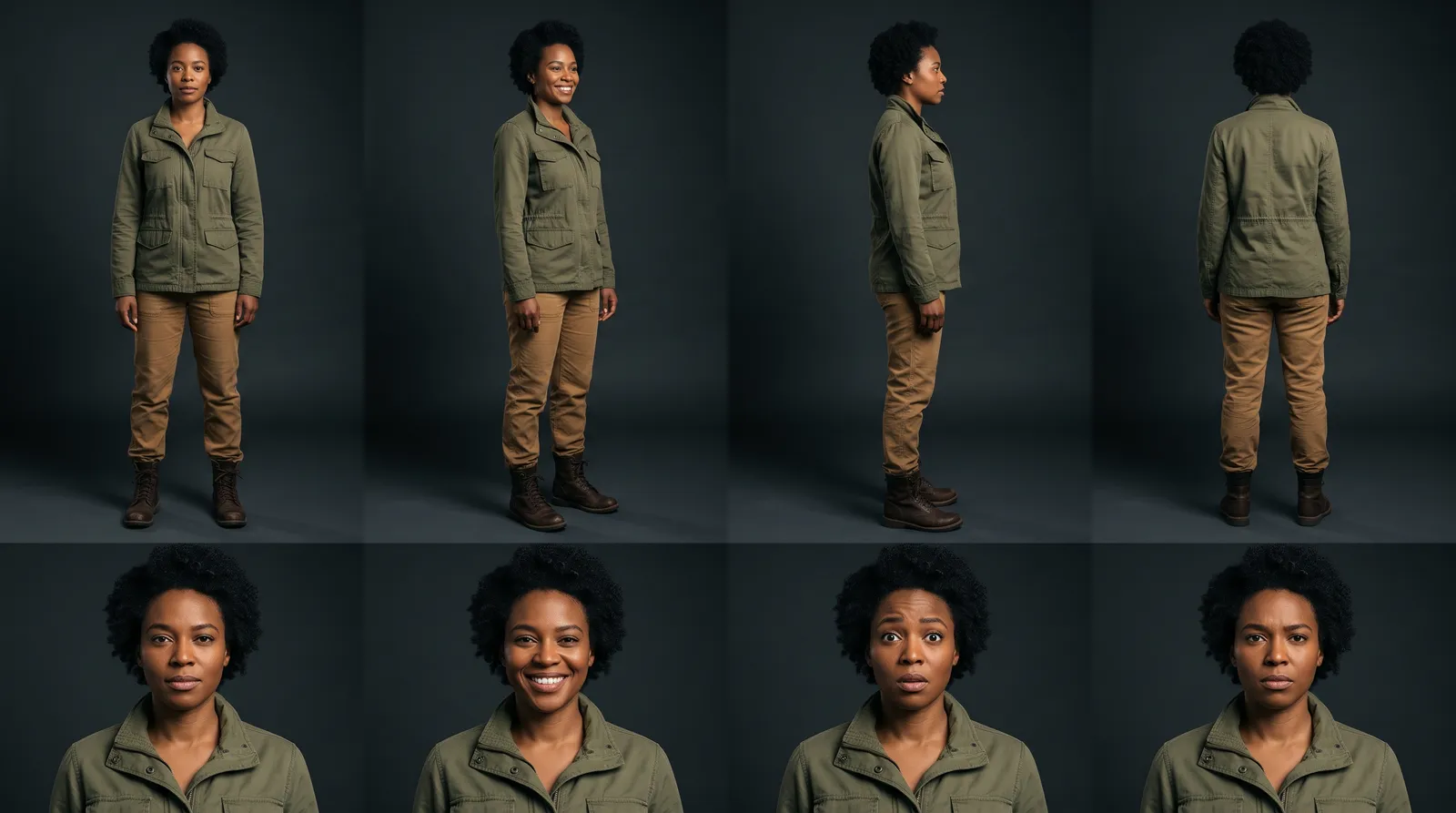
How to Make a Character Reference Sheet for AI Video
A character reference sheet for AI video shows one character in four full-body views and four expressions. How to make one, check it and use it in every shot.
Guides25 June 20267 min read
How to Keep Characters Consistent Across AI Video Scenes
Character consistency in AI video comes from one reference sheet per character, given to the model on every shot. The steps, the models and real numbers.
Guides12 November 20267 min read
How to Make a Hindi Film With AI: Script to Final Cut
A Hindi AI video generator guide built on three real films: how to write Hindi lines, get them spoken on camera, pick a voice and handle subtitles.
More than images and video
Scripts, storyboards, motion, and characters in every version. Each one on its own, or all of them in a film.

Write a script
An idea in, a properly formatted screenplay out. Edit any line, then board it or film it.

Board a storyboard
A panel for every shot, as AI stills or quick vector frames. Export it as a pitch deck.

Make motion
Titles, explainers and moving storyboards, drawn as vector animation by the AI you pick.

Characters, places, products
One subject in many versions, or new ideas for it. Every angle, look and light.
Your first film is one sentence away.
Free to start. Pay only for what you render.