How to Turn a Finished Song Into an AI Music Video
Make a music video from a song with AI: upload the track, fix the singer with a reference sheet, plan shots to the beat by hand, and know the limits.
By Hyperdream Team7 min read
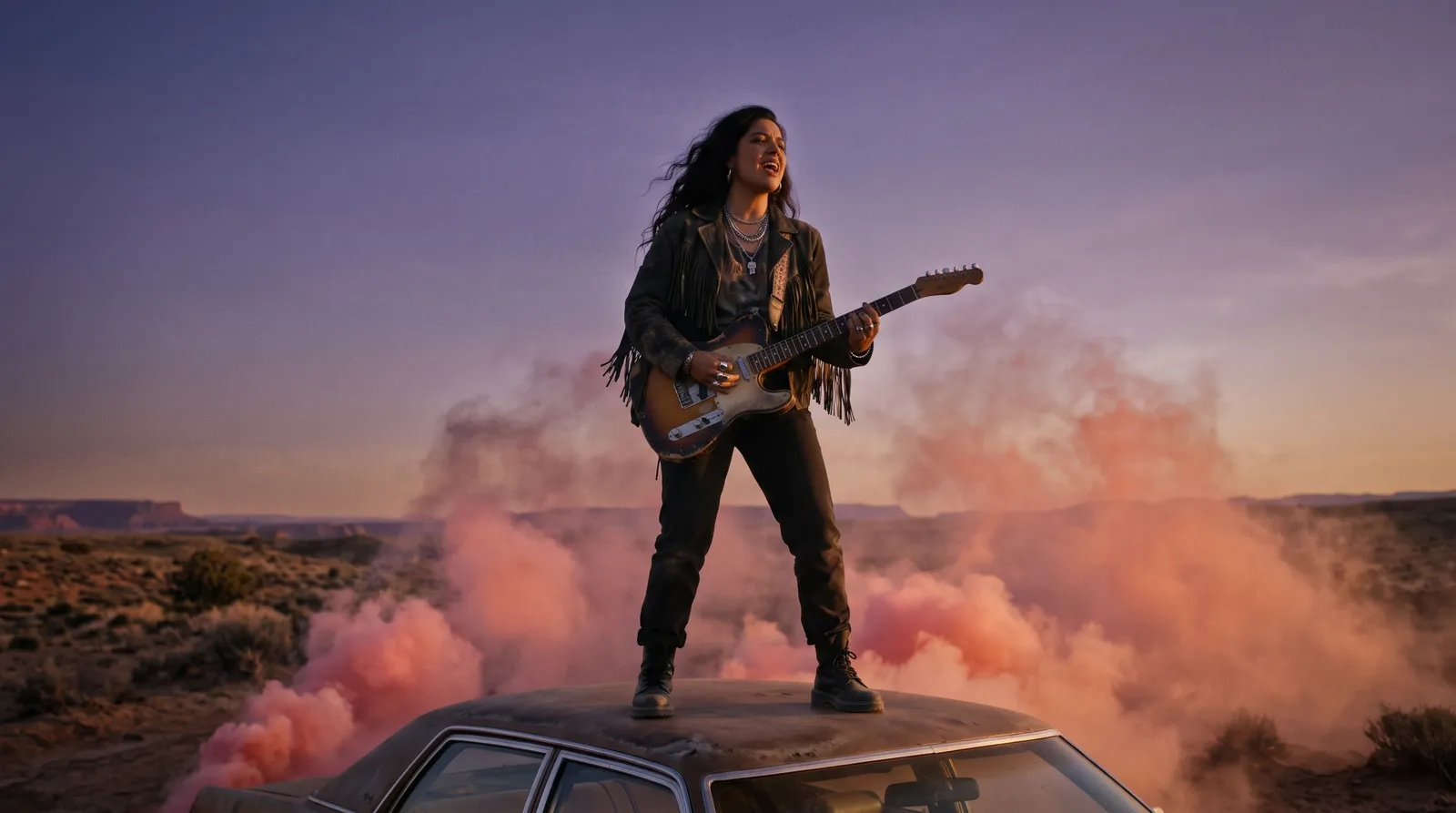
To turn a finished song into an AI music video, upload the track, fix the singer's look with one reference sheet, plan the shots against the song's sections, render them, and cut them to the music. On Hyperdream the cutting is done by hand: there is no automatic beat sync and no lip sync of a singer to an uploaded song (checked 10 November 2026). Atlabs, Neural Frames and Freebeat list both.
Key takeaways
- Upload: mp3, wav, m4a, aac or ogg, up to 100 MB.
- Same singer: one reference sheet, given to every shot. Gemini Omni 1.2 takes up to 10 reference pictures.
- Not on Hyperdream: automatic beat sync and singing lip sync. Atlabs, Neural Frames and Freebeat list both.
- Real numbers: a mantra video made in November 2026 has 9 finished shots, 95 seconds, 19 video renders, 1,289 credits.
- Beat maths: at 72 beats a minute, a four-beat bar is 3.3 seconds, so a 10-second shot is exactly three bars.
What can AI do with a finished song today?
There are two kinds of tool, and they do different jobs.
Music video generators start from the audio. You upload the song, the tool reads its tempo and sections, and it makes scenes that cut on the beat. Some also move a singer's lips to the vocal.
AI film studios start from a plan. You write what happens, design the people and places, and make each shot. The song is the track you cut to. You get control over every shot, and you do the syncing yourself.
A performance video where the singer mouths every word needs the first kind. A story video or a set of loops suits the second.
Which tools sync to the beat and the lips?
From each tool's own pages, read 10 November 2026. We did not test them.
| Tool | Upload your song | Beat sync | Singing lip sync | Lowest paid price |
|---|---|---|---|---|
| Atlabs | "Upload your track (.mp3, .wav)" | "Beat-synced scene generation" | "AI Lip Sync" | $19 a month, or $15 a month billed yearly |
| Neural Frames | "Upload Music" | A "beat-sync intensity" setting | "Lyric & lipsync" | $26 a month billed yearly; the page shows $39 beside it |
| Freebeat | An MP3 or a link | "sync to BPM, beats, drops, and song sections" | "Natural lip-sync" | $4.99 a week |
| Hyperdream | Yes, up to 100 MB | By hand, in the Edit step | For spoken lines only | $29 a month; Director on Pro, $99 |
Where they are better, plainly:
- They read the song. Neural Frames says "We automatically extract 8 different stems from your track". Hyperdream does not analyse your audio.
- They sync for you. All three cut to the beat without you counting bars.
- They lip sync a singer. We don't.
- They cost less to start. Atlabs and Freebeat list lower entry prices than Hyperdream's $29, and all three are well under the $99 plan that includes Director.
When is a film studio the better route?
When the video is more than cuts on a beat:
- A story with characters, places and a beginning and end.
- One look that a label or client has to approve before anything is rendered.
- Slow, long shots or loops, where beat sync adds little.
- A video that is one job among other films, with the same team, client folder and budget.
Our own example is of the third kind. For a Mahalakshmi mantra video we made looping shots of 10 seconds each, with a still camera, to sit under a sung mantra. The record is in the case study.
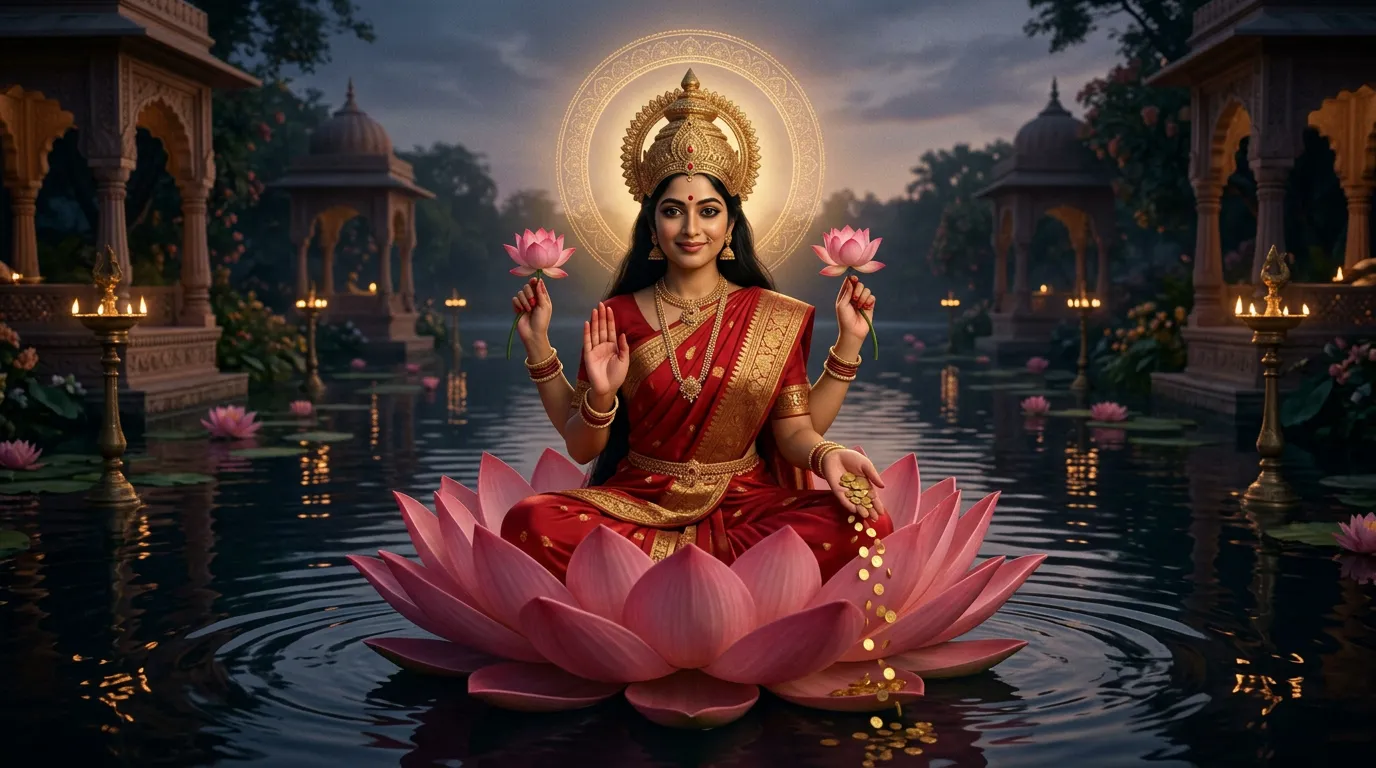 A looping shot from the mantra video.
How do you keep the same singer in every shot?
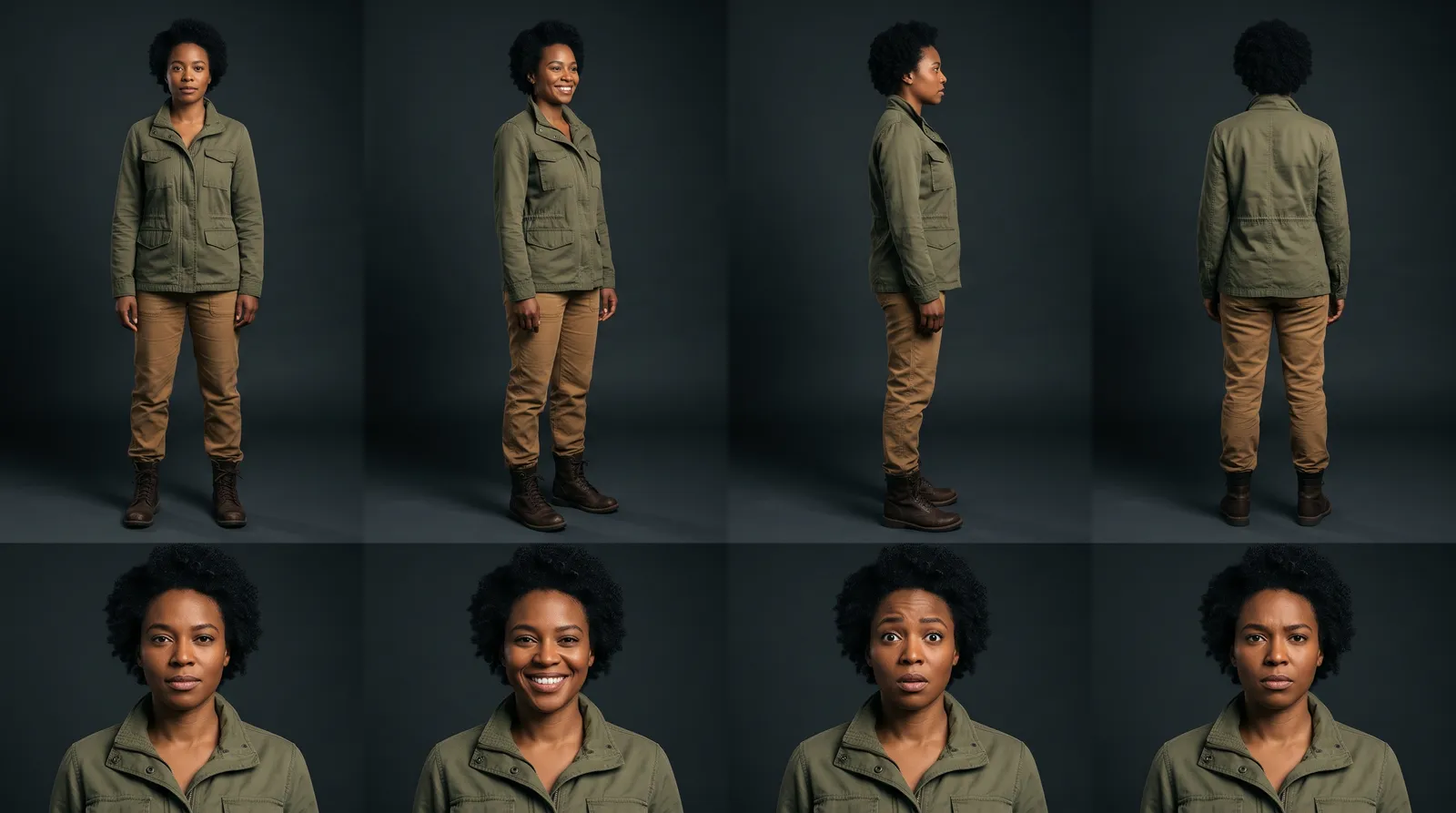
With a reference sheet: one image that shows the singer in four full-body views, head to toe, and four expressions. Every shot is given the sheet, so the model copies a known person. How to make a character reference sheet covers it step by step.
On the mantra video, 9 sheets were rejected before one was approved. After that, every video render was given the sheet, and the project took 2.1 renders per finished shot.
Then plan around the missing lip sync. A close-up of singing lips will not match your words. These shots carry a performance without it:
- Wide shots, where the mouth is small in frame.
- The singer from behind, in profile or in silhouette.
- Hands on an instrument, feet, a microphone, a crowd.
- Story shots where the singer acts and does not sing.
One more setting. Five video models always make their own sound. Wan 3.0, FLUX 3 Max, Kling O3 Pro, Seedance 2.0 and Seedance 2.5 let you switch it off, which is what you want under a finished song.
How do you plan shots to a song?
Do on paper what the sync tools do for you.
1. Map the song. Note the time each section starts: intro, verse, chorus, bridge, outro.
2. Find the bar length. Seconds per bar = 60 ÷ tempo × beats in a bar.
| Tempo | One bar of 4 beats | 2 bars | 4 bars |
|---|---|---|---|
| 72 beats a minute | 3.3 s | 6.7 s | 13.3 s |
| 90 | 2.7 s | 5.3 s | 10.7 s |
| 100 | 2.4 s | 4.8 s | 9.6 s |
| 120 | 2.0 s | 4.0 s | 8.0 s |
| 140 | 1.7 s | 3.4 s | 6.9 s |
The guide chant in our mantra project runs at 72 beats a minute. Three bars is exactly 10 seconds, the length of that project's looping shots.
3. Give each section its shots. Longer shots in verses, shorter in choruses. Write each shot's length in bars, then in seconds.
4. Render a little long. Clips come in whole seconds. Render the next whole second up and trim to the beat in the edit.
How many shots and credits does a three-minute song need?
A planning sum, not a test.
- 180 seconds at an average of 5 seconds a shot is 36 shots.
- On Gemini Omni 1.2 at 3 credits a second, one pass is 540 credits. On MiniMax H3 at 2, it is 360.
- At 2.1 renders per finished shot, the Gemini Omni 1.2 figure becomes about 1,134 credits.
- Add stills and sheets. The mantra project spent 123 credits on images.
That fits in one month of the Pro plan's 2,000 credits (checked on /pricing, 10 November 2026). Loops need fewer shots: nine finished loops covered a brief of about one minute of picture.
How do you do it in Hyperdream?
- Upload the song to your Library.
- Open Director. Type the idea, add the song and any lyric sheet as references, and pick the shape. Put the section times in the brief. Director does not find them for you.
- Look: set the style once.
- Cast: make the singer's reference sheet and approve it.
- Places: make a sheet for each setting.
- Storyboard: plan the shots section by section, with each shot's length. Check the still frame for each.
- Sound: under Music, pick your uploaded song from the Library.
- Shots: render, with sound switched off where the model allows it.
- Edit: the song sits on the Music track. Split, trim and snap the shots against it by ear, then export an MP4 at up to 1080p.
The Edit step is a timeline for assembling the cut. It does not replace professional editing software, and for tight cutting to a fast track you may prefer your own editor. You can download every file of the film as one zip. The whole process is in how to make a movie with AI, and the product page is /ai-movie-maker.
What about rights to the song?
An uploaded song is your upload, and you are responsible for the rights to it. If the song was made with Audio One, Hyperdream's song model, it is for personal use only on every plan, so use a different recording for anything you release.
How we checked
Hyperdream's limits and prices were read from the live app, /models and /pricing on 10 November 2026. The other tools' features and prices were read on their own pages the same day and are their claims. Neural Frames's page shows two prices side by side without labels; $26 times twelve matches its "$312 billed yearly", so we read $39 as the monthly price. We tested none of the three. The mantra numbers come from that project's records. The three-minute budget is arithmetic from list prices. We have not made a full-length music video to an uploaded song on Hyperdream, so the method here is a plan, not a record.
Questions people ask
Yes. Upload the finished track, plan shots against its sections, render them and cut them to the music. Some tools do the cutting for you by syncing to the beat. On Hyperdream you plan and cut by hand, with one reference sheet keeping the singer the same.
Keep reading
Use Cases12 November 20267 min read
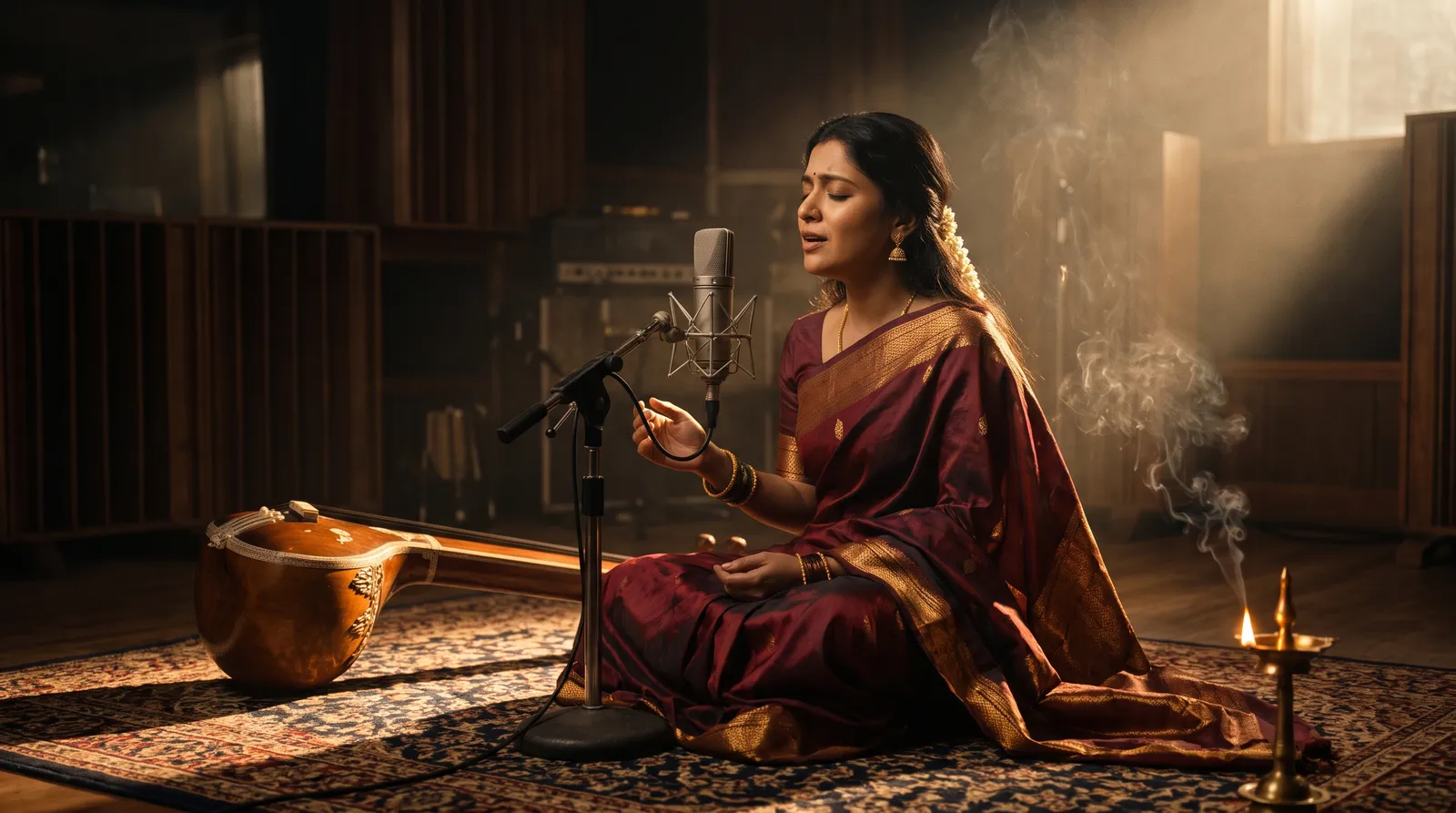
How to Make a Devotional Music Video With AI
An AI devotional video maker workflow for bhajan, mantra and aarti videos: one reference sheet for the deity, looping shots, your own recording, real costs.
Guides10 November 20267 min read
How to Make a Character Reference Sheet for AI Video
A character reference sheet for AI video shows one character in four full-body views and four expressions. How to make one, check it and use it in every shot.

Guides12 November 20267 min read
How to Make a Hindi Film With AI: Script to Final Cut
A Hindi AI video generator guide built on three real films: how to write Hindi lines, get them spoken on camera, pick a voice and handle subtitles.
More than images and video
Scripts, storyboards, motion, and characters in every version. Each one on its own, or all of them in a film.
Write a script
An idea in, a properly formatted screenplay out. Edit any line, then board it or film it.
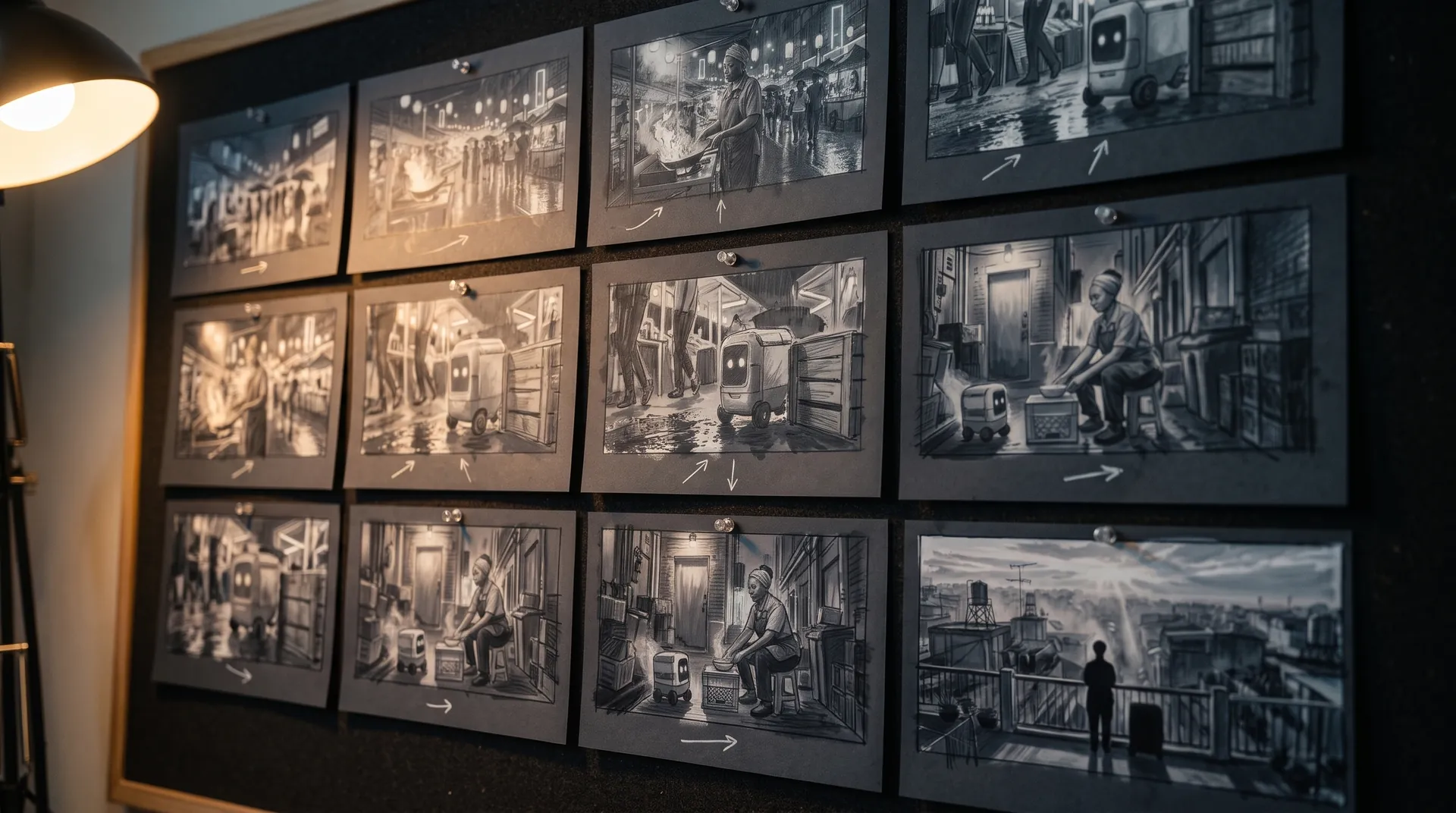
Board a storyboard
A panel for every shot, as AI stills or quick vector frames. Export it as a pitch deck.

Make motion
Titles, explainers and moving storyboards, drawn as vector animation by the AI you pick.
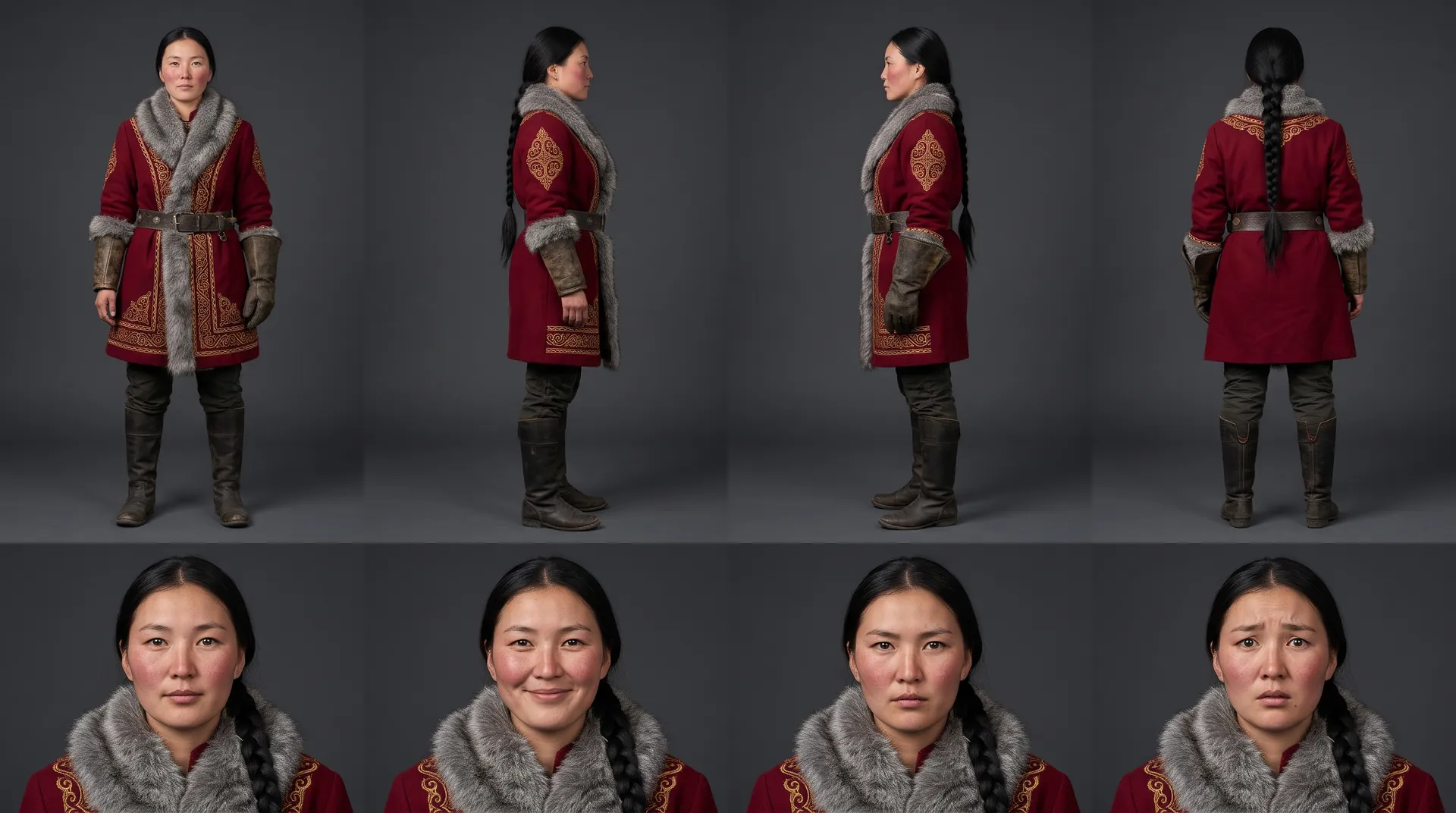
Characters, places, products
One subject in many versions, or new ideas for it. Every angle, look and light.
Your first film is one sentence away.
Free to start. Pay only for what you render.