Making AI Films in Any Language: Lines, Voices, Captions
Multilingual AI video in practice: how we made Hindi films and a Sanskrit mantra video, how lines and voices work, and what to check. Captions are English only.
By Divy Brahmbhatt8 min read
You can make an AI film in a language other than English today, as long as you check three things separately: the written lines, the spoken voice and the captions. On Hyperdream we have made Hindi films for two clients and a Sanskrit mantra video. Lines and voices worked in both languages. Captions are English only today.
Key takeaways
- Real work first: a two-part Hindi documentary (9 and 22 shots), a 30-second Hindi ad (8 shots) and a Sanskrit mantra video (9 shots).
- Language lives in three places: the lines in the script, the voice that says them, and the captions. Each one can fail on its own.
- Voices: two voice models, Eleven v3 and MiniMax Speech 2.8, at 3 credits per 1,000 characters. Each has its own library that you filter by language.
- Captions are English only (checked 10 November 2026).
- We list what we've made, not what's "supported". Our native-speaker checks are not finished, so have one listen before you deliver.
What have we made in other languages?
I work with the studios and brands that make films on Hyperdream. These are three of those projects, with the numbers from their project records.
| Project | Language | How the language got into the film | Size |
|---|---|---|---|
| MAHA-GFC, film 1 (July 2026) | Hindi | Script with Hindi narration and scene headings in English and Hindi. The shots were rendered silent | 6 scenes, 9 shots, 94 s of footage |
| MAHA-GFC, film 2 (August 2026) | Hindi | The lead speaks to camera in Hindi. The voice comes from the video model | 7 scenes, 22 shots, 144 s, 1,200 credits |
| Shilp Group Diwali ad (November 2026) | Hindi | Five characters each say one Hindi line to camera. A closing voice-over line | 8 shots, 30-second vertical ad, 941 credits |
| Mahalakshmi mantra video (November 2026) | Sanskrit | A four-line mantra in Devanagari. No dialogue. A sung chant was also made in the project | 9 finished shots, 95 s, 1,289 credits |
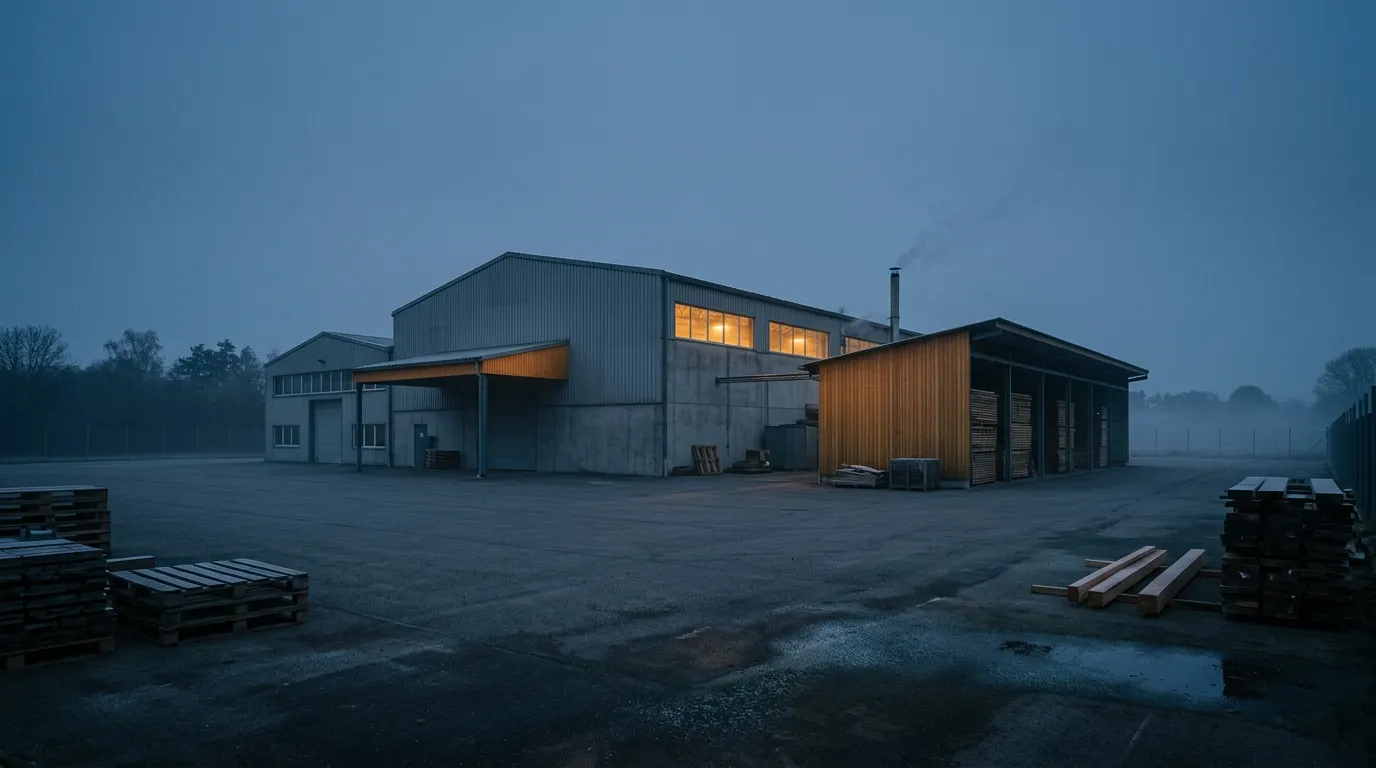 The opening frame of the second MAHA-GFC film, a Hindi documentary: a furniture factory before dawn
Two notes so the table is read fairly. The two MAHA-GFC films were made in the earlier version of the app, partly on video models that have since been retired. And none of these films was exported from Hyperdream's Edit step. The cuts were finished in outside editors.
The full accounts are in the case studies: MAHA-GFC, Shilp Group and the Mahalakshmi mantra video.
How do you write the lines?
Write each spoken line in its own script, and keep the directions in English.
That is how the Shilp script was written: Hindi dialogue in Devanagari, English for everything the camera does. One of its lines:
"मेरे दोस्तों का अड्डा है मेरा घर!" (My home is my friends' hangout!)
The first MAHA-GFC script used scene headings in both languages, such as "THE FRAGMENTED INDUSTRY (बिखरा हुआ उद्योग)".
Three habits to keep:
- Keep lines short. Each Shilp line sits in a shot of 5 or 6 seconds. A short line leaves the model less room to slip.
- Write names and brand words the way they should be said. If a brand has a fixed spelling in the language, use it every time.
- Have a native speaker read the script before anything is rendered. Director writes with the thinking model you choose, and you can paste your own script into the Script step as written. We do not claim any model writes every language well. A reader costs less than a re-roll.
How do characters speak on camera?
There are two ways, and our Hindi films used the first.
1. The video model speaks the line. You put the line in the shot, and the model makes the picture, the voice and the lip movement in one render. In the Shilp ad, 29 of the 31 shot renders were on Gemini Omni 1.2 and 2 were on Wan 3.0. In the second MAHA-GFC film, sound was switched on for 17 of the 22 shots.
It is not free of effort. The Shilp ad took 4.4 renders per finished shot, the highest of the four films here. Spoken shots are where the re-rolls go.
Five of the ten video models always make sound: MiniMax H3, MiniMax H3 Max, Kling 4.0, Grok Imagine 1.5 and Gemini Omni 1.2. The other five make it when you switch it on. We have not confirmed which languages each video model speaks well. Test one line on the model you plan to use before you storyboard a whole film around it. The models are compared in AI video models compared.
2. A talking head says a voice line. The Talking head tool takes one picture of a face and a line, and the face says it. With three of its four models, the line is said in a voice you pick from the library. That gives you a known voice, at 3 to 5 credits a second. It works best with one clear face looking at the camera.
Fixing a voice afterwards. When a video model makes the voice, it can change from shot to shot. In Director's Sound step, "Change the voice" says a character's line again in one voice you pick, with the same timing, so the lips still match. We used it on one shot of the Shilp ad for 1 credit.
How do narration and voice lines work?
Hyperdream has two voice models (checked 10 November 2026):
| Voice model | Maker | Credits | Note |
|---|---|---|---|
| Eleven v3 | ElevenLabs | 3 per 1,000 characters | Acted lines: whispers, laughs, sighs |
| MiniMax Speech 2.8 | MiniMax | 3 per 1,000 characters | Natural, clear speech. Its maker's note says 40 languages |
Each model has its own library of voices with real samples. You filter the library by language, gender and age, listen, and pick. A voice only works on the model whose library it comes from.
A film has one narrator voice, set in the Sound step. The Shilp ad's closing line, "क्योंकि शिल्प है तो हर दिन त्यौहार है।" (Because with Shilp, every day is a festival), was voiced on Eleven v3. It is 3 seconds long and cost 1 credit.
What we can't tell you yet is how good each voice is in each language. A language filter shows that a voice is offered in a language. It does not show that a native speaker would call it natural. Listen to the sample, make your hardest line first, and send it to someone who speaks the language.
What about songs, chants and mantras?
The mantra project had four lines of Sanskrit in Devanagari:
ॐ महालक्ष्म्यै नमो नमः · ॐ विष्णुप्रियायै नमो नमः · ॐ धनप्रदायै नमो नमः · ॐ विश्वजनन्यै नमो नमः
The brief was the picture: looping shots to sit behind the mantra on YouTube. In the same project we also made a sung chant from those lines with Audio One, the song model that sings your own lyrics. The track we kept is 88 seconds, with tanpura, harmonium and tabla. Two runs made four tracks for 96 credits.
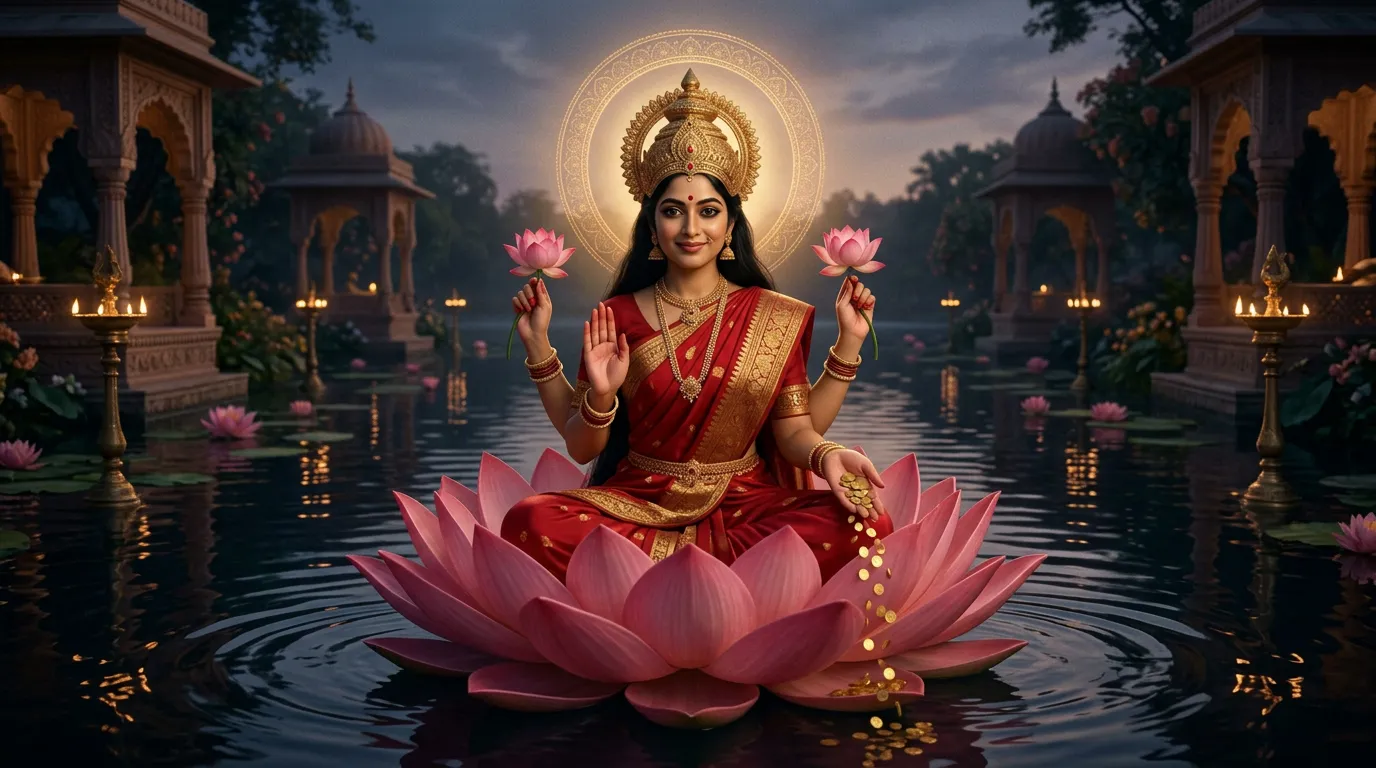 A frame from the Mahalakshmi mantra video, made for a Sanskrit mantra
Three limits to know:
- Audio One songs are for personal use only, on every plan. Treat a chant made this way as a guide track. For a release, use your own recording. You can upload audio and place it as the film's music.
- Pronunciation is hard to correct. Between the two runs we tried a version with a pronunciation fix, and the model turned the request down. Nothing was charged.
- Eleven Music writes its own words. It does not take your lyrics yet, so it can't sing a set text.
What about captions and text on screen?
Captions are English only today, in one style. That is true of the Add captions tool as of 10 November 2026. If your film needs subtitles in Hindi, Spanish or any other language, add them in your own editing or subtitling software after export.
Text inside the picture is a separate risk. On the mantra project we tested golden verse text on screen and dropped it. The album art, with the title in Devanagari and in English, was made in the same project. Whatever the script, have a native reader check every character of any text an image model draws.
What should a native speaker check before delivery?
- The script. Grammar, register and whether anyone would really say it that way.
- Names, brand words and numbers. These are where voices slip most.
- Each spoken shot. The right words, said clearly, with lips that match.
- The voice across shots. The same character should sound like the same person.
- Any text in the picture. Every character, every mark.
- The sung words, if there are any.
An easy way to do this is a review link. "Share for review" on a film makes a link that needs no account. Your reviewer can pin a comment to the exact moment a word is wrong.
How do you do it in Hyperdream, step by step?
- Open Director (Pro and up) and describe the film. Say which language the lines are in.
- In Script, paste your script or have Director write it. Dialogue in its own script, directions in English.
- In Cast, give each character a "how they sound" line and make their reference sheet.
- In Storyboard, set who speaks and the line for each shot. Keep spoken shots to one short line.
- In Sound, pick the narrator from the voice library, filtered by language. Compose the music or pick an upload from the Library.
- In Shots, render one spoken shot first on the model you plan to use. Listen. Then render the rest.
- Back in Sound, use "Change the voice" on any character whose voice wanders.
- In Edit, cut the film and export the MP4. Then share it for review with a native speaker.
The product page for Director is /ai-movie-maker.
Where is another tool the better choice?
- One film dubbed into many languages. Hyperdream has no dubbing or translation tool. A dedicated dubbing tool does this.
- Captions in many languages. Ours are English only.
- A voice built from one real person's recordings. Not available here.
- A sung text for commercial release. Record it, or use a music tool that lets you release songs with your own lyrics.
How we checked
Checked on 10 November 2026 against the live app, /models and /pricing. The film facts come from each project's records: shot counts, renders, credits and which models were used. We name only Hindi and Sanskrit because those are the languages of finished client work. Native-speaker checks of the voice libraries are still in progress, so this page lists no "supported languages". We have not confirmed which languages each video model speaks well.
Questions people ask
Yes, with checks. On Hyperdream we have made Hindi films for two clients and a Sanskrit mantra video. Treat the written lines, the spoken voice and the captions as three separate things, and have a native speaker hear the result before you deliver it.
Keep reading
Guides12 November 20267 min read
How to Make a Hindi Film With AI: Script to Final Cut
A Hindi AI video generator guide built on three real films: how to write Hindi lines, get them spoken on camera, pick a voice and handle subtitles.
Use Cases11 November 20268 min read
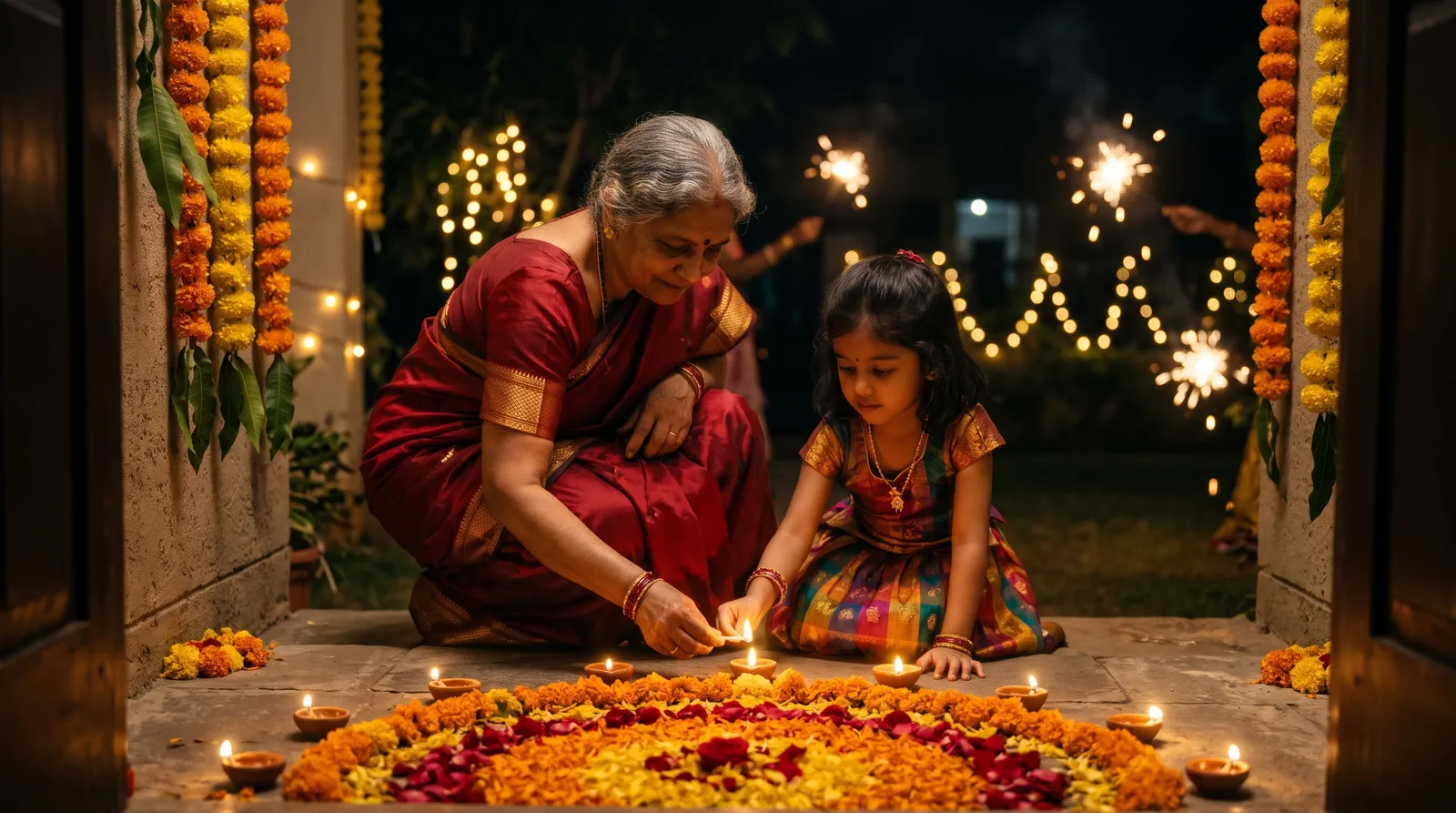
How to Make a Diwali Brand Film With AI in Two Weeks
A two-week plan for a Diwali brand film with AI, built on a real 30-second Hindi film for Shilp Group: 8 shots, 941 credits and what went wrong.
Use Cases11 November 20267 min read
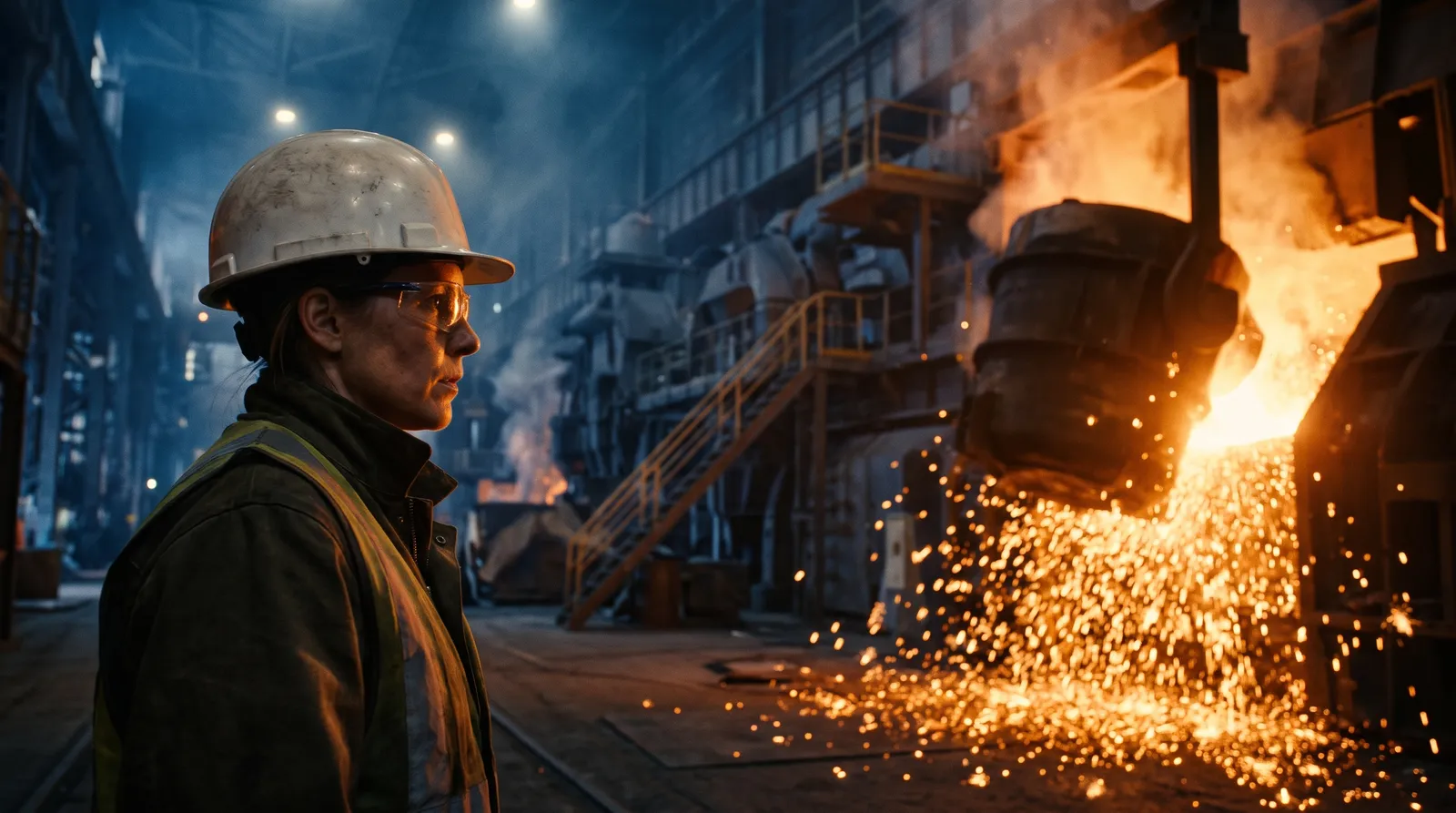
How to Make an Industrial Film With AI: A B2B Playbook
How to use an AI corporate film maker for an industrial brief: one industry film, one named story, place sheets for the factory floor, and real numbers.
More than images and video
Scripts, storyboards, motion, and characters in every version. Each one on its own, or all of them in a film.

Write a script
An idea in, a properly formatted screenplay out. Edit any line, then board it or film it.

Board a storyboard
A panel for every shot, as AI stills or quick vector frames. Export it as a pitch deck.

Make motion
Titles, explainers and moving storyboards, drawn as vector animation by the AI you pick.

Characters, places, products
One subject in many versions, or new ideas for it. Every angle, look and light.
Your first film is one sentence away.
Free to start. Pay only for what you render.