Same Models Everywhere: Why the Context Layer Matters
Is Hyperdream just an AI video model aggregator? It trains no video model. Here is what the project around the models adds, with real render counts.
By Divy Brahmbhatt6 min read
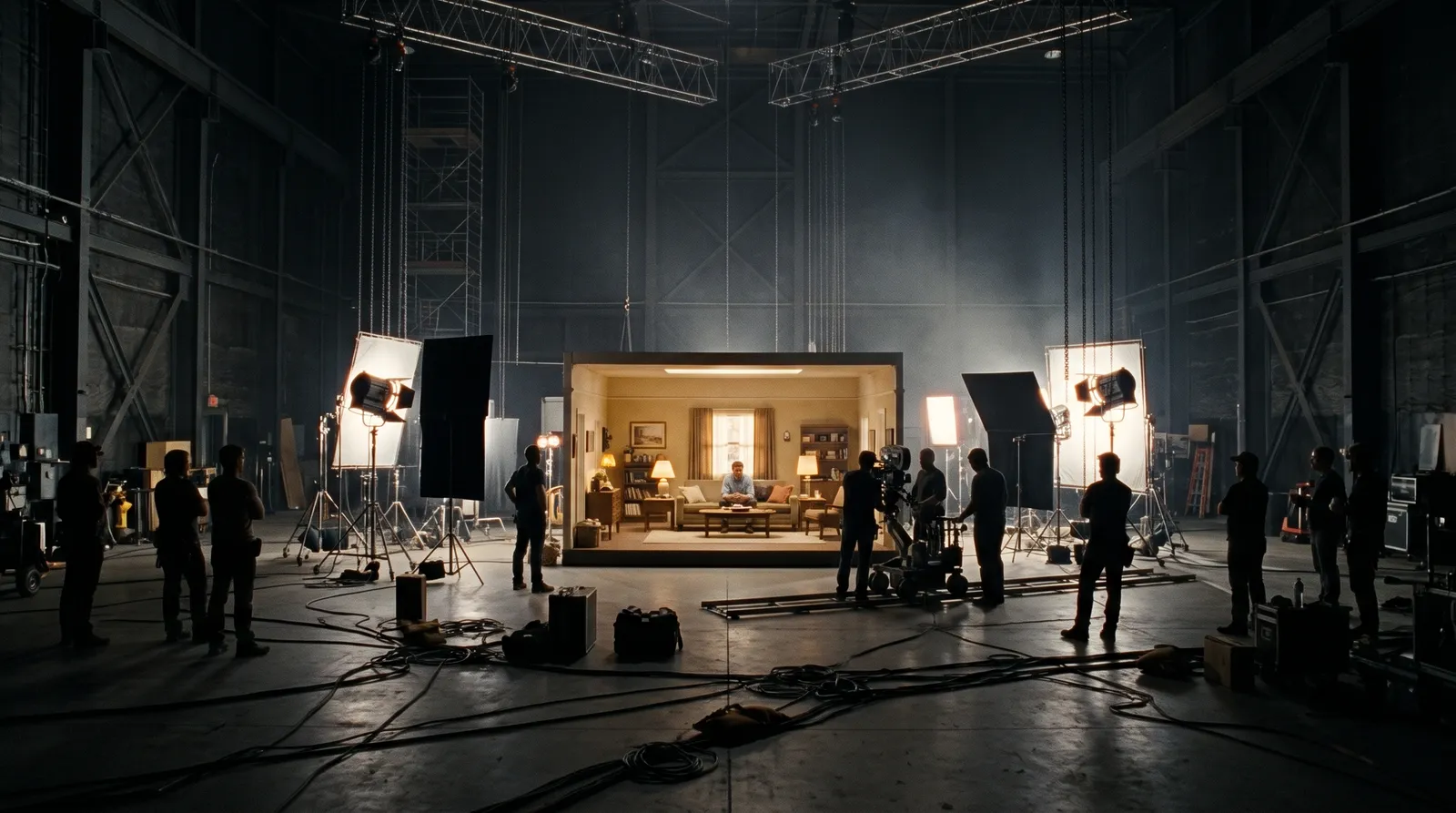
Yes, in one sense Hyperdream is an AI video model aggregator. It trains no video model and offers ten from seven makers. The same models are on many platforms. What differs is the context each render gets: the script, the reference sheets, the storyboard and the look. On one 22-shot client film, that came to 1.8 renders per finished shot.
Key takeaways
- Hyperdream trains no video model. It offers ten, from MiniMax, Alibaba, Black Forest Labs, Kuaishou, xAI, Google and ByteDance.
- The same models are everywhere. On 10 November 2026, Seedance 2.5 was listed on at least six platforms and Kling 4.0 on four.
- Context is what a render is given besides the prompt: a reference sheet per character and place, the look, and the shot's place in the storyboard.
- BCVPL Film 2: 22 finished shots from 40 video renders, 1.8 per shot. 24 of the 40 (60%) were reference-to-video.
- Context does not fix a model's limits. Another film took 4.4 renders per shot.
Is it true that Hyperdream only orchestrates other companies' models?
Yes. We do not train a video model, an image model or a voice model. When we asked ChatGPT about Hyperdream on 10 November 2026, it noted this and said Hyperdream "isn't solving the underlying video-generation problem".
That is correct. Making a better video model is the job of Google, Kuaishou, ByteDance and the other labs. We are trying to solve a different problem: how a film of twenty or more shots stays one film.
Do AI video platforms all use the same models?
Many do. Here is where we saw five of Hyperdream's video models listed on other platforms' own pages on 10 November 2026.
| Model | Maker | Listed on |
|---|---|---|
| Seedance 2.5 | ByteDance | Hyperdream, OpenArt, Runway, Morphic, Mootion, Invideo AI |
| Kling 4.0 | Kuaishou | Hyperdream, OpenArt, Runway, Higgsfield |
| MiniMax H3 or H3 Max | MiniMax | Hyperdream, Morphic, Mootion |
| Wan 3.0 | Alibaba | Hyperdream, Morphic |
| FLUX 3 Max | Black Forest Labs | Hyperdream, Morphic |
So a clip from Kling 4.0 is a Kling 4.0 clip wherever you make it. The model behind it is the same.
Some companies also make their own. Runway has Gen-4.5, Google has its own video models in Flow, and LTX Studio runs LTX-2.5 and LTX-2.3. That is a real advantage, and we come back to it below.
So does the platform matter?
For one clip, not much. Pick on price and convenience.
For a film, yes, because a model only knows what it is given. A video model has no memory of your last shot. It does not know your lead's face, the room, the lens or the line unless each render tells it. The platform decides what each render is told. That is the context layer.
In Hyperdream it has five parts:
- Script. The screenplay, with scenes, action and dialogue.
- Look. Palette, camera body, lens family, grain and style stills, set once for the film.
- Cast. One reference sheet per character: four full-body views, head to toe, and four expressions. The pictures you upload are what the sheet is drawn from.
- Places. One sheet per location (the wide, the reverse, the middle and the details) and per product.
- Storyboard. Each shot's description, size, camera move, lens, length and line, with a still frame drawn before any video.
When a shot renders, it draws on those. Director also picks a video model per shot, since the ten models are good at different things, and you can change its pick.
None of this is exotic. You can do the same by hand in any tool: keep a folder of reference pictures and upload the right ones for every clip. The context layer does the bookkeeping, so shot 20 is given the same references as shot 2.
What do the numbers say?
Three client films we made on Hyperdream, from the projects' own records:
| Film | Finished shots | Video renders | Renders per finished shot | Renders given references |
|---|---|---|---|---|
| BCVPL documentary, Film 2 (August 2026) | 22 | 40 | 1.8 | 24 of 40 were reference-to-video |
| Mahalakshmi mantra video (November 2026) | 9 | 19 | 2.1 | 19 of 19 |
| Shilp Group Diwali ad (November 2026) | 7 | 31 | 4.4 | 30 of 31 |
On the BCVPL film, 4 characters and 4 places each had a reference picture. 24 of the 40 video renders (60%) were reference-to-video, where the model is given those pictures directly. They took 69% of the video credits. The other 16 renders started from a still frame drawn in the same project. 13 of the 22 kept shots were reference-to-video. The whole film was 68 generations and 1,200 credits. It was made on the earlier version of Hyperdream, and the final edit was done outside the app.
On the mantra video, the first nine goddess designs were rejected. Then two reference pictures were uploaded, and the look built from them was approved three minutes later and used in every shot after it.
Two limits on these numbers. First, we did not make the same films without references, so we cannot say how many renders the context saved. Second, three films is a small sample. The numbers show what happened, not a guarantee.
The details are in the BCVPL case study and The cost of an approved AI film.
What does the context layer not fix?
It does not make a model better than it is.
The Shilp ad shows this. It took 31 renders for 7 video shots. 24 of those were low-cost 720p passes to find each shot, and then each final 4K render worked first time. Along the way, some shots were simplified on purpose where physics was failing: a ball thrown behind a character, a plate that vanished. One model turned a request down. Three image requests failed. Nothing was charged for the failures, but the time was spent.
Context also has to be right. The first picture pass for that ad looked like a bungalow. The client builds apartments. It came right only after real photos of the buildings were added as references.
Where is a company with its own model better?
- Model features we cannot offer. LTX Studio's Enterprise tier lists custom training of its own model. An aggregator cannot retrain someone else's model for you.
- Models at the source. Google Flow is built around Google's models. Runway makes Gen-4.5 and its other models itself.
- Breadth. If you want the widest choice, OpenArt lists 100+ models and Higgsfield 35+. Hyperdream has ten for video.
- We depend on the makers. When a lab retires or changes a model, we have to follow. Several models that were on Hyperdream earlier this year are gone.
If your work is single clips, or one model's look is the whole point, go to that model. A film studio earns its price when the shots have to match.
Where does Hyperdream fit?
- Open Director and start a film from an idea, a brief or a script.
- Let it write the Script and set the Look, or do both by hand.
- In Cast and Places, add "Pictures to draw from" and approve one reference sheet each.
- In Storyboard, check each shot's still frame.
- In Shots, render. Change the model for any shot if Director's pick is not right.
Director is on the Pro plan and up. The product page is /ai-movie-maker. To see how this compares with using four separate tools, read One AI tool for script, storyboard, characters and video. Other studios are in Best AI film studios in 2026.
How we checked
Model lists come from each platform's own pages, read on 10 November 2026. A model listed on two platforms may be offered at different sizes or settings; we did not test that. The film numbers come from the three projects' own records, pulled on 10 November 2026: renders are counted from each project's ledger and exclude failed requests. We ran no test with and without references, so the render counts describe these films only. The ChatGPT remark is from a logged session on 10 November 2026.
Questions people ask
In one sense, yes: Hyperdream trains no video model and offers ten from seven makers, including Google, Kuaishou and ByteDance. What it adds is the film project around them: script, reference sheets, storyboard and look, which every render draws on.
Keep reading
Comparisons10 November 20266 min read
One AI Tool for Script, Storyboard, Characters and Video
An all-in-one AI filmmaking tool versus a stack of chat, image, video and editing apps, step by step, and where the four-tool stack is still better.
Comparisons11 July 20269 min read
The 11 Best AI Video Generators in 2026, by What You Make
The best AI video generators in 2026, sorted by job: film studios for whole films, clip models for single shots, avatar tools for presenters. Prices checked.
Comparisons12 November 20268 min read
Best AI Tools for Consistent Characters in 2026
The best AI tool for consistent characters depends on how it stores the character. Seven tools compared from their own pages, checked 10 November 2026.
More than images and video
Scripts, storyboards, motion, and characters in every version. Each one on its own, or all of them in a film.

Write a script
An idea in, a properly formatted screenplay out. Edit any line, then board it or film it.

Board a storyboard
A panel for every shot, as AI stills or quick vector frames. Export it as a pitch deck.

Make motion
Titles, explainers and moving storyboards, drawn as vector animation by the AI you pick.

Characters, places, products
One subject in many versions, or new ideas for it. Every angle, look and light.
Your first film is one sentence away.
Free to start. Pay only for what you render.