AI Music Video Tools That Keep the Same Singer (2026)
Which AI music video generator keeps a consistent character? Seven tools compared from their own pages: song upload, beat sync, lip sync, price. 10 Nov 2026.
By Divy Brahmbhatt9 min read
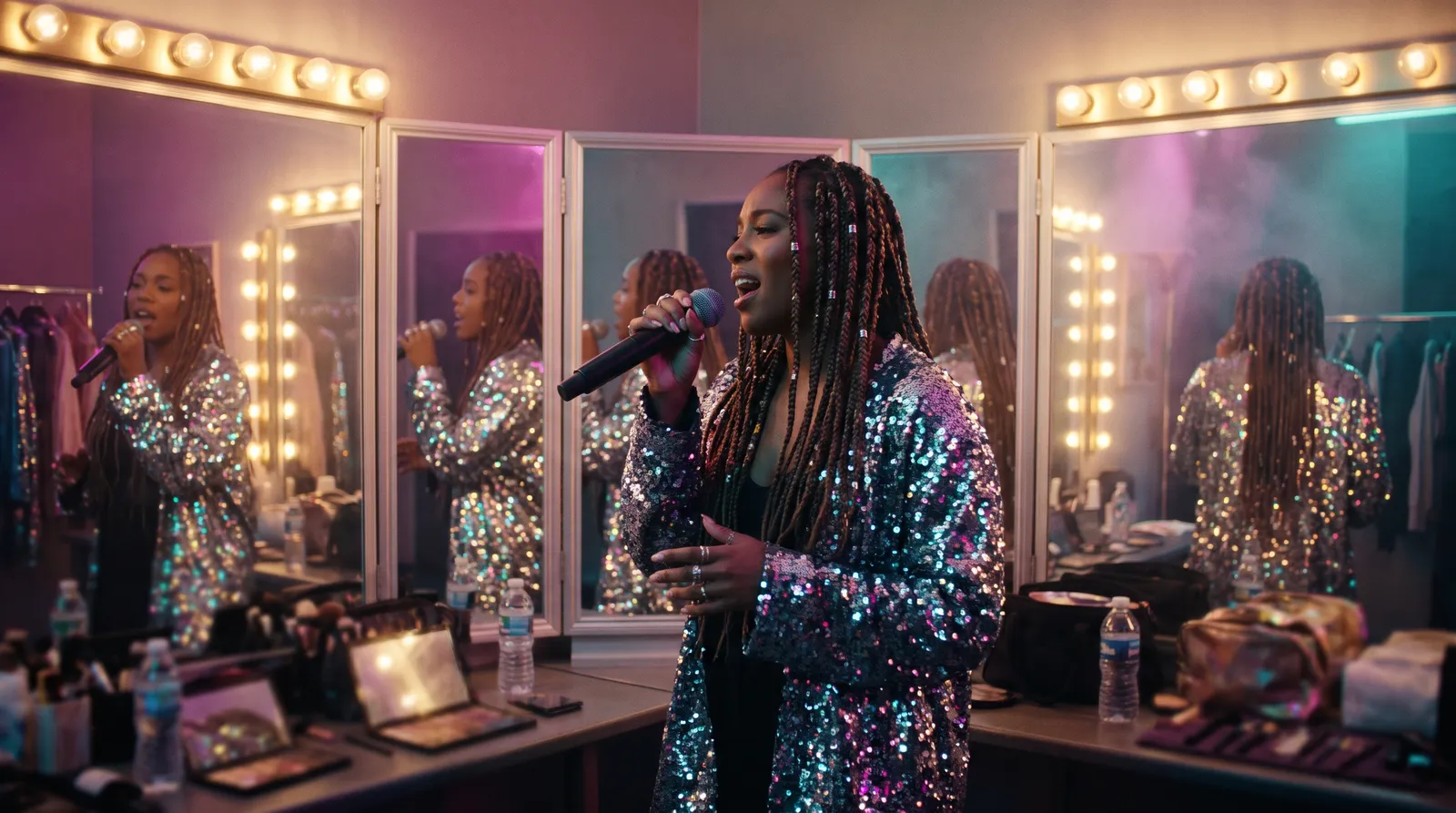
To keep the same singer through an AI music video, pick the tool by where you start. If you start from a finished song, Atlabs, Neural Frames and Freebeat each list song upload, beat sync, lip sync and consistent characters in one product. If you start from a story with a recurring singer, a film studio such as Hyperdream or LTX Studio holds the character with a saved reference, and you do the syncing yourself. We read seven tools' own pages on 10 November 2026 and tested none of the other six.
Key takeaways
- Song-first tools: Atlabs, Neural Frames and Freebeat list upload, beat sync and lip sync together.
- Lowest prices read: Freebeat $4.99 a week, Kaiber $10 a month, Runway and LTX Studio $15, Atlabs $19.
- Hyperdream costs more and syncs nothing for you: $29 to start, $99 for Director. You cut to the song by hand.
- Where Hyperdream fits: a story-led video. One reference sheet for the singer goes into every shot.
- Not done: we have never made a full-length video to an uploaded song. Our record is 9 looping shots for a mantra video.
What does "the same singer" take?
Three separate things. Tools often blur them.
- A stored character. The tool keeps the singer as something it can reuse: a trained model, a saved character or a reference sheet.
- That character in every scene. The tool gives it to each clip, so scene 12 shows the person from scene 1.
- A mouth that matches the vocal. This is lip sync. It is a different feature, and a tool can have the first two without it.
A performance video needs all three. A story video, where the singer walks, drives and looks out of windows, needs the first two.
How do the seven tools compare?
Every quote is from the tool's own pages, read 10 November 2026. "Not stated" means we did not see it on the pages we read. It does not prove the feature is missing.
| Tool | How it says it keeps the singer | Your song | Cuts to the beat | Singer lip sync | Lowest paid price |
|---|---|---|---|---|---|
| Atlabs | "Cast Characters & keep them consistent" | "Upload your track (.mp3, .wav)" | "Beat-synced scene generation" | "AI Lip Sync" | $19 a month, $15 billed yearly |
| Neural Frames | "Upload 10-20 images to create consistent characters" | "Upload Music" | Audio-reactive, from "8 different stems" | "Lyric & lipsync" | $26 a month billed yearly. $39 is shown beside it |
| Freebeat | "Stable characters". Method not stated | "Upload an MP3", or paste a link | "sync to BPM, beats, drops, and song sections" | "Natural lip-sync" | $4.99 a week |
| Kaiber | Not stated | Not stated | "Auto-sync to music", from the $29 plan | Not stated | $10 a month |
| Runway | "Infinite character consistency with a single reference image" | Not stated | Not stated | Not stated | $15 a month, $12 billed yearly |
| LTX Studio | "Save and create consistent Elements", from the $35 plan | "Audio-to-Video generation" is listed | Not stated | Not stated | $15 a month, $12 billed yearly |
| Hyperdream | One reference sheet per character, given to every shot | Upload up to 100 MB, as the film's music | By hand, in the Edit step | Spoken lines only | $29 a month. Director on Pro, $99 |
What does each tool offer, and when is it the better pick?
Atlabs
Atlabs's pricing page has a whole music video section. It lists "Performance Music Video", "AI Lip Sync", "Beat-synced scene generation", a "Consistent Character Library" and "Train your own characters". Its lowest plan lists videos of up to 2 minutes, and its highest up to 20.
Better pick when you want a performance video from a finished track at a low price. It also has pages for Hindi and devotional music videos, which we compare in Atlabs vs Hyperdream.
Neural Frames
Neural Frames calls itself "the platform built for musicians who want creative control." It says "We automatically extract 8 different stems from your track (drums, bass, vocals, melody, etc.)" and makes visuals that react to them. For characters it says "Upload 10-20 images to create consistent characters". Its pricing page lists the Neural Knight plan with 2,400 credits a month at $26 a month, with "$312 billed yearly".
One claim to weigh. Its homepage says "We're the only platform offering character consistency". Five other tools on this page list character consistency in their own words.
Better pick when the picture should move with the sound itself: a kick drum that pulses the frame, a bass line that bends it. Nothing in Hyperdream reads your audio.
Freebeat
Freebeat leads with "One-Click Generation | Consistent Characters | Accurate Beat Sync & Lip Sync". It says visuals "sync to BPM, beats, drops, and song sections across the entire track", and that videos run "up to approximately 6 minutes for full-length tracks" at 720p or 1080p. Its homepage lists Basic at $4.99 a week and Pro at $26.99 a month, and says there is a free plan. It does not say how a character is stored.
Better pick when you want a full-length video from one upload with the least work, and a low price to try it.
Kaiber
Kaiber's pricing page lists Starter at $10 a month with 500 credits and "No access to Beat Sync". Creator, at $29 with 1,500 credits, adds Beat Sync with "Auto-sync to music" and "Lyric detection & text overlays". Its homepage would not load for us, and the pricing page says nothing about keeping a character.
Better pick when you want cuts and lyric text synced to a track. Check its character features yourself before you plan a singer around it.
Runway
Runway's Gen-4 page says "Infinite character consistency with a single reference image", with no training needed. Its pricing page lists Standard at $15 a month with 625 credits and "Music, voice & sound effects generation". We saw nothing about uploading a song, beat sync or lip sync on the pages we read.
Better pick when you want Runway's own video models and will edit to the music yourself.
LTX Studio
LTX Studio's pricing page lists "Save and create consistent Elements" from the Standard plan at $35 a month, with AI Storyboards and Pitch Decks on the same plan. It also flags "AUDIO-TO-VIDEO IS NOW LIVE" and lists "Audio-to-Video generation" from its free plan up. We did not read what that feature does with a song. Its free plan is for personal projects only.
Better pick when you work storyboard-first and want saved characters for $35. See Hyperdream vs LTX Studio.
Hyperdream
The singer gets one reference sheet: four full-body views, head to toe, and four expressions. In a Director film that sheet goes into every shot the singer is in. Six of the ten video models take reference pictures, from 4 a shot up to 10 on Gemini Omni 1.2 (checked 10 November 2026). You upload the song (mp3, wav, m4a, aac or ogg, up to 100 MB), pick it as the film's music, and cut the shots against it.
Better pick when the video tells a story and the look has to be approved before anything is rendered. Weaker when you need beat sync, a singer who mouths the words, a low price or a long list of independent reviews.
Where are the song-first tools better than Hyperdream?
Plainly, in four ways.
- They read the song. Tempo, sections, stems. Hyperdream does not analyse audio.
- They sync for you. On Hyperdream you count bars and trim by ear.
- They lip sync a singer. Ours moves lips for spoken lines only.
- They cost less to start. Every other tool here lists an entry price under $29, counting Neural Frames at its yearly rate. All are far under the $99 plan that includes Director.
If your brief is "here is my track, give me a video with a singer performing it", use one of them.
Where does Hyperdream fit?
Story-led videos with a recurring singer. The song is the track you cut to, and the video is a short film: a cast, places, a beginning and an end.
What we can show is small. For a Mahalakshmi mantra video our team made 9 finished shots, 95 seconds of footage, as loops to sit under a sung mantra. One figure appears throughout. Nine sheets were rejected before one was approved, and after that every video render was given the sheet. It took 19 video renders, or 2.1 per finished shot. The record is in the case study.
That is one figure in slow loops. It is not a three-minute video cut to a pop song, and we have not made one of those to an uploaded track. Treat the steps below as a plan.
- Upload the song to your Library.
- Open Director, describe the story, and put the song's section times in the brief.
- Cast: make the singer's reference sheet and approve it.
- Places: make a sheet for each setting.
- Storyboard: plan shots section by section. Favour wide shots, profiles and action, where the mouth is not the subject.
- Sound: under Music, pick your uploaded song.
- Shots: render on a model that takes reference pictures, with sound switched off where the model allows.
- Edit: cut to the track and export an MP4 at up to 1080p.
The Edit step is a timeline for assembling the cut. It does not replace professional editing software, and for tight cutting on a fast track you may prefer your own editor. The bar-counting method is in how to turn a finished song into an AI music video, and the product page is /ai-movie-maker.
Can you make the song in Hyperdream too?
Yes, with limits on what you may do with it (checked 10 November 2026).
| Model | Maker | What it makes | Credits | Rights |
|---|---|---|---|---|
| Audio One | Hyperdream | Songs with singing, in your lyrics or its own. Two takes each go | 48 a go | Personal use only, on every plan |
| Eleven Music | ElevenLabs | Songs with or without vocals, 30 to 240 s. It writes its own words | 9 per 30 s | Commercial on a paid plan. Not for release as a track on its own |
| Lyria 2 | One 30-second instrumental | 3 a track | Commercial on a paid plan. Not for release as a track on its own | |
| Stable Audio 2.5 | Stability AI | Instrumental loops and beds, 30 to 180 s | 6 a track | Commercial on a paid plan |
So a video you plan to publish needs your own recording, or music from one of the last three as part of the film. An uploaded song is your upload, and you are responsible for its rights.
Which should you choose?
| Your job | Look at |
|---|---|
| A performance video, singer mouthing the words | Atlabs, Neural Frames, Freebeat |
| Visuals that pulse with the sound | Neural Frames |
| One upload, least effort, lowest price | Freebeat |
| A story video with the same singer, approved before rendering | Hyperdream, LTX Studio |
| Runway's own models, cut by hand | Runway |
Tools for holding a character in general are in the best AI tools for consistent characters, and whole-film tools in the best AI film studios in 2026.
How we checked
All seven tools' pages were read on 10 November 2026, and each quote is from the page linked in that tool's section. Kaiber's and LTX Studio's pricing pages were read through a text reader, and Kaiber's homepage would not load. Freebeat's pricing page refused our reader, so its prices are from its homepage. Neural Frames shows $39 and $26 side by side without labels; $26 times twelve matches its "$312 billed yearly". We tested none of the other six tools, so nothing here ranks their output, and "not stated" may only mean we missed a page. Hyperdream's limits, prices and rights were read from the live app and pricing data the same day, and the mantra numbers from the project record. We have not made a full-length music video to an uploaded song on Hyperdream.
Questions people ask
Atlabs, Neural Frames and Freebeat each list consistent characters next to song upload, beat sync and lip sync (read 10 November 2026). Runway, LTX Studio and Hyperdream hold a character with a saved reference, and leave the syncing to you. We tested none of the other six.
Keep reading

Comparisons21 November 20268 min read
Atlabs vs Hyperdream for Hindi and Devotional Videos
Looking for an Atlabs alternative? Atlabs is cheaper and builds a video from your song. Hyperdream holds one approved look per character and controls each shot.
Comparisons12 November 20268 min read
Best AI Tools for Consistent Characters in 2026
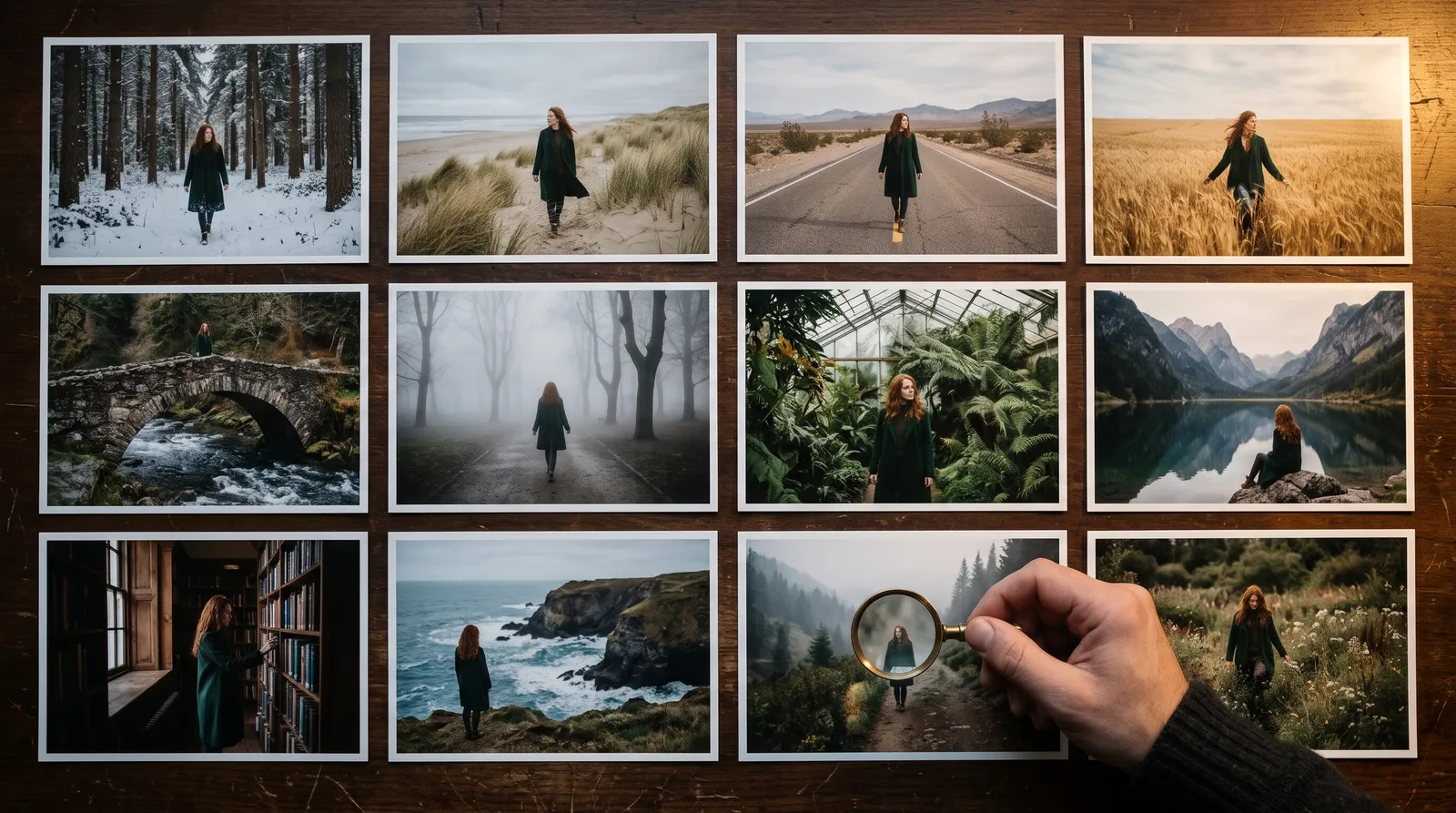
The best AI tool for consistent characters depends on how it stores the character. Seven tools compared from their own pages, checked 10 November 2026.

Comparisons22 November 20268 min read
Invideo AI vs Hyperdream: Two Film Agents Compared
Looking for an Invideo AI alternative? Invideo AI vs Hyperdream on price, agents, folders, credit limits, storyboards and export. Checked 10 November 2026.
More than images and video
Scripts, storyboards, motion, and characters in every version. Each one on its own, or all of them in a film.

Write a script
An idea in, a properly formatted screenplay out. Edit any line, then board it or film it.

Board a storyboard
A panel for every shot, as AI stills or quick vector frames. Export it as a pitch deck.

Make motion
Titles, explainers and moving storyboards, drawn as vector animation by the AI you pick.

Characters, places, products
One subject in many versions, or new ideas for it. Every angle, look and light.
Your first film is one sentence away.
Free to start. Pay only for what you render.