Clone Your Voice: AI Voice Cloning Is Now in Hyperdream
Clone your voice in Hyperdream from about a minute of you talking. AI voice cloning costs 45 credits once, then your voice works in voice lines, talking heads and films.
By Divy Brahmbhatt6 min read

You can now clone your voice in Hyperdream. Give it about a minute of you talking, and your voice becomes one you can pick anywhere you pick a voice: voice lines, talking heads and Director's films. Cloning costs 45 credits, once.
It is live today on Starter and up.
Key takeaways
- What it takes: a recording of one person talking, 10 seconds to 5 minutes long. About a minute is plenty.
- Three ways in: record in the browser, upload a file, or pick a voice recording already in your Library.
- What it costs: 45 credits, charged once when the voice is made. Not charged if it isn't made.
- After that: a line in your voice costs what any voice line costs, about 1 credit per 340 characters.
- How many voices: Starter keeps 1, Creator 3, Pro 5, Business 15. Removing a voice frees its slot.
- Where it works: Create's voice lines, Avatar in Create's Video, Director, and ChatGPT or Claude through the connector.
- Yours alone: a cloned voice stays in your workspace. Nobody else can pick it.
What is AI voice cloning?
AI voice cloning makes a voice you can type words into, from a recording of a real person. You record yourself once. After that you write a line, and it is spoken in your voice, without you going back to the microphone.
In Hyperdream the cloned voice sits next to the library voices. You pick it the same way, it is priced the same way, and the lines it makes are saved in your Library like any other voice line.
How do I clone my voice?
- Open Create, choose Audio, then Voice.
- Press the voice pill. With no voice picked it reads Pick/Clone voice.
- At the top of the picker, under Your voices, press Clone a voice.
- Give it a recording. Press Record and read the passage on screen, or press Upload a recording, or pick one of the voice recordings from your Library shown beside it.
- Name the voice. "My voice" is fine. A name helps when you keep more than one.
- Tick the permission line.
- Press Clone voice. The button shows the price.
Cloning takes about a minute. You can close the window while it runs. A notice tells you when the voice is ready, and it appears under Your voices in every voice picker.
Each new voice says one line straight away: "Hello. This is my voice, ready to tell your story." That line is its sample. Play it to hear how the clone came out before you use it.
How do I make a good recording?
The clone can only be as good as the recording. Four things matter most.
- A quiet room. No music, no fan, no traffic, no one else talking. Soft rooms with curtains or a sofa sound better than empty ones.
- One person. The recording should be one voice from start to end.
- Your natural pace. Talk the way you'd talk to a friend. Don't perform, and don't rush. The clone copies how you speak, not only how you sound.
- About a minute. The least it takes is 10 seconds and the most is 5 minutes. A minute of clean speech beats five minutes of noisy speech.
If you record in the browser, the window gives you a short passage to read aloud. It takes about 40 seconds at an easy pace, and it is written to cover the sounds a clone learns from. Read it at your own speed. A level meter and a timer show while you record, and recording stops by itself at 5 minutes.
If you upload, use MP3, WAV, M4A, OGG or AAC. A voice note from your phone works well if the room is quiet. Hold the phone a hand's width from your mouth, a little to the side.
The recording is saved in your Library, so you can use it again.
What does it cost?
| Credits | |
|---|---|
| Cloning a voice | 45, once |
| A cloned voice that isn't made | 0. You aren't charged |
| A voice line in your voice | About 1 credit per 340 characters |
| Keeping the voice | Nothing |
The 45 credits are set aside when you press Clone voice and charged only when the voice is made. If it fails, the window tells you why and the credits come straight back.
A line in your voice is priced by its characters, the same as a line in a library voice. A short line is 1 credit. A 1,000-character narration is 3.
The price of every model is on /models, and plans are on /pricing.
How many voices can I keep?
| Plan | Voices |
|---|---|
| Free | 0 |
| Starter | 1 |
| Creator | 3 |
| Pro | 5 |
| Business | 15 |
The picker shows how many you've used, for example "1 of 3". A voice that is still being cloned holds its slot until it finishes.
To remove a voice, press the bin beside it under Your voices, then Remove. Its slot is free again at once. Lines you already made in that voice stay in your Library.
On the Free plan, Clone a voice shows what Starter includes and a button to see the plan.
Where can I use my voice?
Voice lines in Create
Pick your voice under Your voices, write the line, and make it. Your voice is spoken by MiniMax Speech 2.8. If you had another voice model selected, picking your voice switches to it for you, and the picker says so before you choose.
Avatar
Avatar, in Create's Video, takes a photo of a face and a line, and makes a clip of that face saying it. Its voice pill reads Pick/Clone voice too, and your voices are at the top of its picker. Pick yours and the face speaks in your voice. Four of the five avatar models take a voice you pick; Gemini Omni 1.2 makes up its own. You can also describe a scene, and Wan 3.0 builds the shot around the face.
You can also start from a line you've already made: open a voice line in your Library and press Make an avatar say it.
A talking head in your voice is priced like any talking head. The price is on the Make button before you press it.
Director's films
On Pro and up, Director can see the voices you cloned. Say "narrate this in my voice", or name the voice, and it casts that one. It won't swap in a library voice for yours.
Director doesn't clone voices. Cloning needs your own confirmation, so it is always done by you in a voice picker.
ChatGPT, Claude and Cursor
If you've connected Hyperdream to your AI app, ask the assistant for a voice line in your voice. Your own voices come first in its voice list, each with its sample. The price is the same as in the app.
Whose voice can I clone?
Your own, or the voice of someone who has given you permission.
Before a voice is cloned, you confirm this line: "This is my voice, or I have the permission of the person whose voice it is to clone it." Cloning someone's voice without their permission breaks our terms.
A cloned voice belongs to the workspace that made it. It isn't added to the voice library, and it can't be picked or used from any other workspace.
What's next
We'll keep improving how your voice works across Hyperdream. If a clone doesn't sound like you, try a cleaner recording first: a quieter room fixes most of it. If it still sounds wrong, write to hello@hyperdream.co. We read every message.
New to Hyperdream? What Hyperdream is has the short facts: plans, models and limits. Hyperdream pricing explained covers how credits last.
Questions people ask
Open Create, choose Audio, then Voice, and press the voice pill, which reads Pick/Clone voice. At the top of the picker, under Your voices, press Clone a voice. Record yourself, upload a recording or pick one from your Library, name the voice, tick the permission line and press Clone voice. It takes about a minute.
Keep reading
News11 November 20266 min read
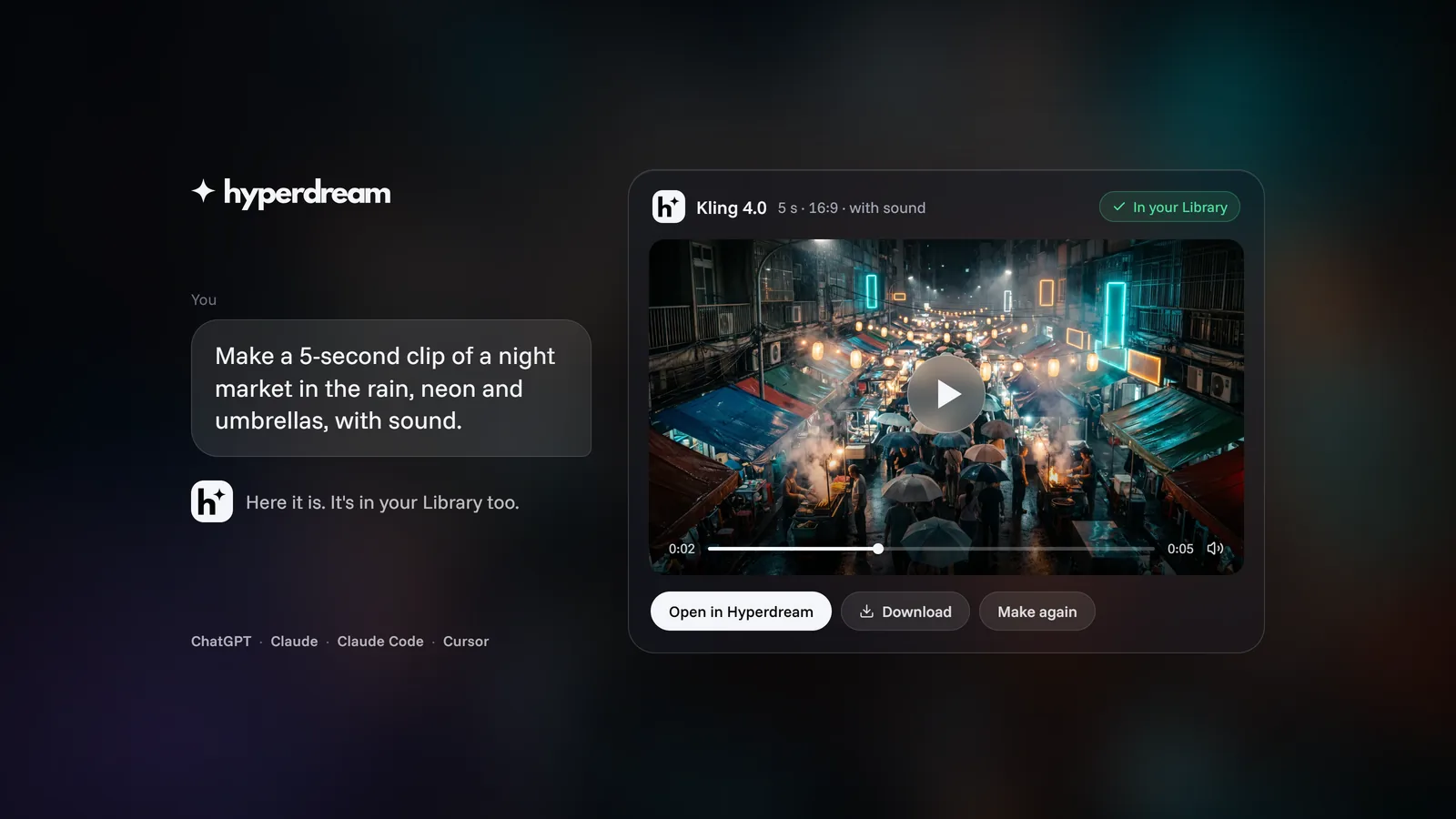
Hyperdream Now Works in ChatGPT, Claude and Cursor
Add Hyperdream to ChatGPT, Claude, Claude Code or Cursor and make images, video, music and voice from the chat. Same credits, same Library, price shown first.

Guides12 November 20267 min read
How to Make a Hindi Film With AI: Script to Final Cut
A Hindi AI video generator guide built on three real films: how to write Hindi lines, get them spoken on camera, pick a voice and handle subtitles.
Guides11 November 20266 min read
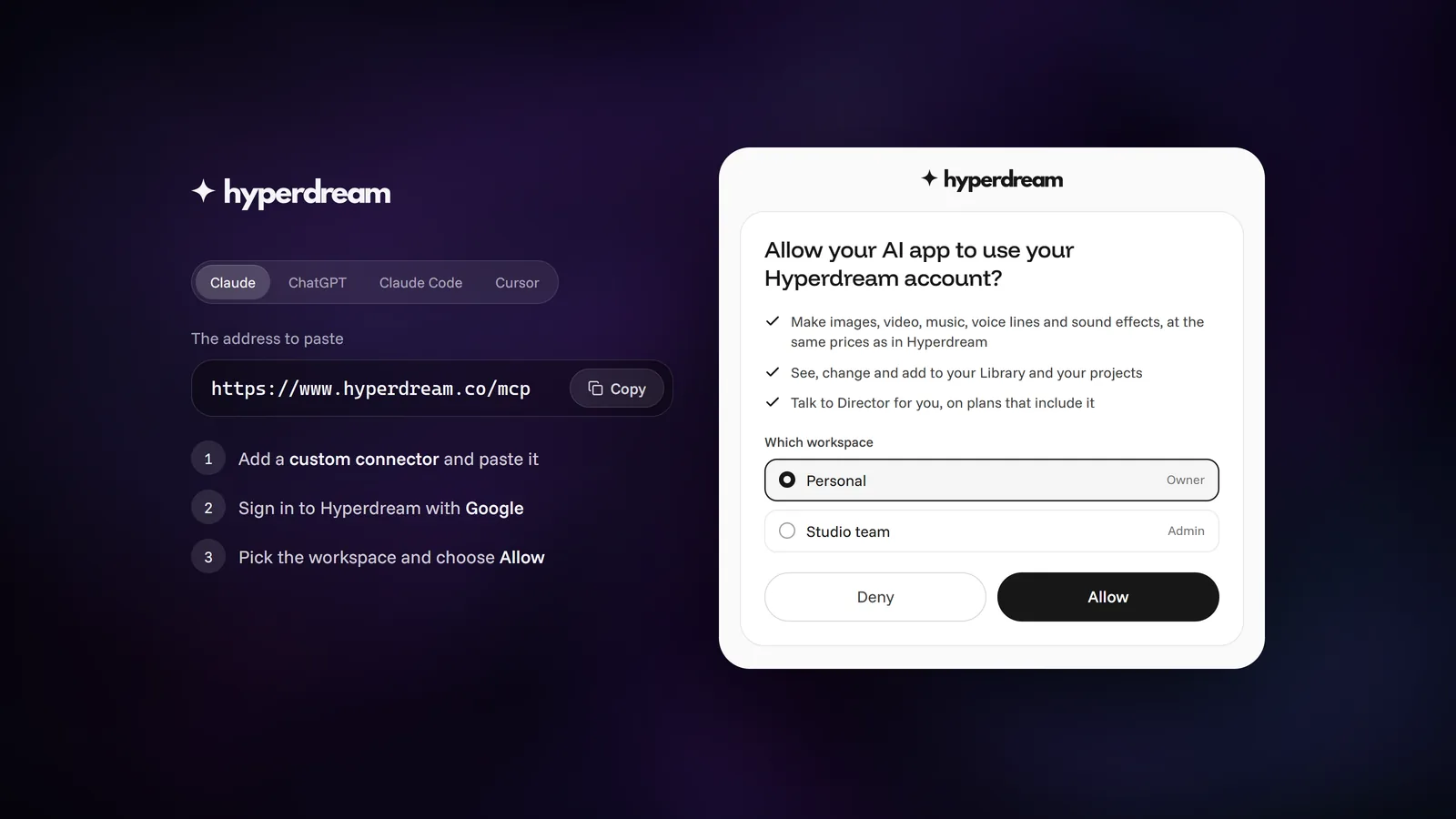
Connect ChatGPT, Claude or Cursor to Hyperdream (MCP Guide)
Step by step: add Hyperdream to ChatGPT, Claude, Claude Code or Cursor with one address and a sign-in, no API keys. Plus fixes for when sign-in doesn't finish.
More than images and video
Scripts, storyboards, motion, and characters in every version. Each one on its own, or all of them in a film.
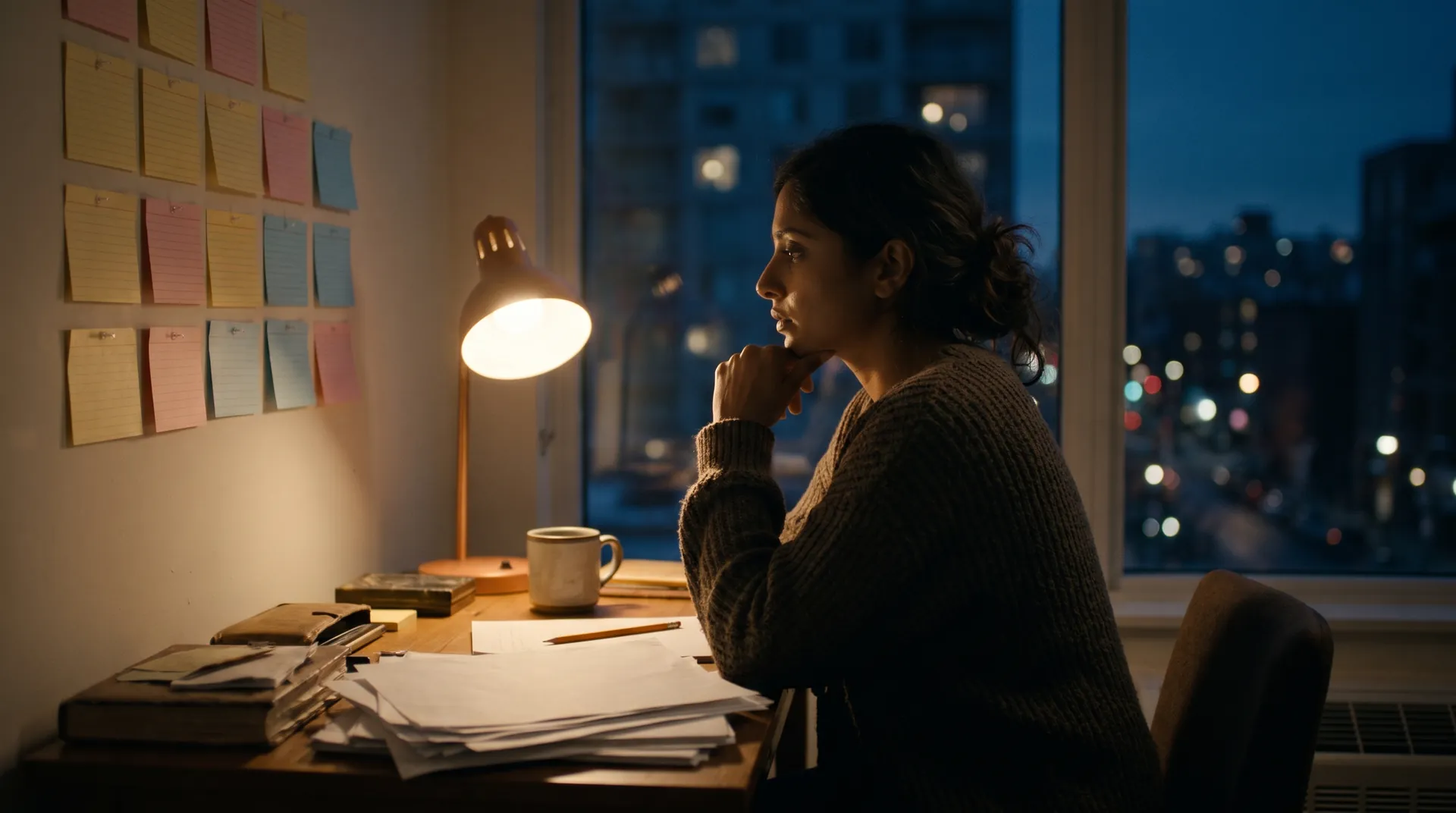
Write a script
An idea in, a properly formatted screenplay out. Edit any line, then board it or film it.
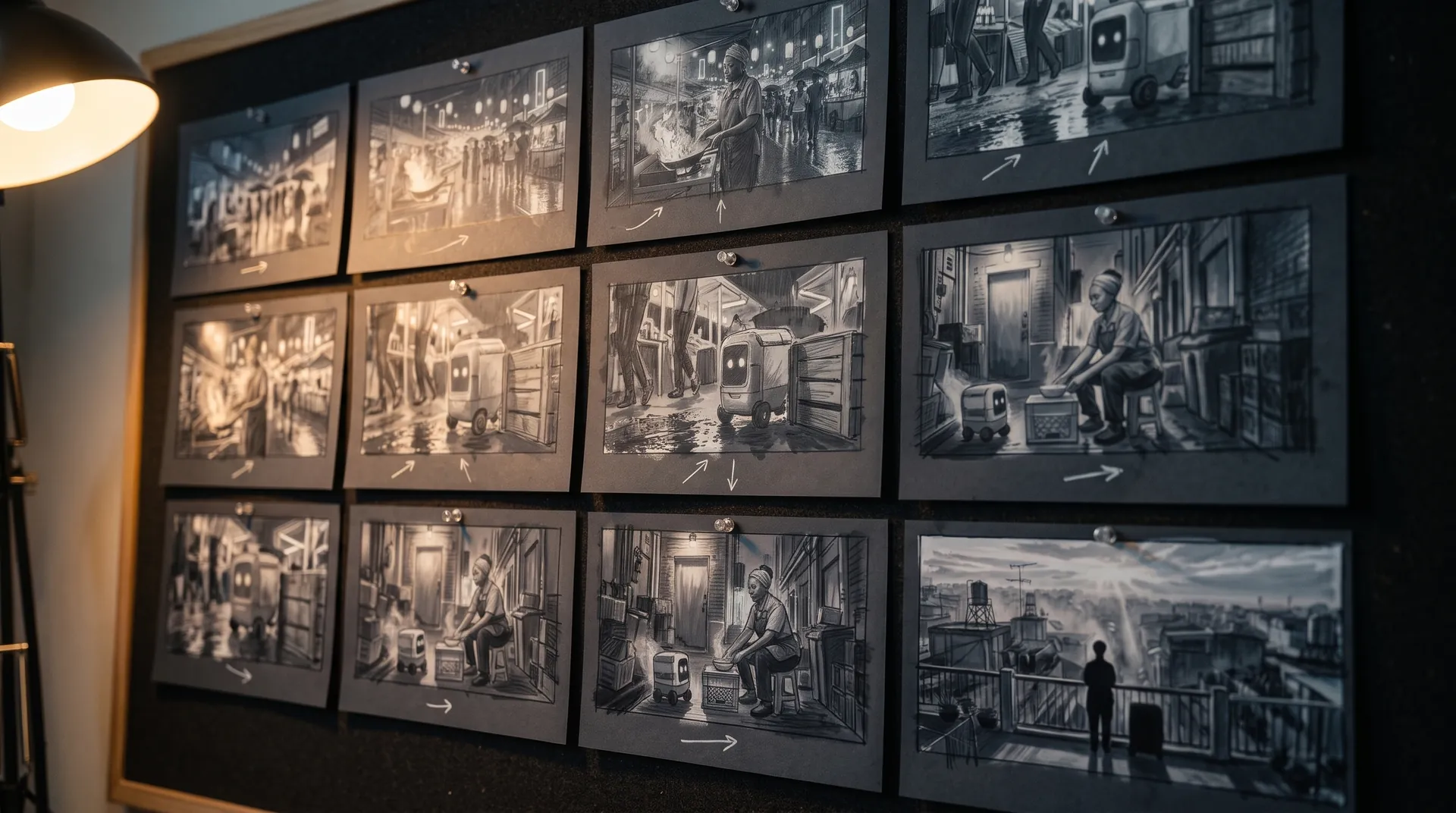
Board a storyboard
A panel for every shot, as AI stills or quick vector frames. Export it as a pitch deck.

Make motion
Titles, explainers and moving storyboards, drawn as vector animation by the AI you pick.
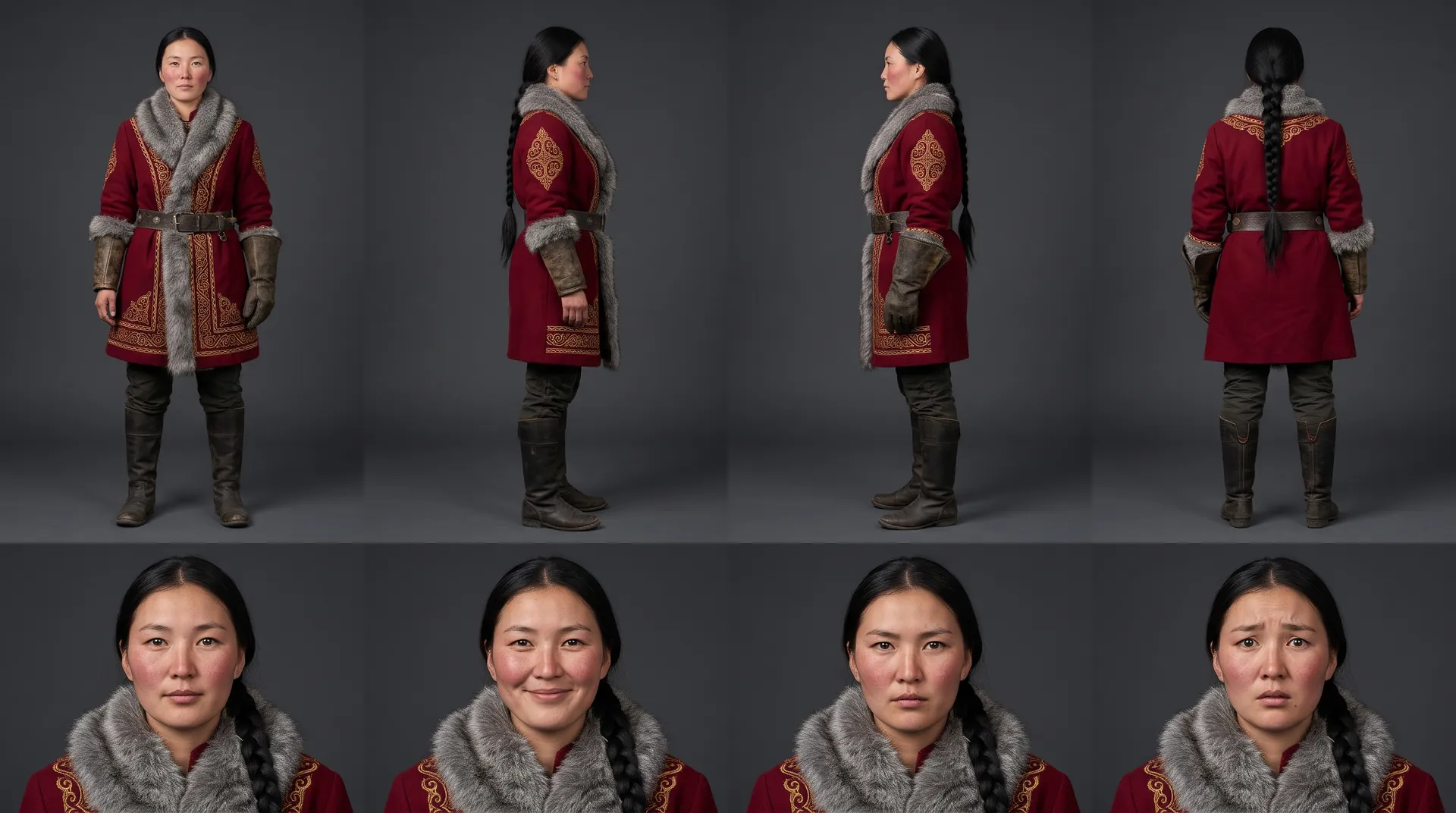
Characters, places, products
One subject in many versions, or new ideas for it. Every angle, look and light.
Your first film is one sentence away.
Free to start. Pay only for what you render.